GPT Image 1 — also known as the ChatGPT 4o image model — is OpenAI's first image generation model that deeply unifies text and visual understanding. Unlike earlier diffusion-based models like DALL-E 3, GPT Image 1 is built on the same architecture as GPT-4o, which means it doesn't just generate images from text — it understands images the way a language model understands text.
On CreateIO.ai, you can generate with GPT Image 1 for just 1 credit ($0.025) per image.
What Makes GPT Image 1 Different
Accurate Text Rendering
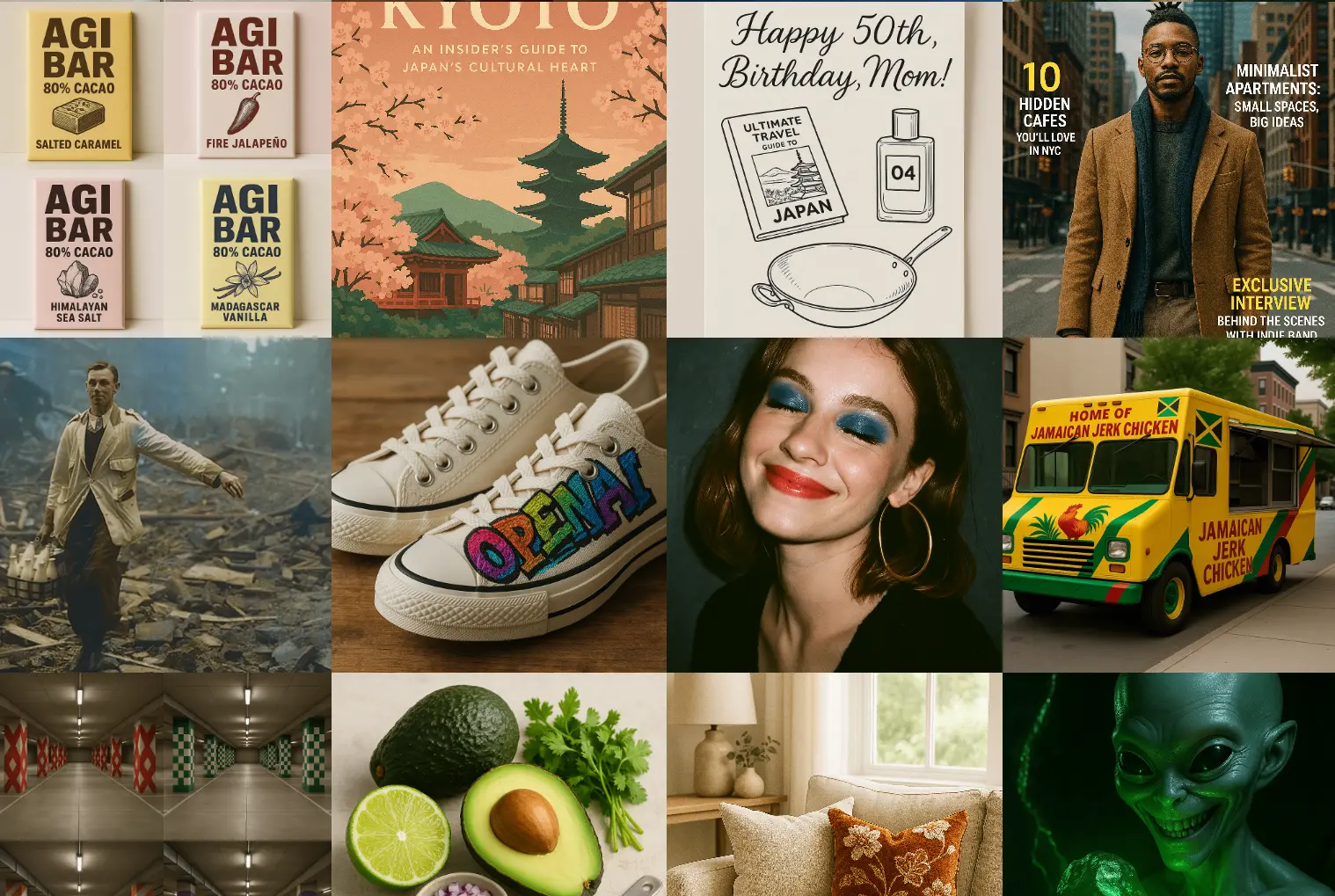
One of GPT Image 1's most notable improvements over previous models is its ability to render readable text inside images. Create posters with legible copy, UI mockups with real labels, product shots with brand text, or infographics — all without the blurry, garbled letters that plagued earlier models.
Precise Instruction Following
GPT Image 1 excels at complex, multi-part prompts. You can describe spatial relationships ("the cat is sitting to the left of the plant"), specific lighting conditions, and nuanced compositional requirements — and the model follows them faithfully.
World Knowledge & Contextual Awareness
Because GPT Image 1 shares its core with GPT-4o, it has deep world knowledge. It understands what a "Tokyo street at night in the 1980s" actually looks like, what a "Michelin-starred restaurant plating style" implies, and how to represent cultural contexts accurately.
Diverse Artistic Styles
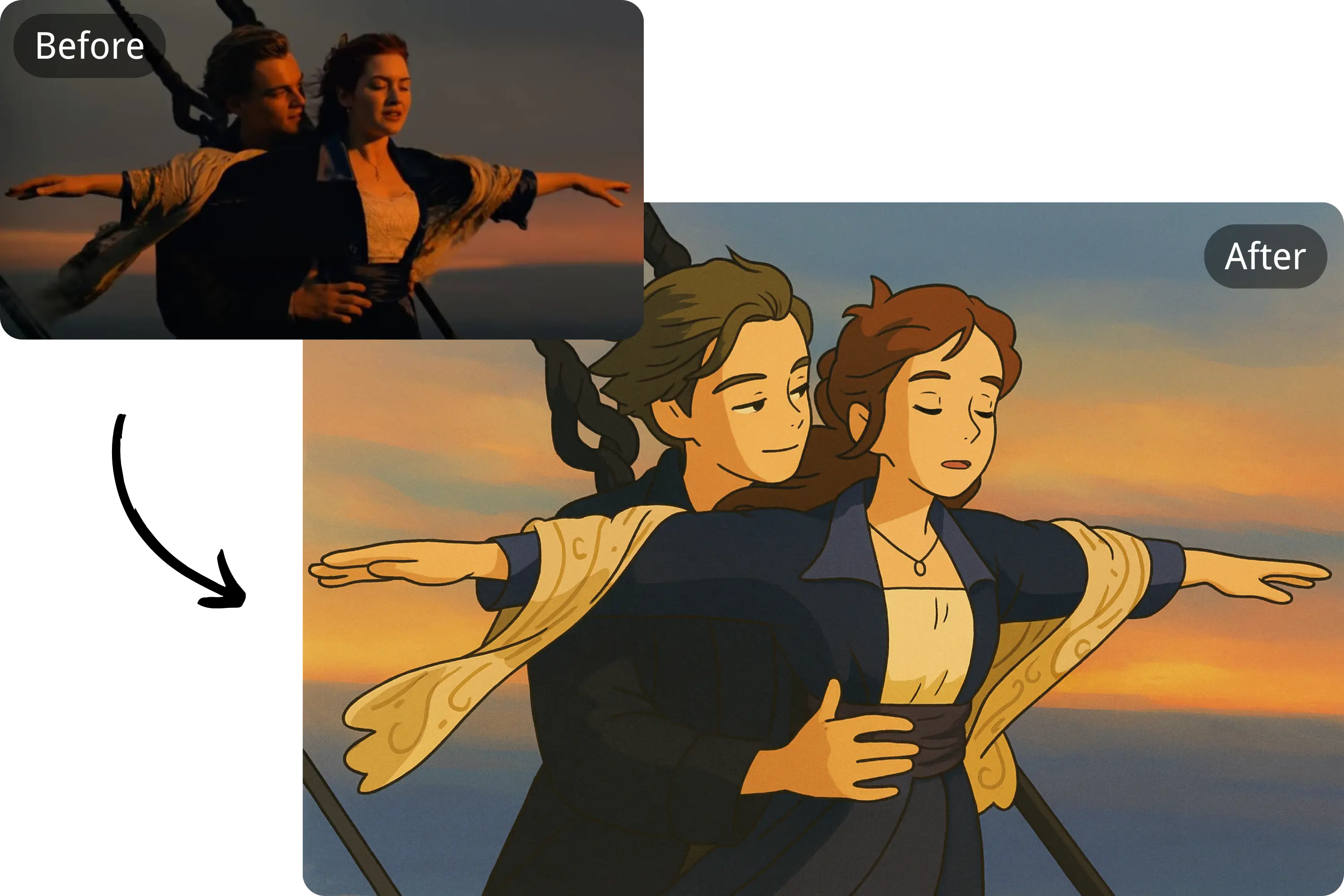
From photorealistic product photography to Studio Ghibli-style illustrations, oil paintings, flat design icons, and everything in between — GPT Image 1 handles a wide range of artistic directions with high consistency.
Character & Style Consistency
If you're building sequential content — a comic, a game asset set, or a storyboard — GPT Image 1 maintains character identity and visual style across multiple generations better than most models.
Key Capabilities
| Feature | GPT Image 1 |
|---|---|
| Text-to-Image | ✅ |
| Image-to-Image | ✅ |
| Text rendering in images | ✅ Excellent |
| Instruction following | ✅ Strong |
| Multi-image generation (n > 1) | ✅ Up to 4 |
| Cost on CreateIO.ai | 1 credit / $0.025 |
Best Use Cases
Product Visualization
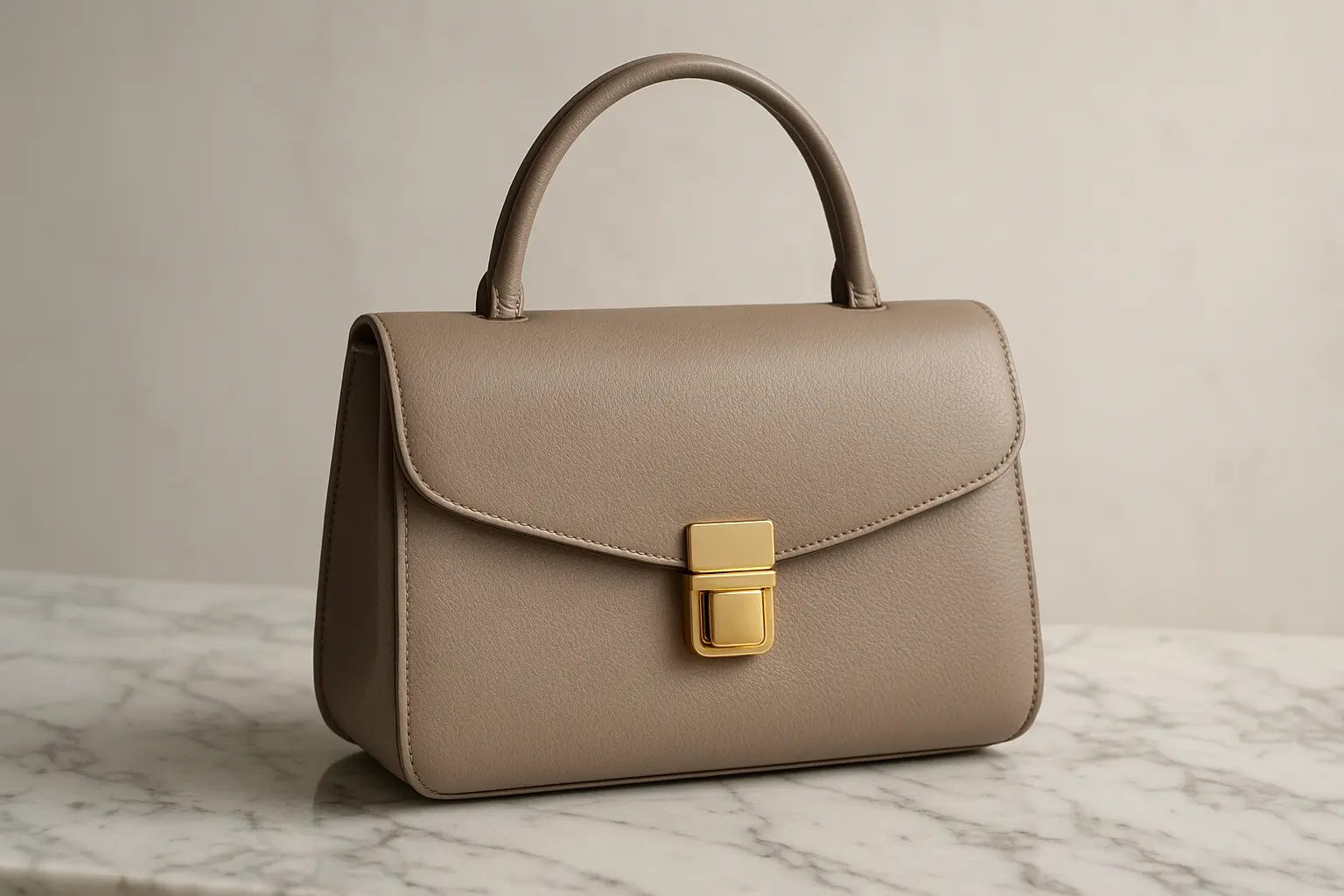
Generate product mockups, lifestyle photography, and variant images at scale. Feed a reference photo and a text prompt to transform it into a studio-quality shot.
Marketing & Brand Content
Create on-brand imagery for social media, ads, and landing pages. GPT Image 1's instruction-following precision makes it reliable for brand-consistent output.
Infographics with Text
Build visual explainers, data visualizations, and annotated diagrams — with legible labels baked directly into the image.
Game Assets & Character Design
Generate consistent character designs, props, and scene assets. Maintain style continuity across an entire visual set.
UI Mockups
Sketch out app screens or website layouts with realistic-looking placeholder content rendered directly in the image.
How to Use GPT Image 1 on CreateIO.ai
- Open CreateIO.ai Studio
- In the model selector, choose GPT Image 1
- Enter your prompt — be descriptive and specific
- Optionally upload a reference image for image-to-image editing
- Set how many images to generate (1–4)
- Click Generate — costs 1 credit per image
New users get 5 free credits to try it immediately.
Pricing
On CreateIO.ai, GPT Image 1 costs 1 credit per image. Credits are purchased as one-time packs — they never expire.
| Pack | Credits | Price | Per Image |
|---|---|---|---|
| Starter | 400 | $10 | $0.025 |
| Growth | 1,200 | $30 | $0.025 |
| Professional | 4,000 | $100 | $0.025 |
| Enterprise | 20,000 | $500 | $0.025 |
Example Outputs
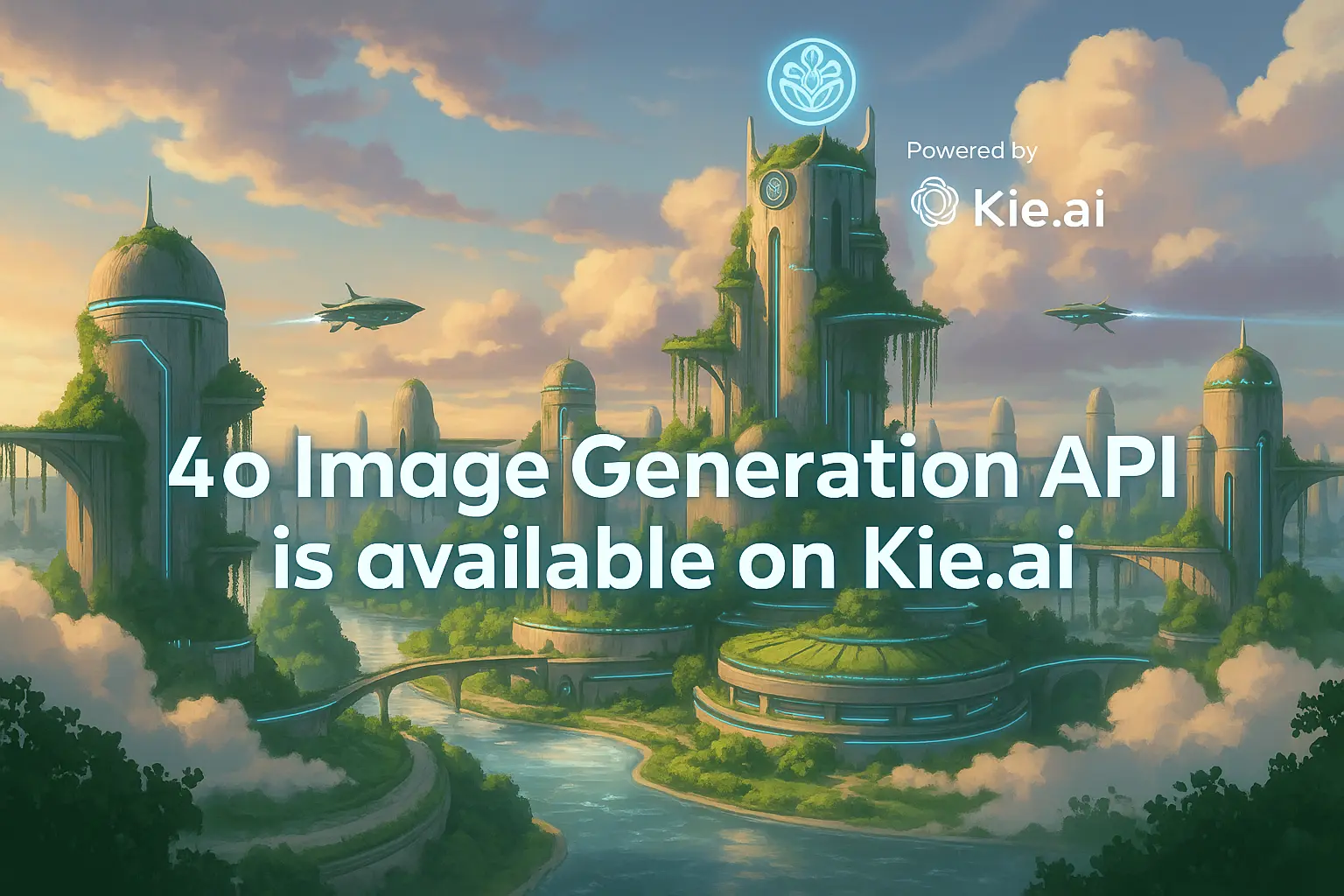
Frequently Asked Questions
Is GPT Image 1 the same as DALL-E 3? No. GPT Image 1 is built on GPT-4o's multimodal architecture, not a diffusion model like DALL-E 3. It has significantly better text rendering, instruction following, and contextual understanding.
Can I use GPT Image 1 for commercial projects? Yes. All images generated on CreateIO.ai are yours to use for commercial purposes.
Does it support image editing? Yes. Upload a reference image and describe the changes — GPT Image 1 will edit while preserving composition, lighting, and style from the original.
How many images can I generate at once? Up to 4 images per generation. This is useful for getting variations and picking the best result.