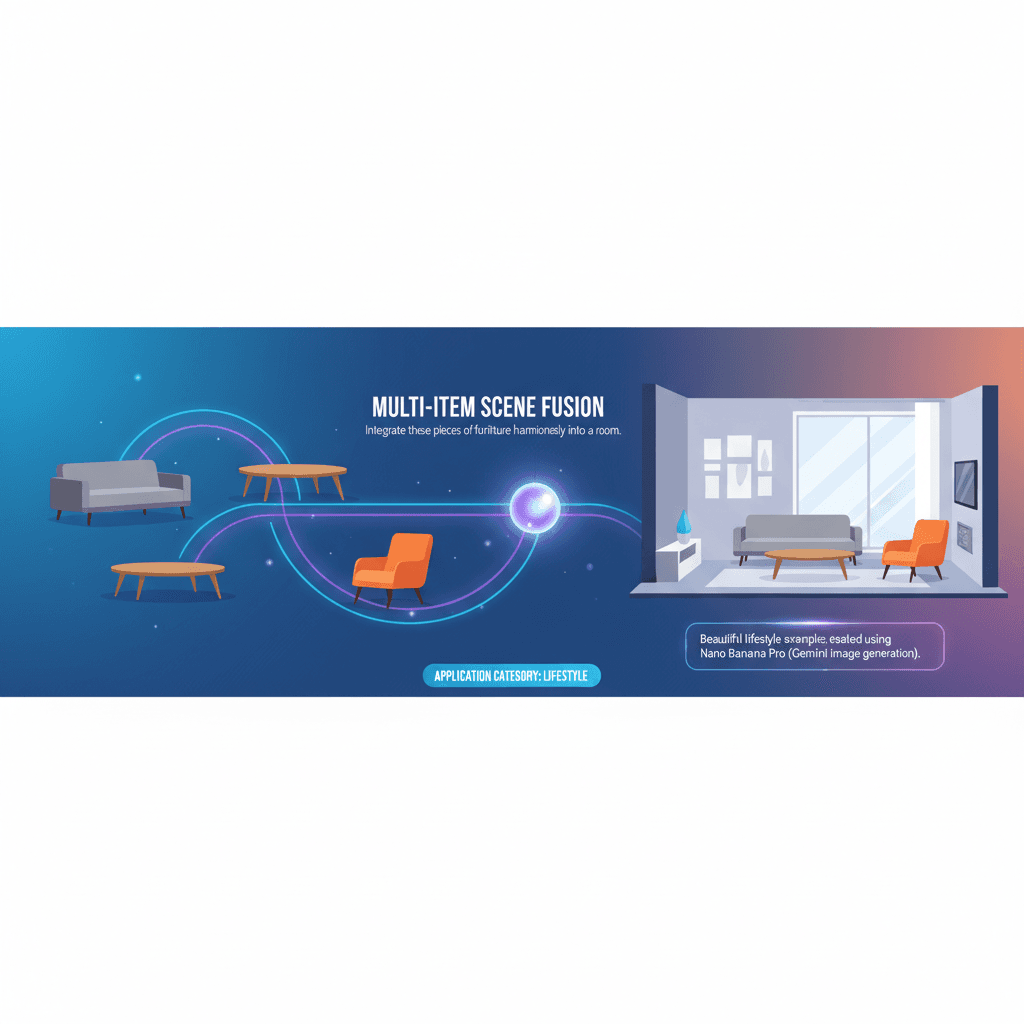
Multi-item Scene Fusion
Perfect lifestyle, no more struggling for ideas!
A stunning lifestyle example created with Nano Banana Pro (Gemini Image Generation). Multi-item Scene Fusion.
@interior
AI Art Creator
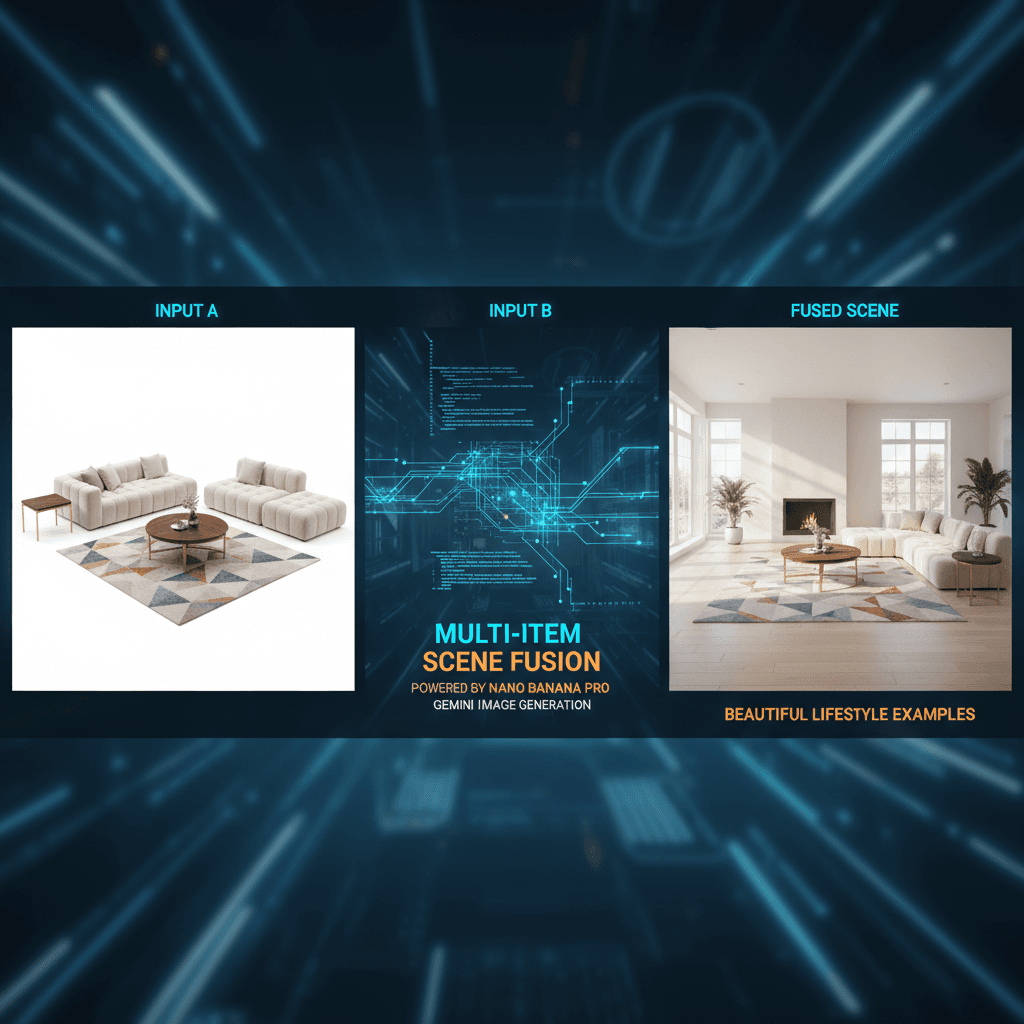
See It in Action
See the amazing results this AI prompt can create
Generated Result
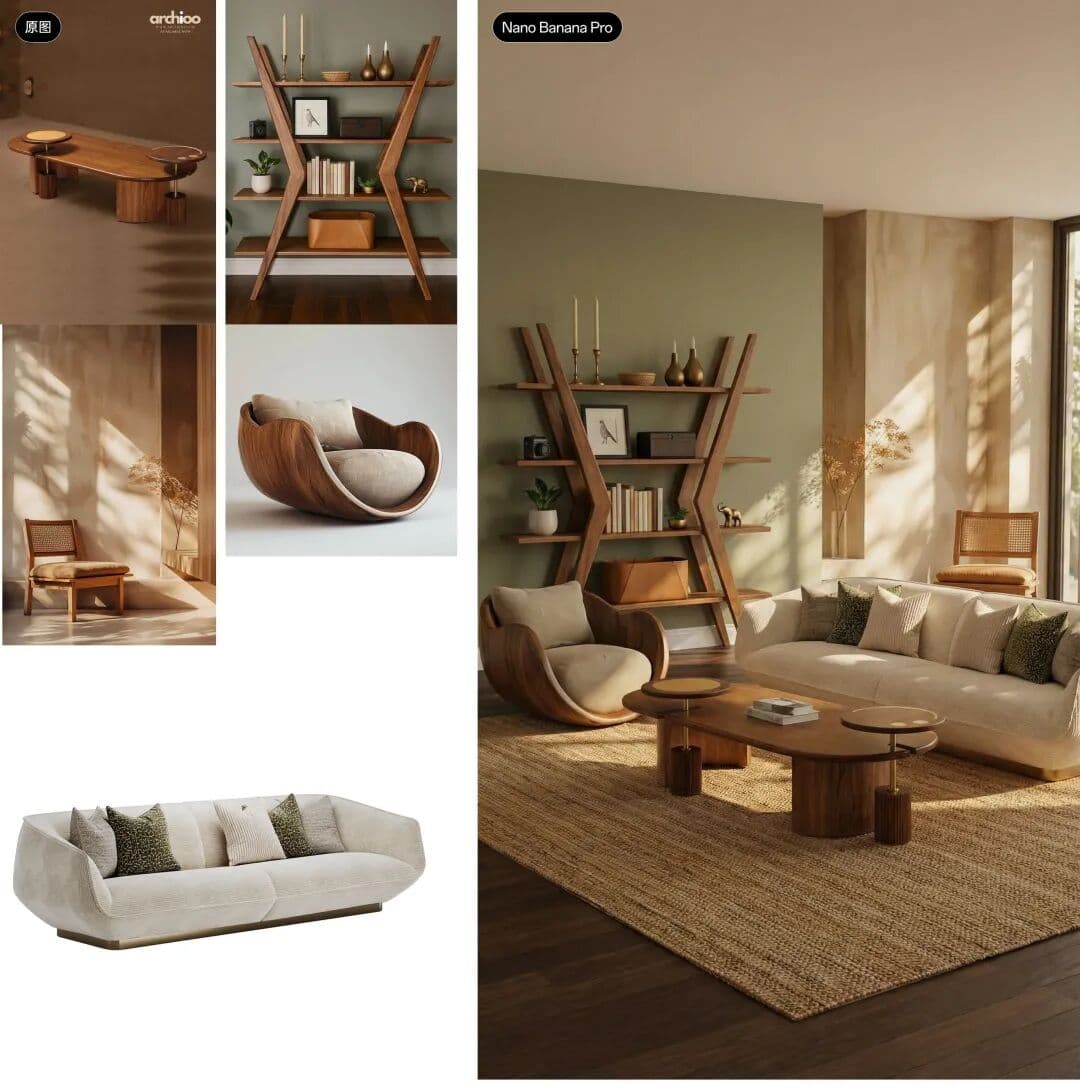
Complete Prompt
Copy the prompt below and paste it into your favorite AI tool to start creating
将这些家具融洽的放到一个房间中
Why Use This AI Tool?
Discover how this powerful AI prompt can help you create stunning artwork
Efficiency Boost
Unlock an **Efficiency Boost** with Multi-item Scene Fusion, leveraging advanced AI for seamless furniture integration in lifestyle visuals. This tool accelerates design processes, enhances creativity, and streamlines project workflows, making it indispensable for marketers and interior designers alike. Embrace AI-driven innovation for optimal results!

Creativity Enhancement
Multi-item Scene Fusion by Nano Banana Pro revolutionizes creativity enhancement by seamlessly integrating diverse furniture into cohesive room designs. This AI-driven tool sparks innovative ideas, enabling designers to visualize unique lifestyles and aesthetics, transforming inspiration into reality with remarkable precision and flair.
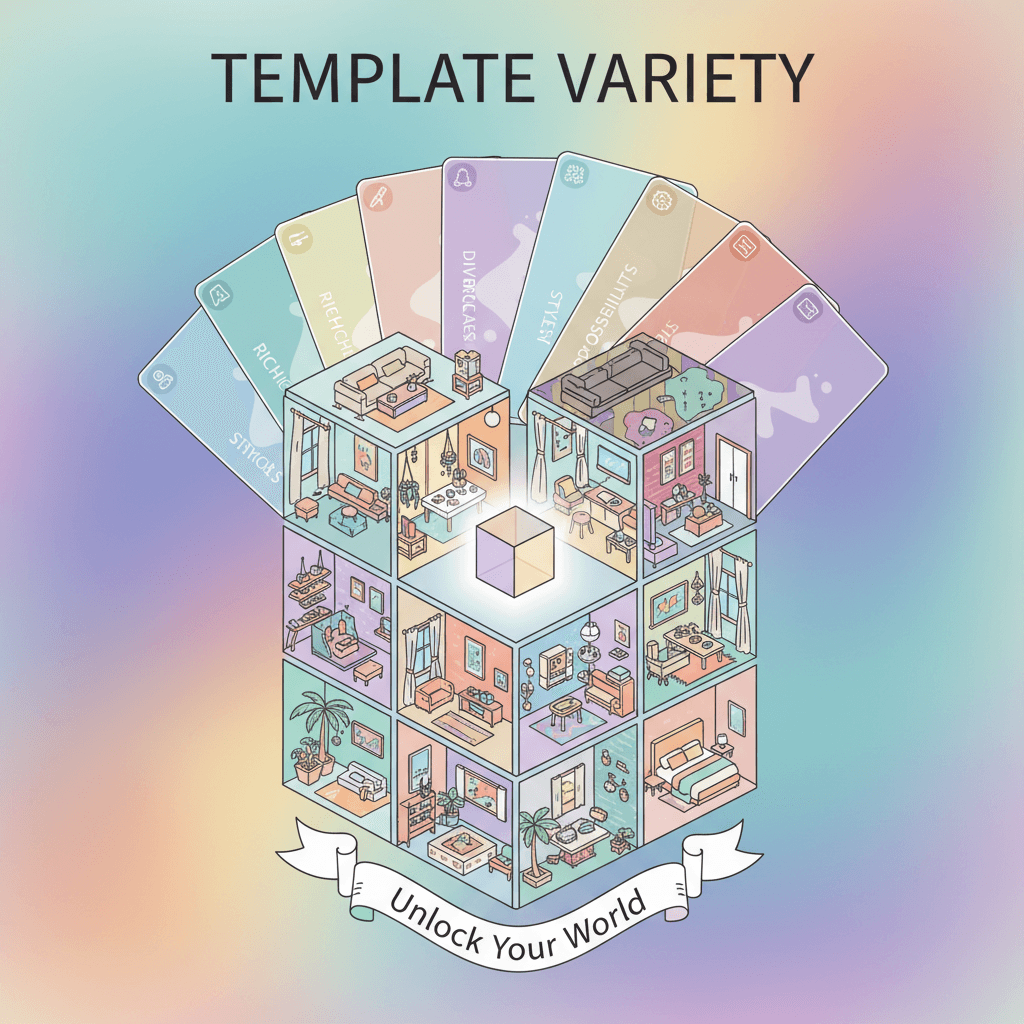
Template Variety
The Multi-item Scene Fusion tool excels in "Template Variety," offering users a diverse range of lifestyle settings for furniture arrangement. This flexibility enhances creative possibilities, enabling personalized designs that resonate with different aesthetics and preferences, making it a powerful asset in AI-driven interior design solutions.
How to create lifestyle with an AI Lifestyle generator?
Create stunning AI artwork in just a few simple steps
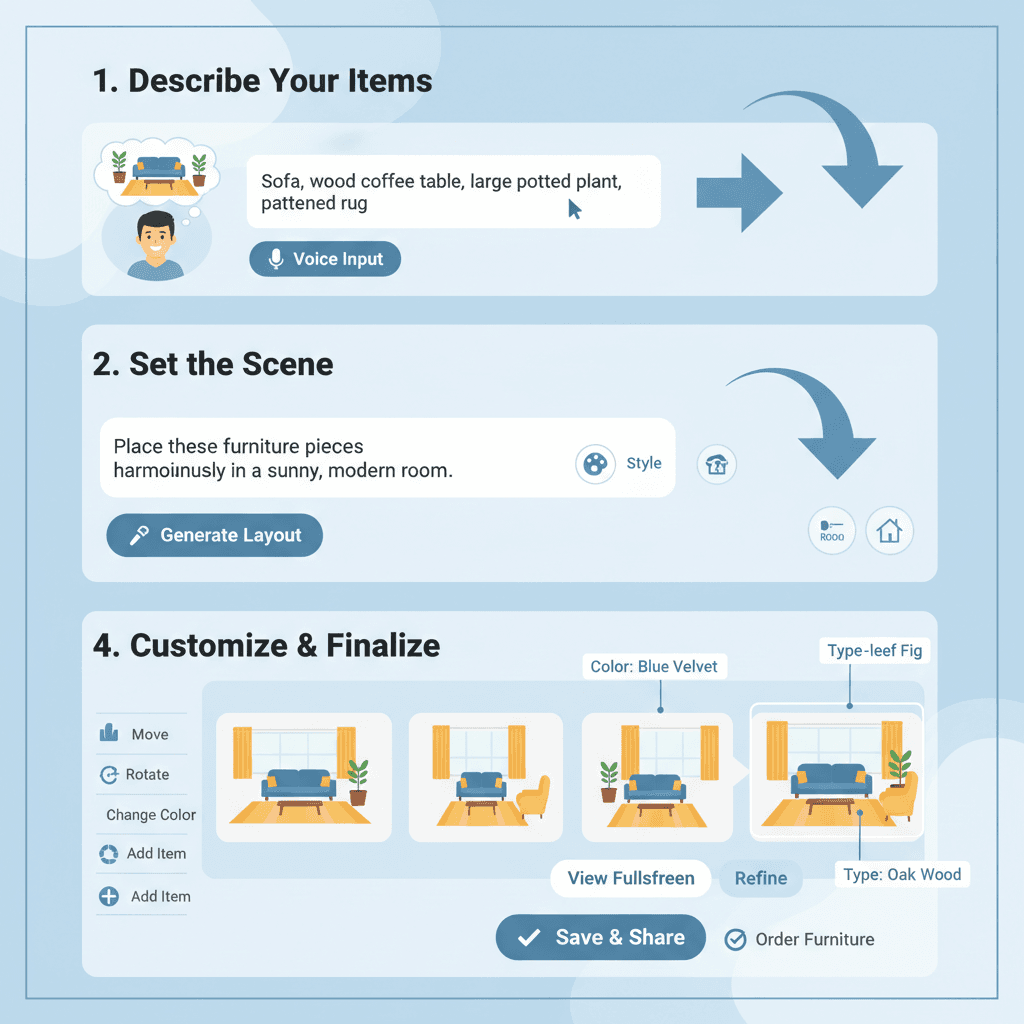
- 1
Input Ideas
To input your ideas, describe the furniture items and their desired arrangement in a room. Use clear phrases to convey how you envision them blending together harmoniously.
- 2
Select Template
To select a template, browse the available room layouts and click on your preferred design. This will serve as the foundation for placing the furniture harmoniously in the scene.
- 3
AI Generate
To generate your scene, input a list of furniture items and click "AI Generate." The tool will seamlessly blend them into a cohesive room setting using advanced Gemini Image Generation.
- 4
Download Artwork
To download your artwork, click the "Download" button after generating your scene. The stunning lifestyle image, featuring harmoniously placed furniture, will be saved to your device.
Who Can Use This AI Tool?
This AI tool is perfect for various creative professionals and enthusiasts
Interior Designers
They can create visually appealing room layouts for clients, quickly showcasing how different furniture pieces work together in a cohesive space during presentations.
Real Estate Agents
Using the tool, they can generate attractive visualizations of properties, enhancing listings by showing potential buyers how to arrange furniture for optimal use of space.
E-commerce Store Owners
They can utilize the tool to create lifestyle images of their products in realistic settings, improving customer engagement and increasing the likelihood of purchase through appealing visuals.
What Our Users Are Saying
See what users are saying about this AI tool
Sarah
Freelance Graphic Designer
"I've been using Multi-item Scene Fusion for about three months now, and it's completely transformed my workflow. As a freelance graphic designer, I often juggle multiple projects at once, and this tool has saved me countless hours. I can easily blend different elements together to create stunning lifestyle images for my clients. Just the other day, it helped me put together a captivating scene for a social media campaign in under an hour, which typically would have taken me a whole day. It's truly a game changer!"
Mike
Small Business Owner
"As a small business owner, I'm always looking for ways to make my marketing stand out without spending a fortune. I started using Multi-item Scene Fusion a month ago and I couldn't be happier. The ability to create vibrant lifestyle images for my product listings has really boosted my online presence. I can mix and match items to reflect the vibe of my brand effortlessly. Last week, I crafted a beautiful scene for a new product launch in just 30 minutes, which previously would have taken me several hours. It's an essential tool for anyone wanting to enhance their visual content!"
Creation Highlights
Transform your lifestyle spaces with AI generation using Nano Banana Pro. Experience intelligent Multi-item Scene Fusion, effortlessly combining furniture styles in one harmonious room. Ideal for interior designers and homeowners seeking creative solutions, this automated tool redefines the way you visualize your living environments.
Frequently Asked Questions
Answers to common questions about using this AI tool
Ready to Start Your AI Creation Journey?
Use this proven AI prompt template to create professional artwork in minutes. Start experiencing extraordinary AI creativity now!
Discover More AI Tools
Explore our curated collection of AI creation tools

OOTD Outfit
Change character outfits and generate fashionable street photography style photos
Virtual Makeup Try-on
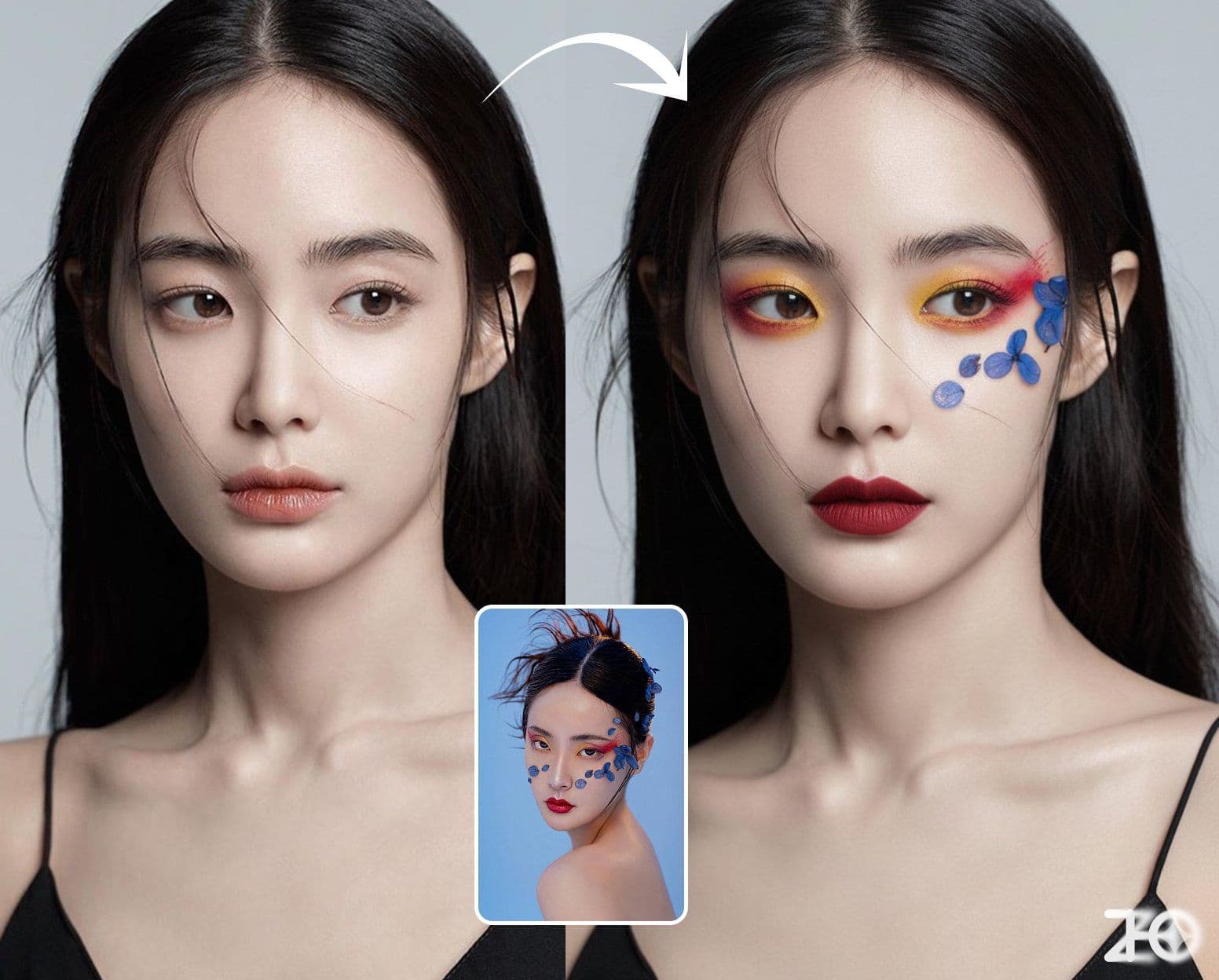
Apply specified makeup effects to character

Character Clothing Change
Keep character pose and environment unchanged, only change clothing
Cook with Ingredients
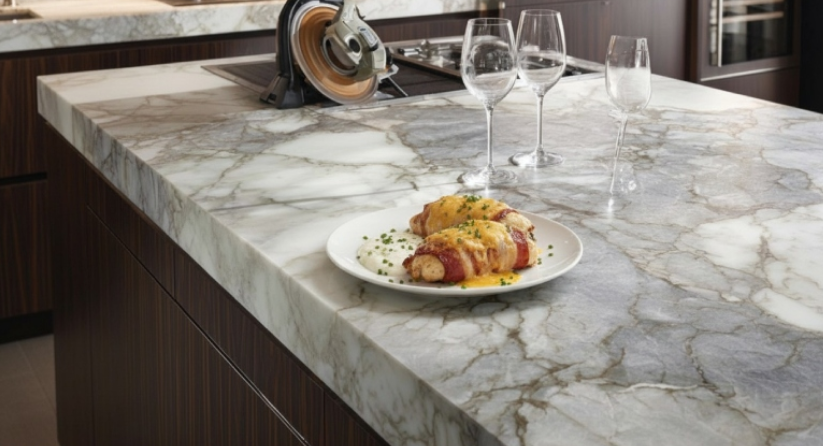
Intelligently combine multiple ingredients to create exquisite cuisine
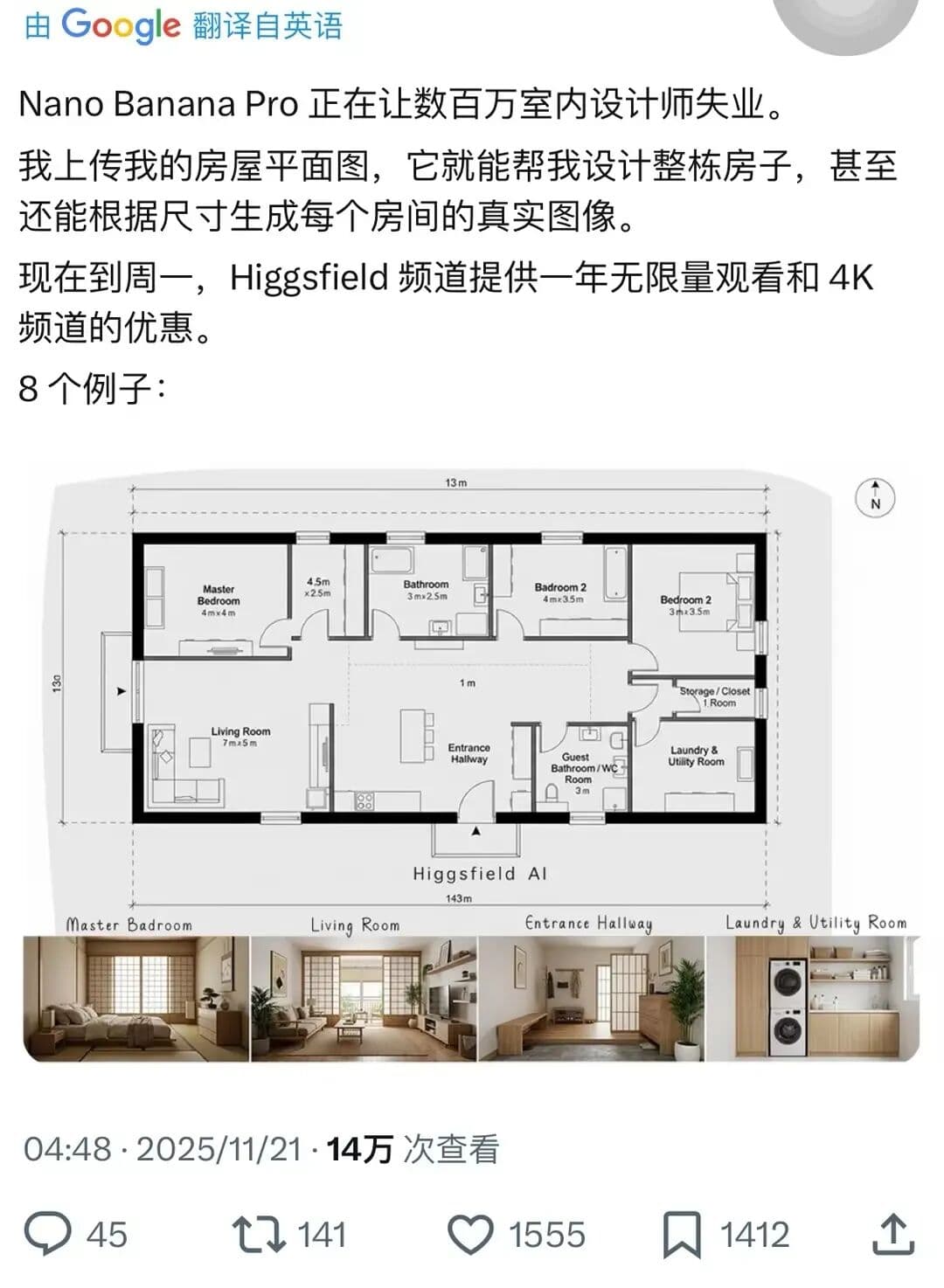
Complete House Design
A stunning interior design example created with Nano Banana Pro (Gemini Image Generation). Complete House Design.
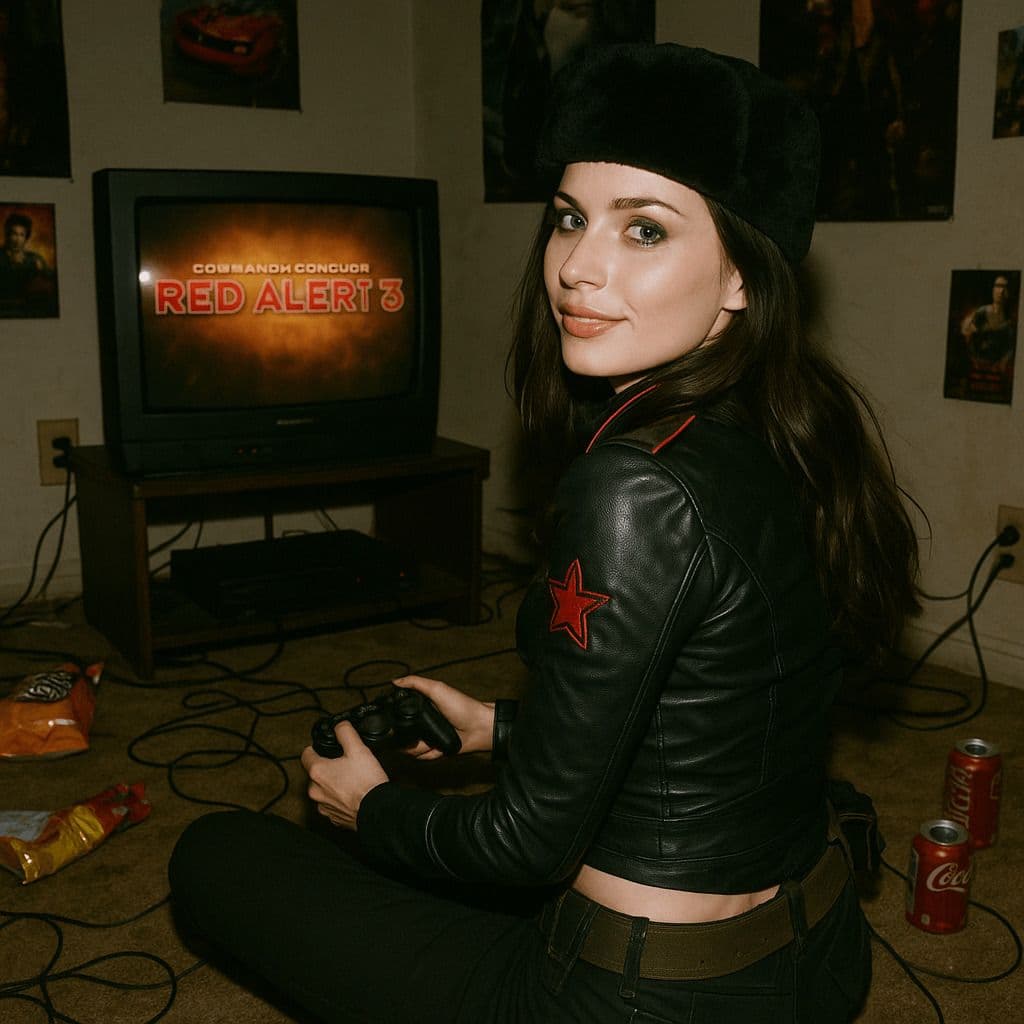
Hyper-Realistic 3D Game Scene
A hyper-realistic 3D render recreating Natasha’s character design from the 2008 game *Command & Conquer: Red Alert 3*, faithfully modeled after the original. The scene is set in a dim, cluttered 2008-era bedroom. The character sits on the carpet facing an old TV playing *Red Alert 3* with a game controller. The room is filled with nostalgic 2008 details: snack wrappers, soda cans, posters, and tangled wires. Natasha Volkova is caught in a candid moment, turning her head to glance back at the camera, her ethereal face lit with an innocent smile. Her upper body twists slightly, naturally posed as if startled by a camera flash. The flash slightly overexposes her face and outfit, making her silhouette stand out in the dark room. The entire photo feels raw and natural, with strong light-and-dark contrasts casting deep shadows, evoking the tactile realism of a 2008 film snapshot.