Perspective Transform
Perfect scene editing, no more struggling for ideas!
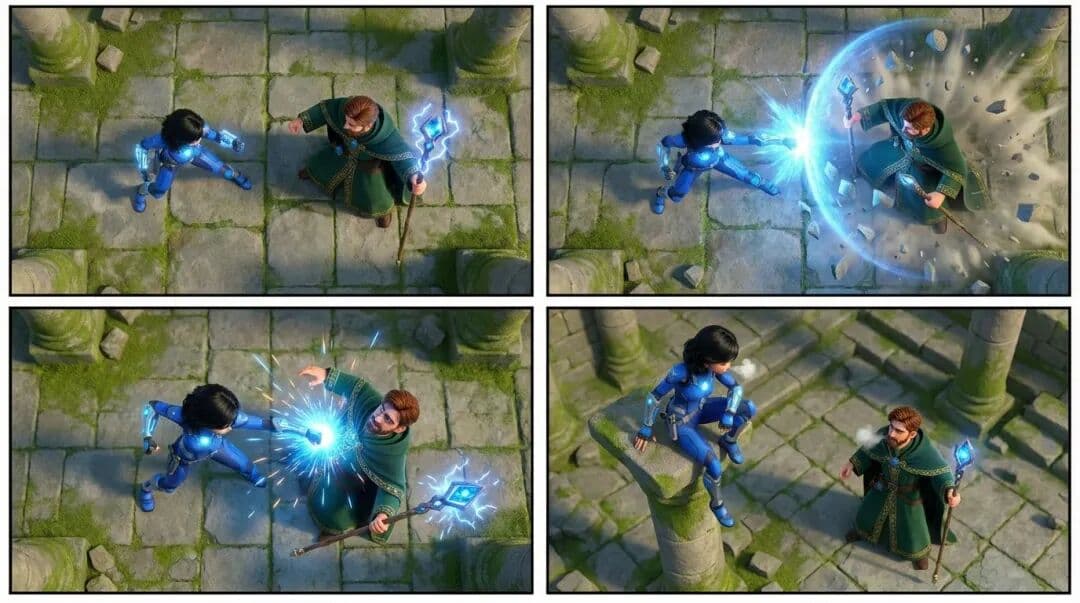
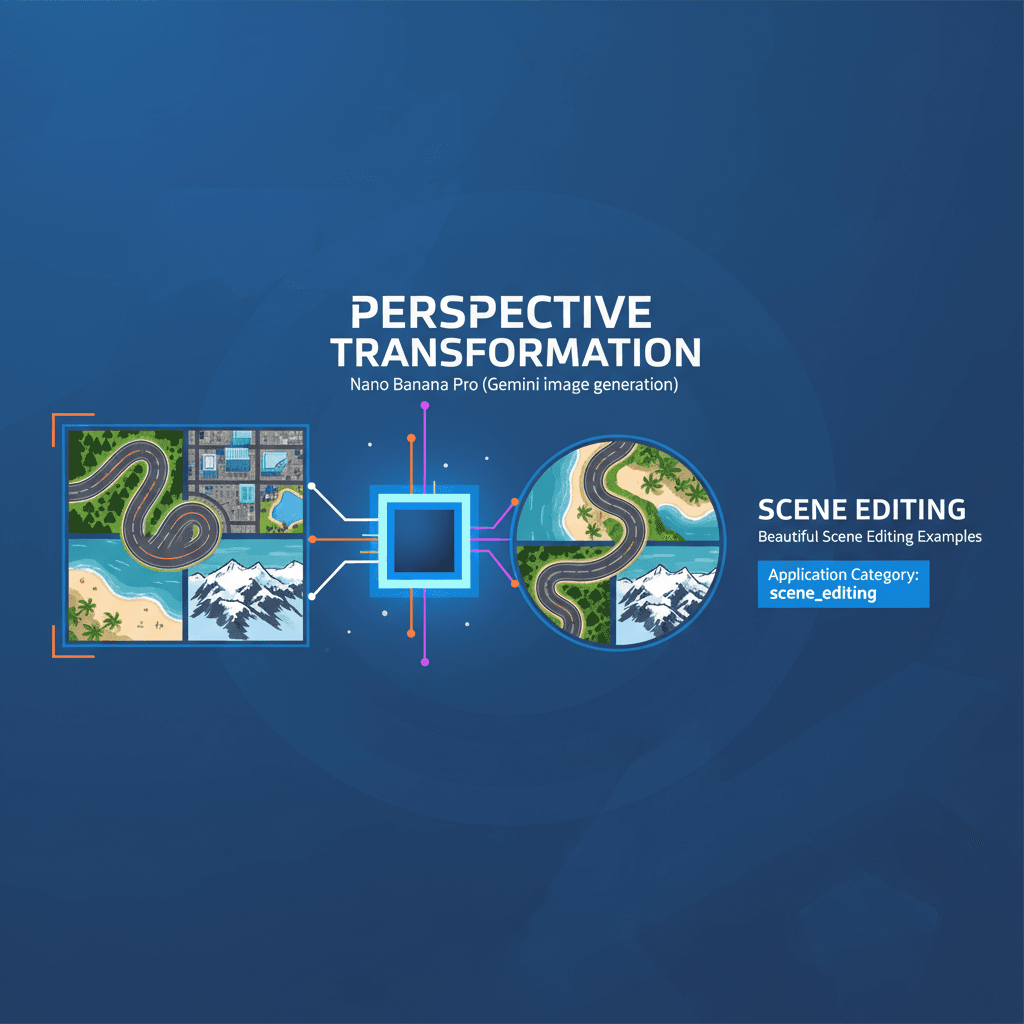
A stunning scene editing example created with Nano Banana Pro (Gemini Image Generation). Perspective Transform.
@view
AI Art Creator
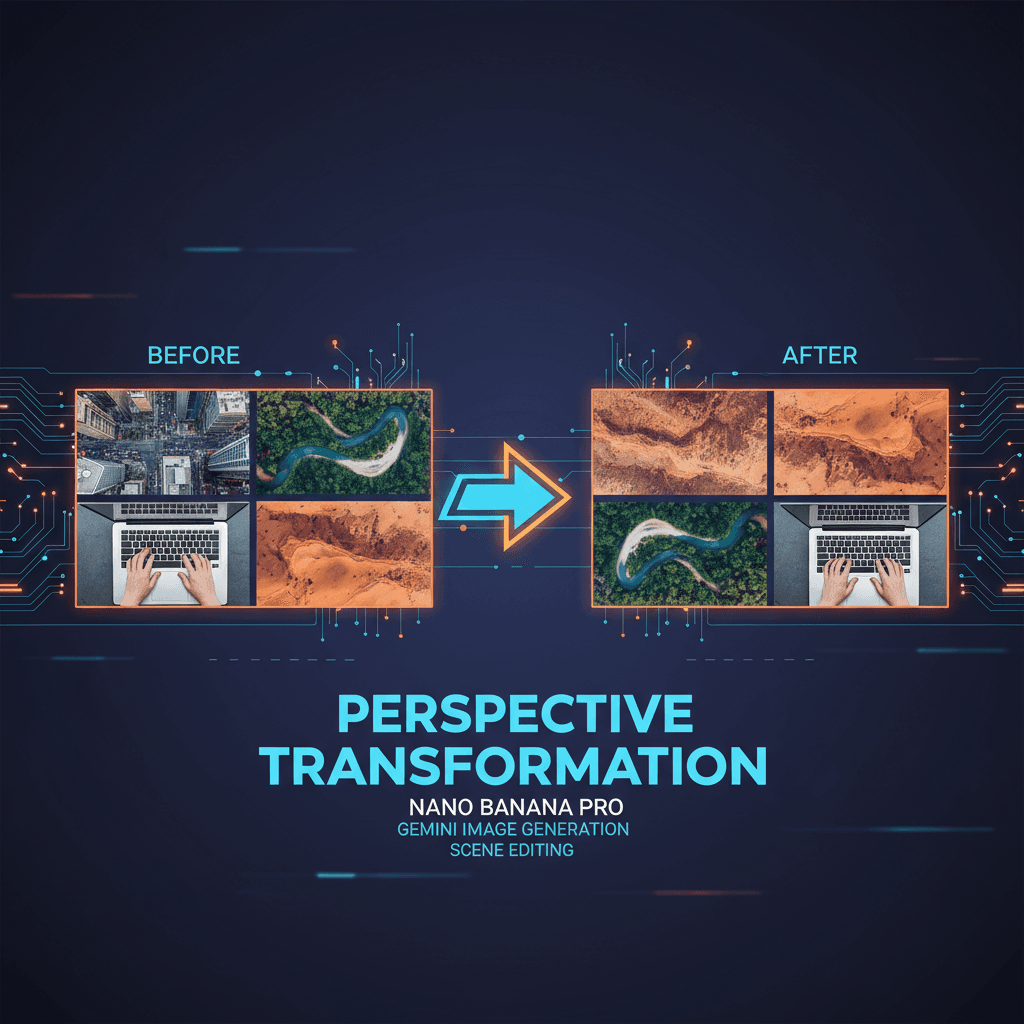
See It in Action
See the amazing results this AI prompt can create
Generated Result
Complete Prompt
Copy the prompt below and paste it into your favorite AI tool to start creating
把这张图的四格场景都换成头顶的俯视视角
Why Use This AI Tool?
Discover how this powerful AI prompt can help you create stunning artwork
Efficiency Boost
Unlock an **Efficiency Boost** with Perspective Transform, leveraging Nano Banana Pro's advanced AI capabilities. This innovative tool streamlines scene editing by effortlessly converting images into top-down perspectives, saving time and enhancing creativity for designers and marketers alike. Experience seamless transformations and elevate your content creation process.
Creativity Enhancement
Perspective Transform revolutionizes creativity enhancement by enabling users to effortlessly reimagine scenes from a bird's-eye view. This AI-driven tool, powered by Nano Banana Pro, empowers artists and marketers to explore unique perspectives, fostering innovative ideas and dynamic visual storytelling. Experience limitless creative possibilities!
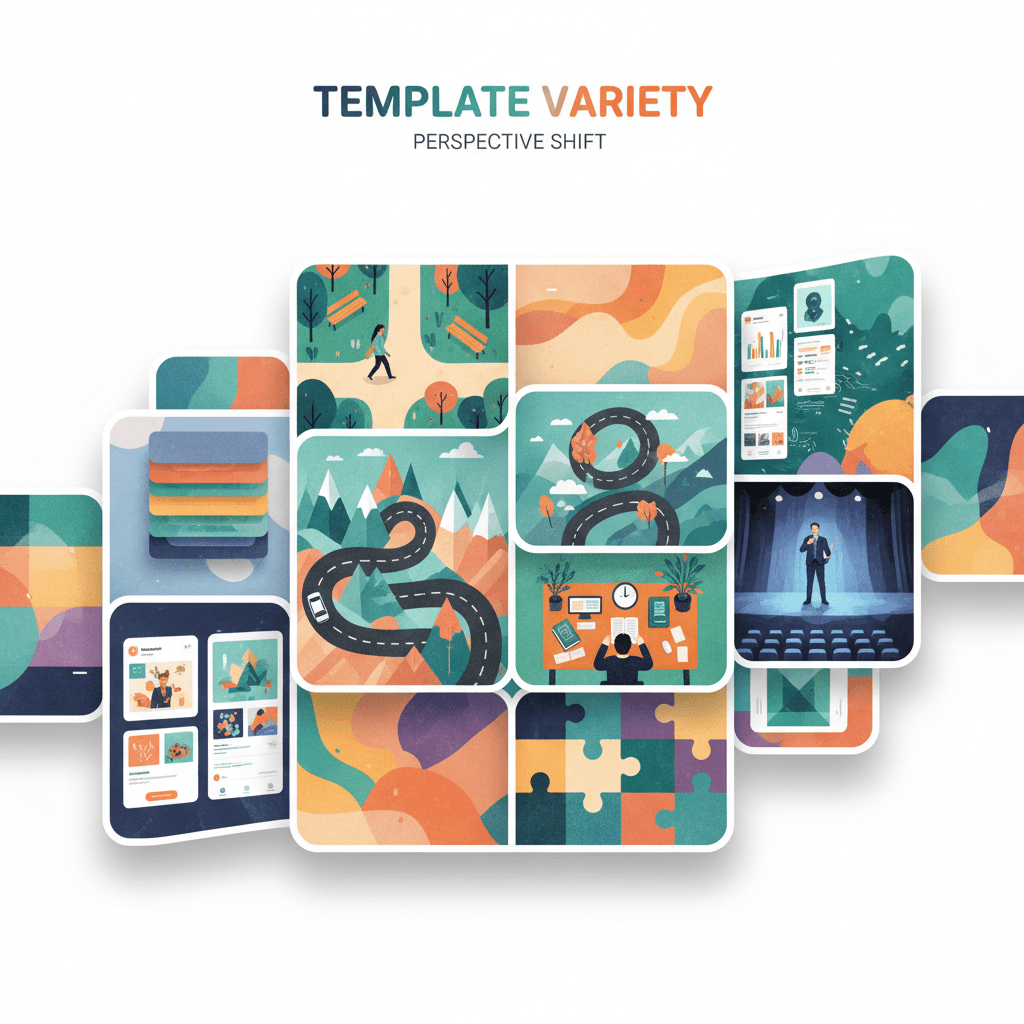
Template Variety
Perspective Transform excels in "Template Variety," offering diverse scene editing options that adapt to unique creative visions. With AI-driven capabilities from Nano Banana Pro, users can effortlessly switch perspectives, enhancing storytelling through visually captivating four-grid layouts. This versatility empowers artists to explore limitless design pathways.
How to create scene editing with an AI Scene Editing generator?
Create stunning AI artwork in just a few simple steps
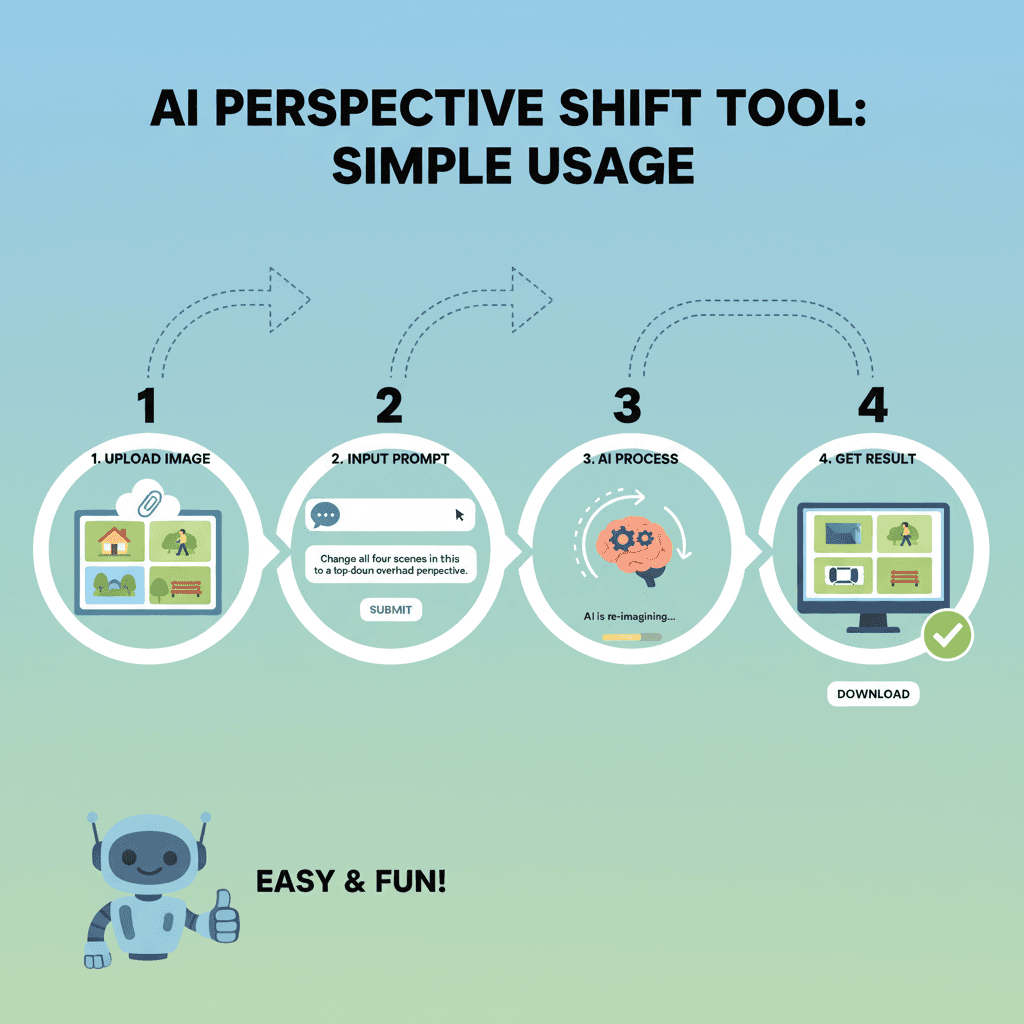
- 1
Input Ideas
To input your idea, describe the desired scene transformation clearly. For example, type: "Change all four scenes to a top-down perspective view." Then, click "Submit" to generate your edits.
- 2
Select Template
To select a template in Perspective Transform, click on the “Select Template” button, then choose a desired layout that fits your scene editing needs from the available options.
- 3
AI Generate
To generate a new scene, upload your image and select "AI Generate." The tool will transform each quadrant to a top-down perspective, creating a stunning overhead view.
- 4
Download Artwork
To download your edited artwork, click the "Download" button located below the image. Your scene, transformed to a top-down perspective, will be saved to your device.
Who Can Use This AI Tool?
This AI tool is perfect for various creative professionals and enthusiasts
Freelance Illustrators
They can use Perspective Transform to quickly create unique top-down views for their character designs, enhancing storytelling in comics or storyboards.
Social Media Creators
Social media influencers can generate eye-catching aerial perspective images for their posts, making their content stand out and engage followers more effectively.
Small Brand Owners
Small business owners can utilize this tool to create attractive product visuals from a bird's-eye view, helping to showcase items in a more appealing way for online marketing.
What Our Users Are Saying
See what users are saying about this AI tool
Emily
Freelance Graphic Designer
"I've been using Perspective Transform for about three months now, and it has completely changed how I edit my scenes. Previously, I would spend hours adjusting angles and perspectives manually. Now, with just a few clicks, I can achieve stunning results that look professional. I recently used it for a client project where I needed to create immersive backgrounds quickly, and this tool saved me at least two hours of editing time. It's become an essential part of my workflow!"
Jake
University Student
"As a student studying multimedia arts, I started using Perspective Transform a few weeks ago for my projects. This tool is fantastic for creating dynamic scenes in my presentations. I used to struggle with perspective issues, which would take away from my overall design. Now, I can focus more on the creative aspects rather than the technical ones. I recently completed a project on urban landscapes, and the tool helped me achieve the depth and realism I was aiming for, making my work stand out in class."
Creation Highlights
Transform your scenes effortlessly with Nano Banana Pro’s AI generation. Our advanced scene_editing tool offers a unique perspective transform feature, allowing you to create stunning aerial views with just a click. Ideal for designers and marketers seeking innovative, efficient visual solutions. Experience the future of image creation today!
Frequently Asked Questions
Answers to common questions about using this AI tool
Ready to Start Your AI Creation Journey?
Use this proven AI prompt template to create professional artwork in minutes. Start experiencing extraordinary AI creativity now!
Discover More AI Tools
Explore our curated collection of AI creation tools
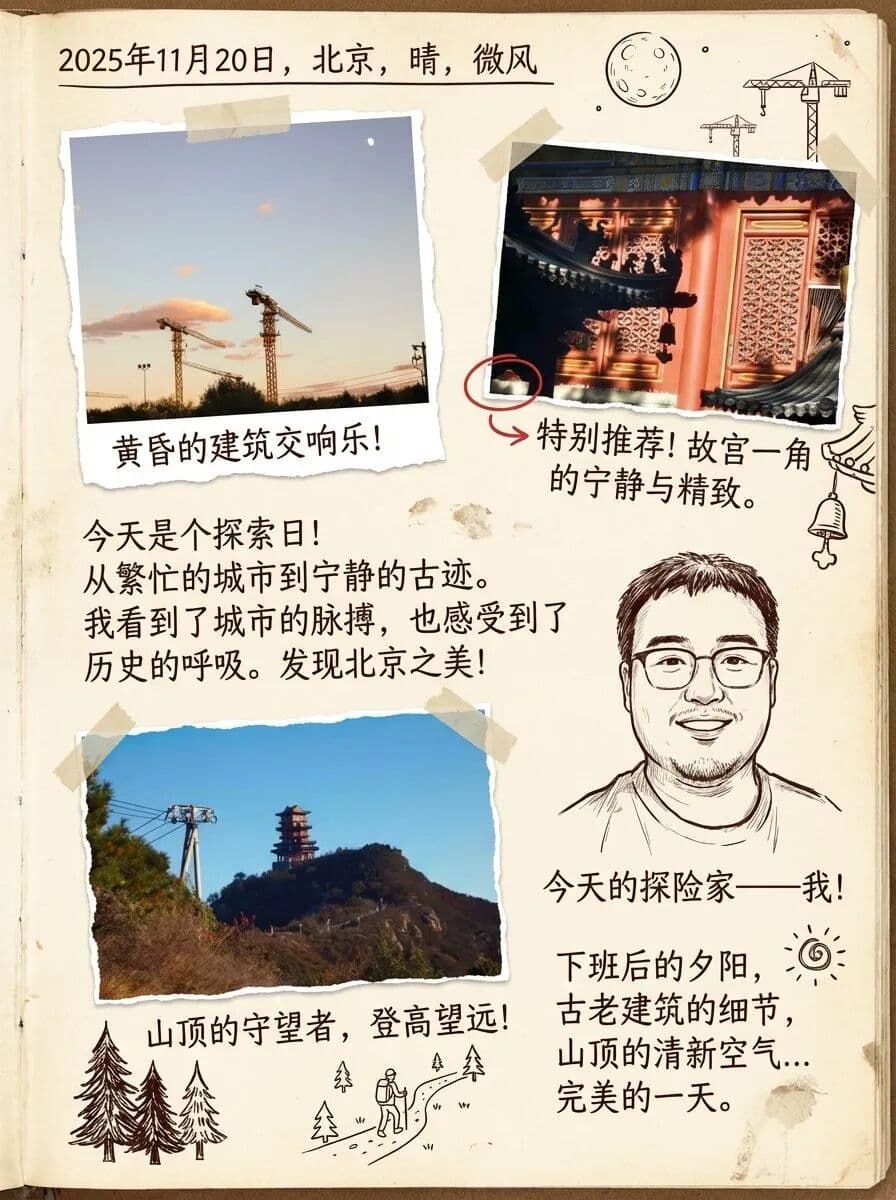
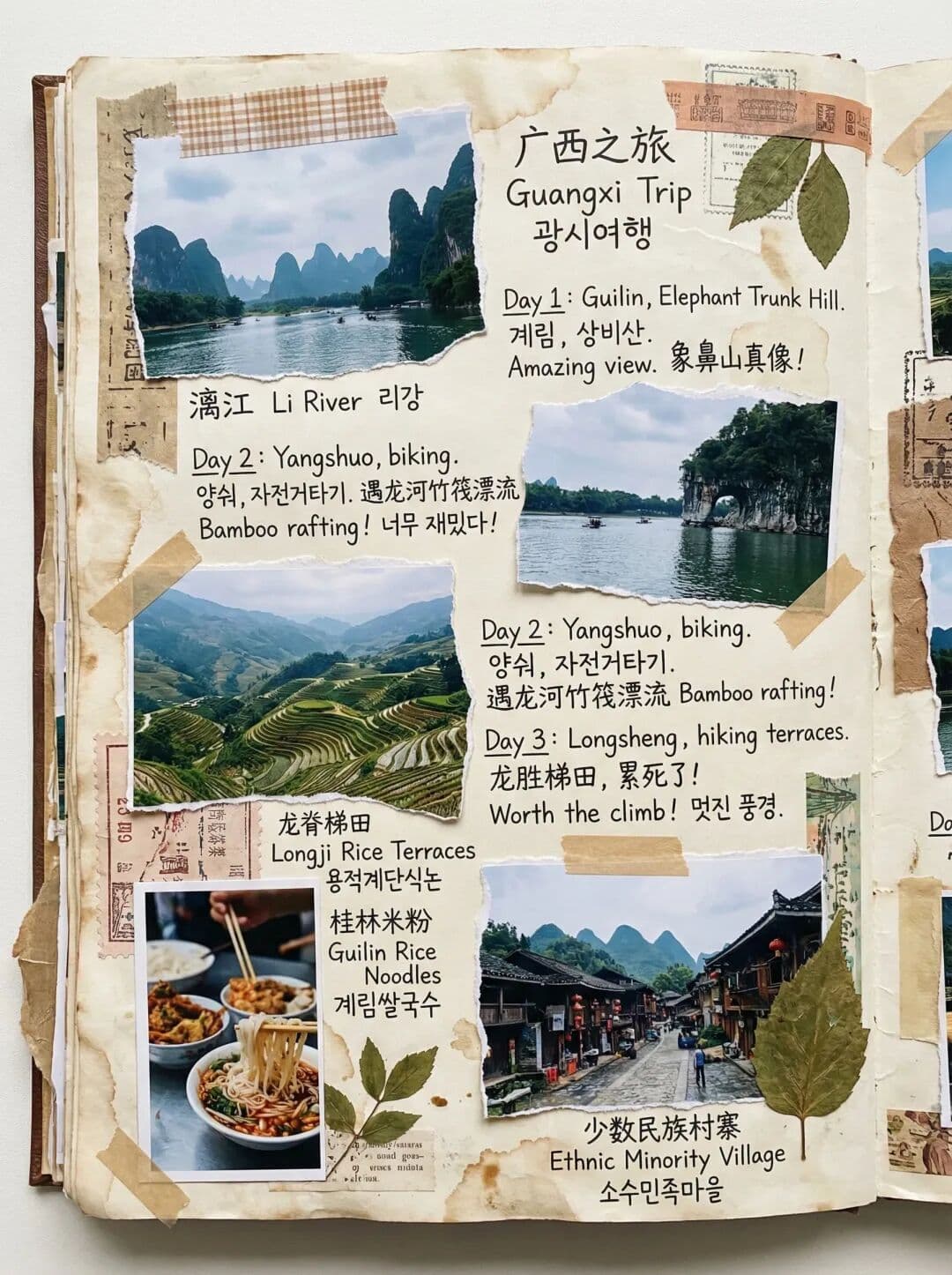
Multi-image Handwritten Diary
A stunning scene editing example created with Nano Banana Pro (Gemini Image Generation). Multi-image Handwritten Diary.
Multi-language Travel Journal
A stunning scene editing example created with Nano Banana Pro (Gemini Image Generation). Multi-language Travel Journal.
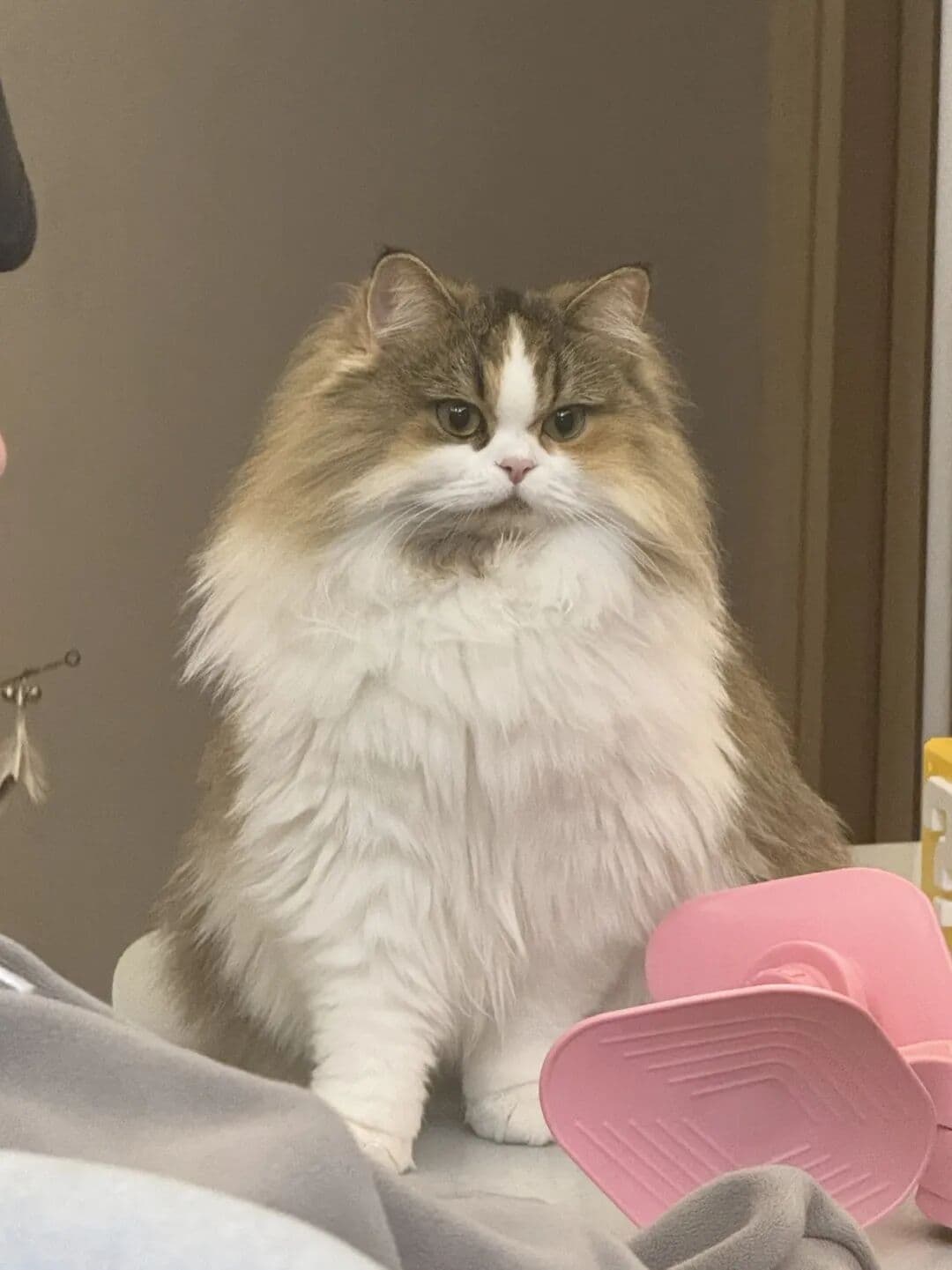
Pet Photo Editing & Cosplay
A stunning scene editing example created with Nano Banana Pro (Gemini Image Generation). Pet Photo Editing & Cosplay.
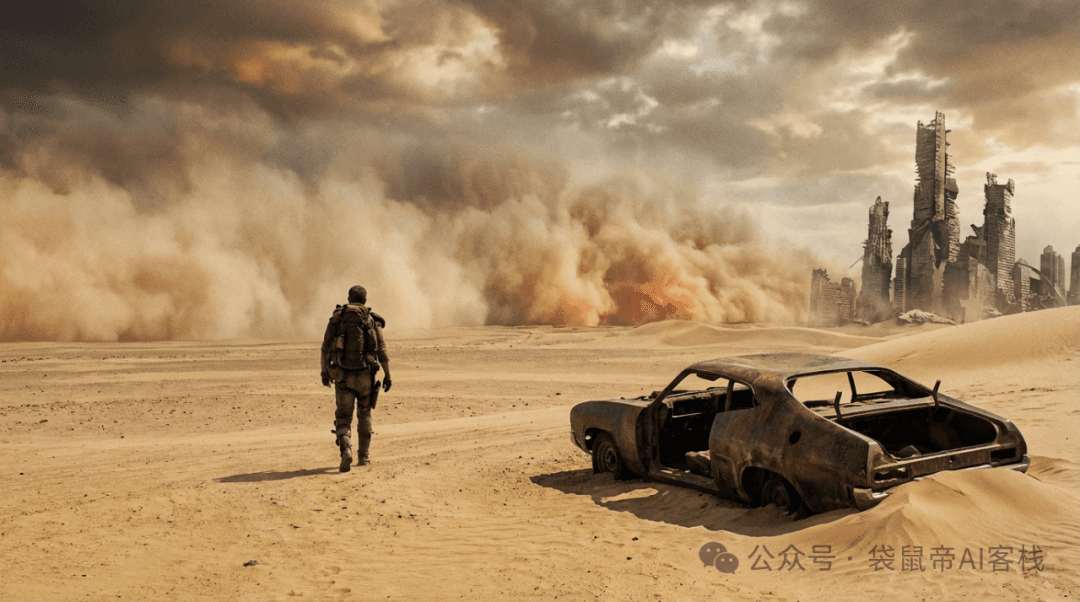
Post-apocalyptic Wasteland
A stunning scene editing example created with Nano Banana Pro (Gemini Image Generation). Post-apocalyptic Wasteland.
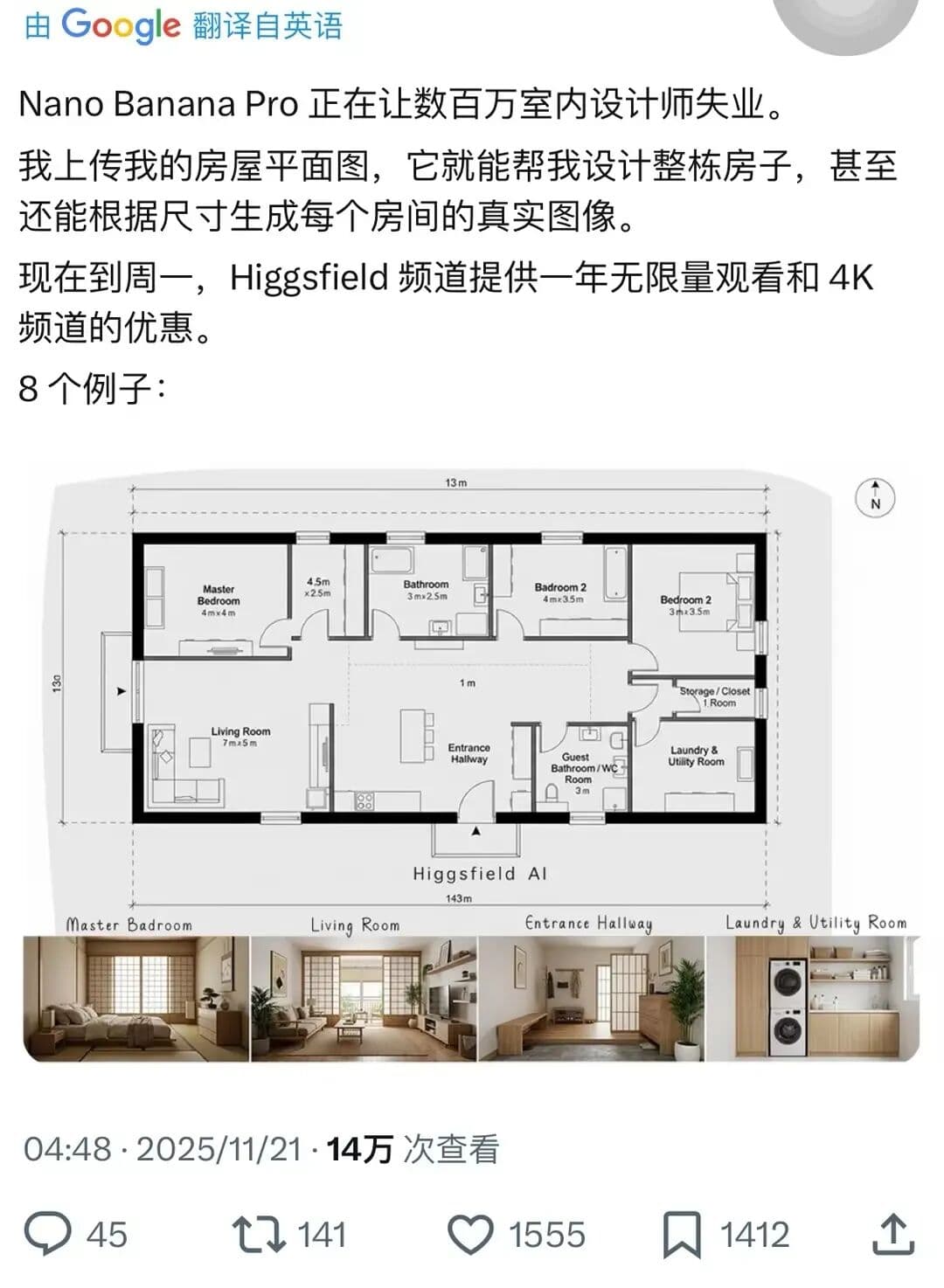
Complete House Design
A stunning interior design example created with Nano Banana Pro (Gemini Image Generation). Complete House Design.
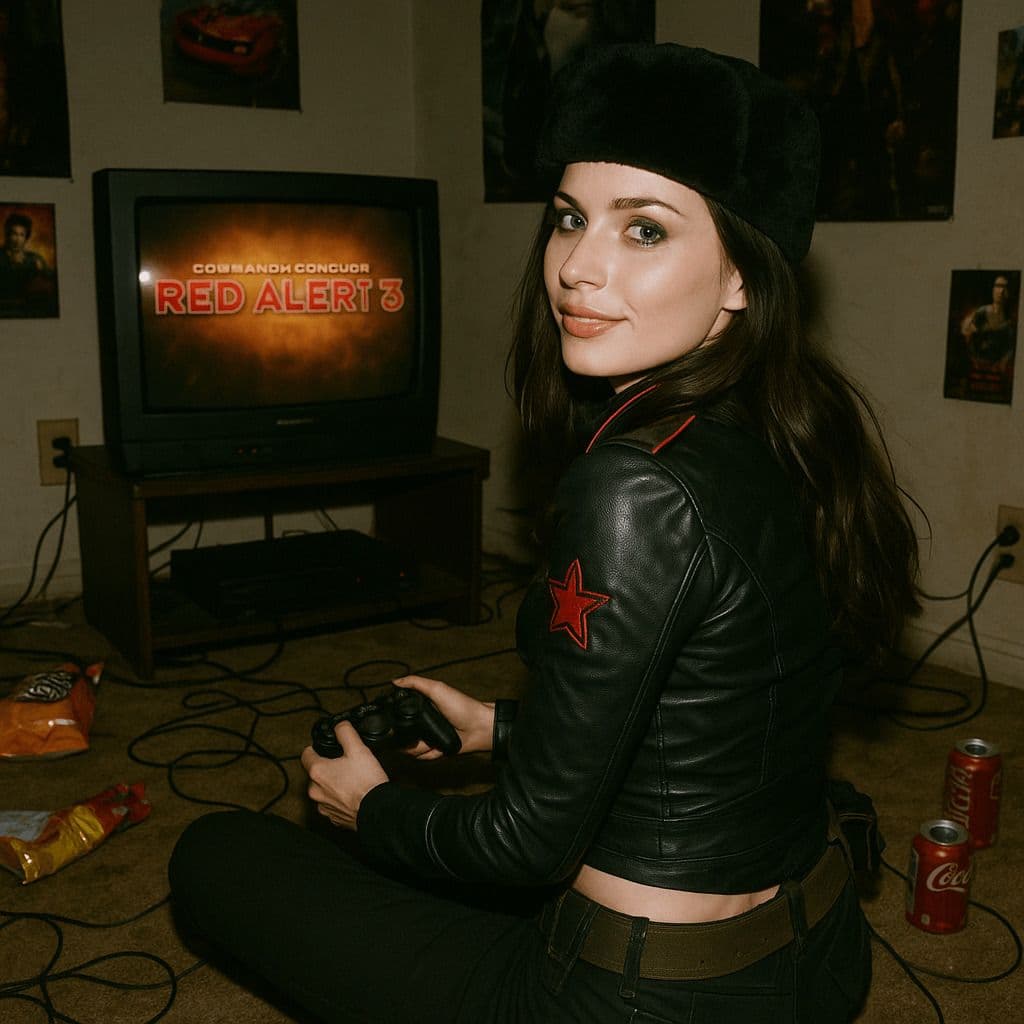
Hyper-Realistic 3D Game Scene
A hyper-realistic 3D render recreating Natasha’s character design from the 2008 game *Command & Conquer: Red Alert 3*, faithfully modeled after the original. The scene is set in a dim, cluttered 2008-era bedroom. The character sits on the carpet facing an old TV playing *Red Alert 3* with a game controller. The room is filled with nostalgic 2008 details: snack wrappers, soda cans, posters, and tangled wires. Natasha Volkova is caught in a candid moment, turning her head to glance back at the camera, her ethereal face lit with an innocent smile. Her upper body twists slightly, naturally posed as if startled by a camera flash. The flash slightly overexposes her face and outfit, making her silhouette stand out in the dark room. The entire photo feels raw and natural, with strong light-and-dark contrasts casting deep shadows, evoking the tactile realism of a 2008 film snapshot.