Math Problem Visualization
Perfect infographic, no more struggling for ideas!
A stunning infographic example created with Nano Banana Pro (Gemini Image Generation). Math Problem Visualization.
@math
AI Art Creator
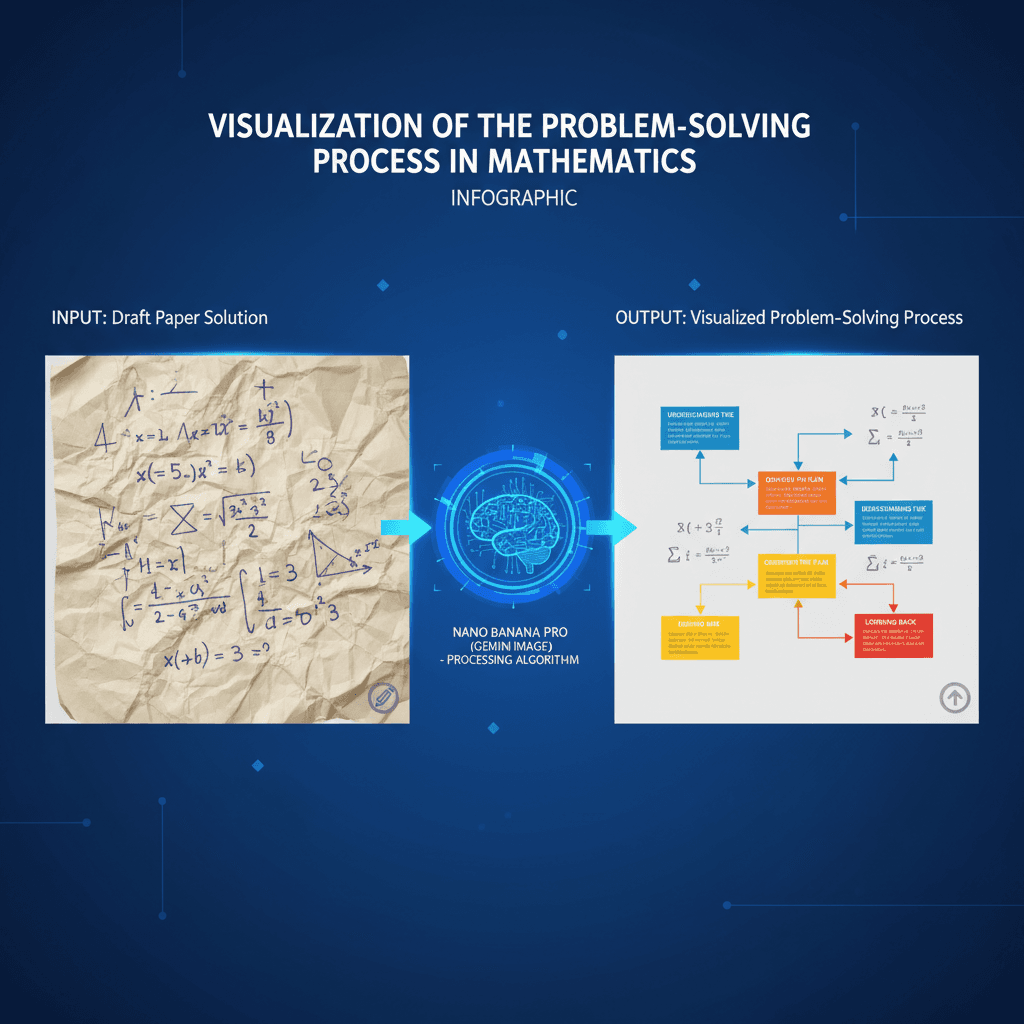
See It in Action
See the amazing results this AI prompt can create
Generated Result
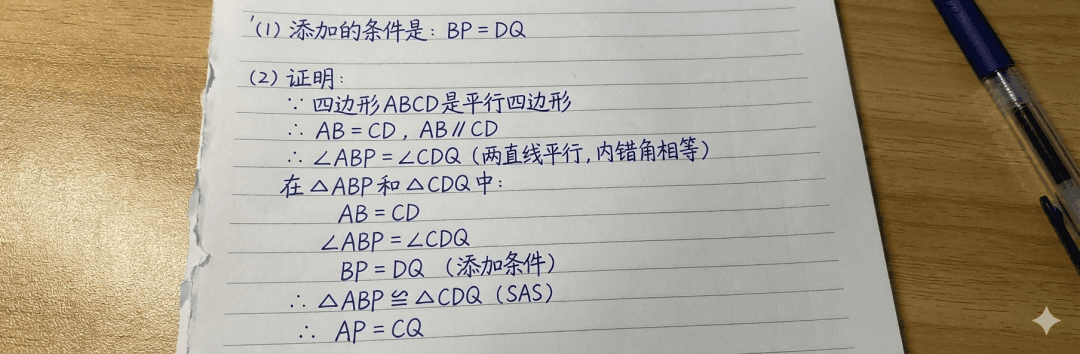
Complete Prompt
Copy the prompt below and paste it into your favorite AI tool to start creating
画一张草稿纸,上面是这道题的解法
Why Use This AI Tool?
Discover how this powerful AI prompt can help you create stunning artwork
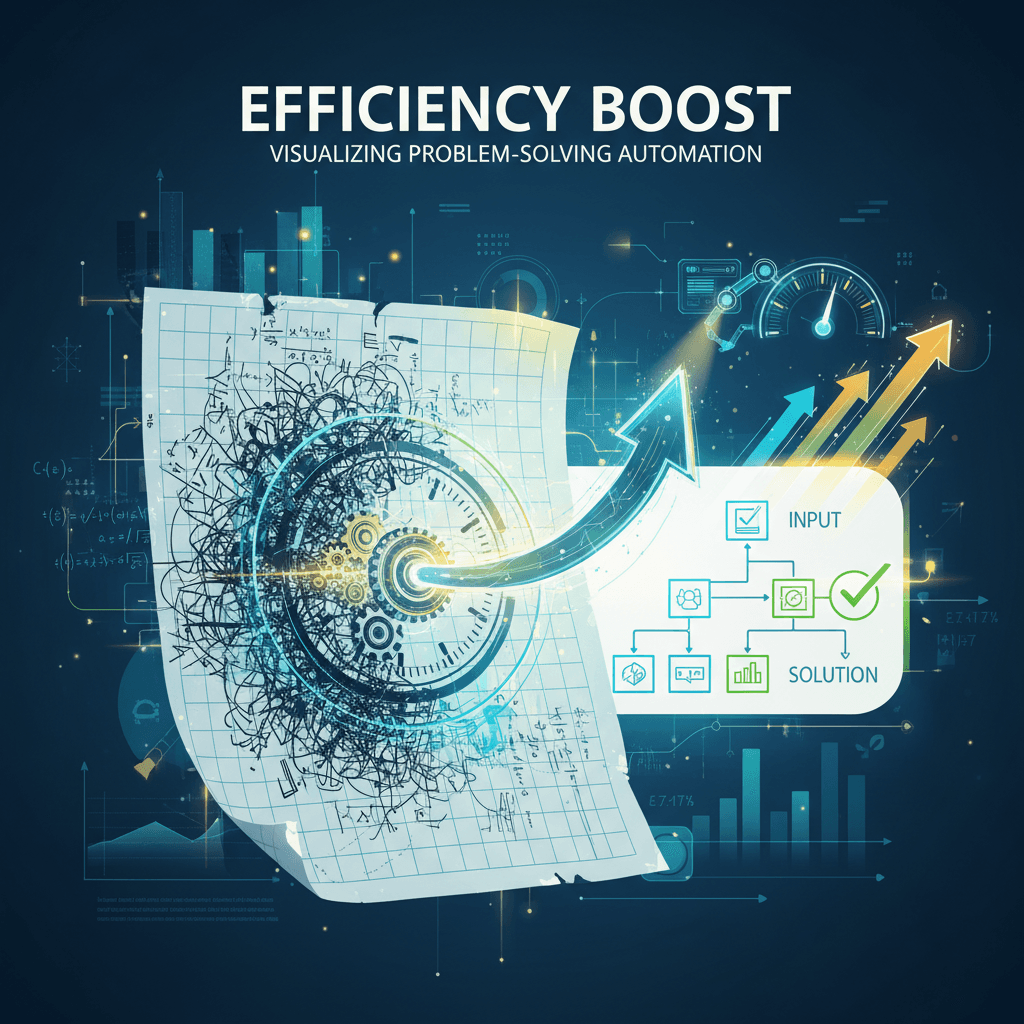
Efficiency Boost
Experience an unparalleled **Efficiency Boost** with the Math Problem Visualization tool. This AI-driven infographic transforms complex math solutions into clear visuals, streamlining comprehension and problem-solving. Leverage advanced image generation for quicker learning and enhanced productivity in educational settings. Unlock your potential with cutting-edge AI!
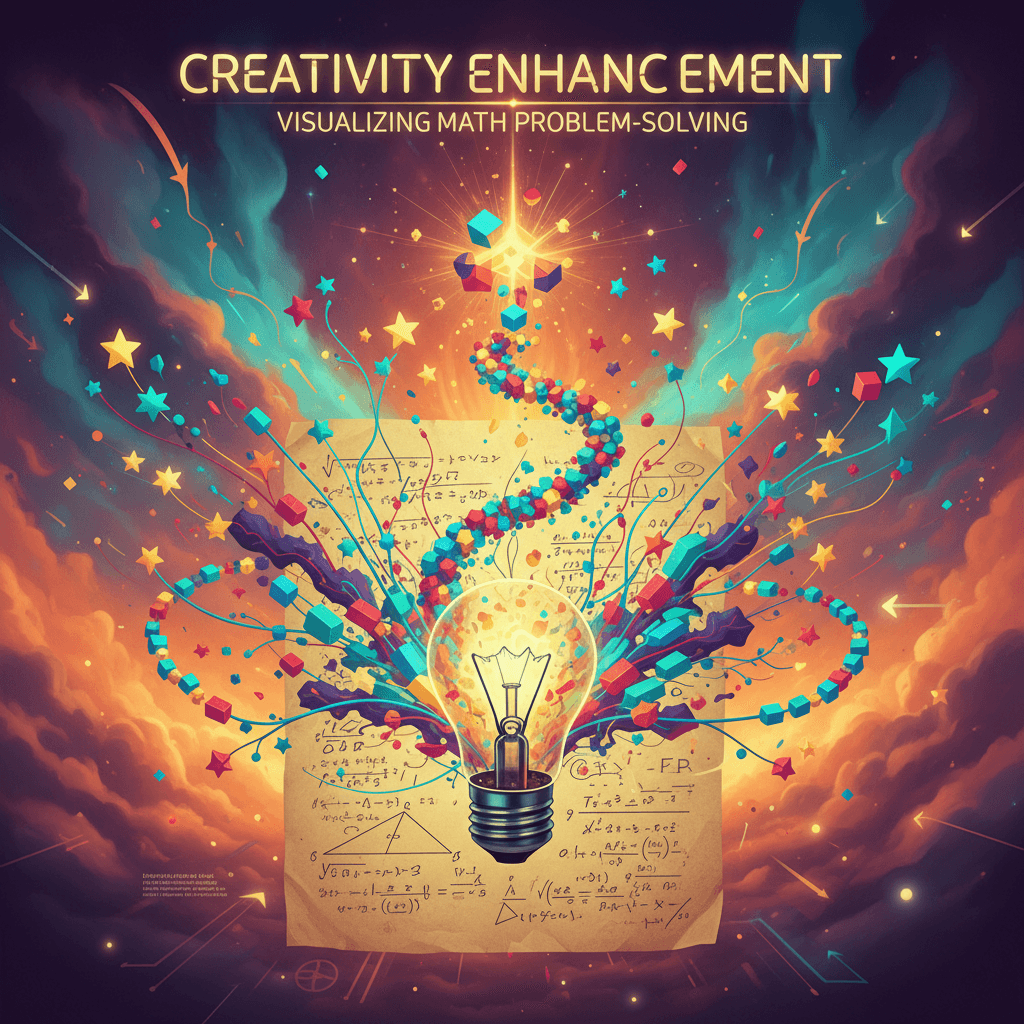
Creativity Enhancement
The Math Problem Visualization tool enhances creativity by transforming abstract concepts into visually engaging infographics. Utilizing AI-driven design, it fosters innovative thinking and problem-solving, making complex math accessible and stimulating. This creativity enhancement empowers users to visualize solutions, inspiring deeper understanding and exploration in education and beyond.
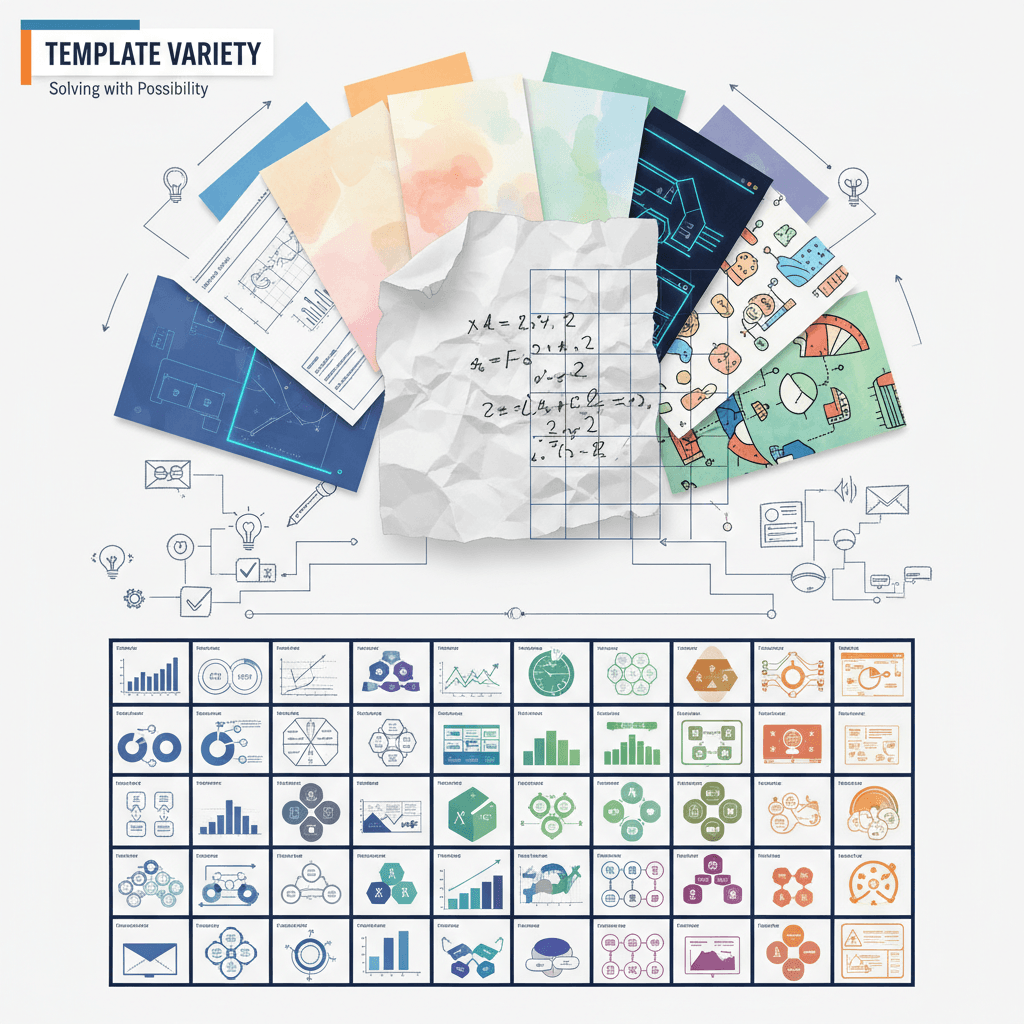
Template Variety
The "Math Problem Visualization" tool excels in "Template Variety" by offering diverse infographic styles tailored to different mathematical concepts. This flexibility enhances user engagement and comprehension, making complex problems accessible. With AI-driven customization, educators can create visually appealing resources that cater to varied learning needs, ensuring effective knowledge transfer.
How to create infographic with an AI Infographic generator?
Create stunning AI artwork in just a few simple steps
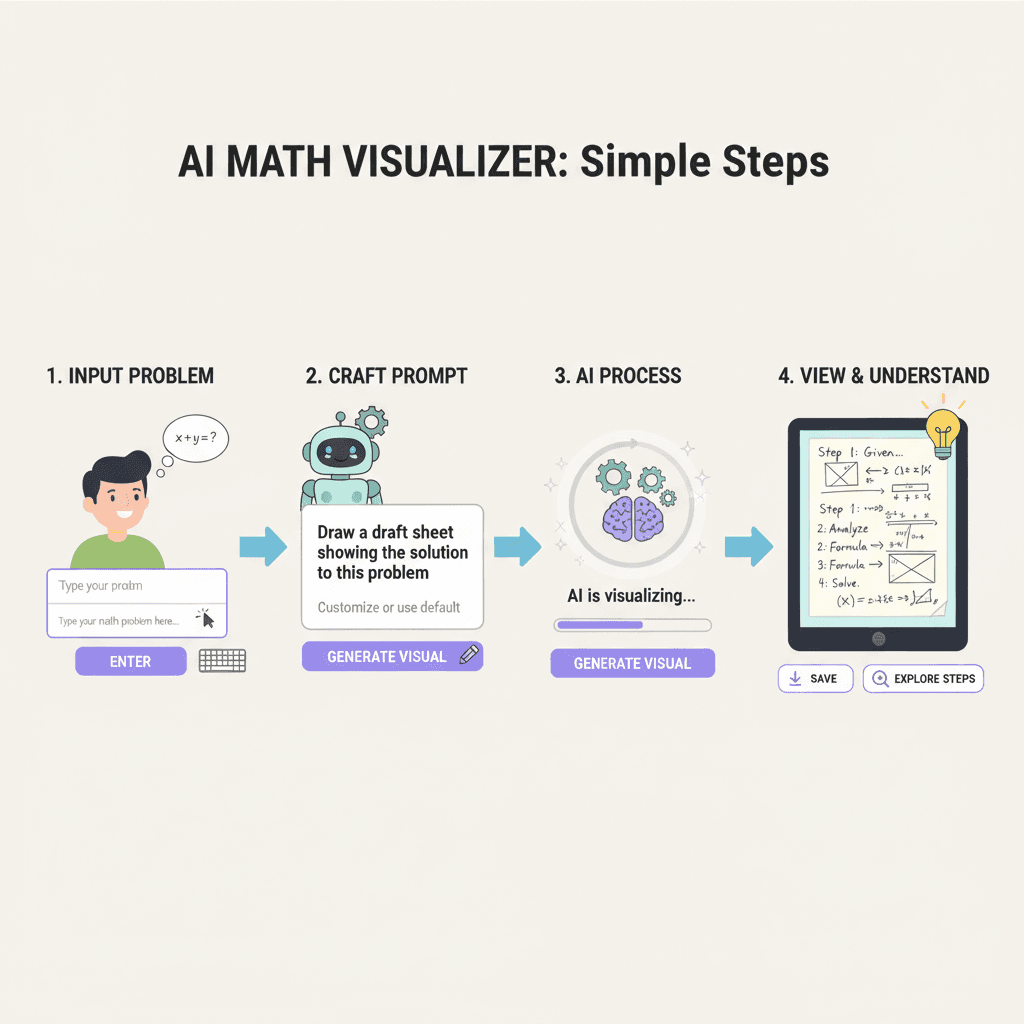
- 1
Input Ideas
To input your ideas, type your math problem or concept clearly in the designated text box, then click "Generate." The tool will visualize your input as a stunning infographic.
- 2
Select Template
To select a template, navigate to the "Templates" section, browse through available designs, and click on your preferred template to load it for your math problem visualization.
- 3
AI Generate
To generate your math problem visualization, input your problem details, then click "AI Generate." The tool will create an infographic illustrating the solution on a draft paper layout.
- 4
Download Artwork
To download your artwork, click the "Download" button located below the infographic. Your math problem visualization will be saved to your device in high-resolution format.
Who Can Use This AI Tool?
This AI tool is perfect for various creative professionals and enthusiasts
Math Educators
Teachers can use the tool to create engaging visual aids for complex math concepts, helping students visualize problems during lessons or homework assignments.
Tutors
Private tutors can generate custom infographics to explain specific problem-solving methods, making sessions more interactive and tailored to individual student needs.
Educational Content Creators
Content creators producing math-focused videos or blogs can leverage the tool to illustrate concepts visually, enhancing viewer comprehension and retention of information.
What Our Users Are Saying
See what users are saying about this AI tool
Emily
Student
"I've been using Math Problem Visualization for about two months now, and it has completely changed how I approach my math homework. Instead of getting lost in complex equations, I can now create clear infographics that break down the steps visually. This has saved me at least an hour each week when studying for exams. It's really helped me understand the concepts better, and I feel more confident when tackling difficult problems."
Jake
Freelancer
"As a freelancer working on educational content, the Math Problem Visualization tool has been a game changer for my projects. I've been using it for about a month to create engaging visuals for my clients. The ability to transform math problems into easy-to-understand infographics has saved me so much time—I estimate at least three hours per project. My clients love the clarity and creativity, and I've received great feedback on the presentations I've delivered."
Creation Highlights
Transform complex math problems into clear, engaging visuals with AI generation. Our Math Problem Visualization infographic showcases how Nano Banana Pro streamlines learning, making it an essential tool for educators and students alike. Experience intelligent, automated design that enhances understanding and retention.

Frequently Asked Questions
Answers to common questions about using this AI tool
Ready to Start Your AI Creation Journey?
Use this proven AI prompt template to create professional artwork in minutes. Start experiencing extraordinary AI creativity now!
Discover More AI Tools
Explore our curated collection of AI creation tools
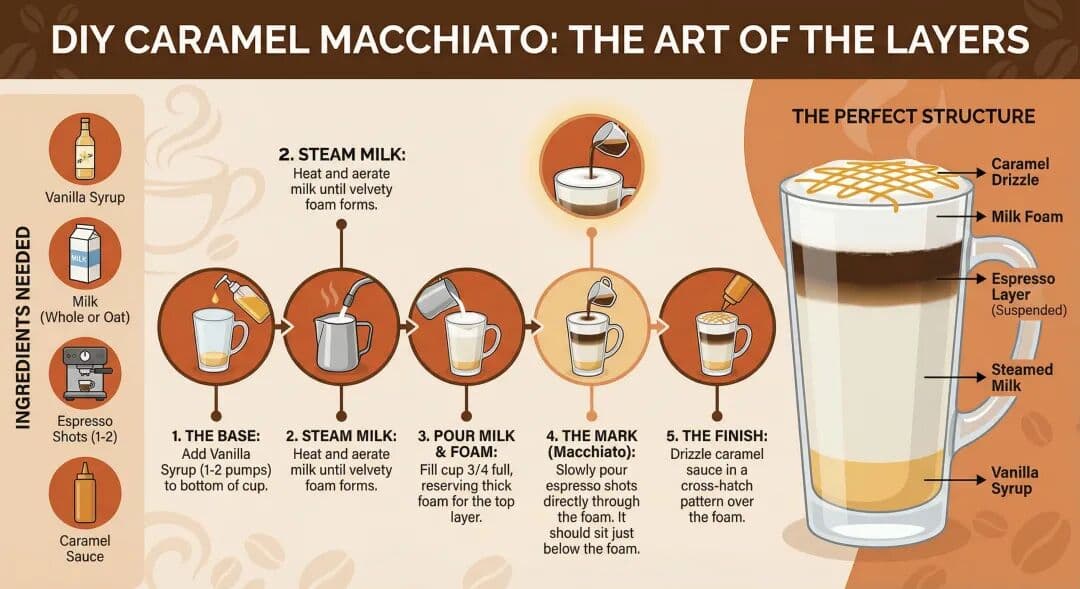
Starbucks Recipe Infographic
A stunning infographic example created with Nano Banana Pro (Gemini Image Generation). Starbucks Recipe Infographic.
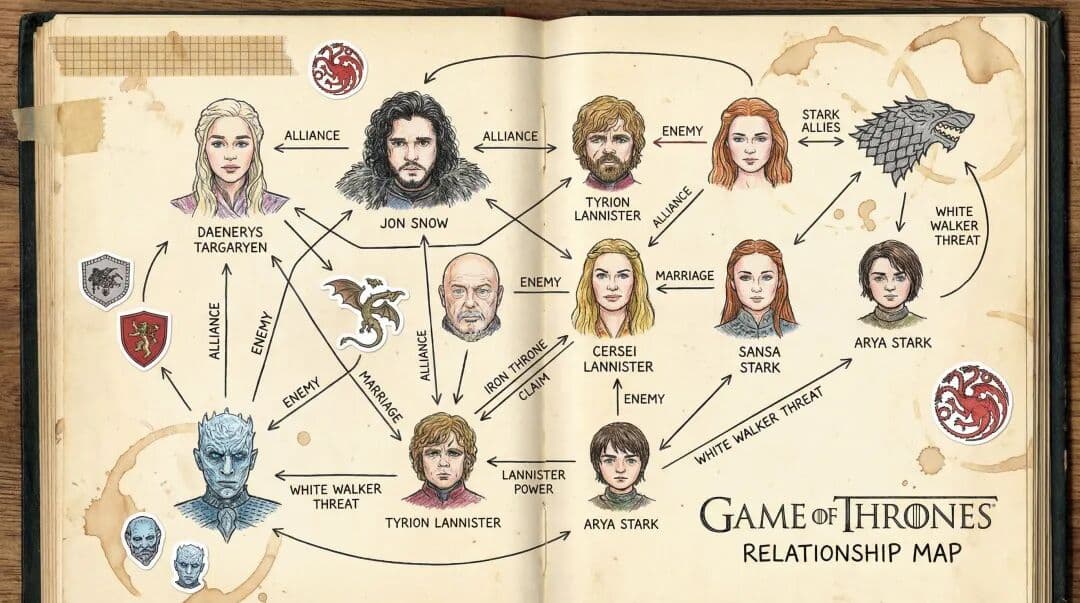
IP Relationship Diagram
A stunning infographic example created with Nano Banana Pro (Gemini Image Generation). IP Relationship Diagram.
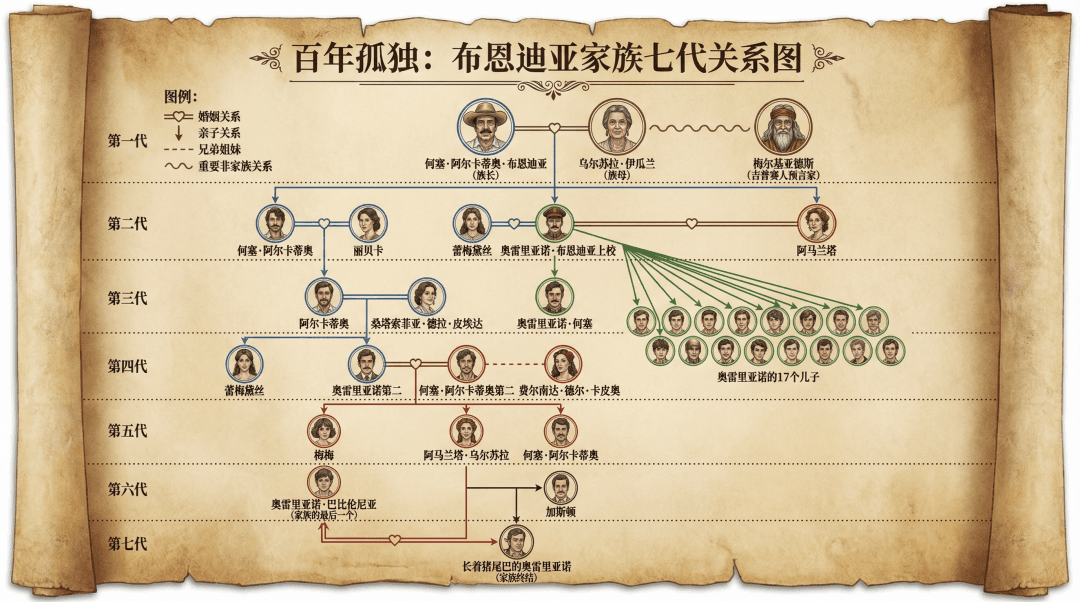
One Hundred Years Relationship
A stunning infographic example created with Nano Banana Pro (Gemini Image Generation). One Hundred Years Relationship.
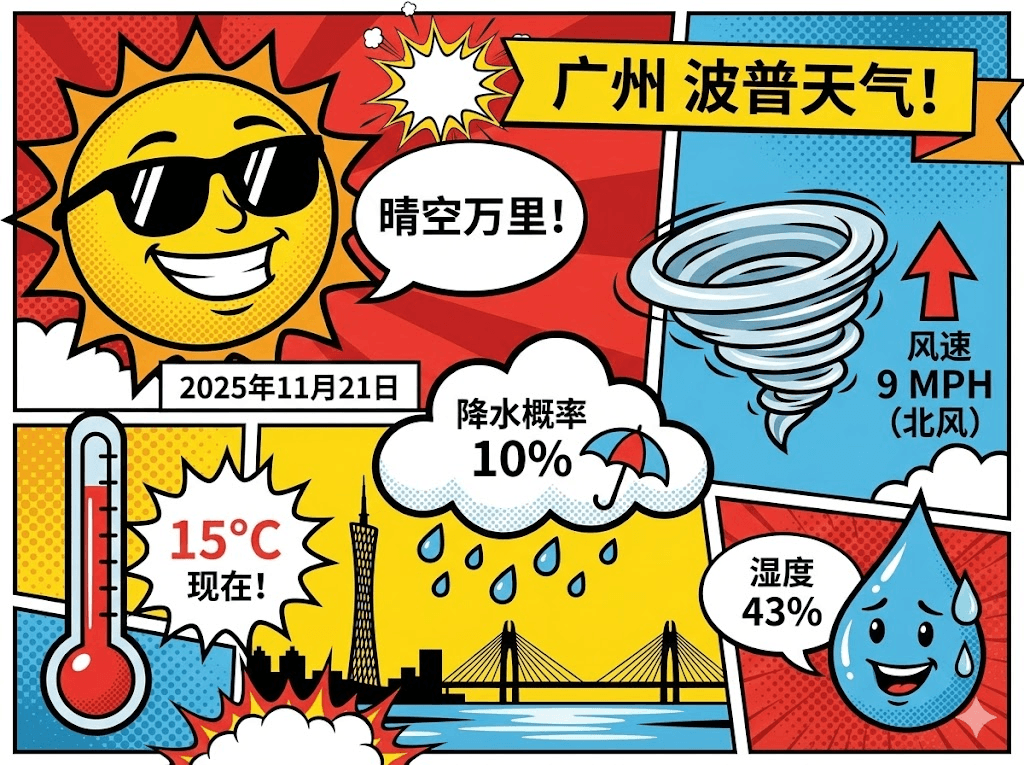
Real-time Weather Infographic
A stunning infographic example created with Nano Banana Pro (Gemini Image Generation). Real-time Weather Infographic.
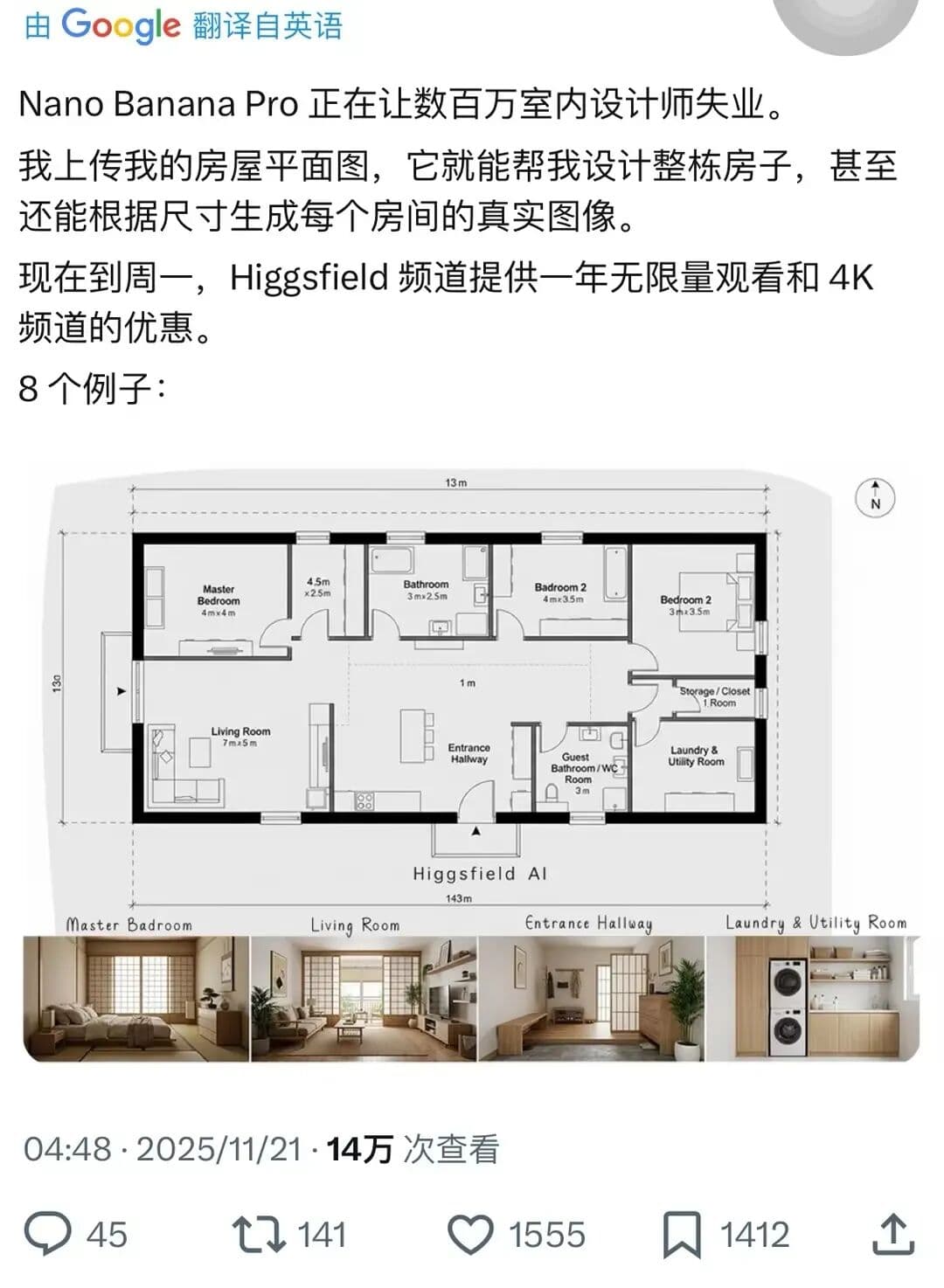
Complete House Design
A stunning interior design example created with Nano Banana Pro (Gemini Image Generation). Complete House Design.

Hyper-Realistic 3D Game Scene
A hyper-realistic 3D render recreating Natasha’s character design from the 2008 game *Command & Conquer: Red Alert 3*, faithfully modeled after the original. The scene is set in a dim, cluttered 2008-era bedroom. The character sits on the carpet facing an old TV playing *Red Alert 3* with a game controller. The room is filled with nostalgic 2008 details: snack wrappers, soda cans, posters, and tangled wires. Natasha Volkova is caught in a candid moment, turning her head to glance back at the camera, her ethereal face lit with an innocent smile. Her upper body twists slightly, naturally posed as if startled by a camera flash. The flash slightly overexposes her face and outfit, making her silhouette stand out in the dark room. The entire photo feels raw and natural, with strong light-and-dark contrasts casting deep shadows, evoking the tactile realism of a 2008 film snapshot.