Rekreasi Windows 11
Perfect desain ui, tanpa pusing mencari ide lagi!
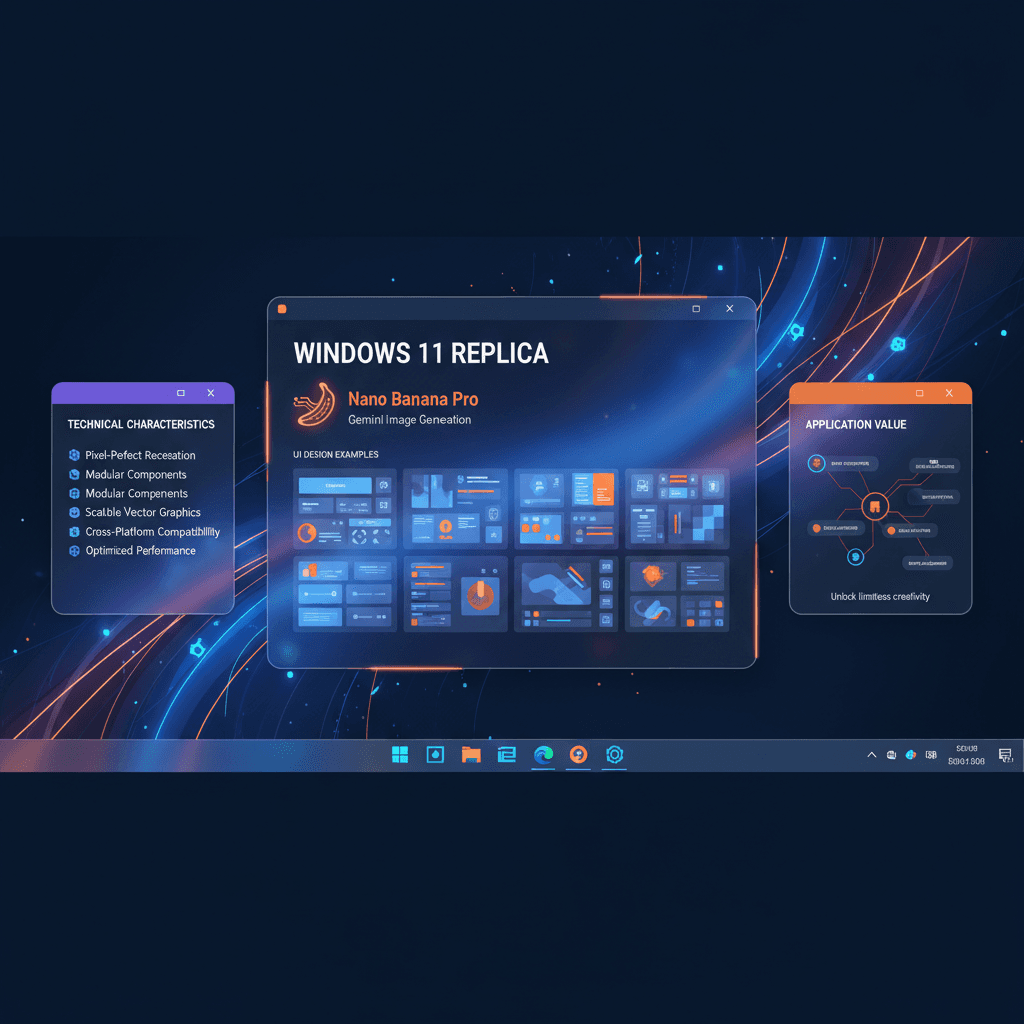
Contoh desain UI yang menakjubkan dibuat dengan Nano Banana Pro (Generasi Gambar Gemini). Rekreasi Windows 11.
@modern
AI Art Creator
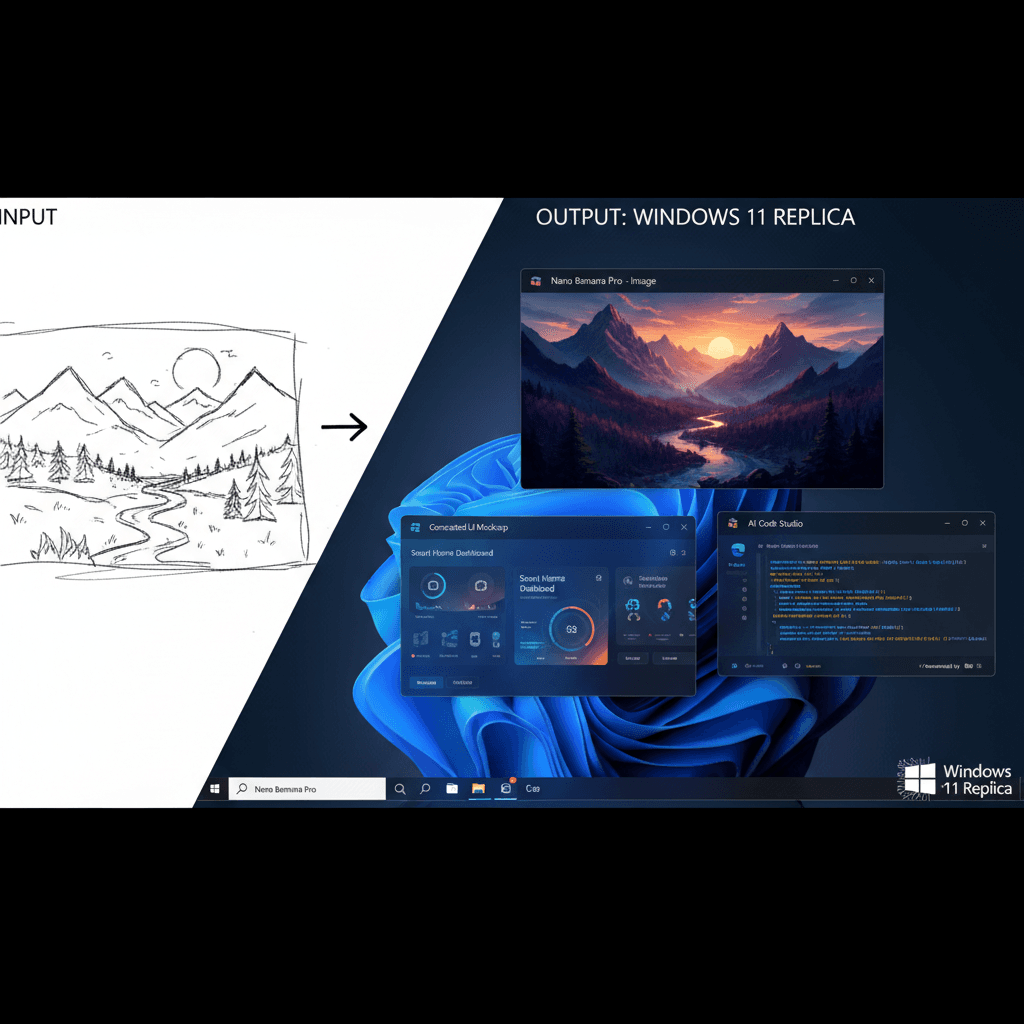
Lihat hasilnya
Lihat hasil menakjubkan yang bisa dibuat prompt AI ini
Hasil yang dihasilkan
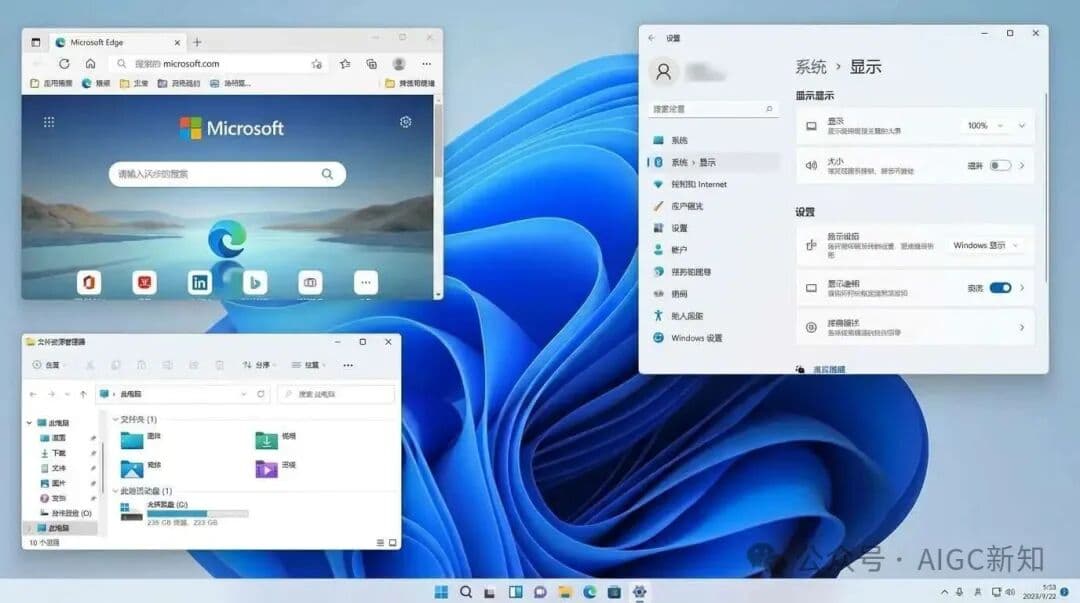
Prompt lengkap
Salin prompt di bawah lalu tempel ke alat AI favorit Anda untuk mulai berkarya
Hasilkan tangkapan layar desktop Windows 11, sambil membuka tiga jendela
Mengapa memakai alat AI ini?
Ketahui bagaimana prompt AI yang kuat ini membantu Anda menciptakan karya menakjubkan
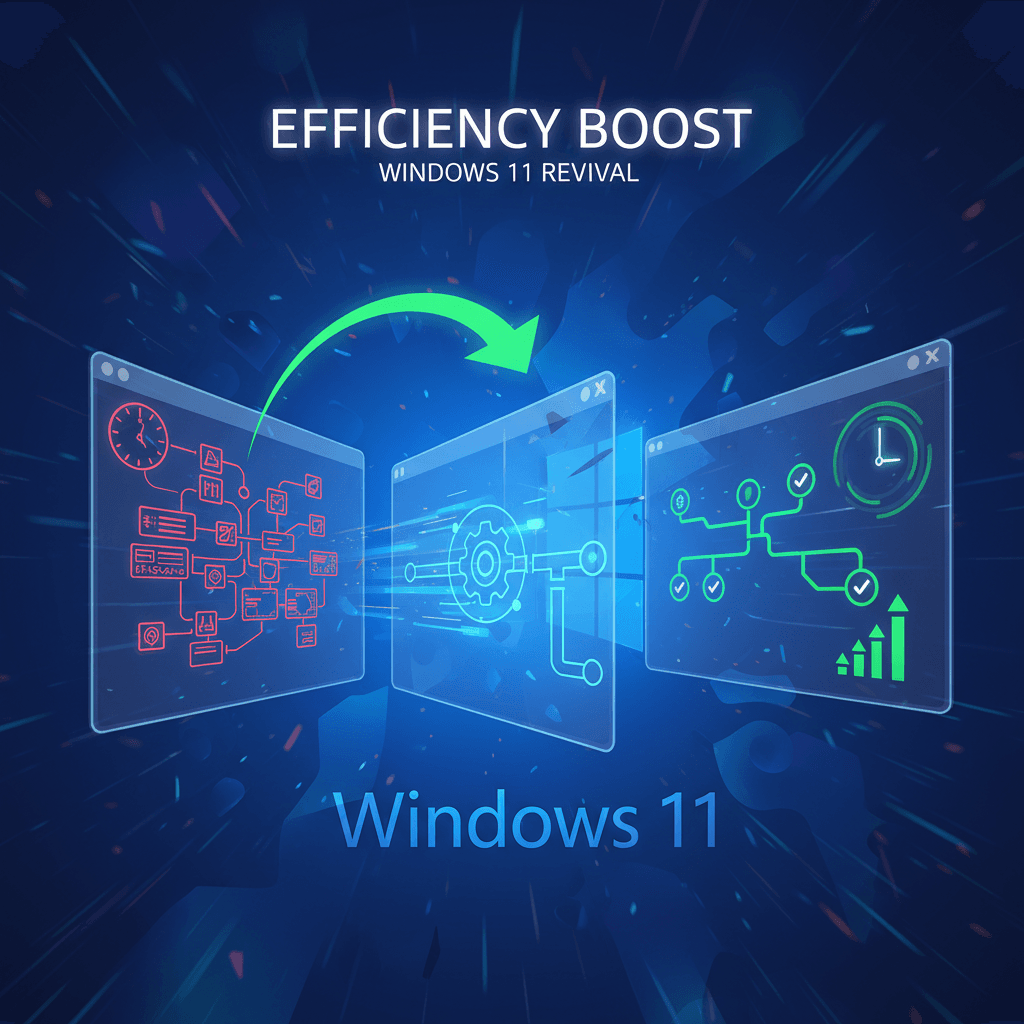
Peningkatan efisiensi
Rasakan **Peningkatan Efisiensi** dengan alat Rekreasi Windows 11, memanfaatkan desain berbasis AI untuk dengan cepat menghasilkan tata letak UI yang menakjubkan. Aplikasi yang kuat ini menyederhanakan alur kerja Anda, memungkinkan visualisasi dan iterasi yang cepat, meningkatkan produktivitas dalam proyek desain Anda. Optimalkan proses kreatif Anda dengan mudah!
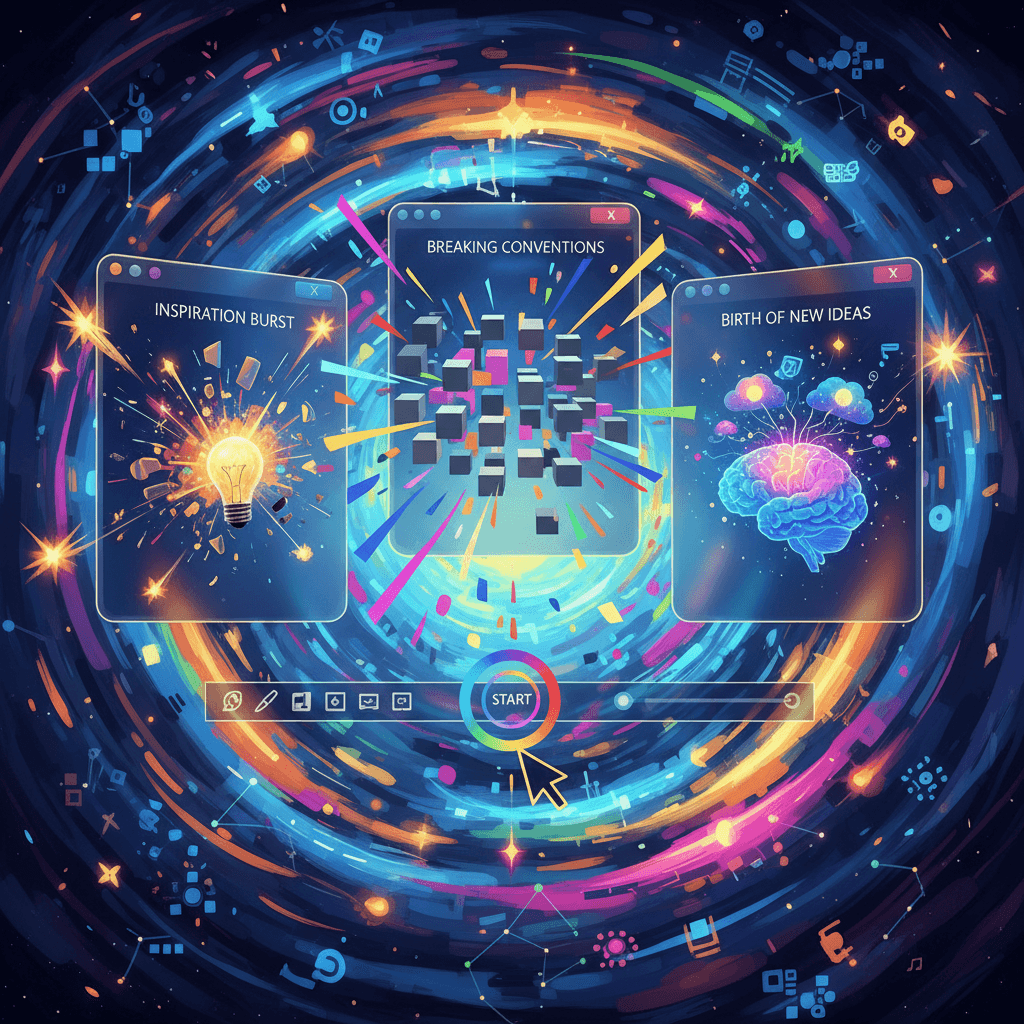
Peningkatan kreativitas
Alat Rekreasi Windows 11 memanfaatkan Generasi Gambar Gemini untuk Peningkatan Kreativitas yang tiada tara. Dengan menghasilkan tangkapan layar desktop yang realistis dengan beberapa jendela terbuka, ini memicu ide desain inovatif, memungkinkan pengguna untuk mengeksplorasi estetika visual dan konfigurasi UI, yang pada akhirnya mendorong ruang kerja digital yang lebih imajinatif.
Variasi template
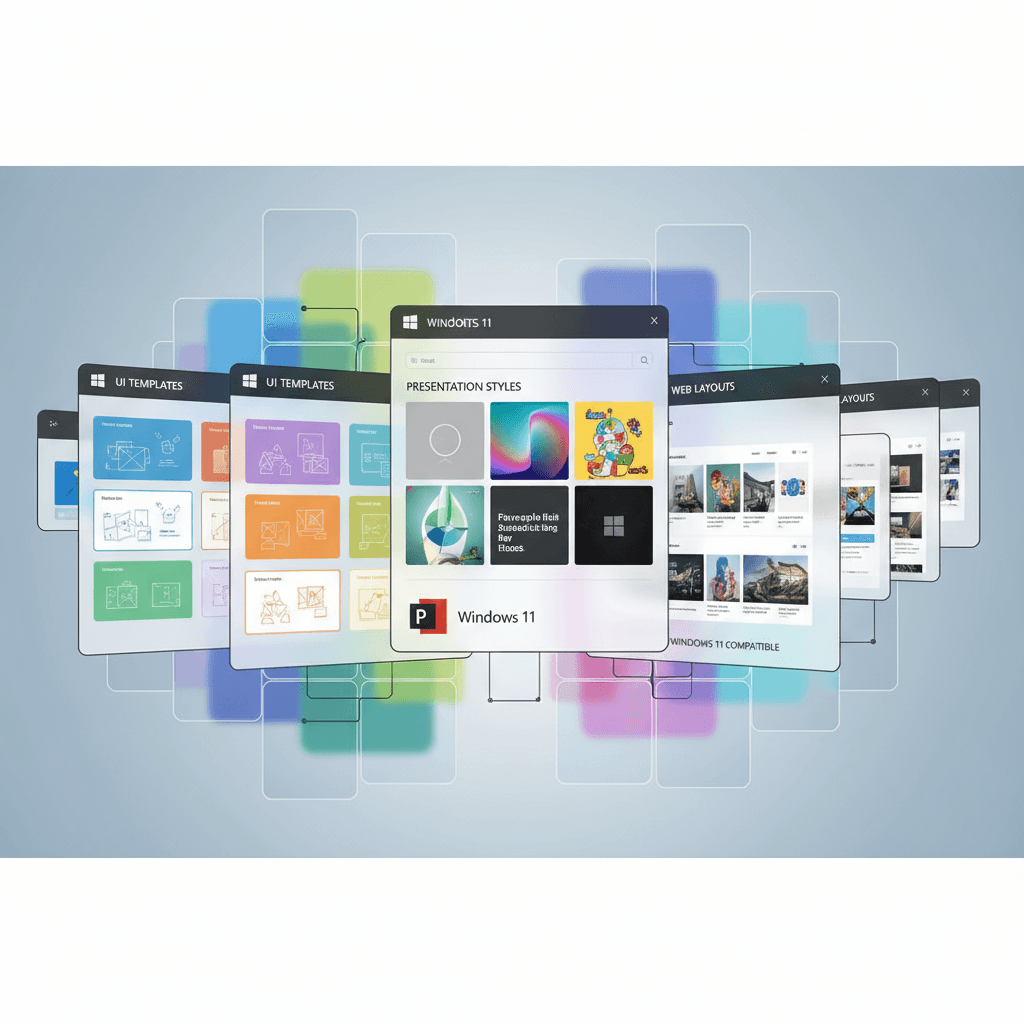
Alat Rekreasi Windows 11 unggul dalam "Variasi Template" dengan menawarkan berbagai contoh desain UI, menampilkan berbagai tata letak dan konfigurasi jendela. Fleksibilitas ini memungkinkan desainer untuk mengeksplorasi estetika inovatif, meningkatkan pengalaman pengguna dengan visual yang dihasilkan AI yang menginspirasi kreativitas dan menyederhanakan proses desain.
Bagaimana membuat desain ui dengan generator AI Desain UI?
Buat karya seni AI memukau hanya dalam beberapa langkah mudah
- 1
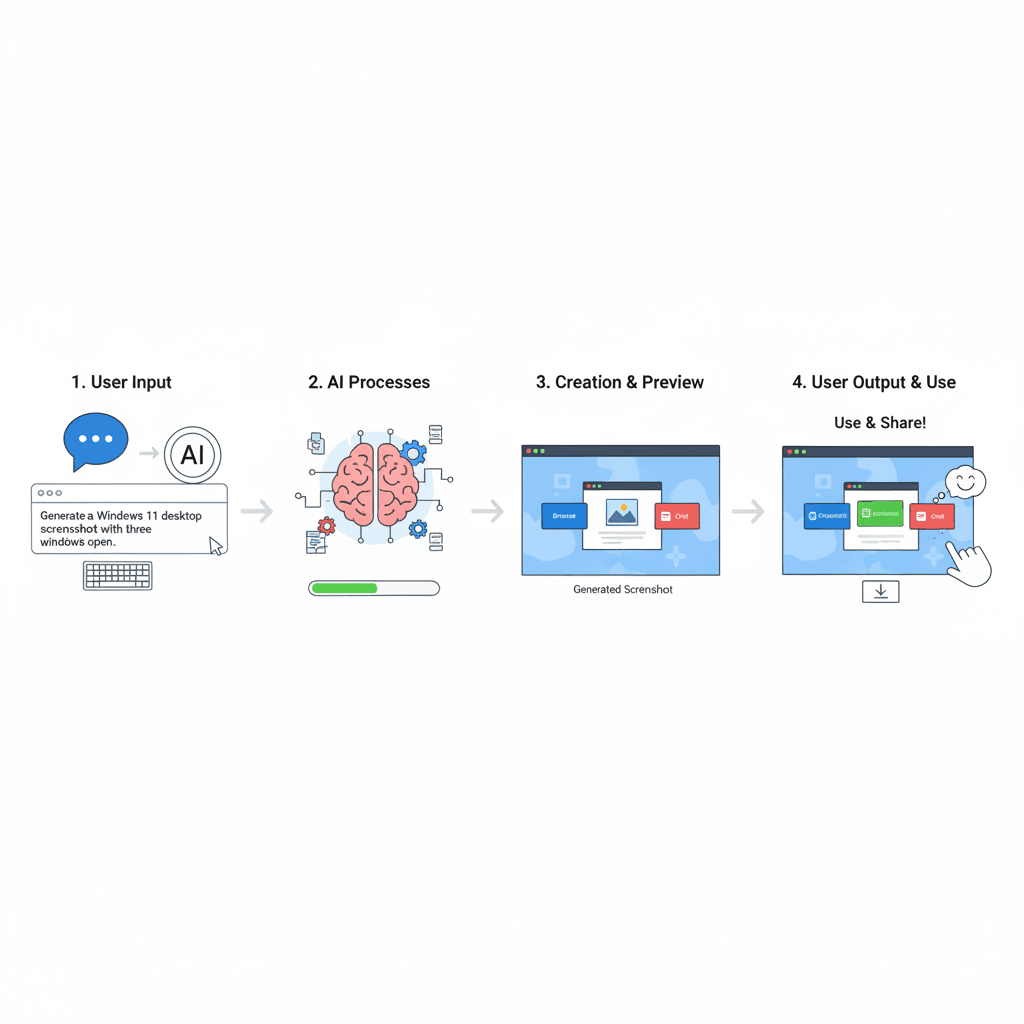
Masukkan ide
Untuk memasukkan ide Anda, ketik deskripsi tentang pengaturan desktop Windows 11 yang Anda inginkan, dengan spesifikasi tiga jendela yang ingin Anda buka. Pastikan kejelasan untuk output AI yang optimal.
- 2
Pilih template
Untuk memilih template, buka alat Rekreasi Windows 11, navigasikan ke galeri template, dan pilih template desain Windows 11 yang diinginkan untuk proyek Anda.
- 3
Hasilkan dengan AI
Untuk menghasilkan tangkapan layar desktop Windows 11, klik tombol "AI Generate". Alat ini akan membuat gambar yang menampilkan tiga jendela terbuka menggunakan teknologi Generasi Gambar Gemini.
- 4
Unduh karya
Untuk mengunduh karya seni, klik tombol "Download" setelah menghasilkan tangkapan layar desktop Windows 11 dengan tiga jendela terbuka. File akan disimpan secara otomatis ke perangkat Anda.
Siapa yang bisa memakai alat AI ini?
Alat AI ini cocok untuk berbagai profesional kreatif dan penggemar
Desainer UI/UX
Mereka dapat menggunakan alat ini untuk membuat mockup realistis untuk presentasi klien, menampilkan beberapa jendela aplikasi untuk menunjukkan konsep desain secara efektif.
Pengembang Perangkat Lunak
Pengembang dapat memanfaatkan antarmuka yang direkreasikan untuk menguji tata letak aplikasi dalam lingkungan yang familiar, memastikan aplikasi mereka selaras dengan estetika Windows 11.
Profesional Pemasaran
Pemasar dapat menghasilkan visual untuk presentasi atau kampanye media sosial yang menyoroti fitur produk dalam pengaturan Windows 11, menarik perhatian audiens yang paham teknologi.
Apa kata pengguna kami
Lihat pendapat pengguna tentang alat AI ini
Jake
Desainer UI Freelance
"Saya telah menggunakan Windows 11 Recreation selama sekitar tiga bulan sekarang, dan itu benar-benar mengubah alur kerja saya. Antarmuka yang menakjubkan yang dibuat dengan Nano Banana Pro memungkinkan saya untuk dengan cepat memvisualisasikan ide klien tanpa menghabiskan berjam-jam untuk mockup awal. Saya baru-baru ini menghemat satu hari kerja saat merancang dasbor untuk klien; saya bisa menyajikan konsep yang sudah dipoles hanya dalam beberapa jam. Perhatian terhadap detail sangat mengesankan, dan ini telah menjadi alat penting dalam toolkit desain saya."
Maria
Mahasiswa Universitas
"Sebagai mahasiswa desain, saya telah menjelajahi berbagai alat, tetapi Windows 11 Recreation benar-benar mengesankan saya. Saya mulai menggunakannya untuk proyek saya semester lalu dan menemukan bahwa alat ini sangat membantu saat membuat presentasi. Antarmuka yang ramah pengguna memungkinkan saya untuk mengintegrasikan ide desain saya dengan mulus, dan saya dapat menghasilkan visual berkualitas tinggi dalam setengah waktu dibandingkan dengan perangkat lunak lain. Ini luar biasa untuk berkolaborasi dengan teman sekelas, membuatnya lebih mudah untuk berbagi dan menyempurnakan konsep kami bersama. Sangat direkomendasikan untuk siapa saja yang terlibat dalam desain!"
Sorotan kreasi
Tingkatkan proyek Anda dengan alat generasi AI kami, Nano Banana Pro, yang menampilkan rekreasi Windows 11 yang menakjubkan. Platform efisien ini dengan mudah menghasilkan desain UI berkualitas tinggi, sempurna untuk pengembang dan desainer yang mencari solusi cerdas. Rasakan masa depan desain kreatif dengan kemampuan otomatis yang disesuaikan untuk kebutuhan Anda.
Pertanyaan yang sering diajukan
Jawaban atas pertanyaan umum seputar penggunaan alat AI ini
Siap memulai perjalanan kreasi AI Anda?
Gunakan template prompt AI teruji ini untuk membuat karya profesional dalam hitungan menit. Rasakan kreativitas AI luar biasa sekarang!
Temukan lebih banyak alat AI
Jelajahi koleksi alat kreasi AI pilihan kami
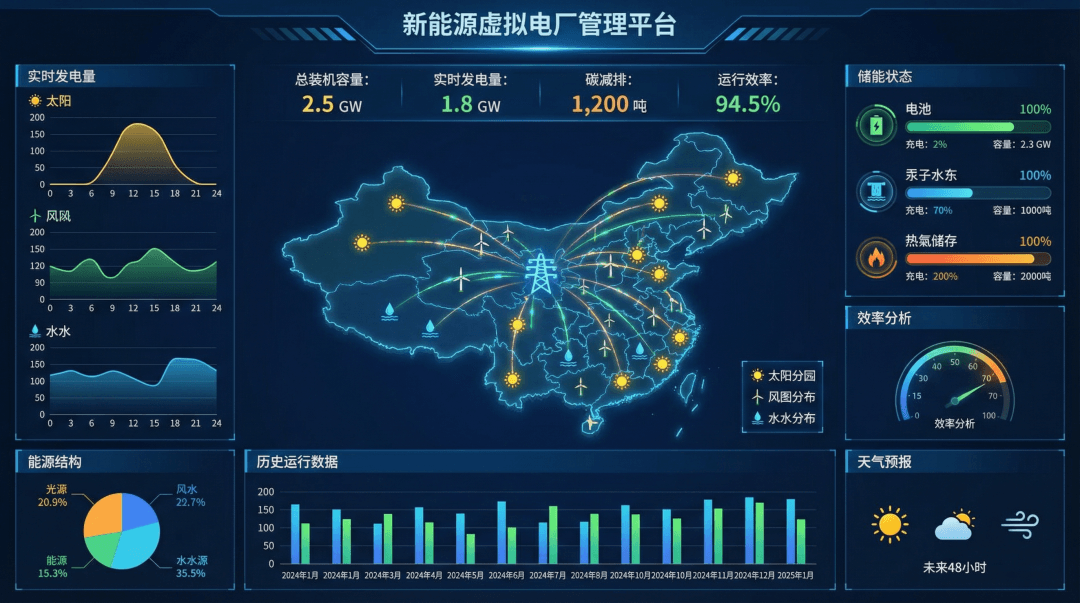
Dasbor Data (Energi)
Contoh desain UI yang menakjubkan dibuat dengan Nano Banana Pro (Generasi Gambar Gemini). Dasbor Data (Energi).
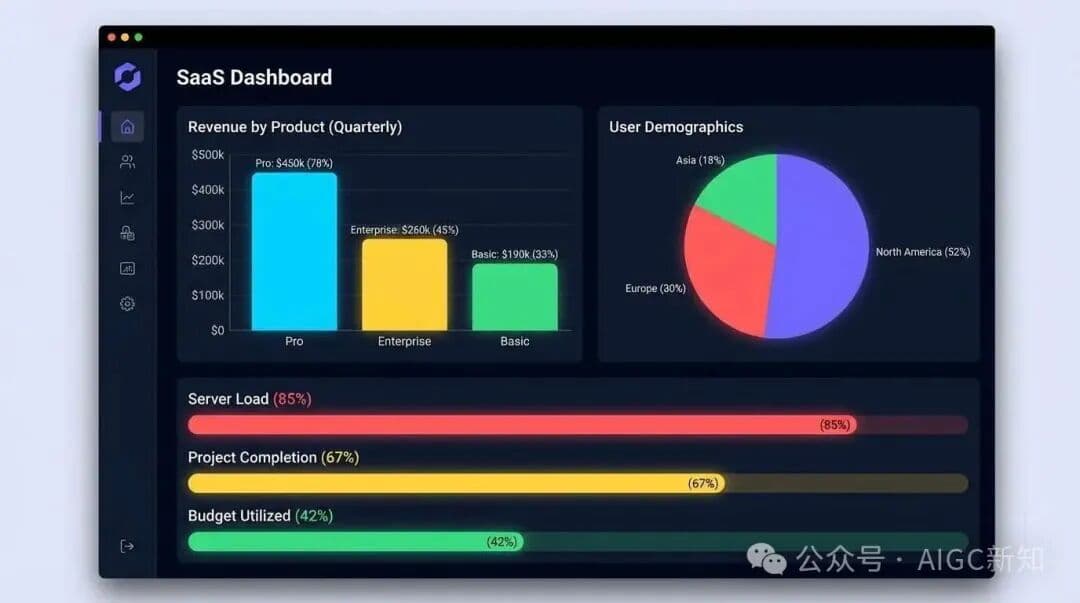
Desain Dasbor SaaS
Contoh desain UI yang menakjubkan dibuat dengan Nano Banana Pro (Generasi Gambar Gemini). Desain Dasbor SaaS.
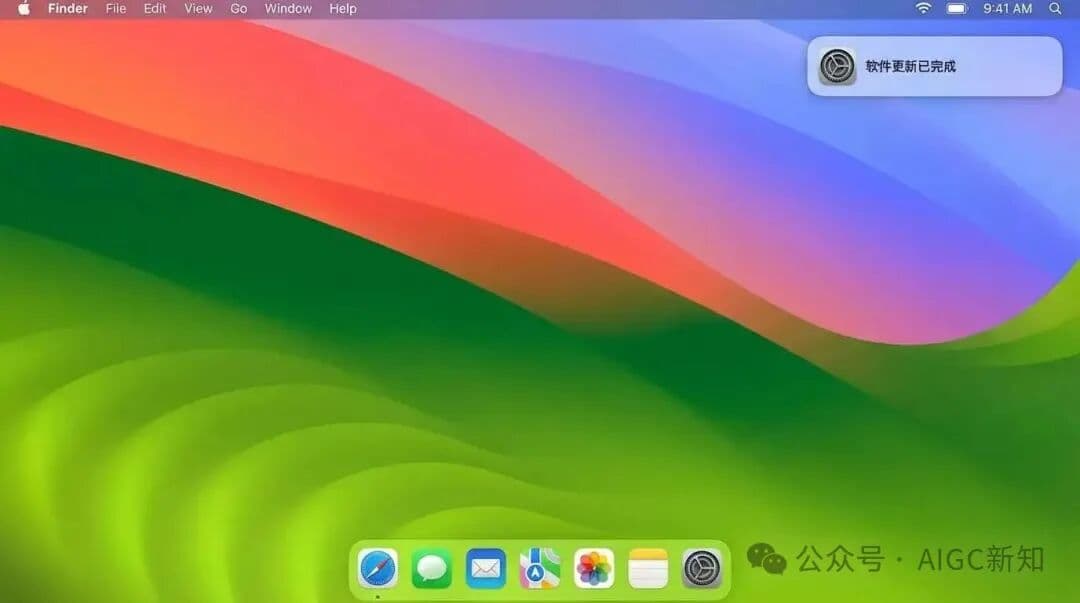
Rekreasi Terbaru macOS
Contoh desain UI yang menakjubkan dibuat dengan Nano Banana Pro (Generasi Gambar Gemini). Rekreasi Terbaru macOS.
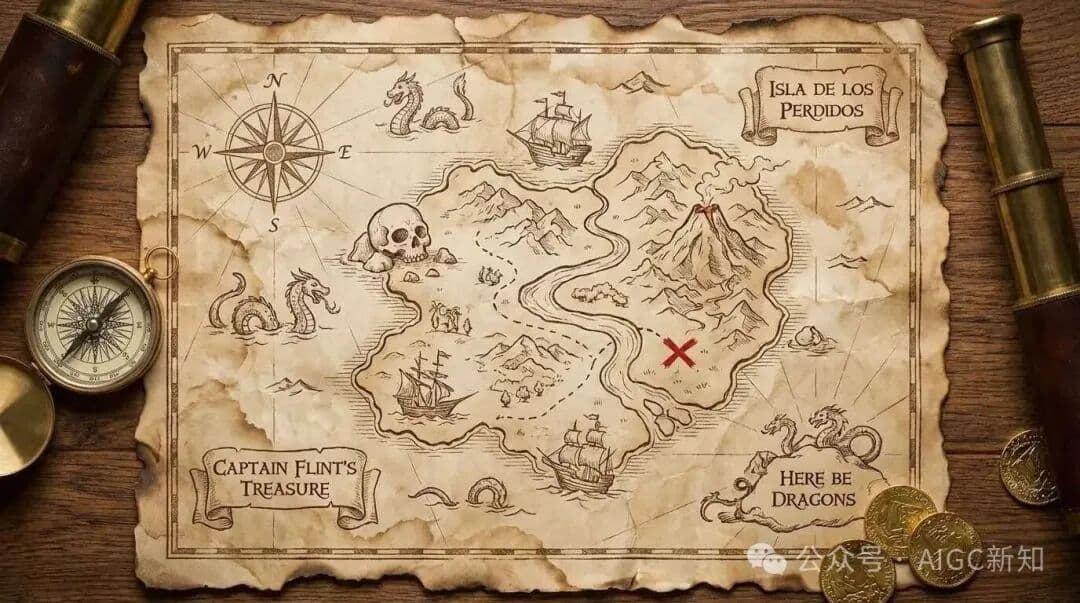
Desain UI Cuaca Waktu Nyata
Contoh desain UI yang menakjubkan dibuat dengan Nano Banana Pro (Generasi Gambar Gemini). Desain UI Cuaca Waktu Nyata.
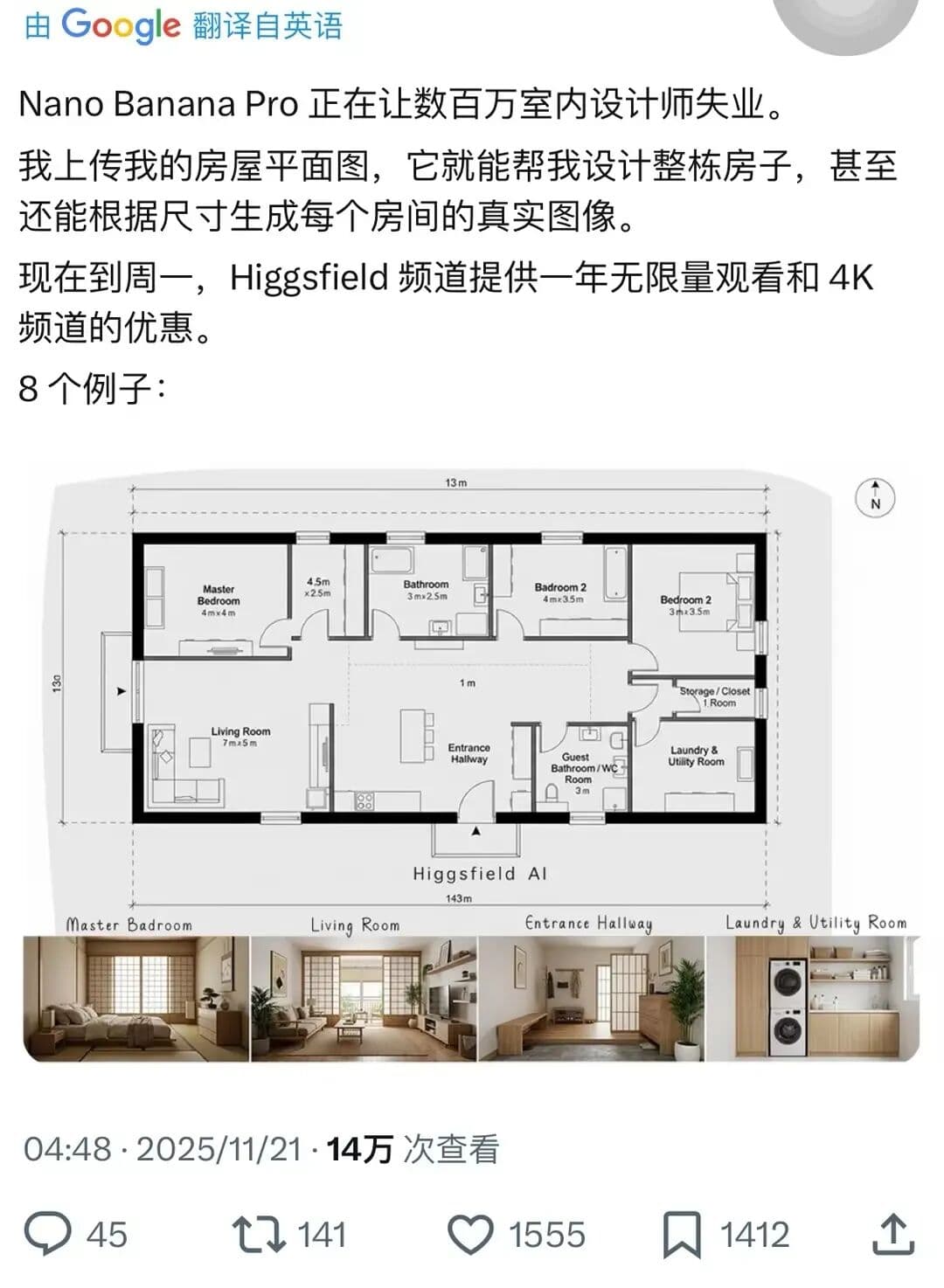
Desain Rumah Lengkap
Contoh desain interior yang menakjubkan dibuat dengan Nano Banana Pro (Generasi Gambar Gemini). Desain Rumah Lengkap.
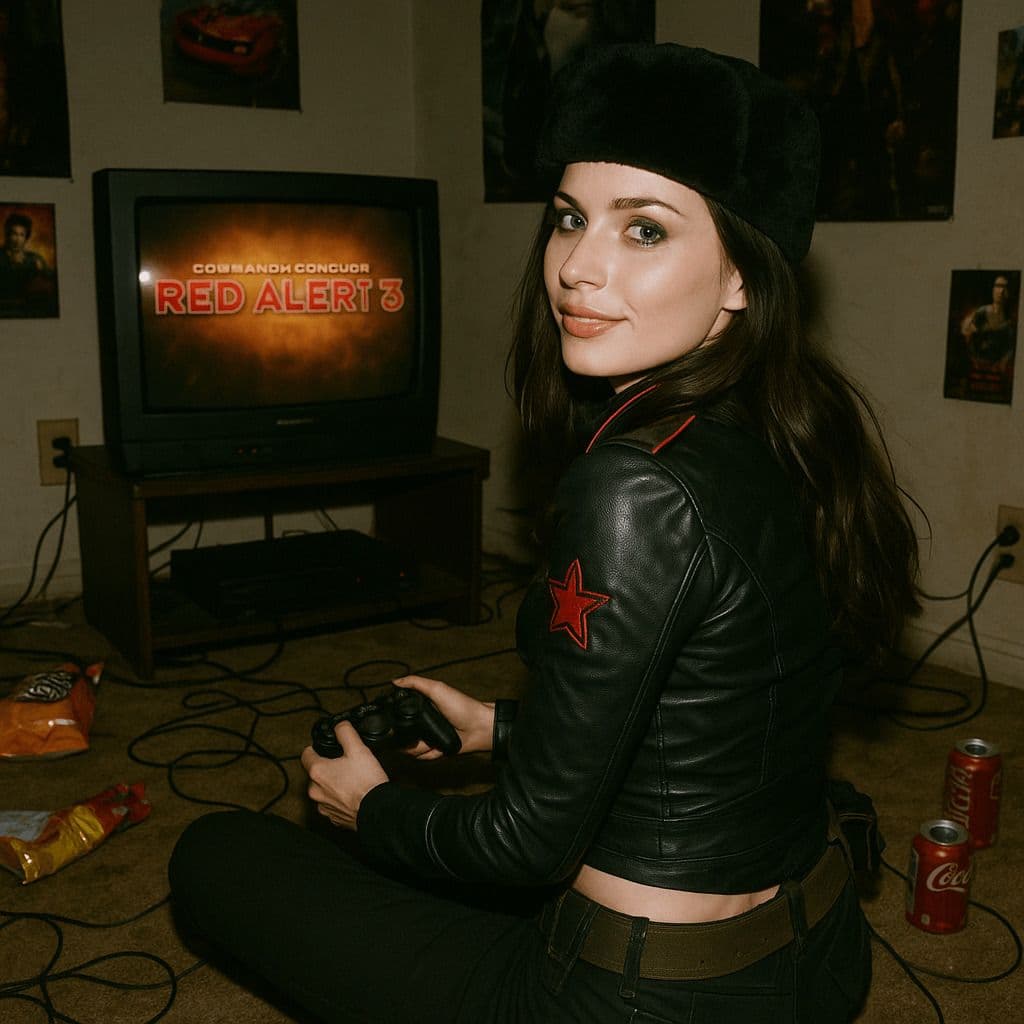
Adegan Permainan 3D Hyper-Realis
Sebuah render 3D hyper-realist yang merekonstruksi desain karakter Natasha dari permainan 2008 *Command & Conquer: Red Alert 3*, yang dimodelkan dengan setia setelah yang asli. Adegan ini diatur di sebuah kamar tidur tahun 2008 yang redup dan berantakan. Karakter tersebut duduk di karpet menghadap TV tua yang memutar *Red Alert 3* dengan pengontrol permainan. Ruangan ini dipenuhi dengan detail nostalgia tahun 2008: bungkus makanan ringan, kaleng soda, poster, dan kabel yang kusut. Natasha Volkova tertangkap dalam momen candid, menoleh untuk melihat kembali ke arah kamera, wajahnya yang etereal diterangi dengan senyuman polos. Tubuh atasnya sedikit berputar, diposisikan secara alami seolah terkejut oleh kilatan kamera. Kilatan tersebut sedikit membuat wajah dan pakaiannya terlalu terang, membuat siluetnya menonjol di ruangan yang gelap. Seluruh foto terasa mentah dan alami, dengan kontras cahaya dan gelap yang kuat menciptakan bayangan dalam, membangkitkan realisme taktil dari snapshot film tahun 2008.