App Prototype Design
Perfect ui design, no more struggling for ideas!
A stunning ui design example created with Nano Banana Pro (Gemini Image Generation). App Prototype Design.
@prototype
AI Art Creator
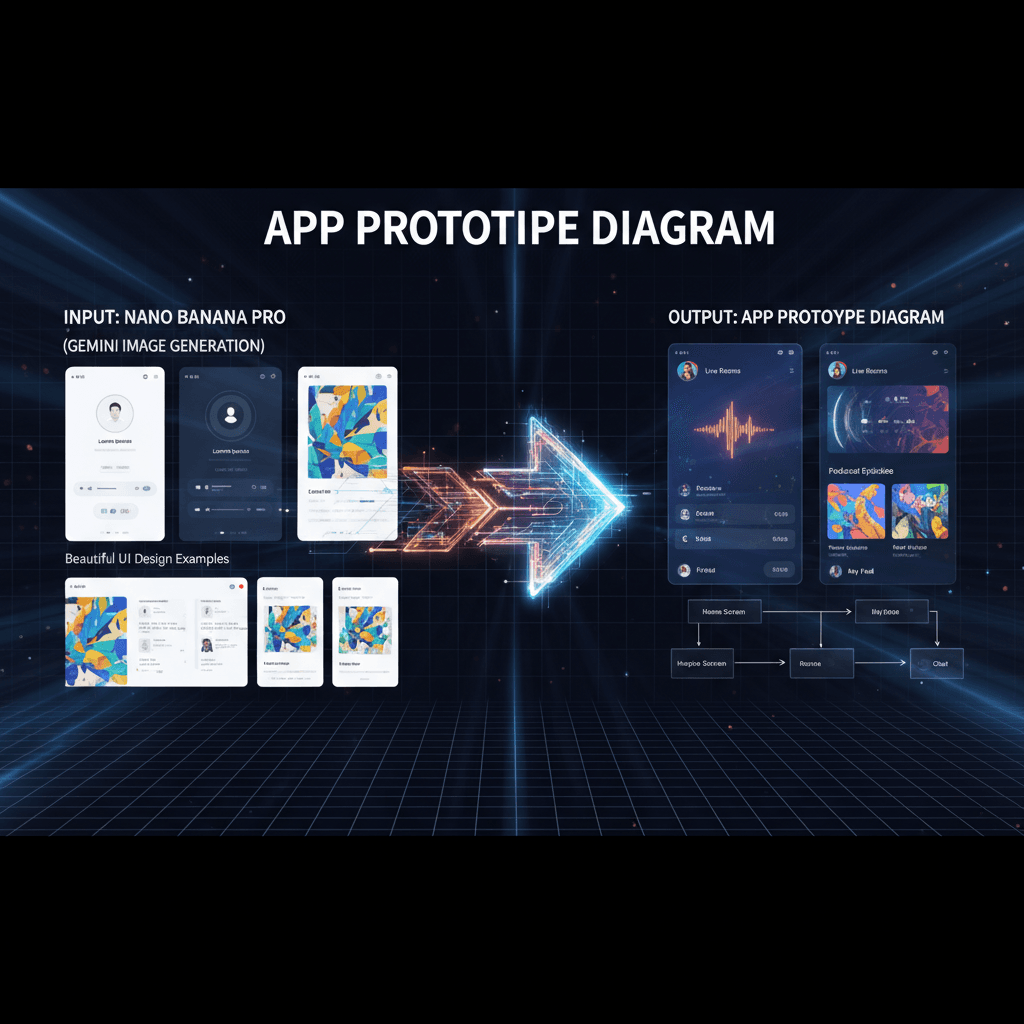
See It in Action
See the amazing results this AI prompt can create
Generated Result
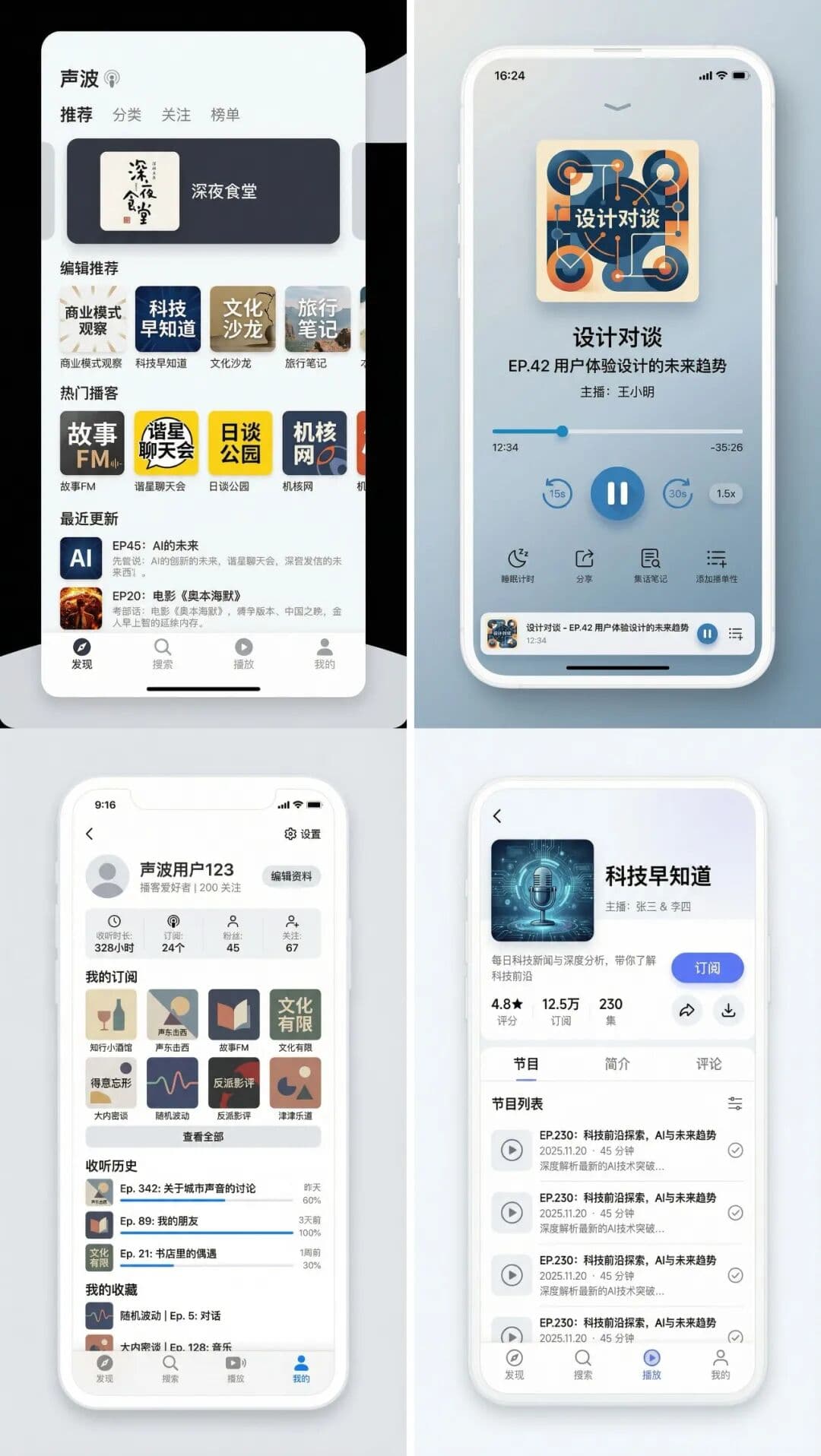
Complete Prompt
Copy the prompt below and paste it into your favorite AI tool to start creating
我想开发一款类似于小宇宙的APP,请你帮我画个原型图
Why Use This AI Tool?
Discover how this powerful AI prompt can help you create stunning artwork
Efficiency Boost
Experience an "Efficiency Boost" with the App Prototype Design tool, leveraging AI-driven design capabilities for rapid app prototyping. Streamline your workflow, reduce development time, and produce high-quality UI designs effortlessly, ensuring a swift transition from concept to execution. Transform your app vision into reality with unparalleled precision and speed.

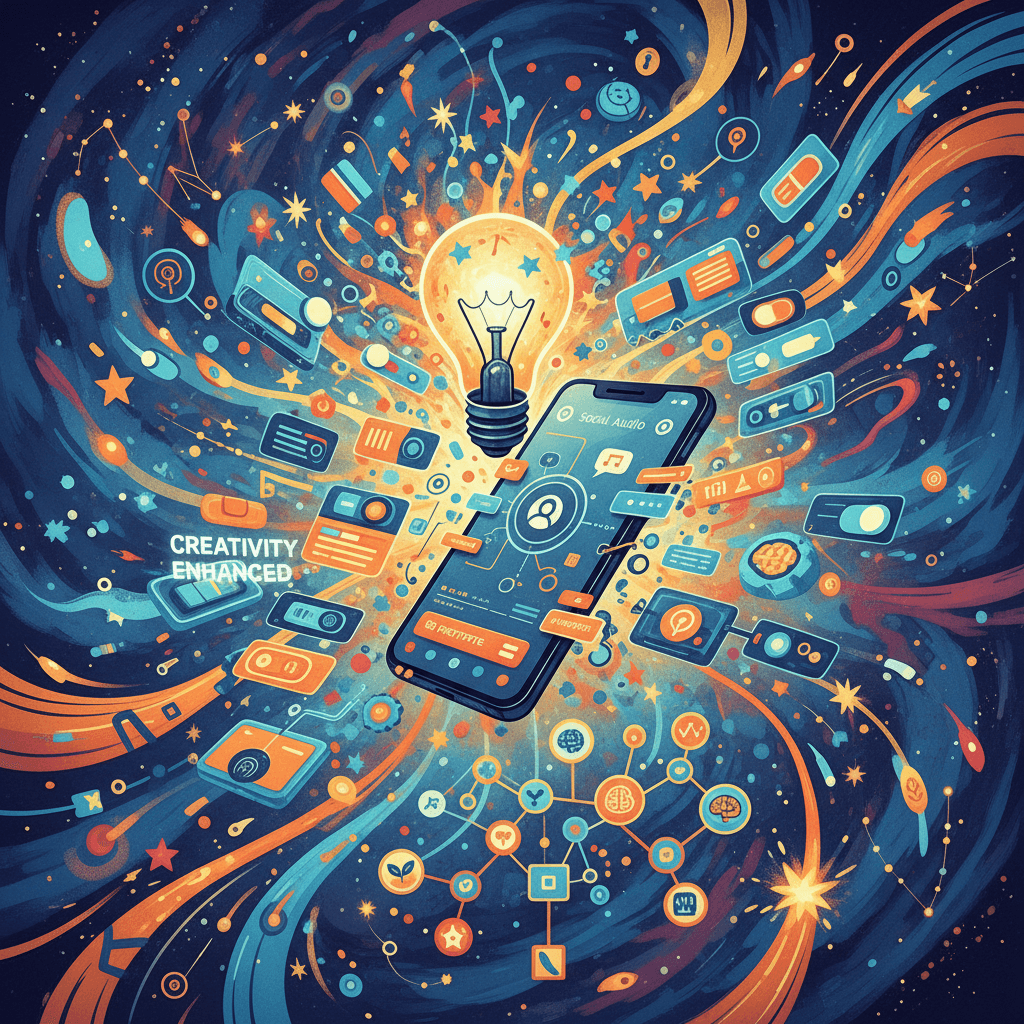
Creativity Enhancement
The App Prototype Design tool revolutionizes **Creativity Enhancement** by leveraging advanced AI to generate visually stunning UI prototypes. By utilizing Gemini Image Generation, it empowers designers to explore innovative layouts and concepts effortlessly, transforming abstract ideas into tangible designs that inspire and captivate users.
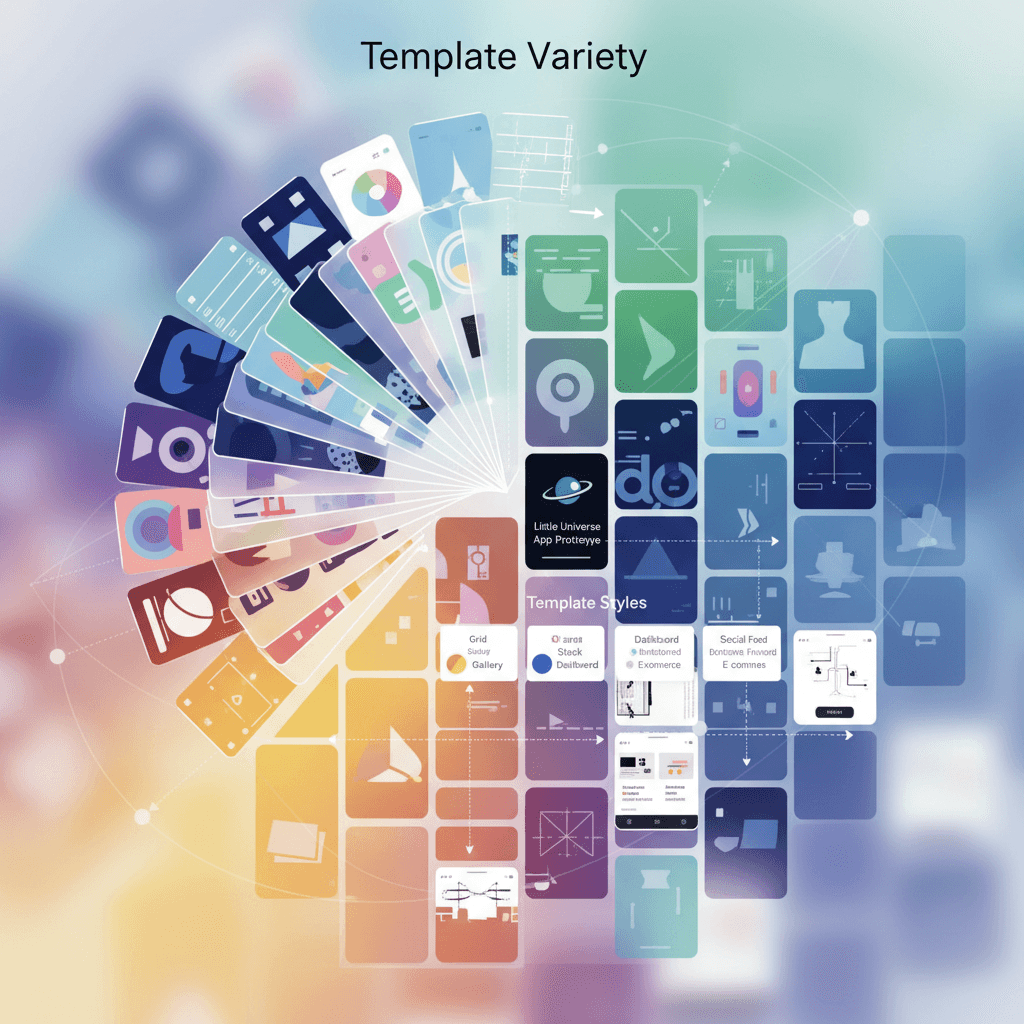
Template Variety
The App Prototype Design tool excels in "Template Variety," offering a diverse range of customizable UI designs. By leveraging Gemini Image Generation, it empowers users to create unique app prototypes, ensuring flexibility and creativity in app development. Enhance your design process with this AI-driven solution, ideal for innovative applications.
How to create ui design with an AI UI Design generator?
Create stunning AI artwork in just a few simple steps
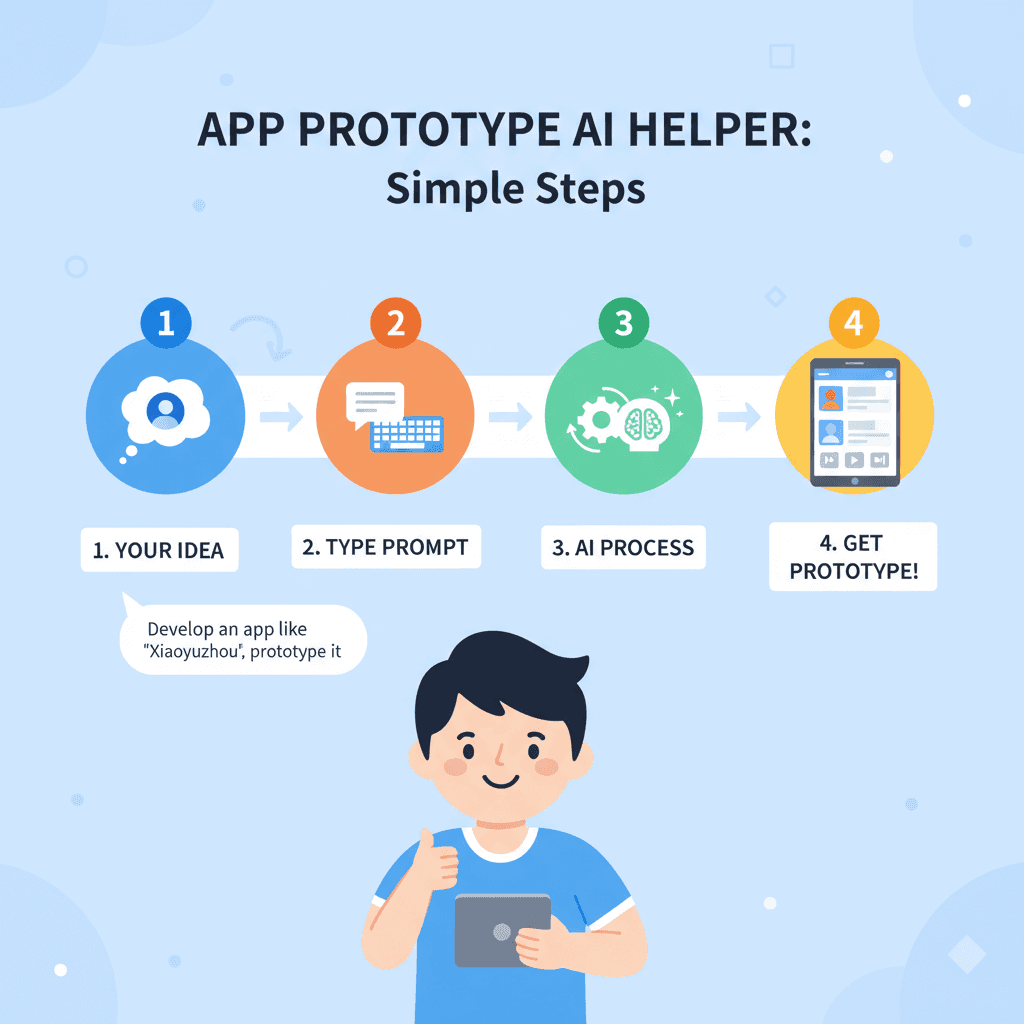
- 1
Input Ideas
To input your ideas, type a brief description of your app concept in the prompt box. For example, "我想开发一款类似于小宇宙的APP,请你帮我画个原型图" to generate a prototype design.
- 2
Select Template
To select a template, navigate to the template library, browse through available designs, and click on the desired template to begin customizing your app prototype.
- 3
AI Generate
To generate your app prototype, enter your desired app description in the input field. For example, type "我想开发一款类似于小宇宙的APP,请你帮我画个原型图" and click "Generate."
- 4
Download Artwork
To download your artwork, click the "Download" button after generating your app prototype. Choose your preferred file format, then save it to your device.
Who Can Use This AI Tool?
This AI tool is perfect for various creative professionals and enthusiasts
App Developers
An app developer can quickly generate a prototype for a new feature during a brainstorming session, allowing for immediate feedback from stakeholders and streamlining the development process.
UX/UI Designers
A UX/UI designer can use the tool to create high-fidelity mockups for client presentations, enabling them to visually communicate their design ideas effectively and gather valuable input.
Startup Founders
A startup founder can leverage the prototype design to showcase their app concept to potential investors, making it easier to convey their vision and secure funding for further development.
What Our Users Are Saying
See what users are saying about this AI tool
Emily
Freelance UI Designer
"I've been using App Prototype Design for about six months now, and it has completely transformed my workflow. The UI designs I create with it are not only stunning but also save me a lot of time. I can generate high-quality prototypes in a fraction of the time it used to take me. Recently, I needed to create a mockup for a client's app in just a few hours, and the tool's intuitive features made it so much easier. I love how versatile it is for different projects!"
Jake
Small Business Owner
"As a small business owner, I'm always looking for ways to streamline my processes. I started using App Prototype Design for my app's UI about two months ago. The results have been fantastic! The design generator not only produces beautiful visuals but also allows me to iterate on concepts quickly. I saved at least two full days of work when I used it to create a prototype for my latest app update. It's been a game changer for my business!"
Creation Highlights
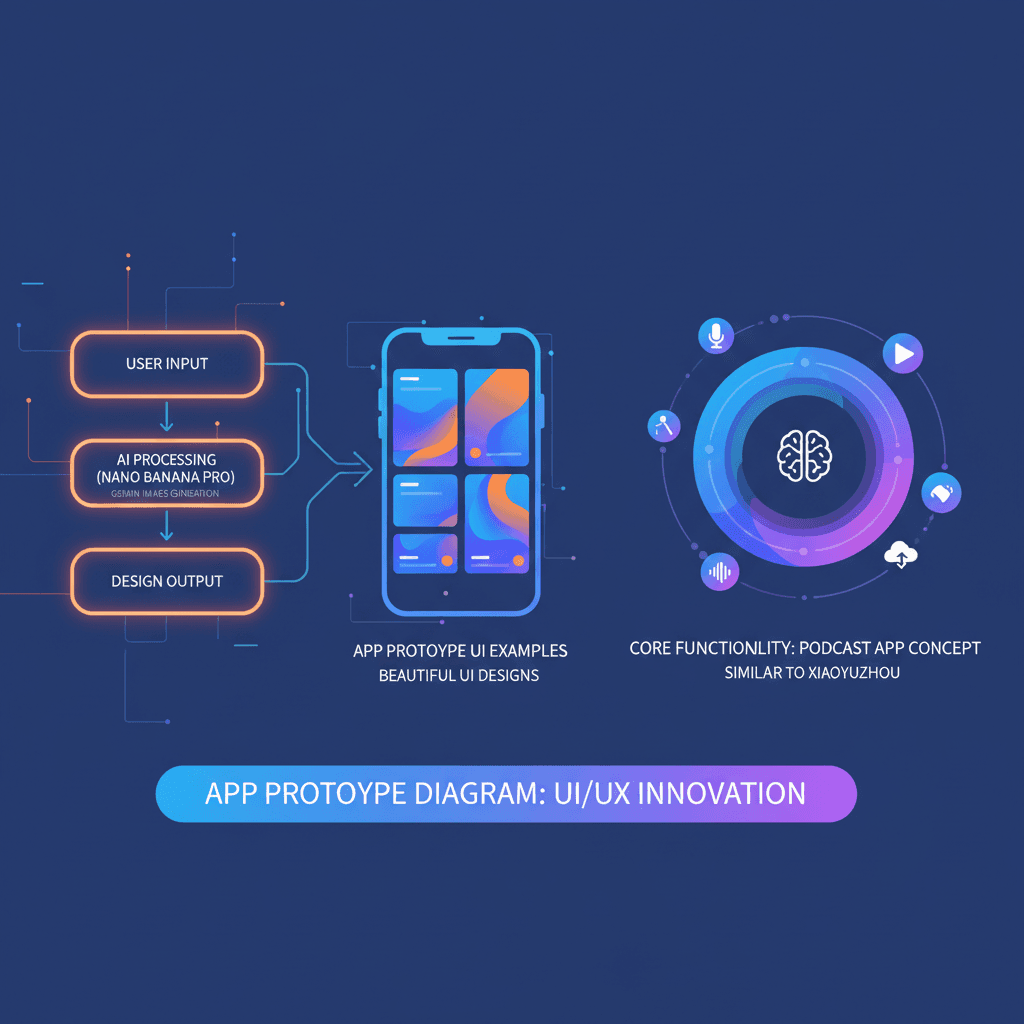
Unlock your creative potential with Nano Banana Pro's AI generation for stunning UI design. Perfect for app development, like a prototype for a universe exploration app, this tool delivers efficient and intelligent designs that bring your vision to life. Elevate your ui_design game today!
Frequently Asked Questions
Answers to common questions about using this AI tool
Ready to Start Your AI Creation Journey?
Use this proven AI prompt template to create professional artwork in minutes. Start experiencing extraordinary AI creativity now!
Discover More AI Tools
Explore our curated collection of AI creation tools
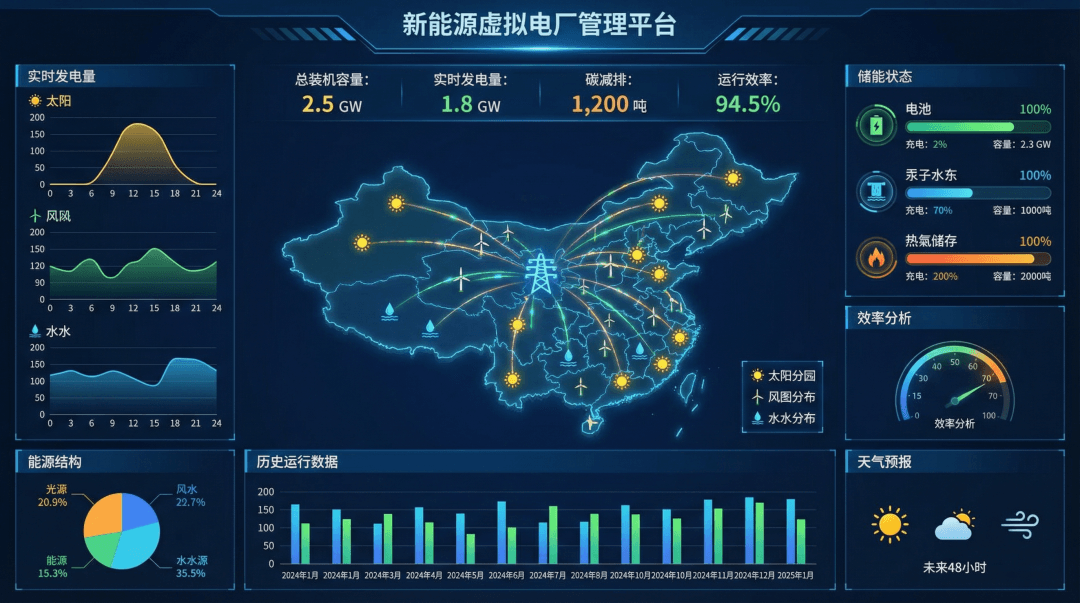
Data Dashboard (Energy)
A stunning ui design example created with Nano Banana Pro (Gemini Image Generation). Data Dashboard (Energy).
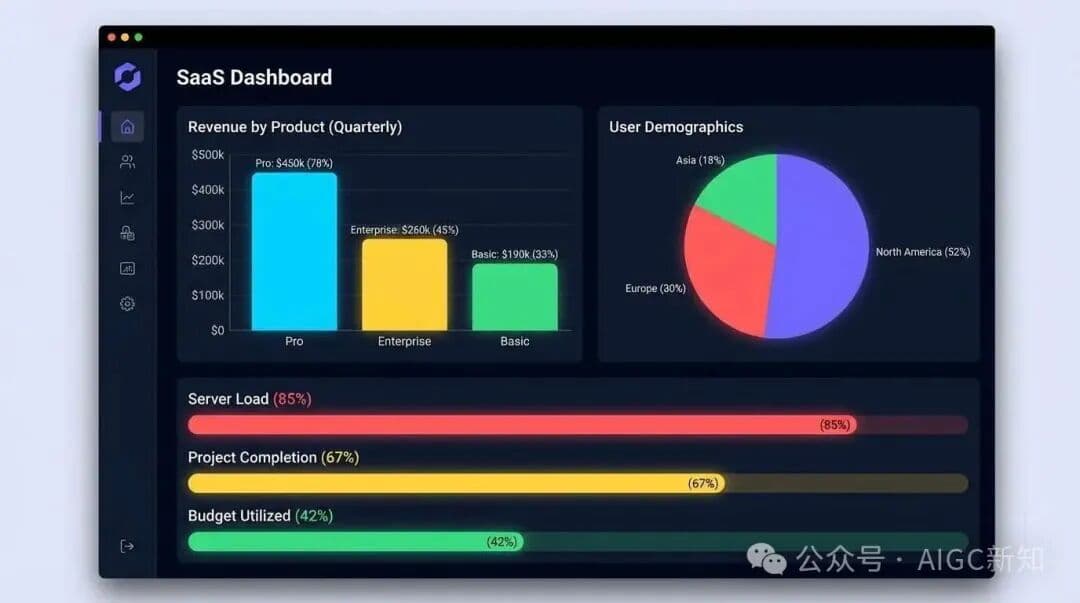
SaaS Dashboard Design
A stunning ui design example created with Nano Banana Pro (Gemini Image Generation). SaaS Dashboard Design.
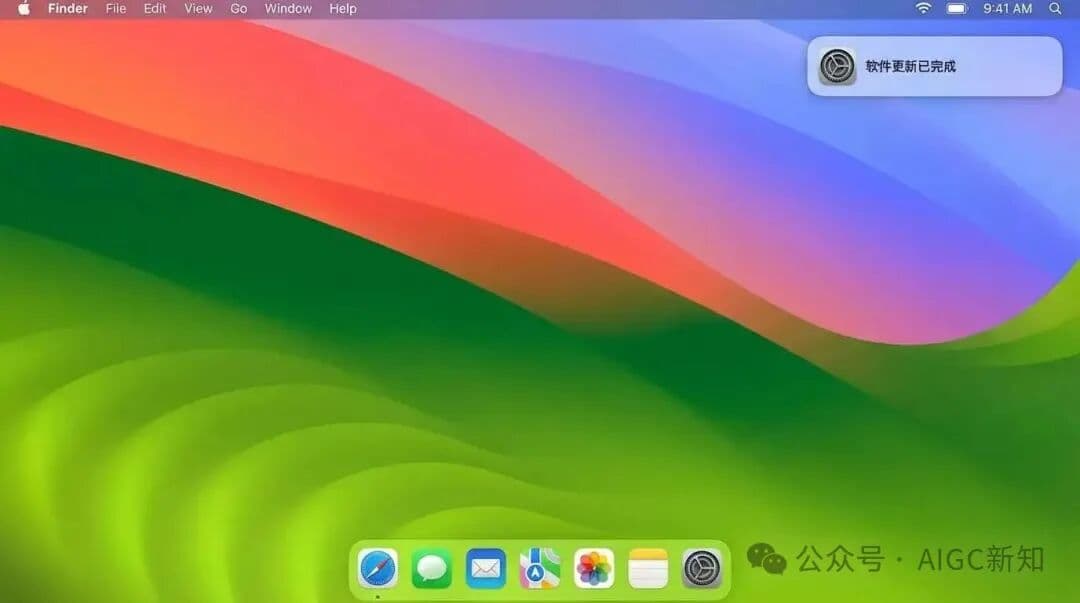
macOS Latest Recreation
A stunning ui design example created with Nano Banana Pro (Gemini Image Generation). macOS Latest Recreation.
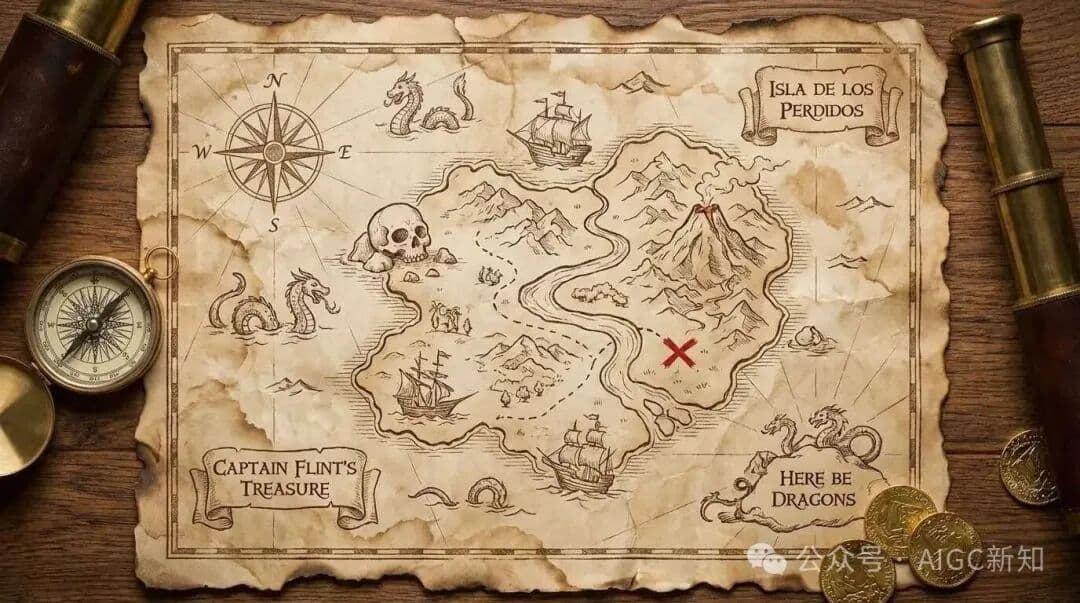
Real-time Weather UI Design
A stunning ui design example created with Nano Banana Pro (Gemini Image Generation). Real-time Weather UI Design.
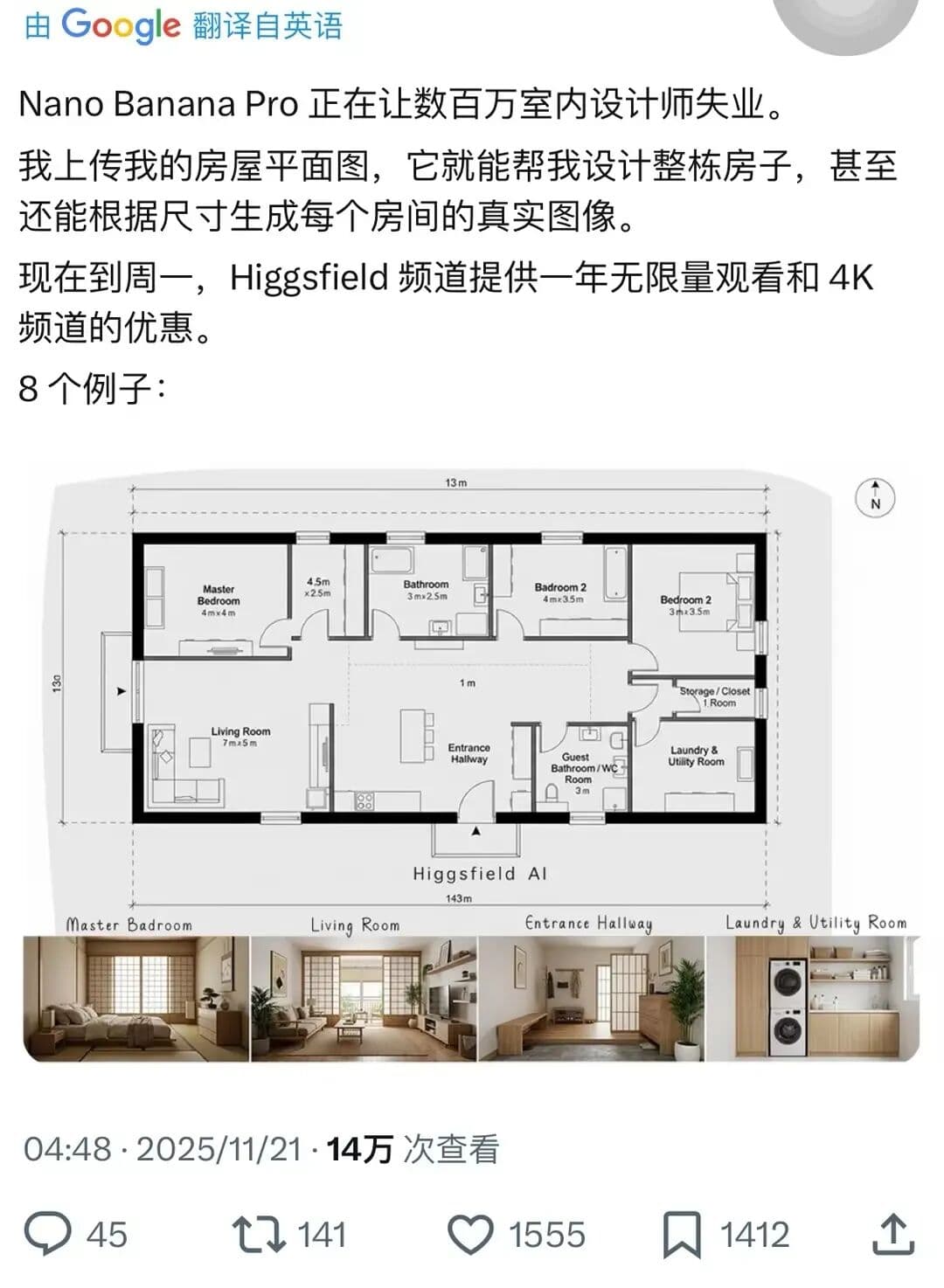
Complete House Design
A stunning interior design example created with Nano Banana Pro (Gemini Image Generation). Complete House Design.
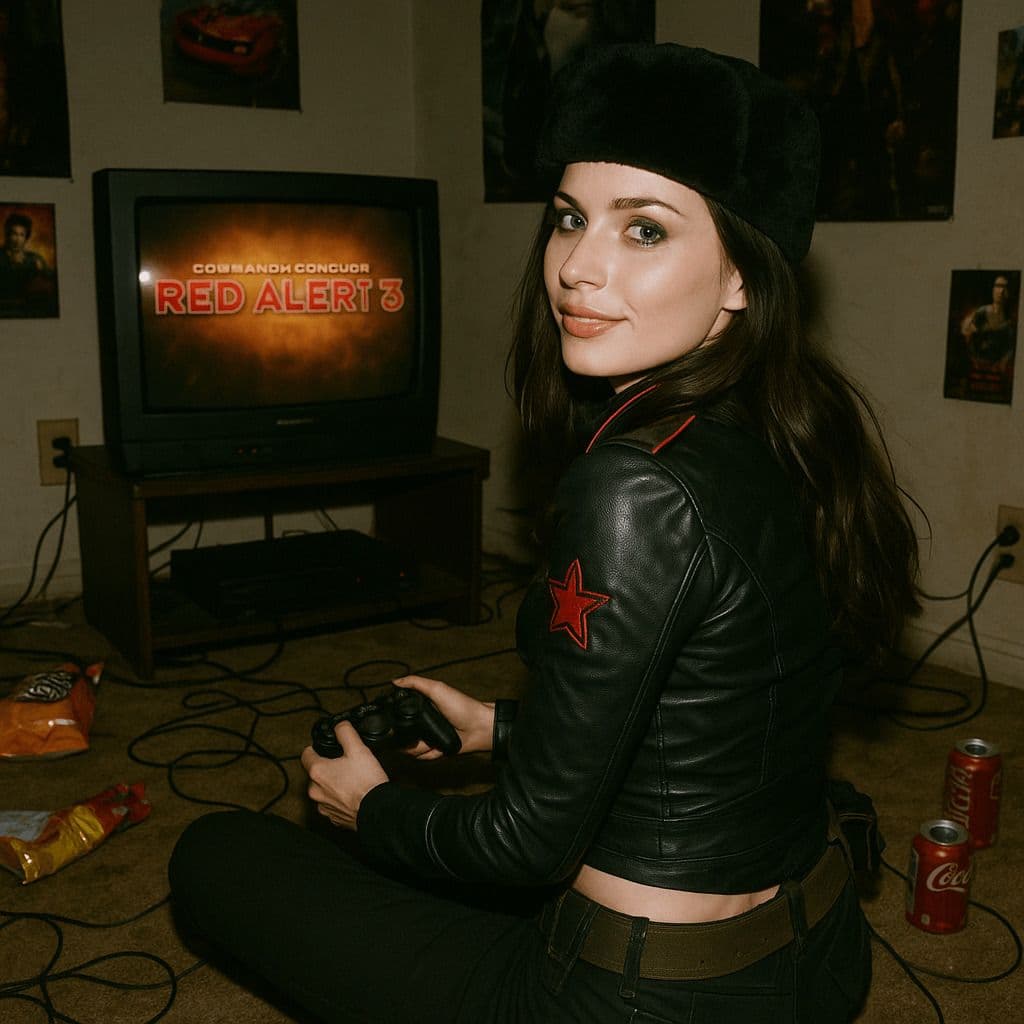
Hyper-Realistic 3D Game Scene
A hyper-realistic 3D render recreating Natasha’s character design from the 2008 game *Command & Conquer: Red Alert 3*, faithfully modeled after the original. The scene is set in a dim, cluttered 2008-era bedroom. The character sits on the carpet facing an old TV playing *Red Alert 3* with a game controller. The room is filled with nostalgic 2008 details: snack wrappers, soda cans, posters, and tangled wires. Natasha Volkova is caught in a candid moment, turning her head to glance back at the camera, her ethereal face lit with an innocent smile. Her upper body twists slightly, naturally posed as if startled by a camera flash. The flash slightly overexposes her face and outfit, making her silhouette stand out in the dark room. The entire photo feels raw and natural, with strong light-and-dark contrasts casting deep shadows, evoking the tactile realism of a 2008 film snapshot.