
超逼真的Macbook屏幕视频会议图
{ "task": "超现实主义_MacBook_屏幕摄影", "reference_logic": "精确的_Microsoft_Teams_等待室_UI_macOS", "output": { "type": "单张图片", "resolution": "超高分辨率_8k", "realism": "与真实笔记本电脑照片无异", "capture_s
{ "task": "超现实主义_MacBook_屏幕摄影", "reference_logic": "精确的_Microsoft_Teams_等待室_UI_macOS", "output": { "type": "单张图片", "resolution": "超高分辨率_8k", "realism": "与真实笔记本电脑照片无异", "capture_style": "iPhone_拍摄的_MacBook_屏幕照片", "post_processing": "无" }, "scene": { "application": "Microsoft Teams", "platform": "macOS", "ui_state": "会议_等待室", "top_status_text": "会议进行中", "center_message": "我们已通知会议中的人您正在等待。", "background": "纯黑_暗色模式" }, "ui_layout": { "left_panel": { "video_preview": { "position": "左下", "aspect_ratio": "横向", "camera_toggle": "开", "background_filters_button": "预览下方可见" } }, "right_panel": { "audio_section": { "title": "电脑音频", "selected_device": "AirPods Max", "volume_slider": "水平_蓝色指示器", "mute_toggle": "关" }, "audio_options": [ "电话音频", "会议室音频", "不使用音频" ], "cancel_button": { "label": "取消", "position": "右下", "style": "圆角矩形" } } }, "subject": { "gender": "女性", "hair": { "color": "自然金发", "style": "柔和刘海_分层_蓬松", "texture": "可见_独立发丝" }, "face": { "skin": "真实_人类皮肤纹理", "details": "可见_毛孔_微小瑕疵", "retouching": "无" }, "eyewear": { "brand": "Ray-Ban", "model": "Wayfarer", "type": "处方眼镜", "frame_color": "黑色", "lens_reflection": "微妙的_真实世界_眩光" }, "headphones": { "model": "AirPods Max", "color": "深空灰色", "fit": "自然_耳罩式" }, "clothing": { "top": "中性_短款上衣", "style": "休闲_极简" }, "expression": "平静_专注_等待", "gaze": "略微_向下" }, "environment": { "background": "现代_开放式办公室", "ceiling": "暴露的_工业管道", "lighting": { "type": "柔和_自然日光", "mixed_with": "室内_办公照明", "temperature": "5200K" } }, "screen_reflection": { "enabled": true, "source": "与视频预览中人物相同", "reflection_type": "柔和_玻璃反射", "intensity": "非常微妙", "opacity": 0.05, "sharpness": "低", "distortion": "轻微_玻璃扭曲", "positioning": "偏离中心", "visibility_rules": { "ui_text": "完全可读", "icons": "无遮挡", "reflection_never_overpowers_ui": true }, "realism_notes": [ "非镜面反射", "非双重面孔", "无对称性", "仅出现在_暗区" ] }, "macos_elements": { "dock": { "visible": true, "style": "macOS_默认_Big Sur_或更高版本", "reflection": "微妙", "indicator_dot": "活动应用下方可见", "icons": [ "访达", "邮件", "日历", "Microsoft Teams", "Adobe Illustrator", "Adobe InDesign", "Adobe After Effects", "Adobe Lightroom", "Adobe Photoshop", "Adobe Premiere Pro", "App Store", "系统设置" ] }, "menu_bar": { "visibility": "部分_顶边", "elements": [ "无线局域网", "电池", "时间", "macOS_控制图标" ] } }, "camera": { "device": "iPhone", "angle": "略微_偏离轴线", "handheld": true, "screen_artifacts": [ "柔和_玻璃反射", "轻微眩光", "指纹污迹", "灰尘颗粒", "莫尔条纹" ] }, "color_profile": { "contrast": "自然显示对比度", "saturation": "中性_写实", "white_balance": "准确_屏幕校准" }, "negative_prompt": [ "通用_视频通话_UI", "Zoom_界面", "Google Meet_UI", "假按钮", "错误字体", "面板错位", "AI_生成_UI", "模糊文本", "塑料皮肤", "过度锐化", "镜面反射", "双重面孔", "错误_Dock_图标" ] }
更多 UI设计 案例
查看全部 →
复古像素UI图标
使用以下JSON美学风格重新纹理附加图像:{"style":"复古像素UI图标","resolution":"低 (32x32 或 48x48)","color_palette":["#F2F2F2","#C0C0C0","#000000","#FFFFFF","#0000FF","#00FF00","#FFFF99","#008080"],"outline":{"enabled":true,"color":"#000000","thickness":"1像素"},"shading":{"method":"抖动","colors_used":["基础颜色","高光","阴影"],"pattern":"棋盘格或斜线"},"lighting":{"type":"平面","source":"左上角","highlight_color":"#FFFFFF","shadow_color":"#808080"},"background":{"color":"#F2F2F2","type":"纯色","transparency":false},"object_properties":{"style":"像素艺术","perspective":"等距或正面","animation":{"enabled":false,"frame_style":"静态像素艺术"}}}

Airbnb风格图标
使用此JSON样式生成[概念]图标: { "icon_style": { "perspective": "isometric", "geometry": { "proportions": "1:1 ratio canvas, with objects fitting comfortably within margins", "element_arrangement": "central dominant object, with supporting elements symmetrically or diagonally placed" }, "composition": { "element_count": "2–4 main objects", "spatial_depth": "layered to create sense of dimension and slight elevation", "scale_consistency": "uniform object scale across icon set", "scene_density": "minimal to moderate, maintaining clarity and visual focus" }, "lighting": { "type": "soft ambient light", "light_source": "subtle top-right or front-top direction", "shadow": "gentle drop shadows below and behind objects", "highlighting": "mild edge illumination to define forms" }, "textures": { "material_finish": "semi-matte to satin surfaces", "surface_treatment": "smooth with light tactile variation (e.g., wood grain, soft textures)", "texture_realism": "stylized naturalism without hyper-realistic noise" }, "render_quality": { "resolution": "high-resolution octane 3D rendering", "edge_definition": "crisp, no outlines; separation achieved via lighting and depth", "visual_clarity": "clean, readable shapes with minimal clutter" }, "color_palette": { "tone": "naturalistic with slight saturation boost", "range": "harmonious muted tones with gentle contrast", "usage": "distinct colors per object to improve identification and readability" }, "background": { "color": "#FFFFFF", "style": "pure white, flat", "texture": "none" }, "stylistic_tone": "premium, friendly, clean with lifestyle or service-oriented appeal", "icon_behavior": { "branding_alignment": "neutral enough for broad applications", "scalability": "legible at small and medium sizes", "interchangeability": "part of a cohesive icon system with interchangeable subject matter"} } }

知名戏曲片段的MBTI人格类型卡片
# 任务目标

最小天气小部件
创建一张1:1比例的图像,超现实极简美学,飞机舷窗框置于与背景同色的微妙渐变背景上,透过椭圆形舷窗显示[国家名称]的随机标志性地标风景,舷窗中心有一个叠加的天气UI界面,从上到下依次包含小型天气图标、用优雅轻量字体显示的大型温度,以及其下方的小型位置标签,最底部是国家名称,生成时采用极端天气,舷窗会受到天气影响,微妙渐变背景的颜色组合与天气相呼应,自然光照,柔和阴影,玻璃上微妙的反射,大量负空间
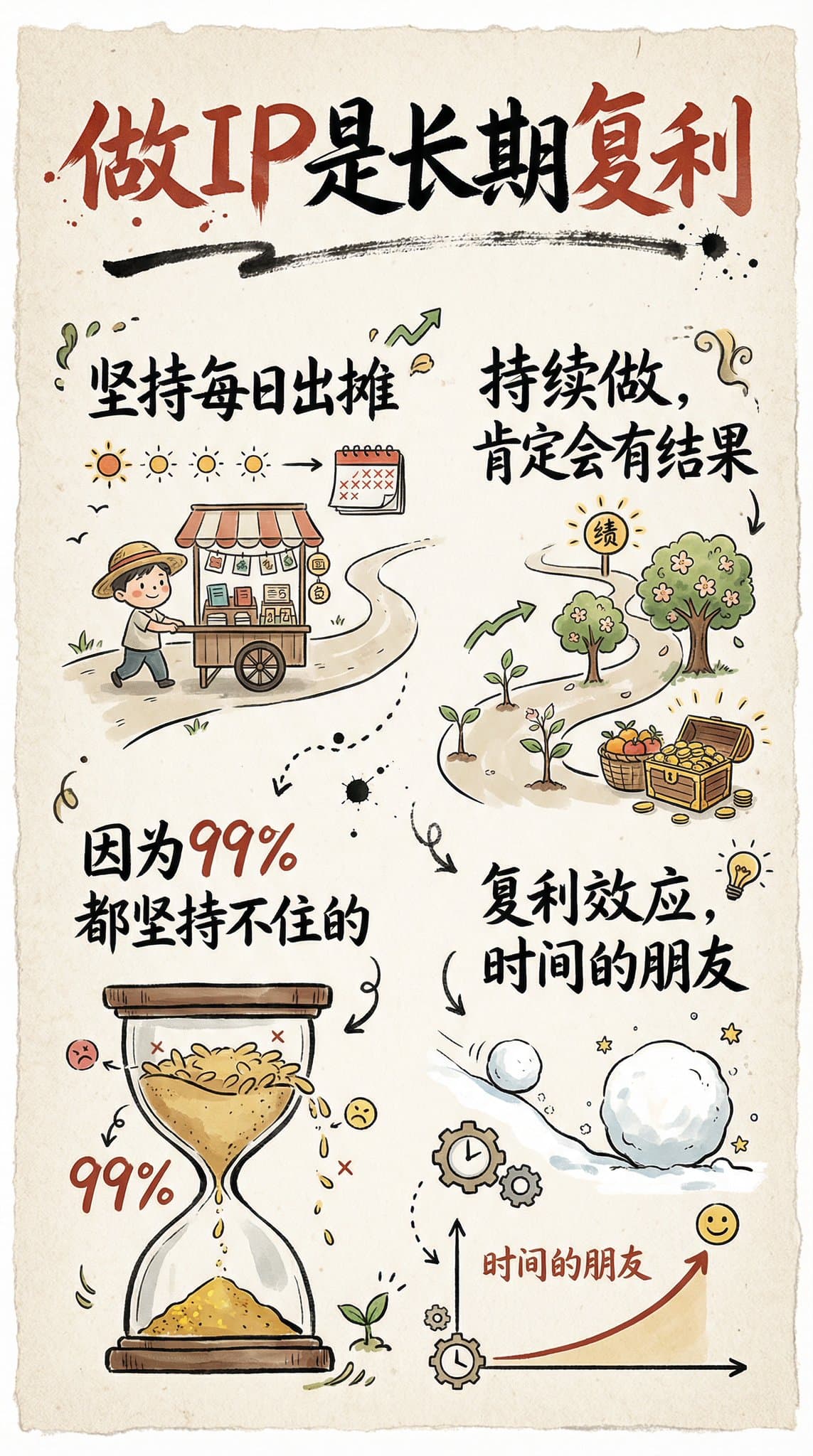
手绘风格的信息图卡片
创作一张手绘风格的信息图卡片,比例为9:16竖版。卡片主题鲜明,背景为带有纸质肌理的米色或米白色,整体设计体现质朴、亲切的手绘美感。 卡片上方以红黑相间、对比鲜明的大号毛笔草书字体突出标题,吸引视觉焦点。文字内容均采用中文草书,整体布局分为2至4个清晰的小节,每节以简短、精炼的中文短语表达核心要点。字体保持草书流畅的韵律感,既清晰可读又富有艺术气息。 卡片中点缀简单、有趣的手绘插画或图标,例如人物或象征符号,以增强视觉吸引力,引发读者思考与共鸣。整体布局注意视觉平衡,预留足够的空白空间,确保画面简洁明了,易于阅读和理解。 主题是:“做IP是长期复利,坚持每日出摊,持续做,肯定会有结果,因为99%都坚持不住的。”
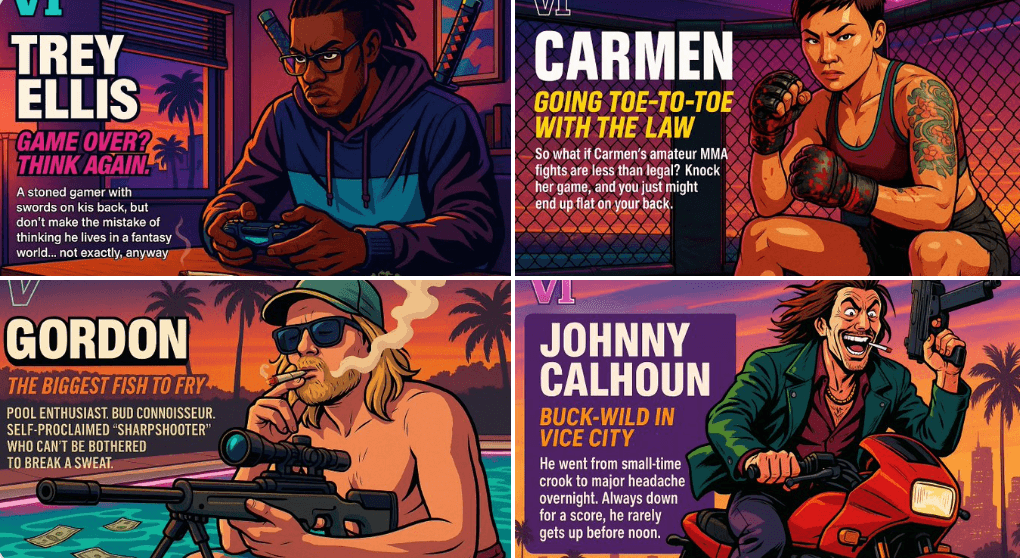
创建你自己的GTA角色
担任 Rockstar Games 的创意总监。 创建一个虚构的 GTA VI 角色表,其风格与官方 GTA VI 宣传图片完全相同。 布局必须是: 水平角色表,角色位于右侧,其动态姿势反映了他们的个性。 在左侧包含以下结构化文本: 左上角有一个小“VI”标志(视觉上提及)。 角色的名字以大粗体文字显示。 下面是醒目的口号或标语,采用不同的明亮颜色。 一个简短的背景故事(3-5 行),用讽刺、街头智慧或俏皮的语气写成——就像 Rockstar 的语气一样。 使用充满活力的罪恶都市美学与日落灯光、霓虹灯和卡通漫画风格。 角色的服装、动作和环境必须反映他们的原型和背景。 让我自定义以下变量: 原型:{你的选择} 性别:{您的选择} 肤色:{您的选择} 发型:{你的选择} 情感:{你的选择} 服装:{你的选择} 武器或行动:{你的选择} 背景详细信息:{您的选择} 生成标题中的虚构名称和英文描述 将最终结果格式化为完成的游戏内资产展示。 氛围应该是顶级的、时尚的、充满个性的——就像真正的 GTA VI 世界的一部分。 (如果“您的选择”部分没有填写个性化信息,则由您自己随机生成)从现在开始直接生成视觉效果