Search + Image Editing
Perfect style transfer, no more struggling for ideas!
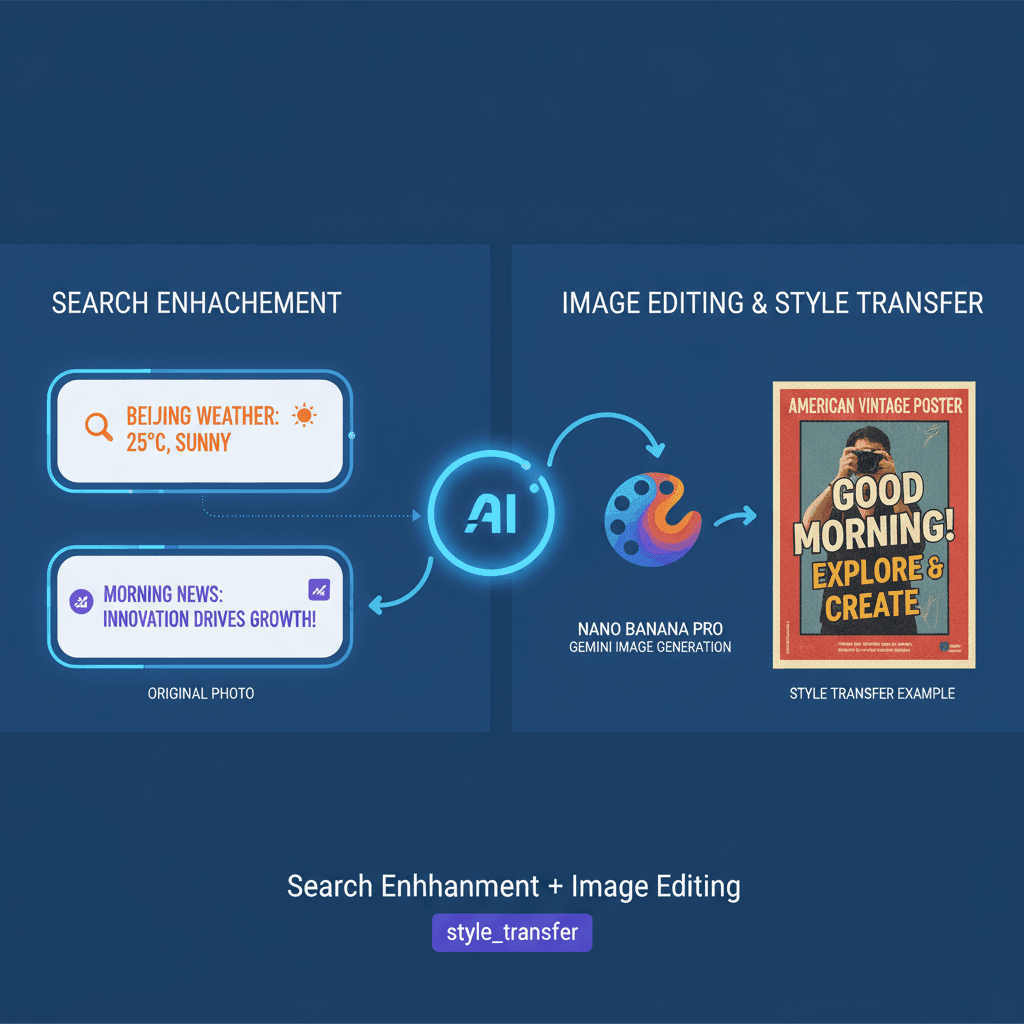
A stunning style transfer example created with Nano Banana Pro (Gemini Image Generation). Search + Image Editing.
@editor
AI Art Creator
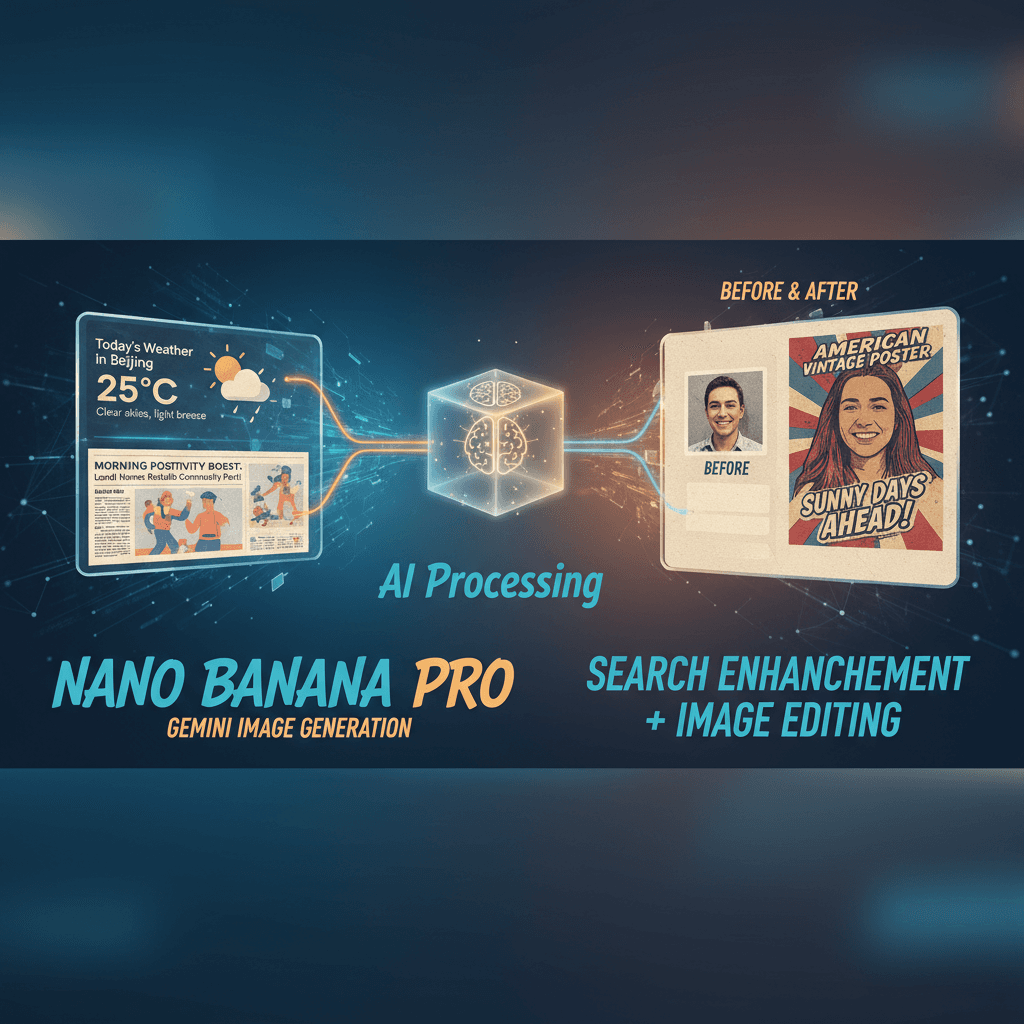
See It in Action
See the amazing results this AI prompt can create
Generated Result
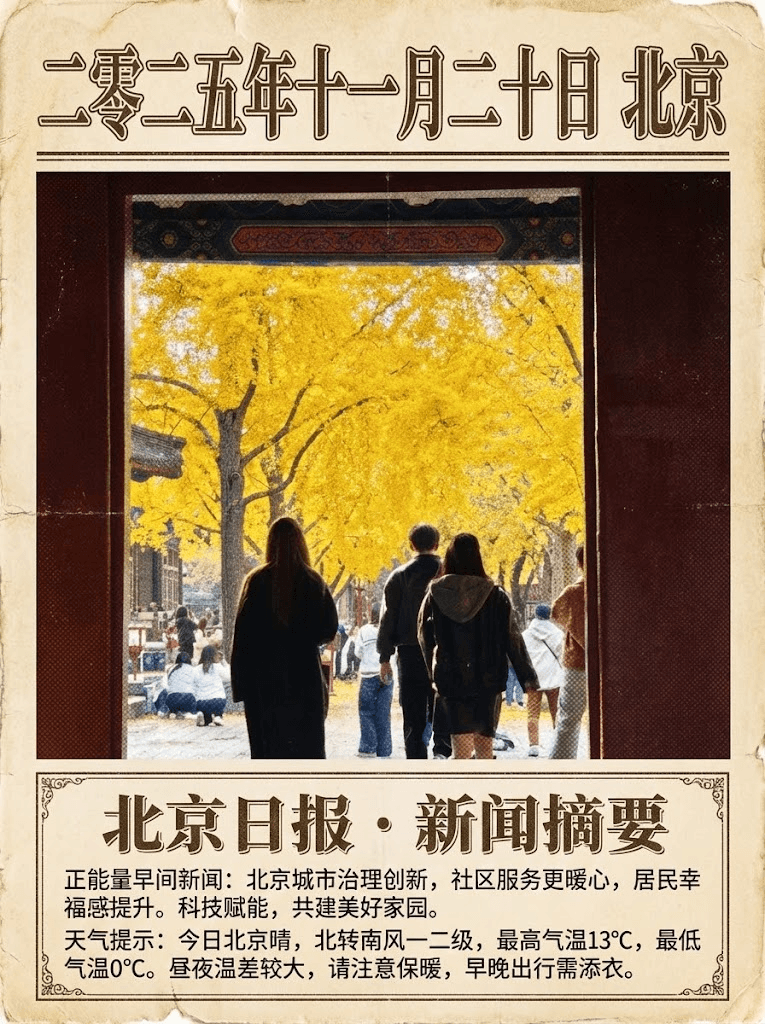
Complete Prompt
Copy the prompt below and paste it into your favorite AI tool to start creating
搜索北京市今天的天气和一条正能量的早间新闻。将我的照片转换成"美式复古海报"风格。
Why Use This AI Tool?
Discover how this powerful AI prompt can help you create stunning artwork
Efficiency Boost
Unlock an **Efficiency Boost** with the Search + Image Editing tool. Seamlessly combine real-time weather insights with powerful image transformation, elevating your creative workflow. This AI-driven solution accelerates design processes, enabling quick style transfers and timely content generation—perfect for today's fast-paced digital landscape.

Creativity Enhancement
The Search + Image Editing tool revolutionizes creativity enhancement by seamlessly merging user-generated content with AI-driven style transfer. By transforming photos into captivating "American retro poster" styles, it fuels artistic expression and inspires innovative design, making creativity more accessible and engaging.
Template Variety
The "Search + Image Editing" tool excels in "Template Variety," offering diverse styles like "美式复古海报" for transforming images. This flexibility empowers users to create unique visuals tailored to their needs, enhancing engagement and creativity in AI-driven marketing campaigns.

How to create style transfer with an AI Style Transfer generator?
Create stunning AI artwork in just a few simple steps
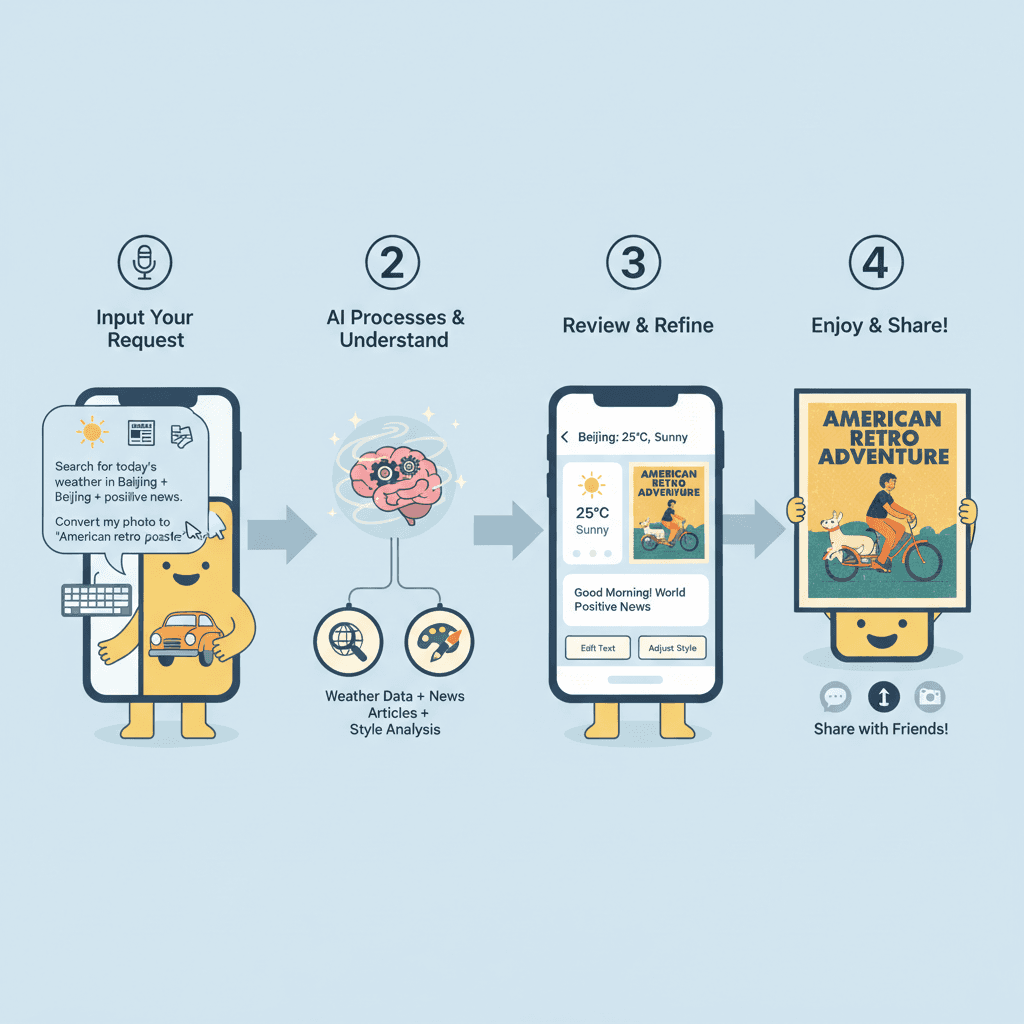
- 1
Input Ideas
To input your ideas, type a specific request in the format: "Search [topic] and [additional request]. For example, '搜索北京市今天的天气和一条正能量的早间新闻'." Then, specify your image style preference.
- 2
Select Template
To select a template, open the tool and browse the available styles. Choose "美式复古海报" for the retro poster effect, then click "Apply" to set the template for your image editing.
- 3
AI Generate
To generate your image, input your photo and type: "Search for today's weather in Beijing and a positive morning news article. Transform my photo into a 'Vintage American Poster' style." Then click "AI Generate."
- 4
Download Artwork
To download your artwork, click the "Download" button after the image generation is complete. Select your preferred file format, then confirm to save the "美式复古海报" style image to your device.
Who Can Use This AI Tool?
This AI tool is perfect for various creative professionals and enthusiasts
Social Media Creators
They need to produce eye-catching content quickly. For instance, a creator could use the tool to turn a casual photo into a vintage poster for an Instagram post promoting a local event.
Small Brand Owners
Brand owners often seek unique visuals to stand out. A boutique owner could use the tool to create retro-style promotional flyers that reflect their brand's aesthetic, enhancing customer engagement.
Graphic Design Students
Students require versatile tools for projects. A design student might use the AI to transform personal photos into styled graphics for their portfolio, showcasing their ability to blend technology with creativity.
What Our Users Are Saying
See what users are saying about this AI tool
Emily
Freelance Graphic Designer
"I've been using Search + Image Editing for about three months now, and it has completely transformed my workflow. The style transfer feature lets me apply unique artistic styles to images in just a few clicks. One project I worked on required multiple revisions, but instead of spending hours searching for the right look, I was able to experiment directly within the tool. This saved me at least two extra hours, allowing me to focus on other clients without sacrificing quality."
Mark
Art Student
"As an art student, I often need to push the boundaries of my creativity. I started using Search + Image Editing last semester, and it's been a game changer. The intuitive interface makes it easy to experiment with different styles, which is perfect for my projects. I recently used it to enhance my portfolio pieces, and I saved a significant amount of time in the editing phase—what used to take me half a day now takes just a couple of hours. It's definitely helped me impress my instructors!"
Creation Highlights
Transform your photos effortlessly with Nano Banana Pro's AI generation capabilities. Experience stunning style_transfer as your images morph into captivating "美式复古海报" designs. Perfect for enhancing personal projects or creating eye-catching social media content with intelligent, automated editing tools. Elevate your visuals today!
Frequently Asked Questions
Answers to common questions about using this AI tool
Ready to Start Your AI Creation Journey?
Use this proven AI prompt template to create professional artwork in minutes. Start experiencing extraordinary AI creativity now!
Discover More AI Tools
Explore our curated collection of AI creation tools
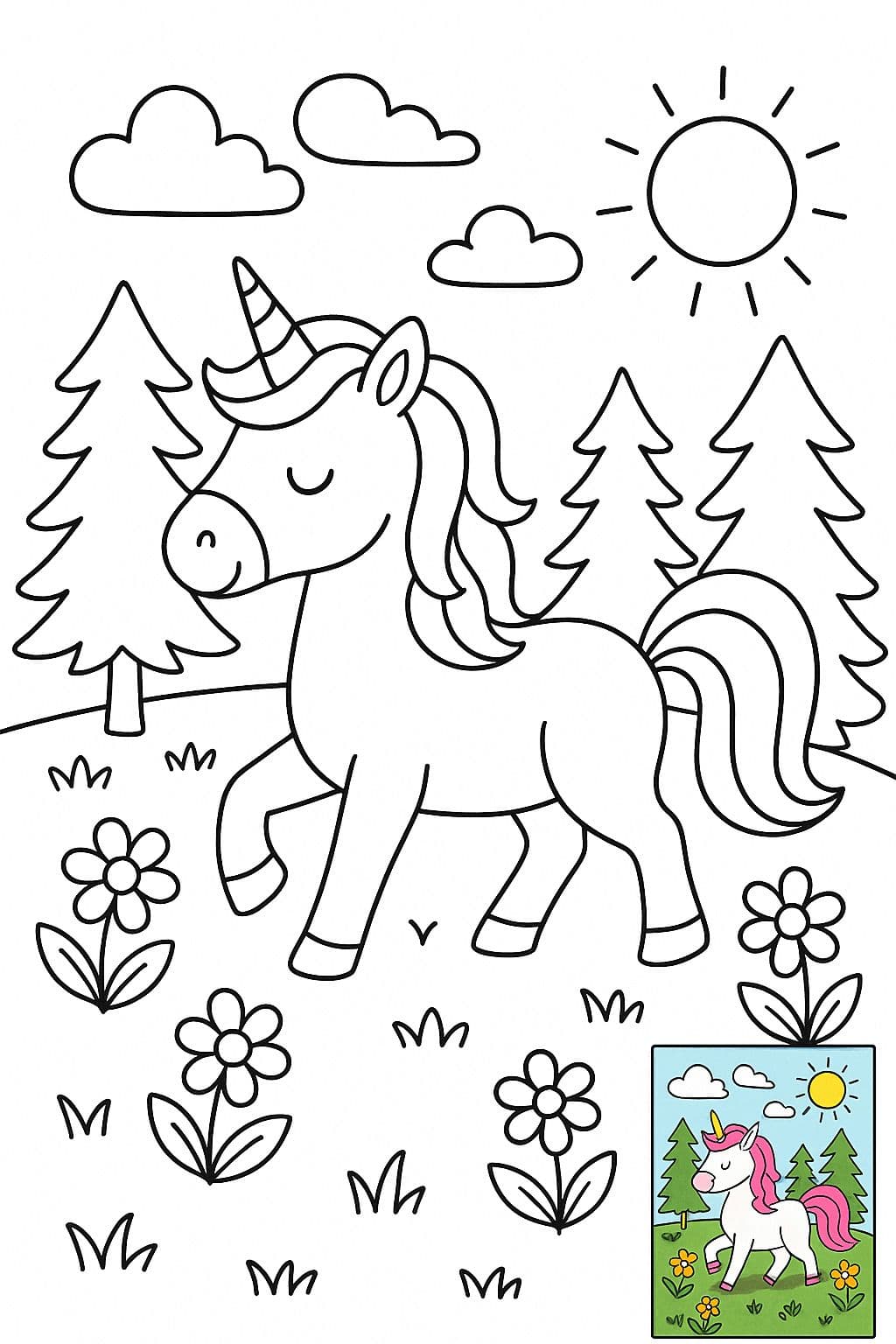
Children’s Coloring Page Illustration (with Colored Reference)
A black-and-white line art coloring illustration, suitable for direct printing on standard-sized (8.5x11 inches) paper, without page borders. The overall illustration style is clean and simple, using clear and smooth black outlines, with no shading, grayscale, or color fill. Pure white background for easy coloring. 【Additionally, for users who may not know how to color, include a small image in the bottom-right corner showing a full colored version as reference.】
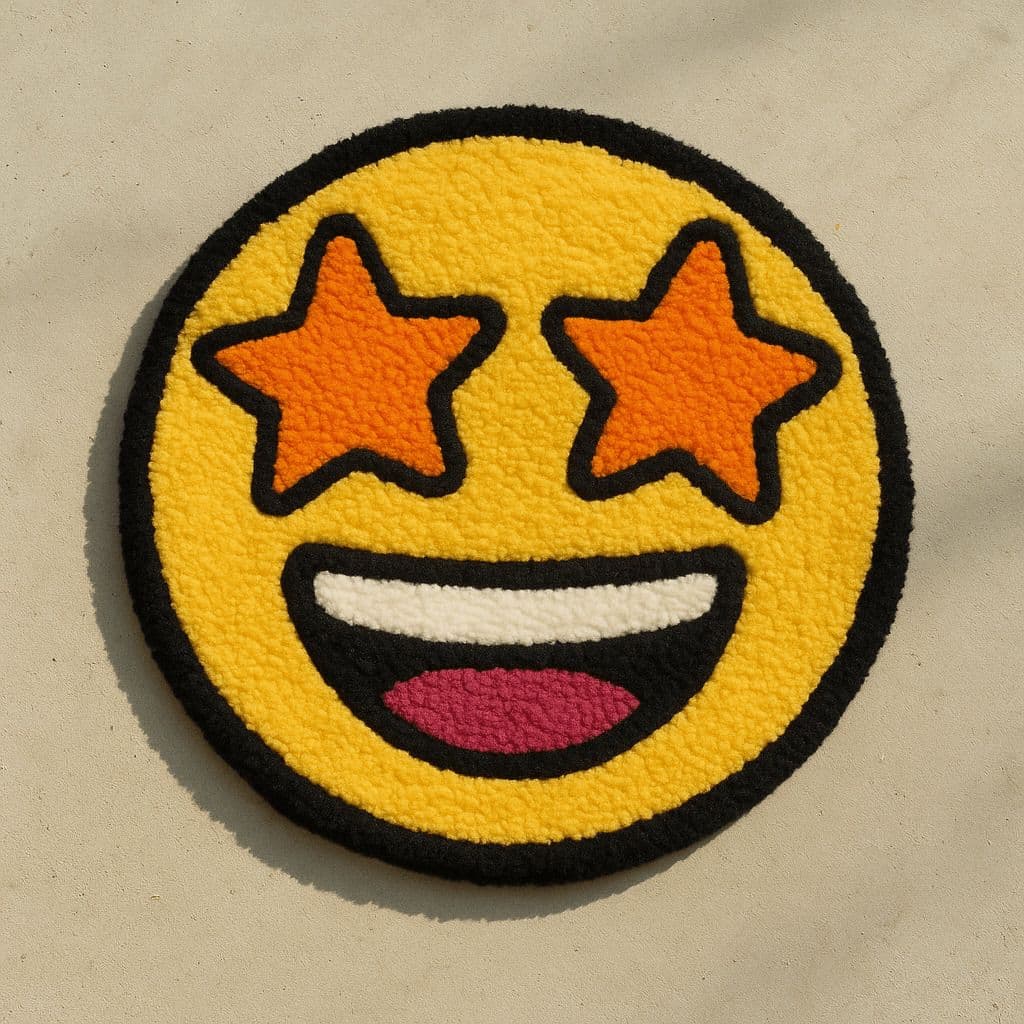
Emoji Tufted Rug
Create an image showing a colorful, hand-tufted rug in the shape of the 🦖 emoji, placed on a minimal floor background. The rug design is bold and playful, with a soft, fluffy texture and thick-line details. Shot from a top-down angle with natural lighting. Overall style has a quirky DIY aesthetic. Colors are vivid, outlines are cartoonish, and the material looks tactile and cozy—akin to hand-tufted art rugs.
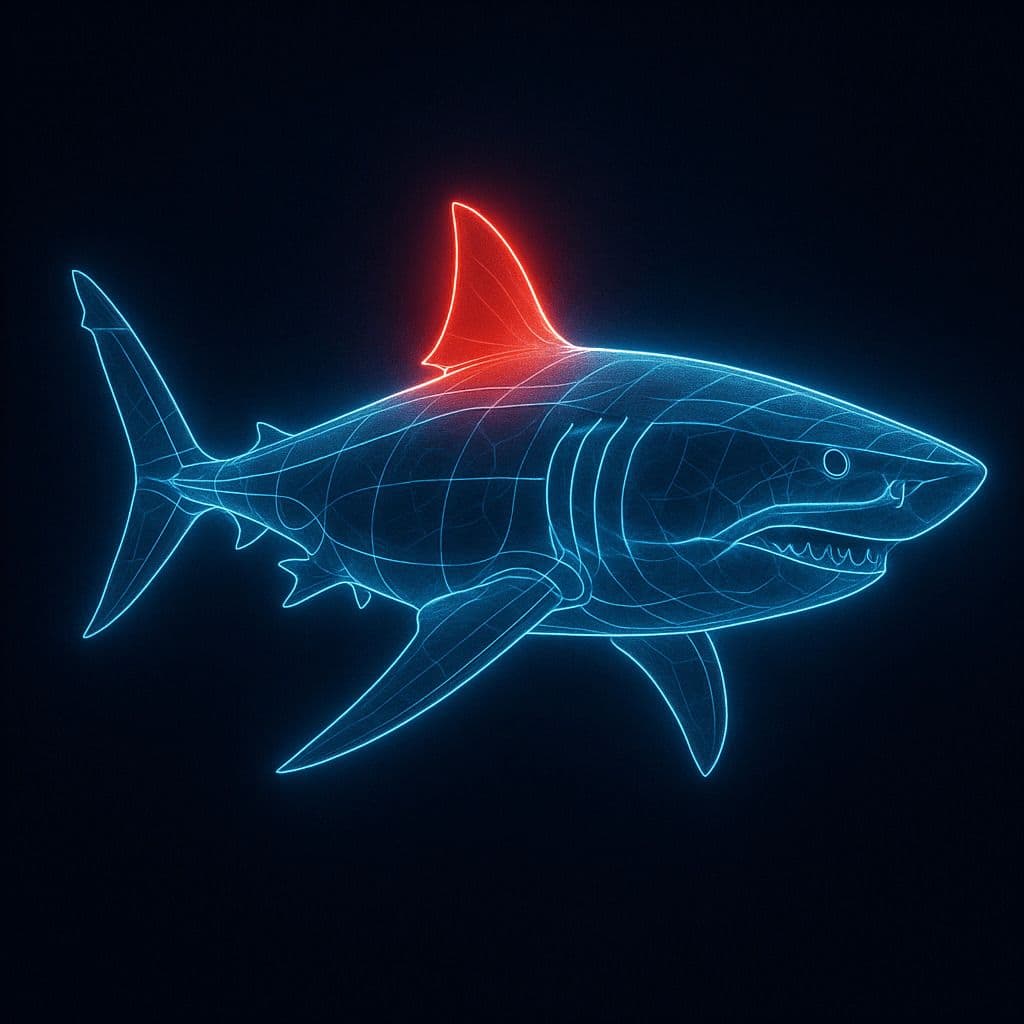
Glowing Line Anatomy Diagram
A digital illustration depicting a [SUBJECT], its structure outlined by a set of glowing, clean, and pure blue lines. The image is set against a dark background to emphasize the shape and features of the [SUBJECT]. A specific part, such as [PART], is highlighted with a red glow to indicate its importance or special significance. The overall style combines educational clarity with visual appeal, resembling advanced imaging technology.
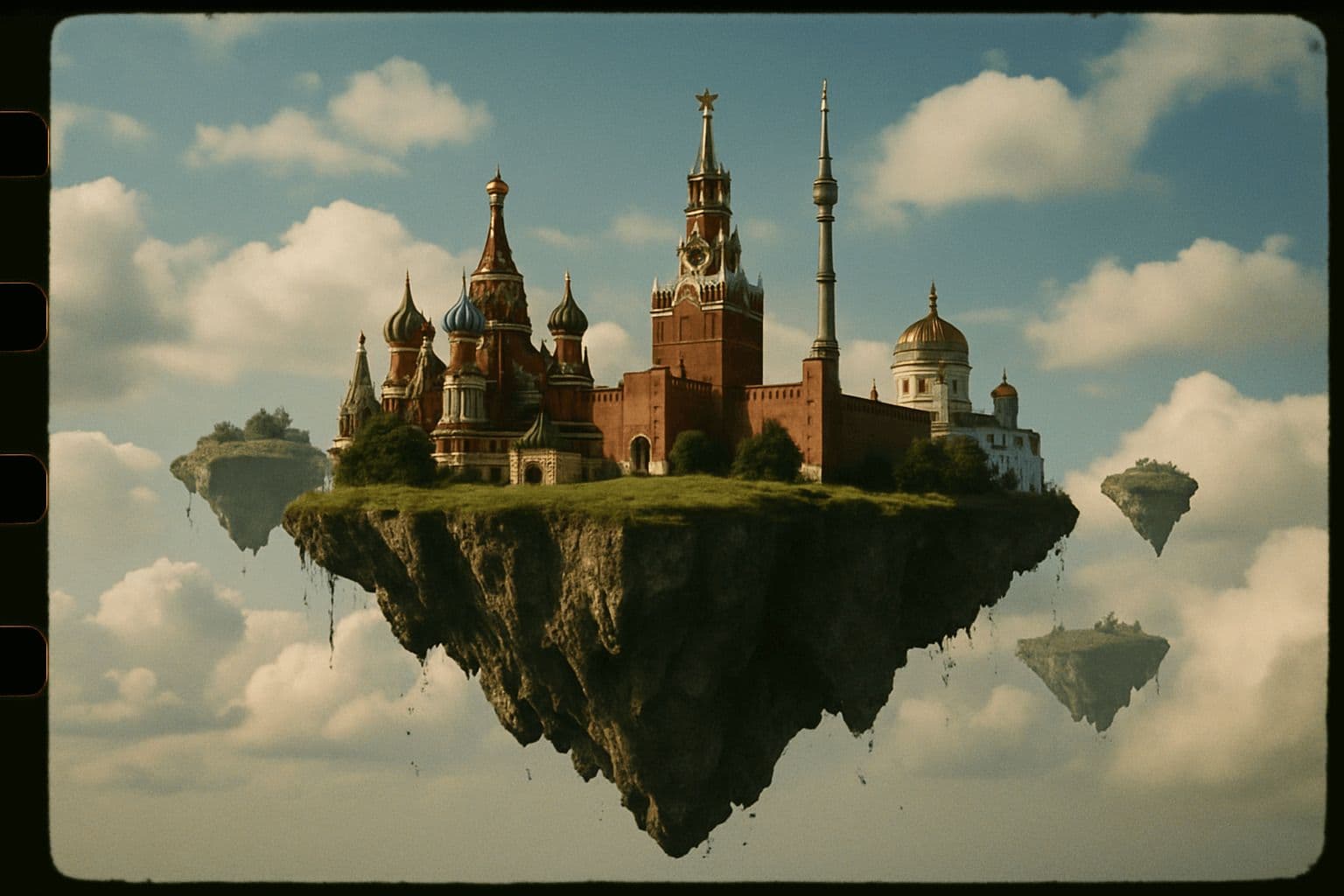
35mm Film Style Floating Island
A 35mm film-style photo: Moscow as a floating island in the sky.
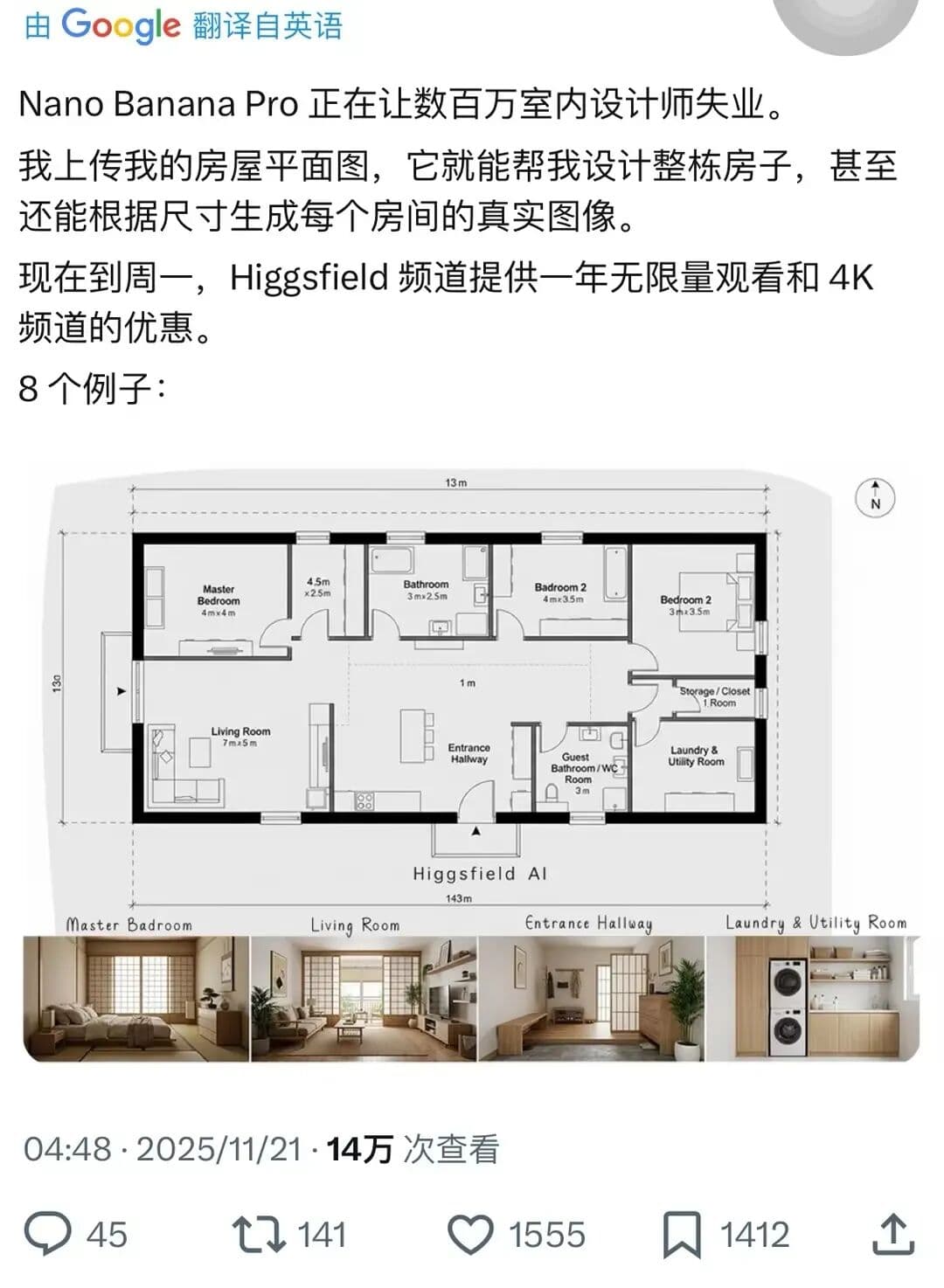
Complete House Design
A stunning interior design example created with Nano Banana Pro (Gemini Image Generation). Complete House Design.
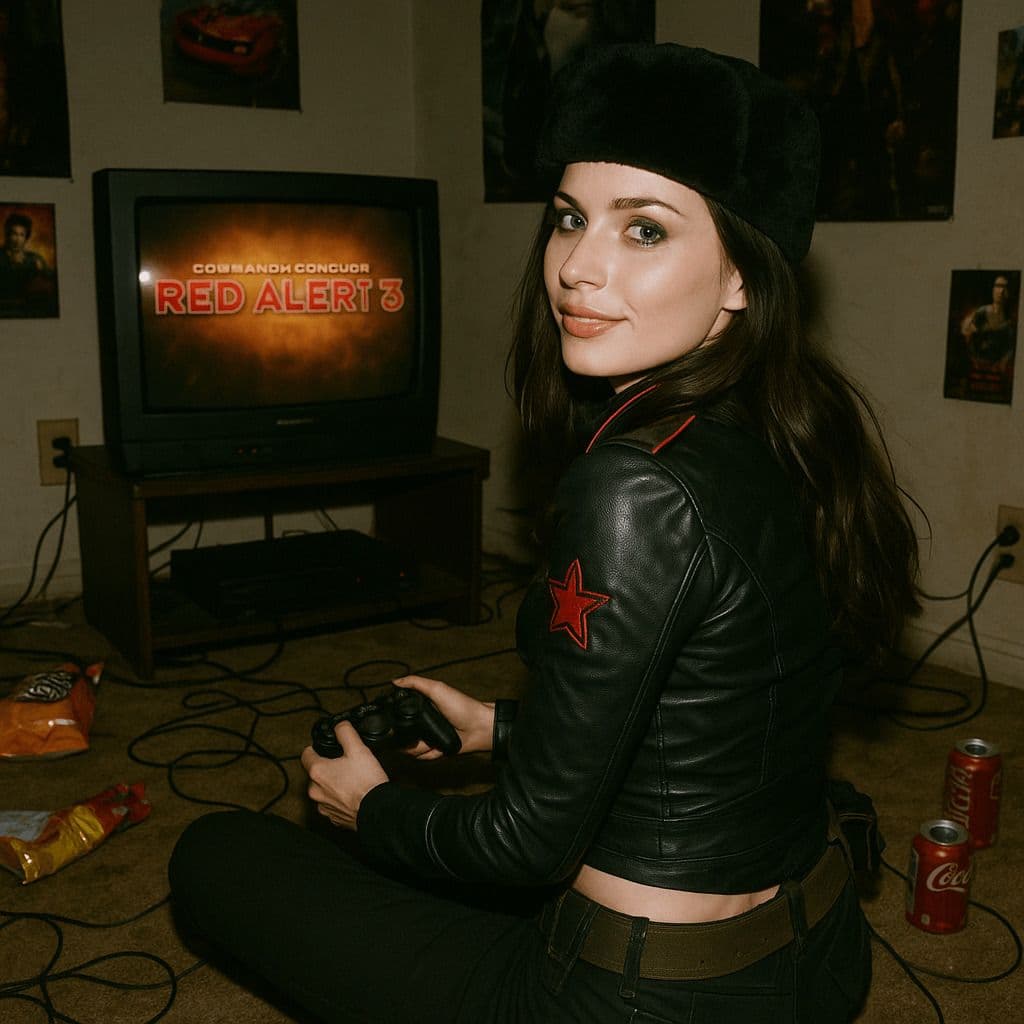
Hyper-Realistic 3D Game Scene
A hyper-realistic 3D render recreating Natasha’s character design from the 2008 game *Command & Conquer: Red Alert 3*, faithfully modeled after the original. The scene is set in a dim, cluttered 2008-era bedroom. The character sits on the carpet facing an old TV playing *Red Alert 3* with a game controller. The room is filled with nostalgic 2008 details: snack wrappers, soda cans, posters, and tangled wires. Natasha Volkova is caught in a candid moment, turning her head to glance back at the camera, her ethereal face lit with an innocent smile. Her upper body twists slightly, naturally posed as if startled by a camera flash. The flash slightly overexposes her face and outfit, making her silhouette stand out in the dark room. The entire photo feels raw and natural, with strong light-and-dark contrasts casting deep shadows, evoking the tactile realism of a 2008 film snapshot.