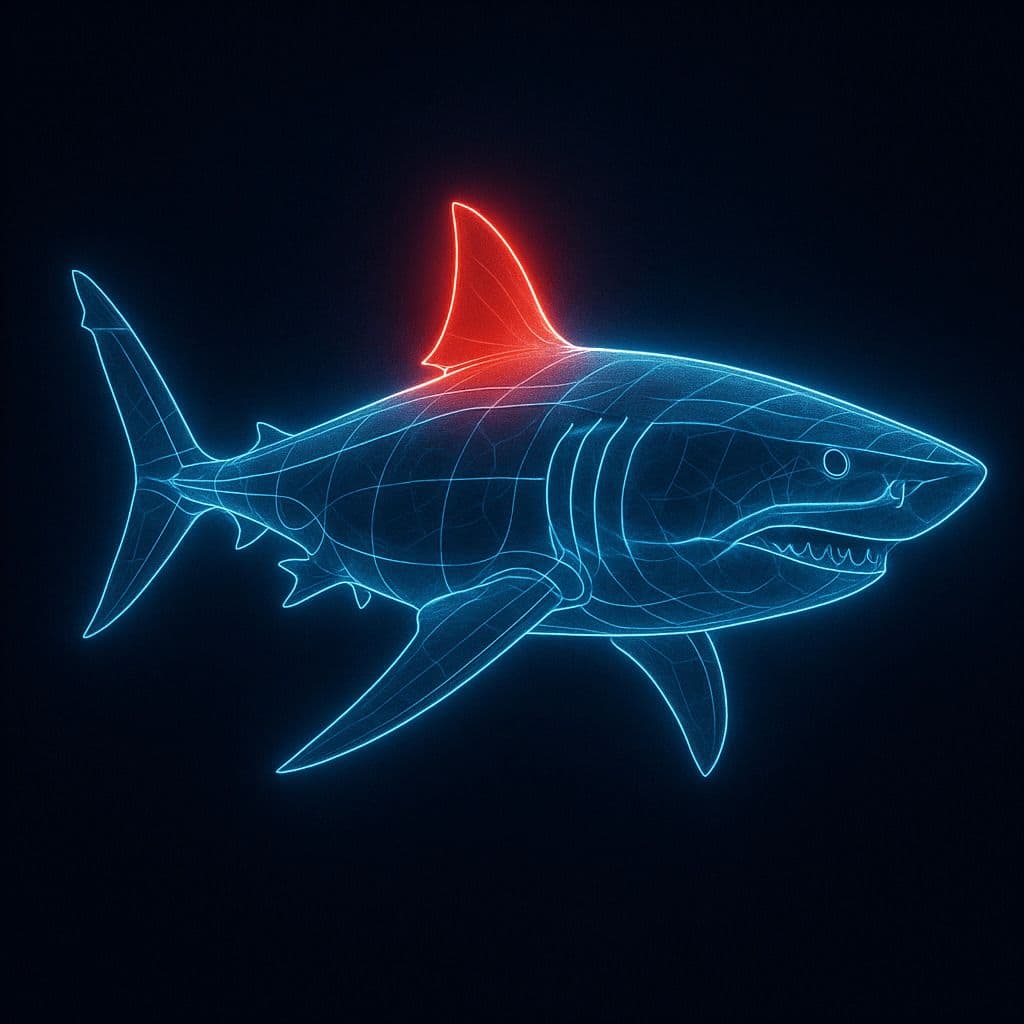
Glowing Line Anatomy Diagram
A digital illustration depicting a [SUBJECT], its structure outlined by a set of glowing, clean, and pure blue lines. The image is set against a dark background to emphasize the shape and features of the [SUBJECT]. A specific part, such as [PART], is highlighted with a red glow to indicate its importance or special significance. The overall style combines educational clarity with visual appeal, resembling advanced imaging technology.
A digital illustration depicting a [SUBJECT], its structure outlined by a set of glowing, clean, and pure blue lines. The image is set against a dark background to emphasize the shape and features of the [SUBJECT]. A specific part, such as [PART], is highlighted with a red glow to indicate its importance or special significance. The overall style combines educational clarity with visual appeal, resembling advanced imaging technology.
More from Style Transfer
View all →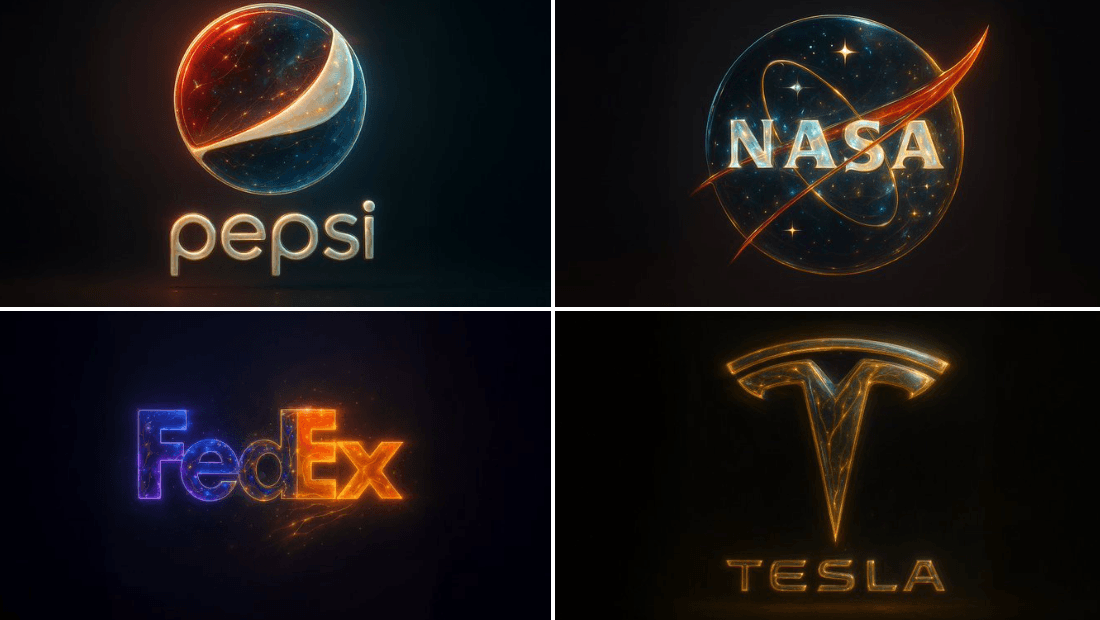
Golden Abstract Composite Style
{ "base_image": "uploaded image", "style_transfer": { "visual_characteristics": { "head_and_face": { "material": "translucent resin with embedded starlight and glowing neural circuits", "surface_effect": "mirror-gloss with gold filament veins and galaxy-like reflections", "lighting": "dynamic cinematic rim lights with volumetric glow" }, "body_structure": { "texture": "high-polish white ceramic with embedded gold wiring", "design": "futuristic like organic plating", "highlight_elements": "subtle internal light flows mimicking synaptic energy" }, "motion_effect": { "visual_glitch": "subtle horizontal motion blur on head edges", "energy_flow": "faint pulsing particle lights across body" }, "background": { "type": "neutral gradient or dark void", "focus": "emphasize figure's luminous contrast" } }, "application_target": "Replace surface and material style of uploaded image with the characteristics described above, while preserving the original pose, structure, and composition of the target image." } }
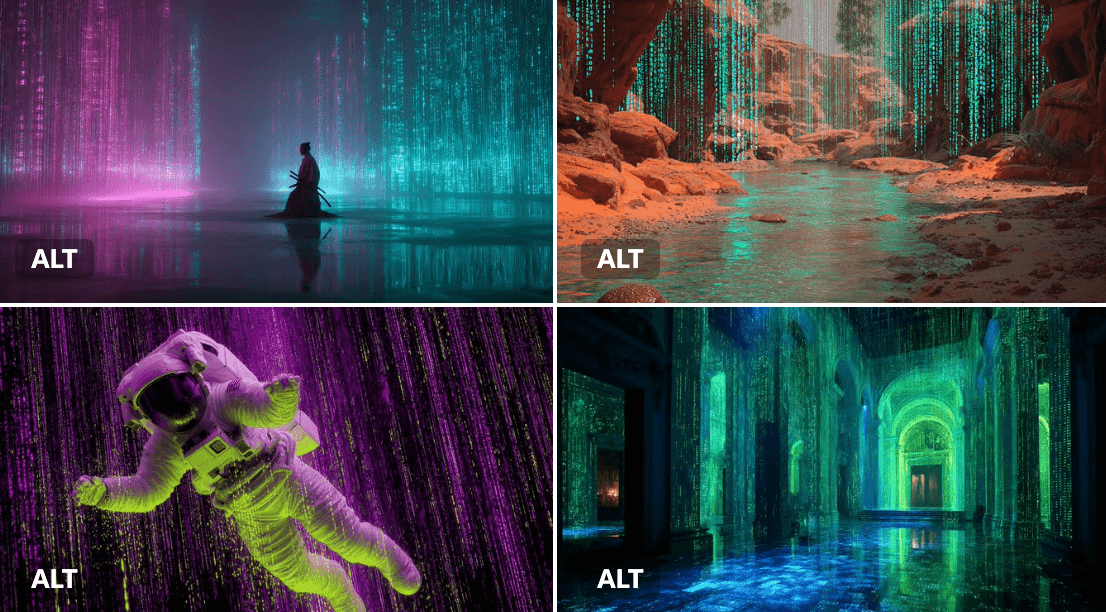
Cyber Matrix Dream
[SUBJECT] reinterpreted through Cyber Matrix Dreamscapes, where cascading streams of digital code form the immersive backdrop. Imbue the scene with radical neon [COLOR1] and luminous [COLOR2] accents to evoke a futuristic reality where art converges with algorithm
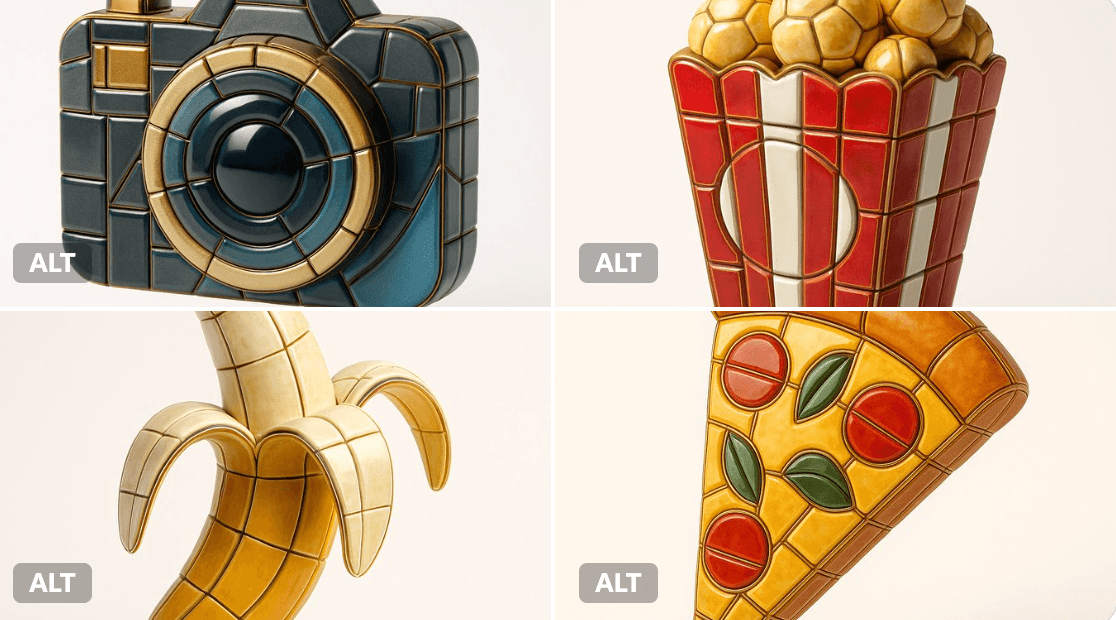
Enamel Mosaic Tile Style
Visualize any selected emoji [] as an ultra-detailed, hyper-realistic 3D sculpture fully composed of luxurious enamel mosaic tiles. The emoji should retain its iconic silhouette and proportions, reinterpreted as a stylized 3D figure made entirely from curved, faceted, and geometrically interlocked enamel tiles in a radiant mosaic pattern. > Use high-gloss enamel tiles in varied shades derived from the emoji’s symbolic palette—integrating metallic accents, opalescent glazes, deep ceramic pigmentation, and subtle iridescence. Tile surfaces must exhibit gentle bevels, crisp joints, and tactile depth to emulate elite architectural mosaic work. > Ensure no visible support structures—the figure must appear freestanding and weightless, suspended mid-air at the exact center of the frame. > Background: pure white studio environment with soft ambient shadows directly beneath the sculpture to emphasize spatial presence and floating realism. > Lighting: cinematic, diffused from multiple angles to
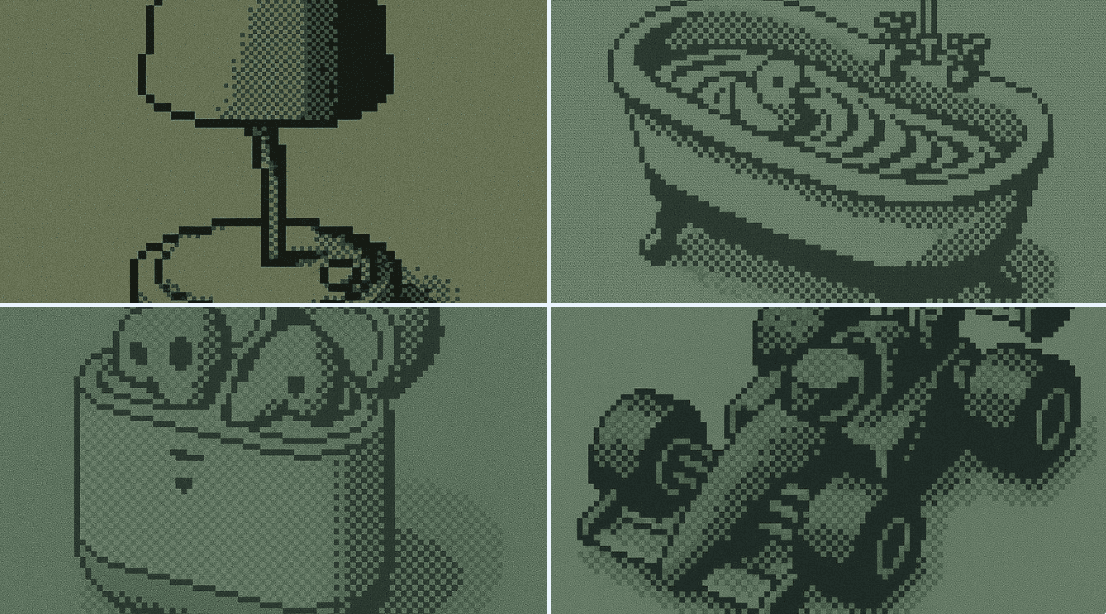
Monochrome LCD Effect
$16

Hand-Drawn Infographic Card
Create a hand-drawn style infographic card with a 9:16 vertical aspect ratio. The card has a clear theme, with a beige or off-white background featuring a paper texture, and the overall design embodies a simple, friendly hand-drawn aesthetic. The card's title is prominently displayed at the top in large, contrasting red and black calligraphic brush script, drawing visual focus. All text content uses Chinese cursive script, and the overall layout is divided into 2 to 4 clear sections, each expressing key points with short, concise Chinese phrases. The font maintains the smooth rhythm of cursive script, being both clear and readable while possessing artistic flair. The card is embellished with simple, interesting hand-drawn illustrations or icons, such as figures or symbols, to enhance visual appeal and evoke thought and resonance from the reader. The overall layout pays attention to visual balance, reserving sufficient white space to ensure the image is concise, clear, easy to read, and understand. The theme is: "Building an IP is a long-term compounding return. Persist in daily work, continue doing it, and there will definitely be results, because 99% won't persevere."

Create Your Own GTA Character
Act as a creative director at Rockstar Games. Create a fictional GTA VI character sheet in the exact same style as the official GTA VI promotional images. The layout must be: A horizontal character sheet, with the character on the right, in a dynamic pose that reflects their personality. On the left, include the following structured text: A small "VI" logo at the top left (mention it visually). The character’s name in big bold text. A catchy slogan or tagline right below in a different bright color. A short backstory (3–5 lines) written in an ironic, street-smart, or playful tone — just like Rockstar’s tone of voice. Use the vibrant Vice City aesthetic with sunset lighting, neon accents, and cel-shaded comic style. The character’s clothing, action, and environment must reflect their archetype and background. Let me customize the following variables: Archetype: {your choice} Gender: {your choice} Skin tone: {your choice} Hairstyle: {your choice} Emotion : {your choice} Outfit: {your choice} Weapon or action: {your choice} Background details: {your choice} Generate a fictive name in tittle and a description in english Format the final result like a finished in-game asset reveal. The vibe should be over-the-top, stylish, and full of personality — as if part of the real GTA VI world. (if the "Your choice" sections are not filled with personalized information, it's up to you to generate it randomly by yourself) generate the visual directly from now on