White Model Colorization
Perfect style transfer, no more struggling for ideas!
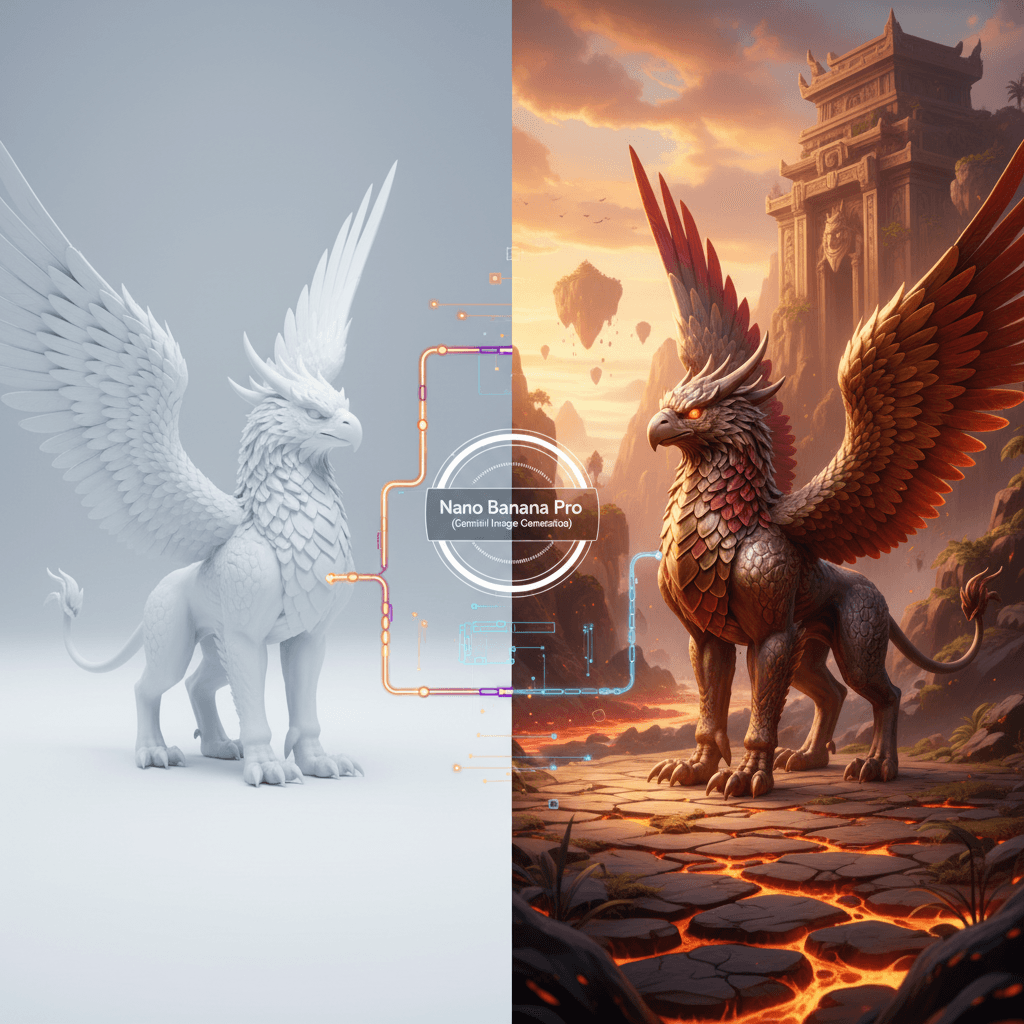
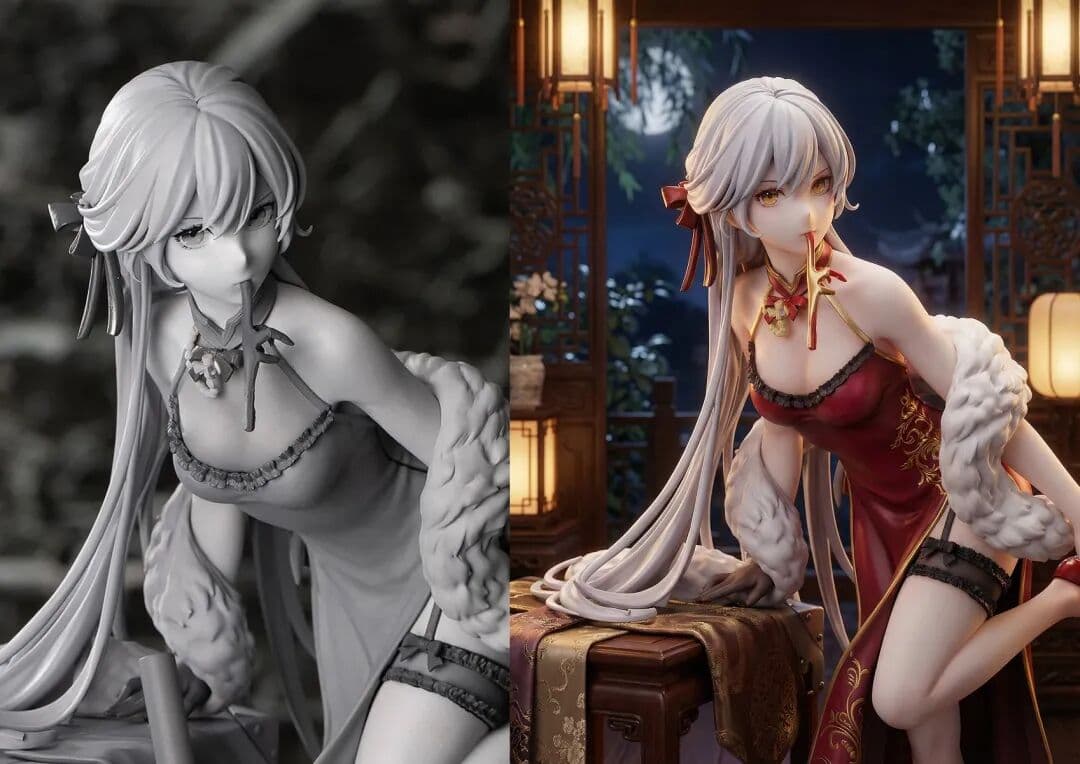
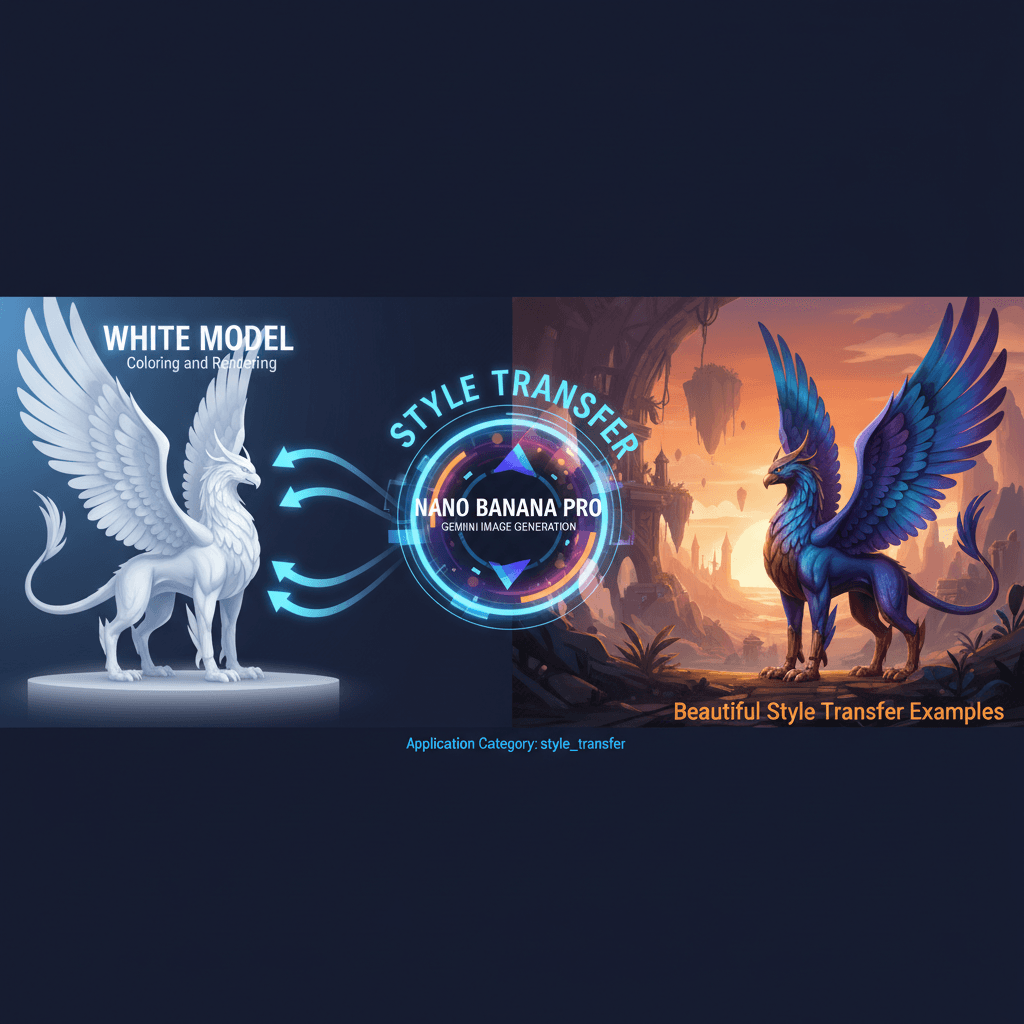
A stunning style transfer example created with Nano Banana Pro (Gemini Image Generation). White Model Colorization.
@3d
AI Art Creator
See It in Action
See the amazing results this AI prompt can create
Generated Result
Complete Prompt
Copy the prompt below and paste it into your favorite AI tool to start creating
为这张手办完成材质添加和上色,同时将周围环境变为符合角色设定的环境
Why Use This AI Tool?
Discover how this powerful AI prompt can help you create stunning artwork
Efficiency Boost
The White Model Colorization tool delivers a significant Efficiency Boost by automating material application and coloring for character models, while seamlessly integrating contextual environments. This AI-driven solution enhances workflow speed, reduces manual effort, and elevates creative output, making it indispensable for digital artists and designers.
Creativity Enhancement
White Model Colorization significantly boosts creativity enhancement by seamlessly transforming 3D models with rich textures and colors while contextualizing them in tailored environments. This AI-driven tool harnesses advanced style transfer techniques, enabling artists to explore imaginative possibilities and elevate their creative projects effortlessly.
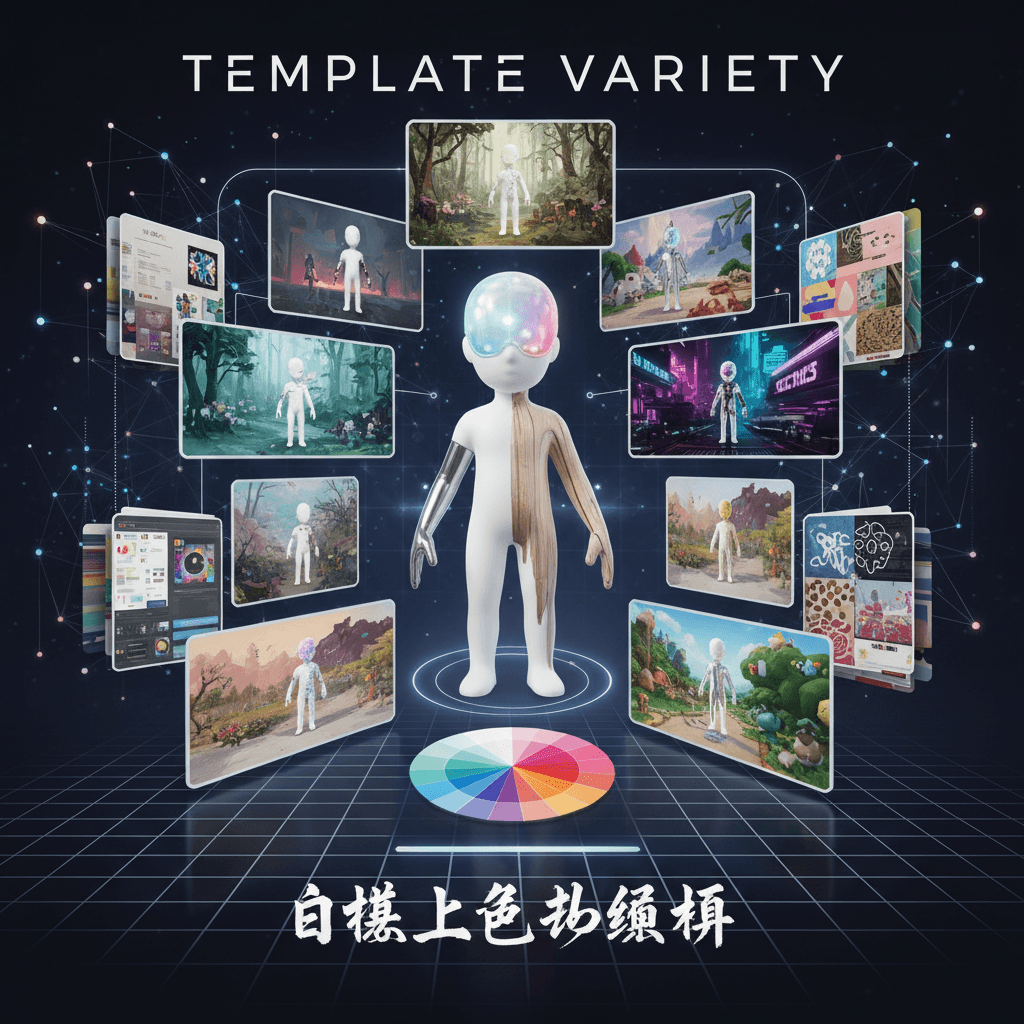
Template Variety
Unlock unparalleled **Template Variety** with White Model Colorization. This AI-driven tool excels in customizing textures and colors, allowing users to create diverse character environments seamlessly. Enhance your creative projects with its unique style transfer capabilities, ensuring each design stands out in the competitive digital landscape.
How to create style transfer with an AI Style Transfer generator?
Create stunning AI artwork in just a few simple steps
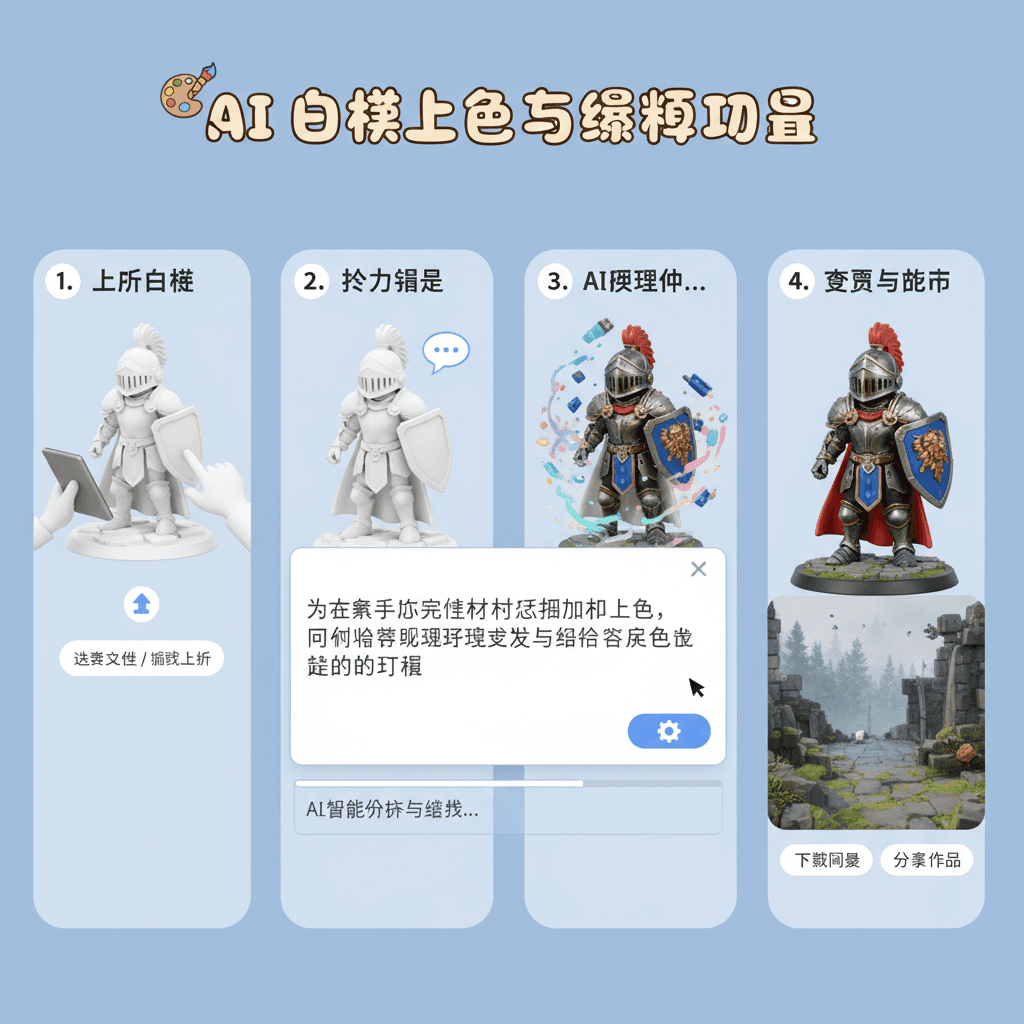
- 1
Input Ideas
To input your ideas, describe the desired materials and colors for your figure, and specify the surrounding environment to match the character's theme. Use clear, concise language for best results.
- 2
Select Template
To select a template, browse the available options and click on your desired model. This will apply the core technology for adding materials and colors to enhance your character's environment.
- 3
AI Generate
To generate your desired image, upload your model photo, then click "AI Generate." The tool will colorize and texture your model while creating an environment that matches the character's setting.
- 4
Download Artwork
To download your artwork, click the “Download” button after the colorization process is complete. Your styled model will be saved as a high-quality image file.
Who Can Use This AI Tool?
This AI tool is perfect for various creative professionals and enthusiasts
Freelance Illustrators
They can quickly enhance their character designs by adding colors and textures, saving time on manual painting while still achieving a professional look for client projects.
Game Designers
Using the tool, they can create visually appealing character models and environments for prototypes, allowing for faster iteration and more polished presentations to stakeholders.
Social Media Creators
They can utilize the colorization features to produce eye-catching visuals for their posts or videos, making their content stand out in crowded feeds and attracting more followers.
What Our Users Are Saying
See what users are saying about this AI tool
Jake
Freelance Graphic Designer
"I've been using White Model Colorization for about two months now, and it has completely transformed my workflow. As a freelancer, I often need to deliver quick turnarounds for clients, and this tool has saved me at least two hours on each project. I can easily upload my monochrome sketches and watch them come to life with gorgeous colors. It's like having a personal assistant who understands style transfer. Highly recommend it for anyone in creative fields!"
Emily
Art Student
"As an art student, I love experimenting with different styles and techniques. I've been using White Model Colorization for a few weeks now, and it's truly impressive. It allows me to see my textured assignments in stunning color without spending hours manually coloring each piece. Just last week, I used it for a project on color theory, and it really enhanced my presentation. It's a fantastic tool for anyone looking to explore their creative potential!"
Creation Highlights
Transform your creative visions with our AI generation tool, Nano Banana Pro. Experience stunning style_transfer as you add materials and color to your models, effortlessly placing them in vibrant, character-appropriate environments. Elevate your artwork with this intelligent platform designed for artists and designers alike.
Frequently Asked Questions
Answers to common questions about using this AI tool
Ready to Start Your AI Creation Journey?
Use this proven AI prompt template to create professional artwork in minutes. Start experiencing extraordinary AI creativity now!
Discover More AI Tools
Explore our curated collection of AI creation tools
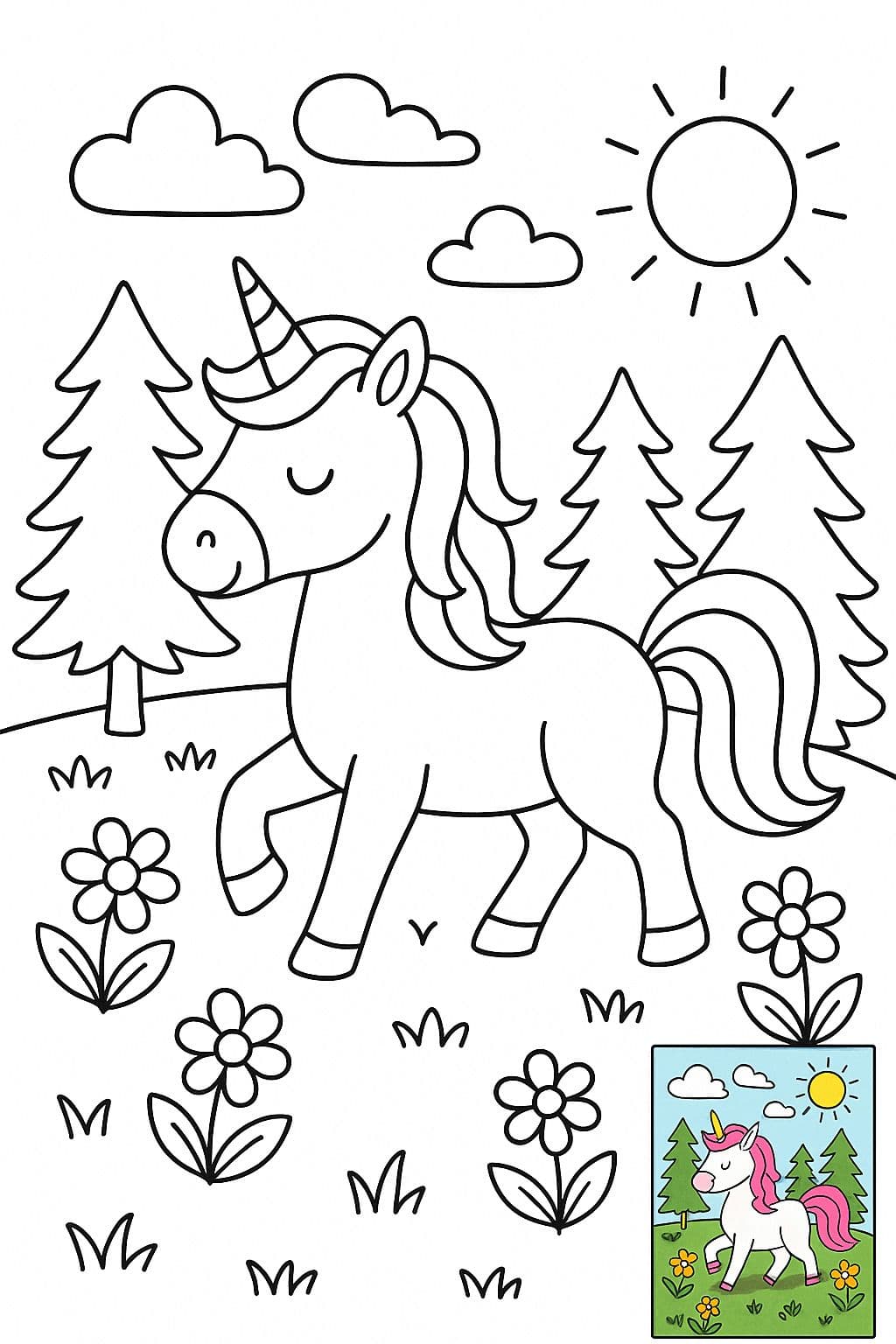
Children’s Coloring Page Illustration (with Colored Reference)
A black-and-white line art coloring illustration, suitable for direct printing on standard-sized (8.5x11 inches) paper, without page borders. The overall illustration style is clean and simple, using clear and smooth black outlines, with no shading, grayscale, or color fill. Pure white background for easy coloring. 【Additionally, for users who may not know how to color, include a small image in the bottom-right corner showing a full colored version as reference.】
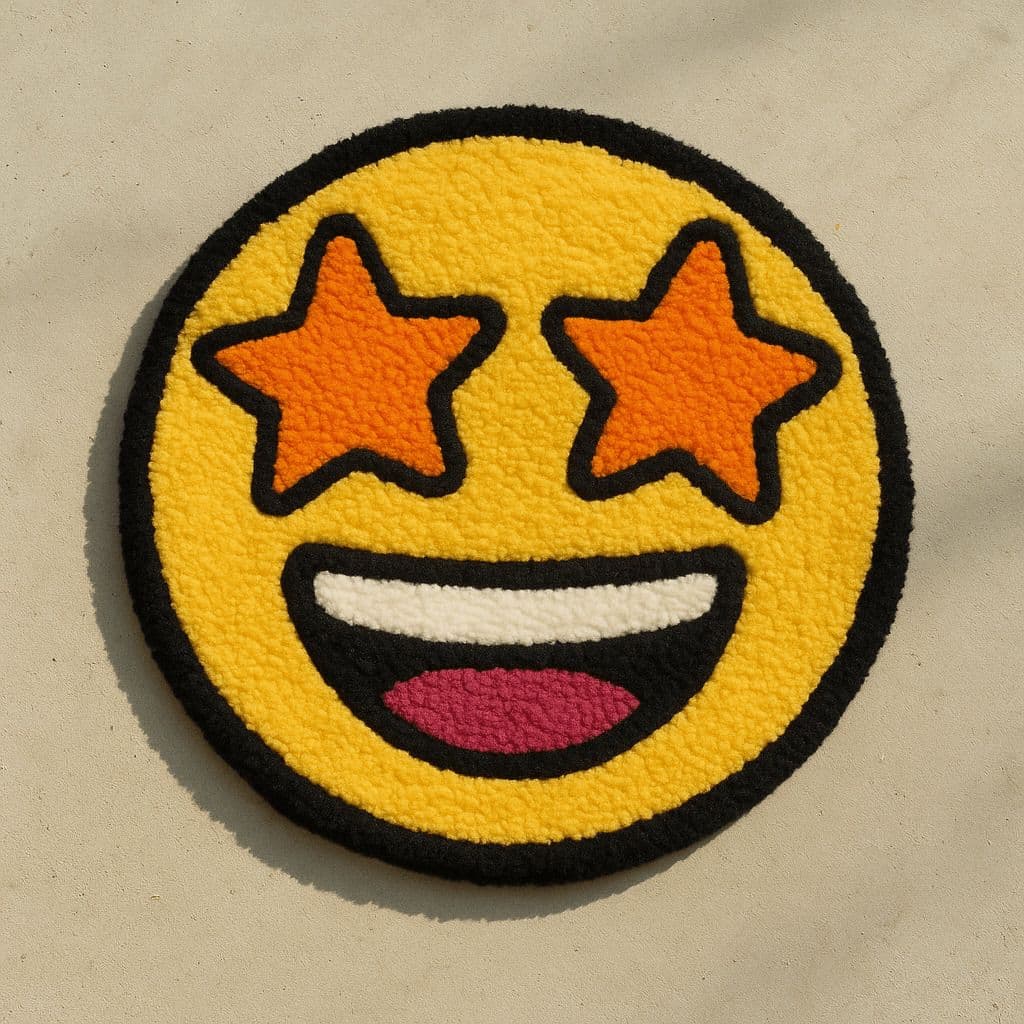
Emoji Tufted Rug
Create an image showing a colorful, hand-tufted rug in the shape of the 🦖 emoji, placed on a minimal floor background. The rug design is bold and playful, with a soft, fluffy texture and thick-line details. Shot from a top-down angle with natural lighting. Overall style has a quirky DIY aesthetic. Colors are vivid, outlines are cartoonish, and the material looks tactile and cozy—akin to hand-tufted art rugs.
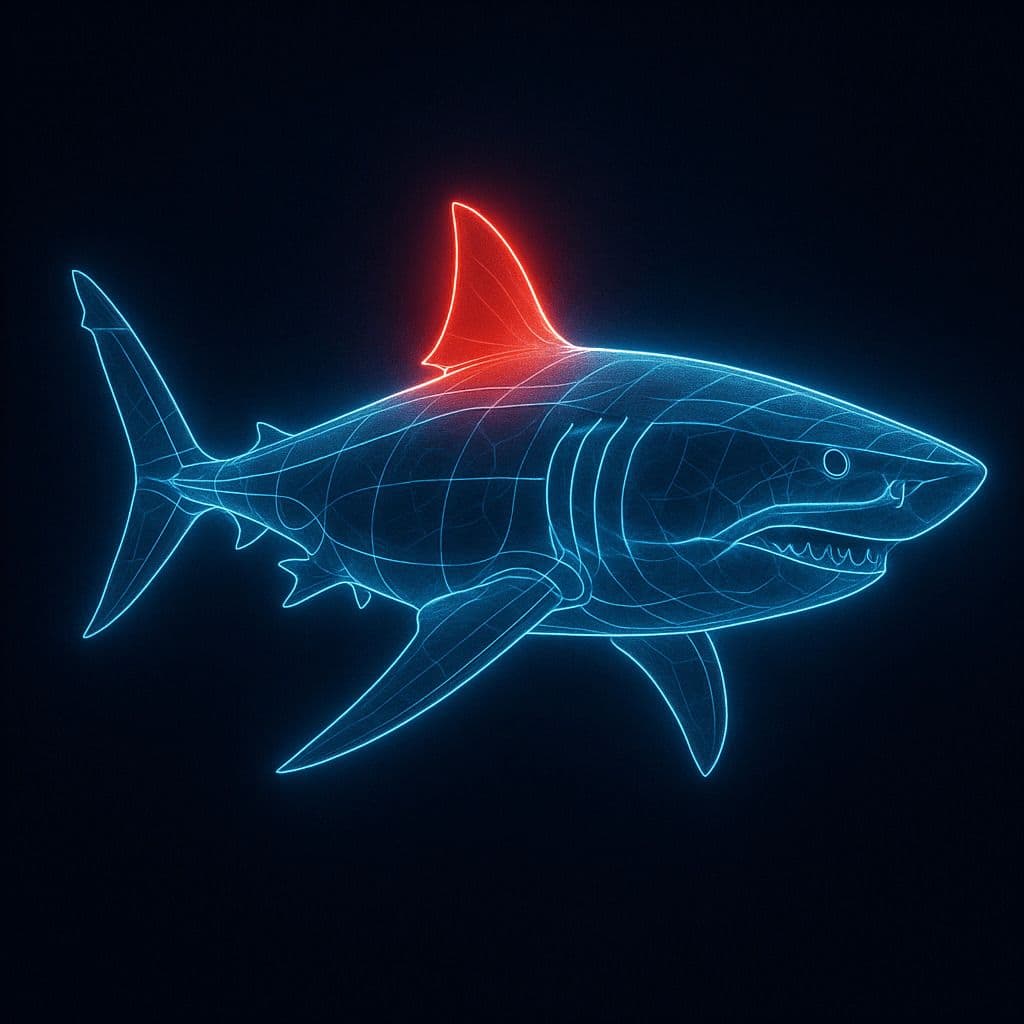
Glowing Line Anatomy Diagram
A digital illustration depicting a [SUBJECT], its structure outlined by a set of glowing, clean, and pure blue lines. The image is set against a dark background to emphasize the shape and features of the [SUBJECT]. A specific part, such as [PART], is highlighted with a red glow to indicate its importance or special significance. The overall style combines educational clarity with visual appeal, resembling advanced imaging technology.
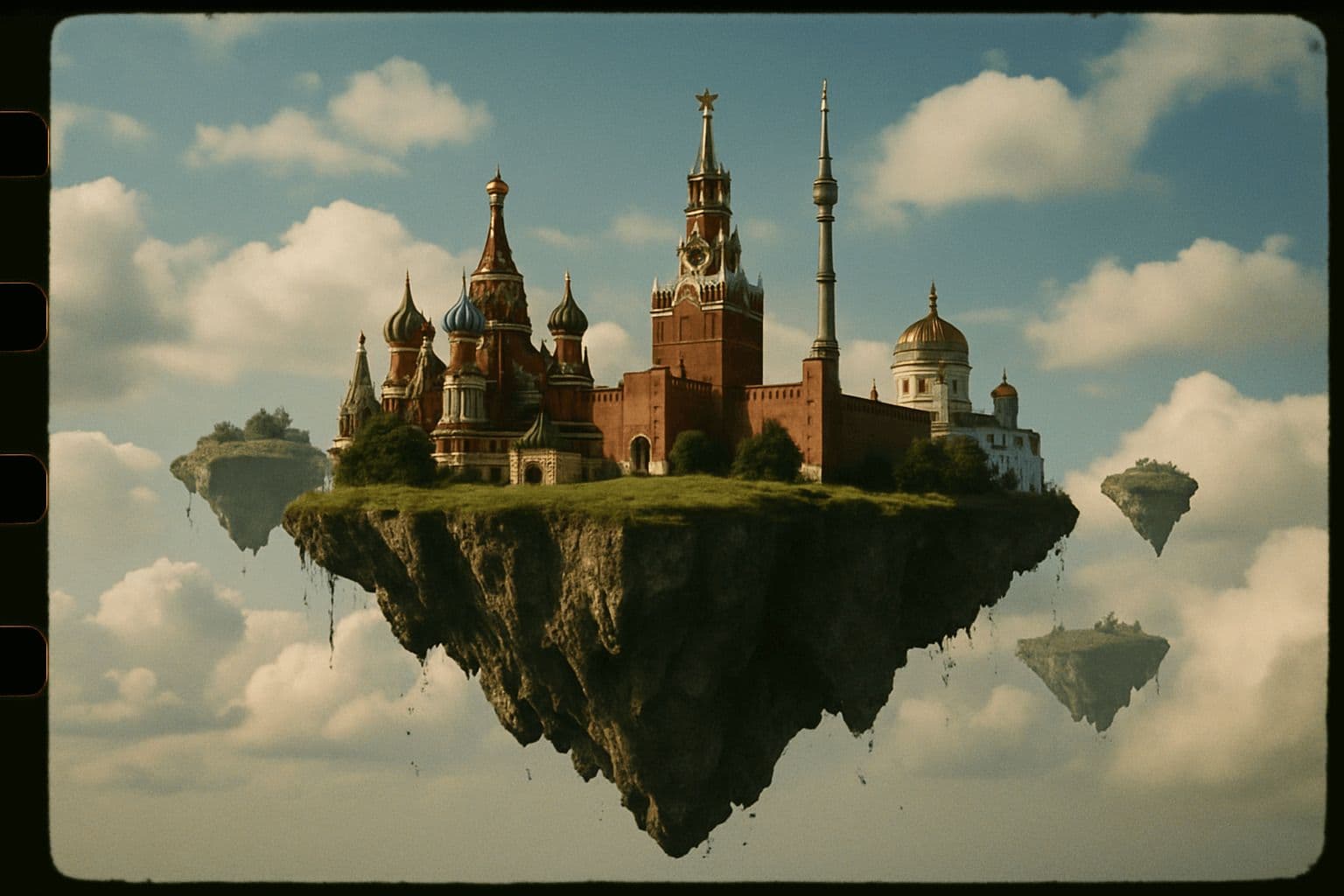
35mm Film Style Floating Island
A 35mm film-style photo: Moscow as a floating island in the sky.
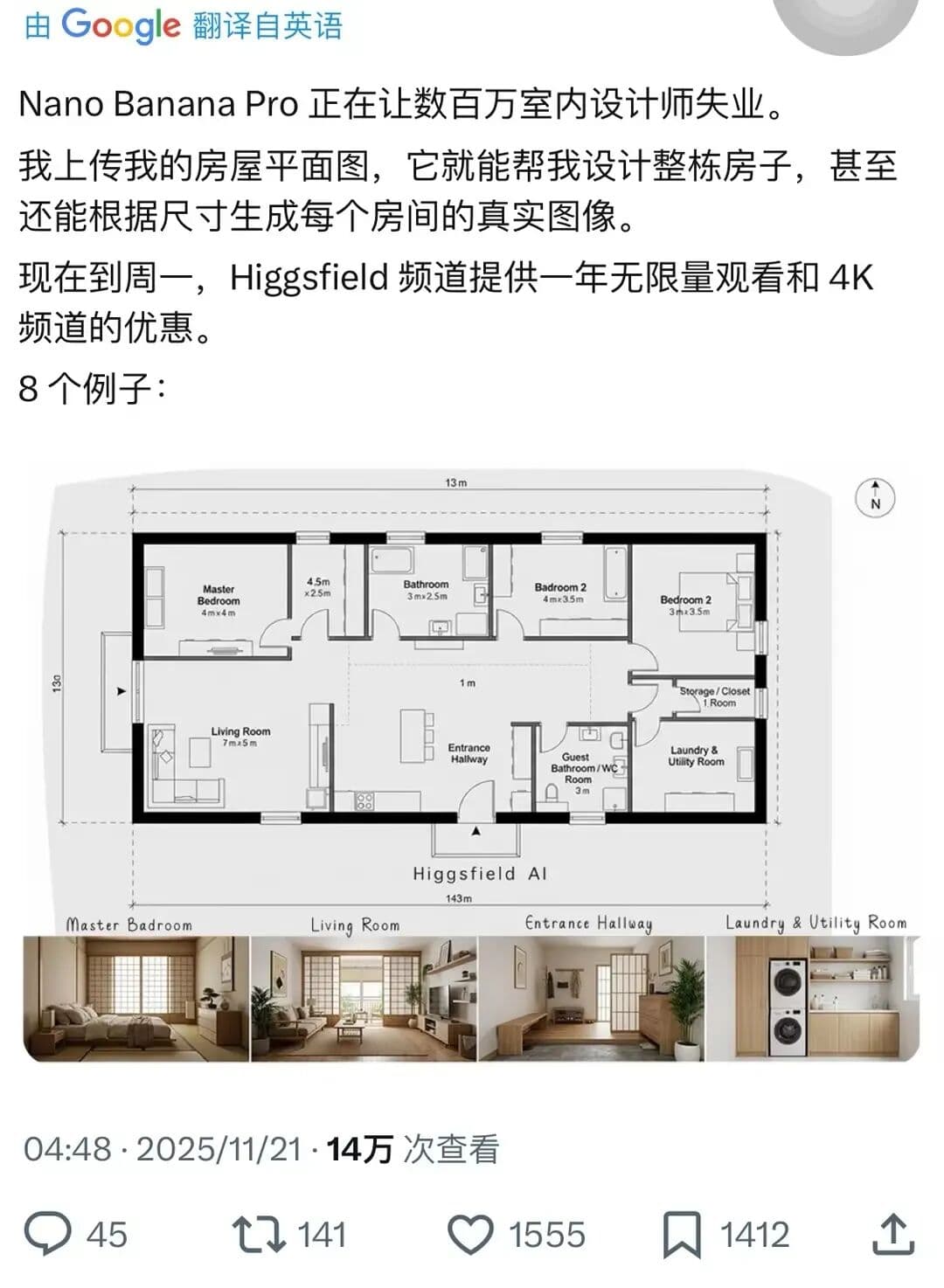
Complete House Design
A stunning interior design example created with Nano Banana Pro (Gemini Image Generation). Complete House Design.
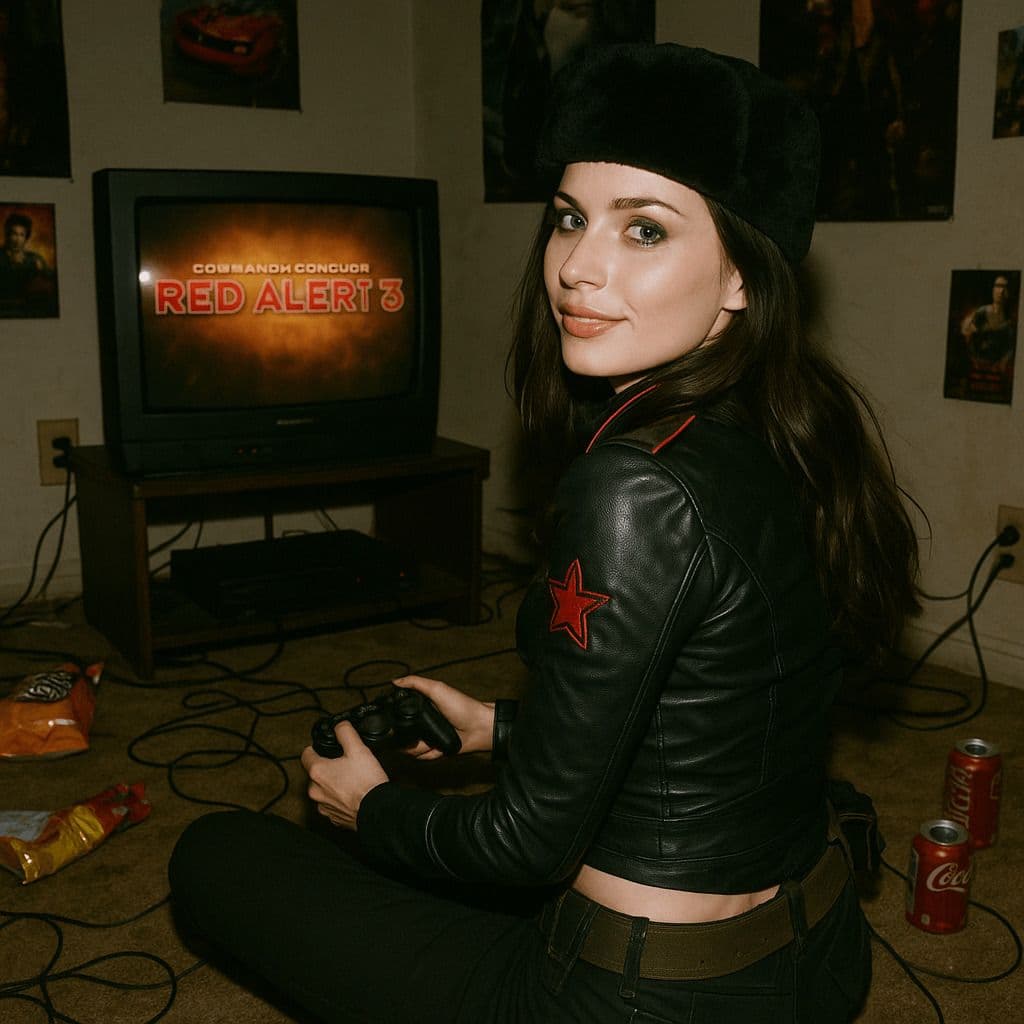
Hyper-Realistic 3D Game Scene
A hyper-realistic 3D render recreating Natasha’s character design from the 2008 game *Command & Conquer: Red Alert 3*, faithfully modeled after the original. The scene is set in a dim, cluttered 2008-era bedroom. The character sits on the carpet facing an old TV playing *Red Alert 3* with a game controller. The room is filled with nostalgic 2008 details: snack wrappers, soda cans, posters, and tangled wires. Natasha Volkova is caught in a candid moment, turning her head to glance back at the camera, her ethereal face lit with an innocent smile. Her upper body twists slightly, naturally posed as if startled by a camera flash. The flash slightly overexposes her face and outfit, making her silhouette stand out in the dark room. The entire photo feels raw and natural, with strong light-and-dark contrasts casting deep shadows, evoking the tactile realism of a 2008 film snapshot.