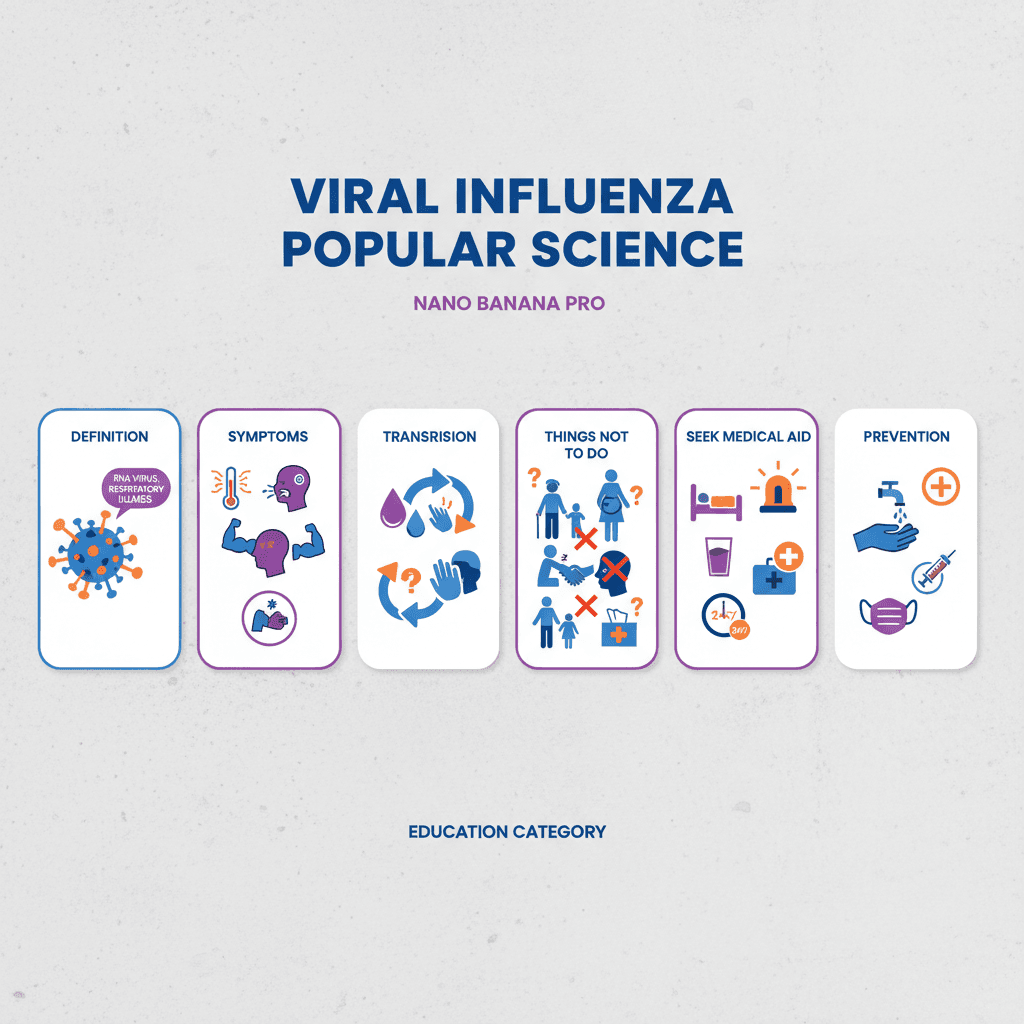
Viral Cold Infographic
Perfect education, no more struggling for ideas!
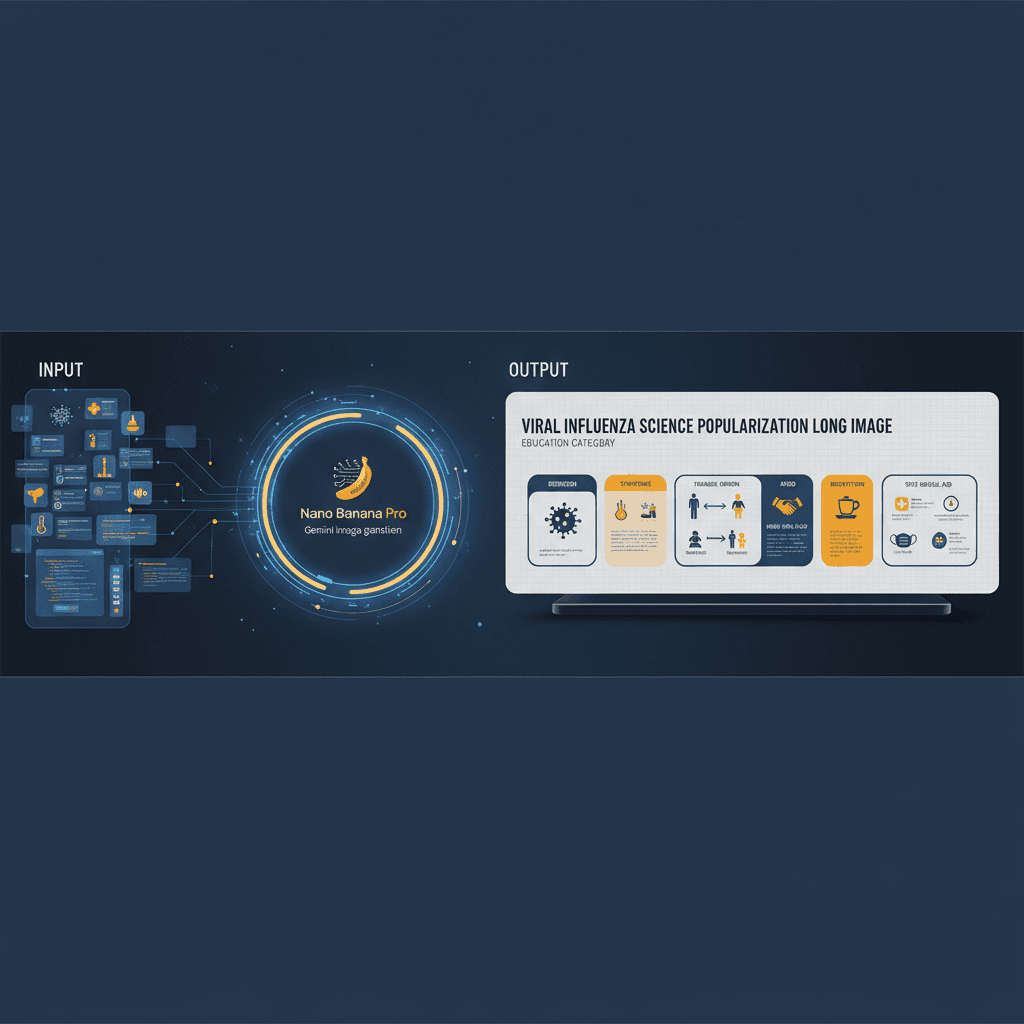
A stunning education example created with Nano Banana Pro (Gemini Image Generation). Viral Cold Infographic.
@lovart
AI Art Creator
See It in Action
See the amazing results this AI prompt can create
Generated Result
Complete Prompt
Copy the prompt below and paste it into your favorite AI tool to start creating
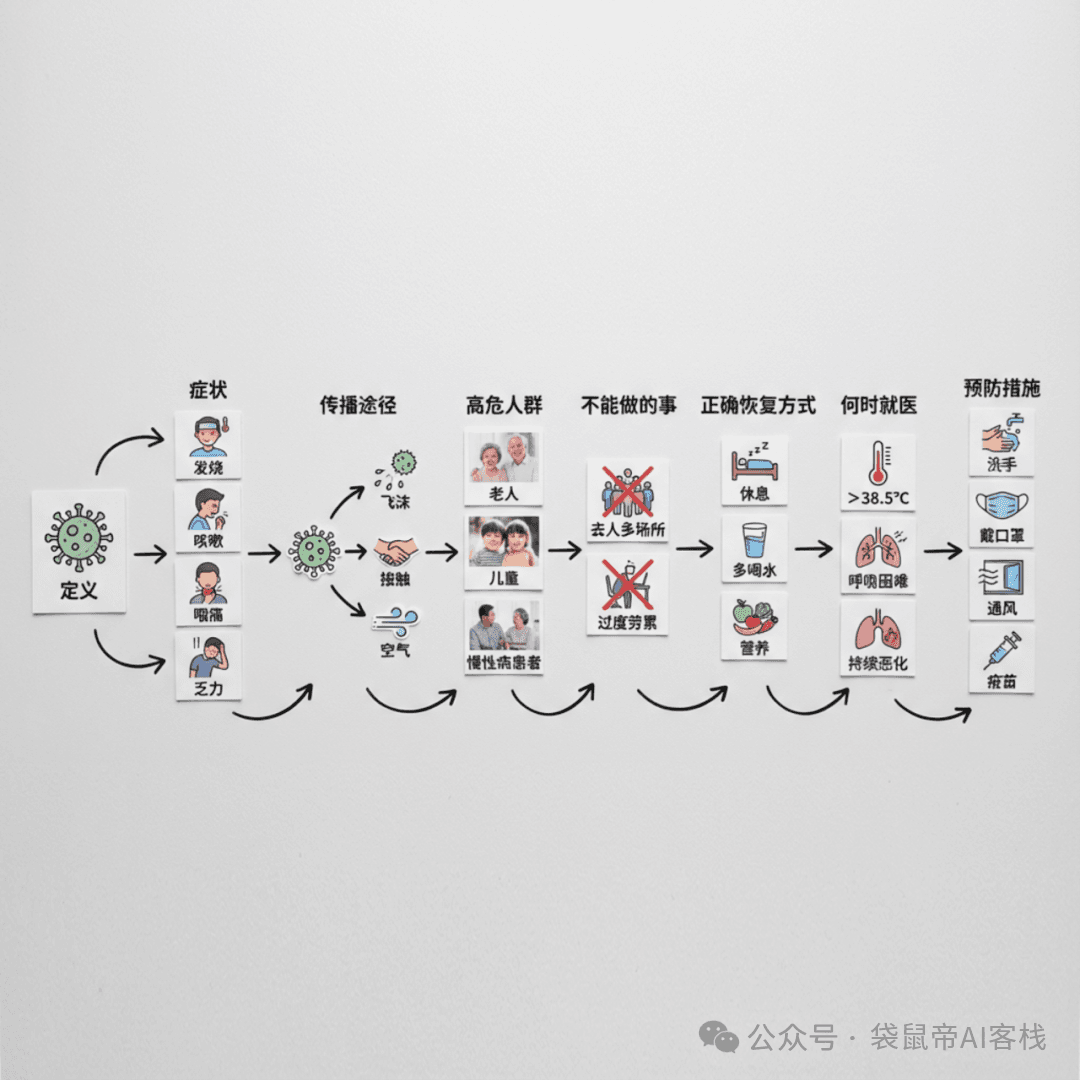
高质量的平面摄影作品,创建一个简单的 DIY 病毒性感冒图表长图,排列在干净、浅灰色纹理的背景上。视觉故事从左到右以清晰的步骤流动:内容包含定义、症状、传播途径、高危人群、不能做的事、正确恢复方式、何时就医、预防措施。
Why Use This AI Tool?
Discover how this powerful AI prompt can help you create stunning artwork
Efficiency Boost
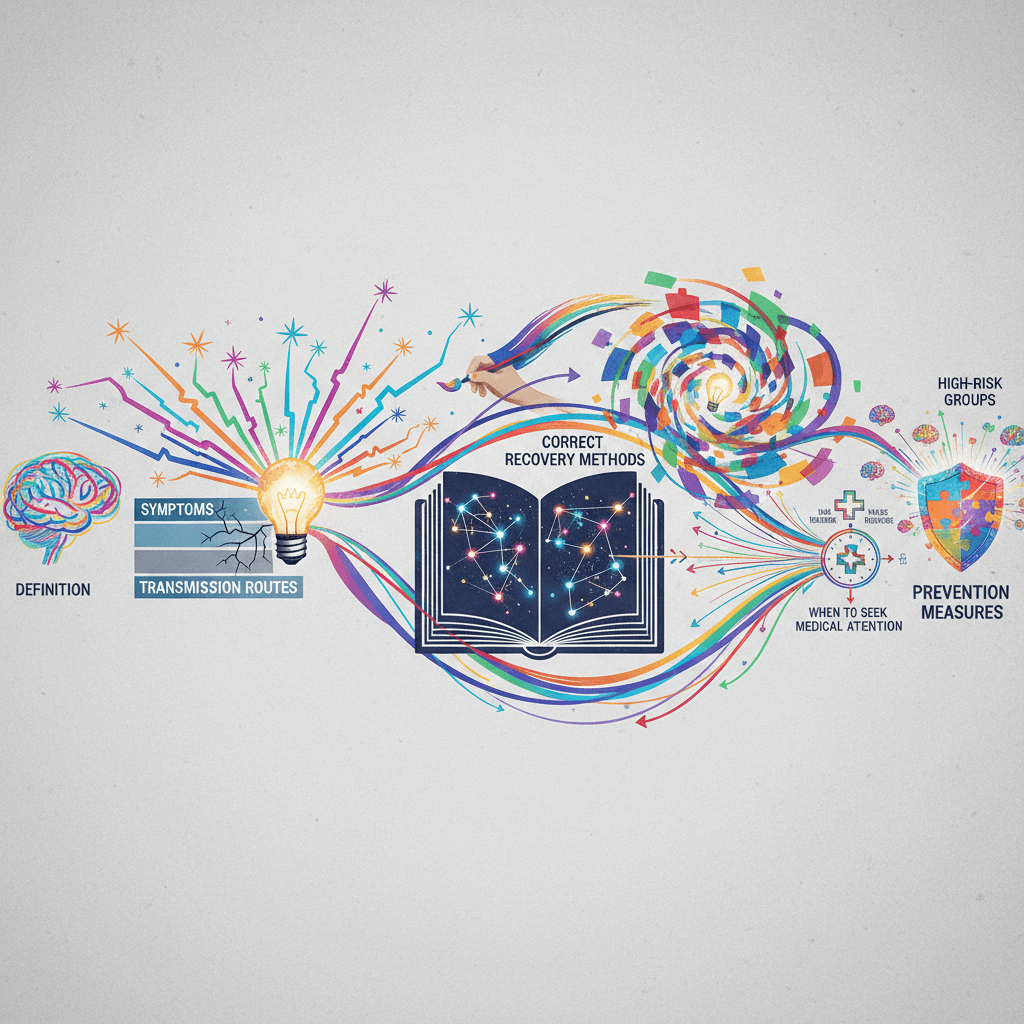
The Viral Cold Infographic significantly enhances efficiency by streamlining complex health information into engaging visuals. Its AI-driven design accelerates content creation, enabling faster dissemination of crucial data on flu symptoms and prevention, ensuring clarity and impact with minimal effort. Experience an unparalleled Efficiency Boost with this innovative tool.

Creativity Enhancement
The Viral Cold Infographic leverages advanced AI to boost creativity enhancement by transforming complex healthcare data into visually engaging graphics. Its intuitive design flow fosters innovative storytelling, making intricate information accessible and memorable. This tool empowers marketers to craft compelling visuals that resonate with audiences, enhancing engagement and understanding.
Template Variety
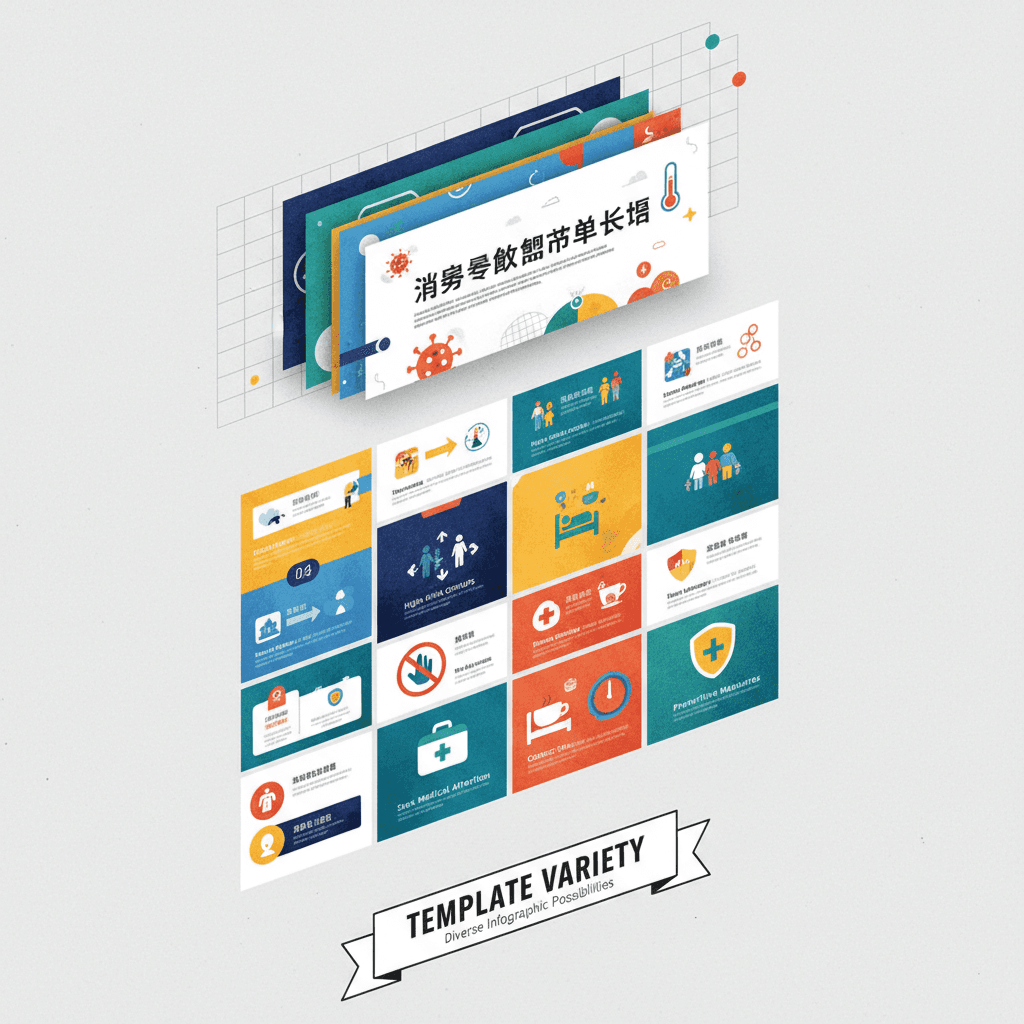
Viral Cold Infographic excels in "Template Variety" by offering customizable designs that cater to diverse educational needs. Its flexibility allows users to adapt infographics for various audiences, enhancing engagement and understanding of complex health topics. This AI-driven tool empowers creators to leverage visually compelling narratives, ensuring effective communication across different platforms.
How to create education with an AI Education generator?
Create stunning AI artwork in just a few simple steps
- 1
Input Ideas
To input ideas, enter your desired content for each section: definition, symptoms, transmission, high-risk groups, do's and don'ts, recovery methods, when to seek medical help, and prevention measures.
- 2
Select Template
To select a template, open the Viral Cold Infographic tool, navigate to the "Templates" section, and choose a design that best fits your educational content on viral colds.
- 3
AI Generate
To generate your infographic, input your desired topics (definition, symptoms, transmission, etc.) and click "Generate." The AI will create a visually appealing infographic on a light gray textured background.
- 4
Download Artwork
To download your Viral Cold Infographic, click the "Download" button located below the artwork. Choose your preferred file format, then save it to your device.
Who Can Use This AI Tool?
This AI tool is perfect for various creative professionals and enthusiasts
Health Educators
They can use the infographic to teach students about flu prevention and symptoms in a visually engaging way during health classes, making complex information easily digestible.
Social Media Managers
They can leverage eye-catching infographics to boost engagement on health-related posts, sharing quick and vital information about flu awareness across platforms to reach wider audiences.
Content Creators
Bloggers and vloggers can integrate the infographic into their content to provide clear, informative visuals that complement their discussions on flu prevention, enhancing viewer understanding.
What Our Users Are Saying
See what users are saying about this AI tool
Emily
Freelance Educator
"I've been using the Viral Cold Infographic for about two months now, and it has completely transformed my teaching materials. I often create visuals for online courses, and this tool has saved me countless hours. The Gemini Image Generation feature is fantastic—it's easy to use and produces stunning graphics that really engage my students. I can now whip up an entire infographic in less than 30 minutes, compared to the hours it used to take. It's become an essential part of my workflow!"
Jake
College Student
"As a student majoring in graphic design, I'm always on the lookout for tools that enhance my projects. I found the Viral Cold Infographic while working on a group assignment last semester, and it was a game changer. The visuals I created with it stood out in our presentation and impressed my professors. I love how user-friendly it is—what used to take me hours to design now only takes about 45 minutes, allowing me to focus more on my content and less on the design!"
Creation Highlights
Transform education with AI generation! Our Viral Cold Infographic, crafted using Nano Banana Pro, provides a clear, step-by-step visual guide on viral colds. Perfect for educators and health professionals, this efficient tool simplifies complex information into engaging visuals. Elevate your teaching with creative automation today!
Frequently Asked Questions
Answers to common questions about using this AI tool
Ready to Start Your AI Creation Journey?
Use this proven AI prompt template to create professional artwork in minutes. Start experiencing extraordinary AI creativity now!
Discover More AI Tools
Explore our curated collection of AI creation tools

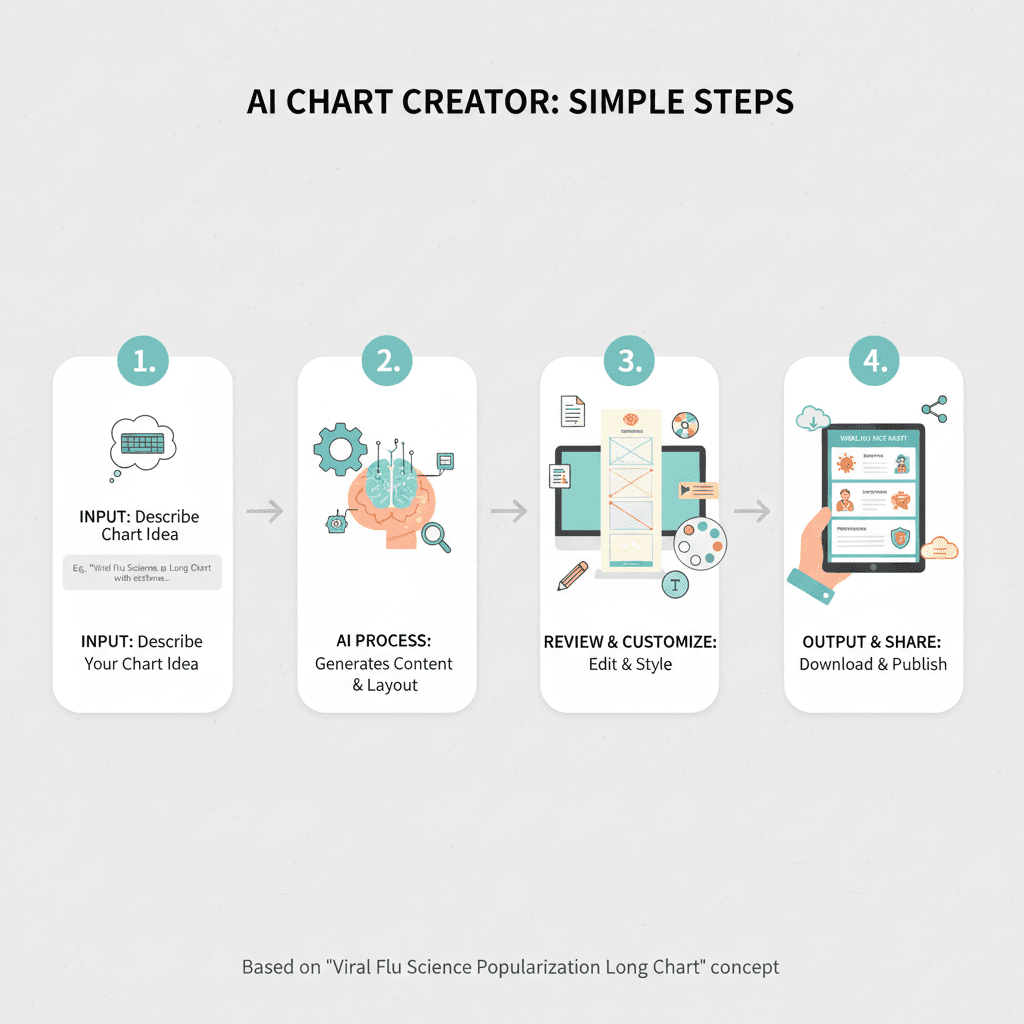
Software Tutorial Annotation
A stunning education example created with Nano Banana Pro (Gemini Image Generation). Software Tutorial Annotation.
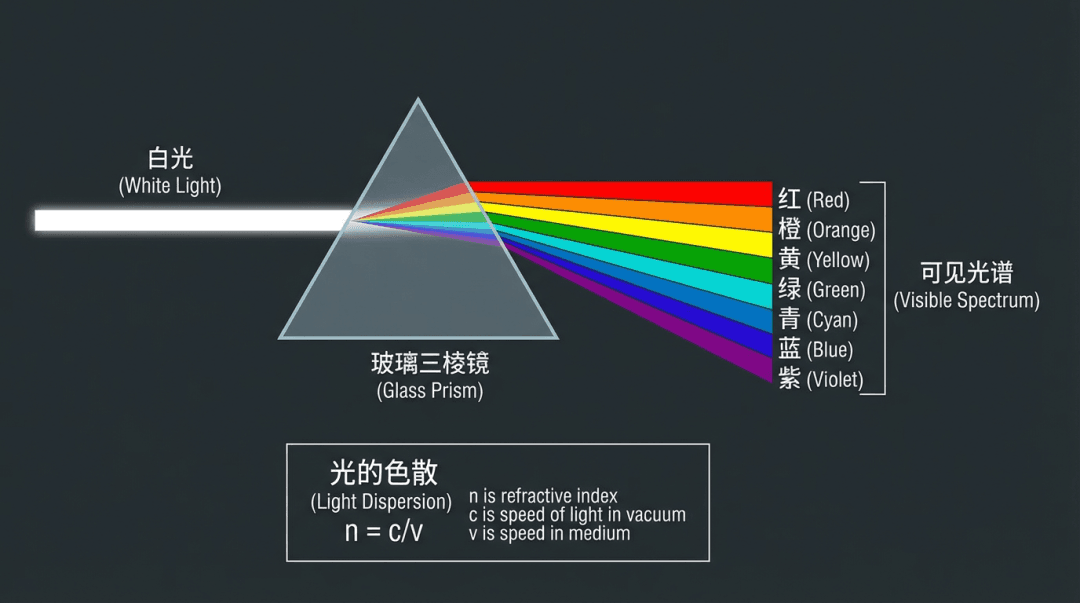
Science Infographic (Prism)
A stunning education example created with Nano Banana Pro (Gemini Image Generation). Science Infographic (Prism).
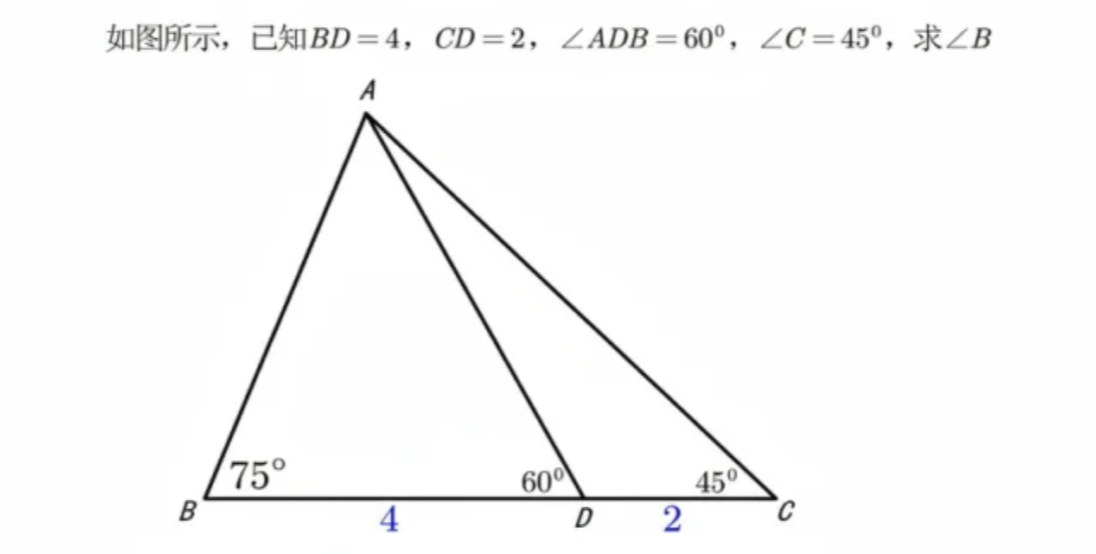
Math Problem Reasoning
Intelligently solve math problems and annotate answers on the original image
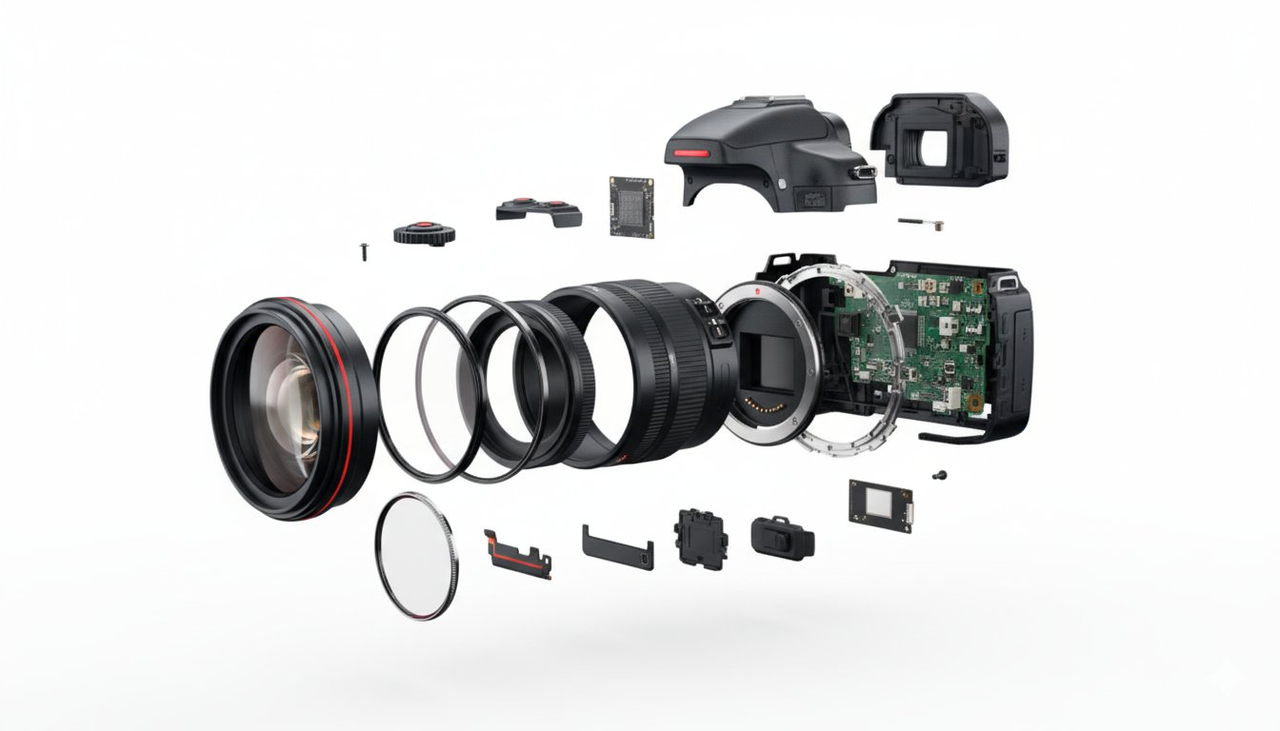
Hardware Disassembly Diagram
Show device exploded view displaying all internal components
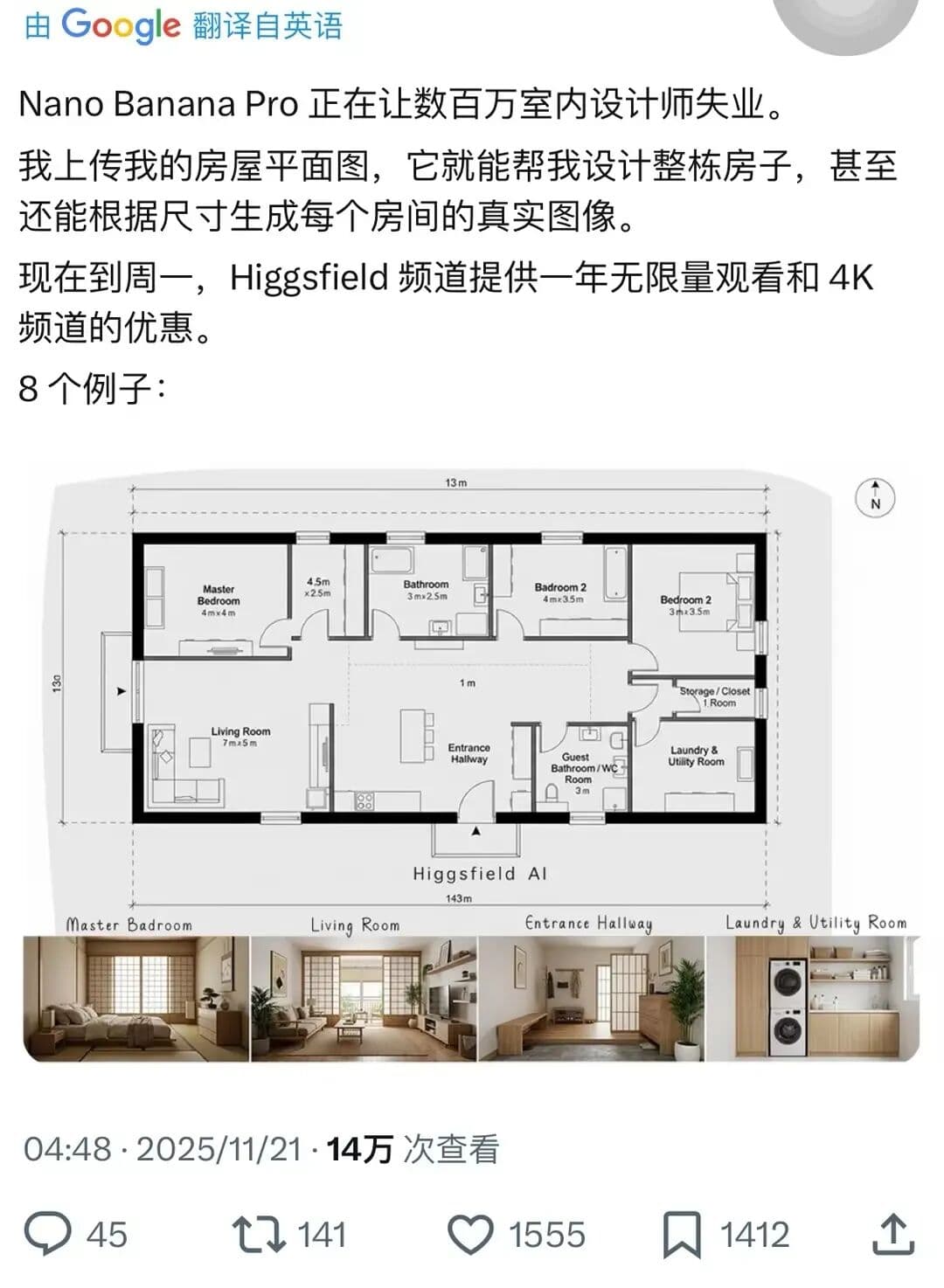
Complete House Design
A stunning interior design example created with Nano Banana Pro (Gemini Image Generation). Complete House Design.

Hyper-Realistic 3D Game Scene
A hyper-realistic 3D render recreating Natasha’s character design from the 2008 game *Command & Conquer: Red Alert 3*, faithfully modeled after the original. The scene is set in a dim, cluttered 2008-era bedroom. The character sits on the carpet facing an old TV playing *Red Alert 3* with a game controller. The room is filled with nostalgic 2008 details: snack wrappers, soda cans, posters, and tangled wires. Natasha Volkova is caught in a candid moment, turning her head to glance back at the camera, her ethereal face lit with an innocent smile. Her upper body twists slightly, naturally posed as if startled by a camera flash. The flash slightly overexposes her face and outfit, making her silhouette stand out in the dark room. The entire photo feels raw and natural, with strong light-and-dark contrasts casting deep shadows, evoking the tactile realism of a 2008 film snapshot.