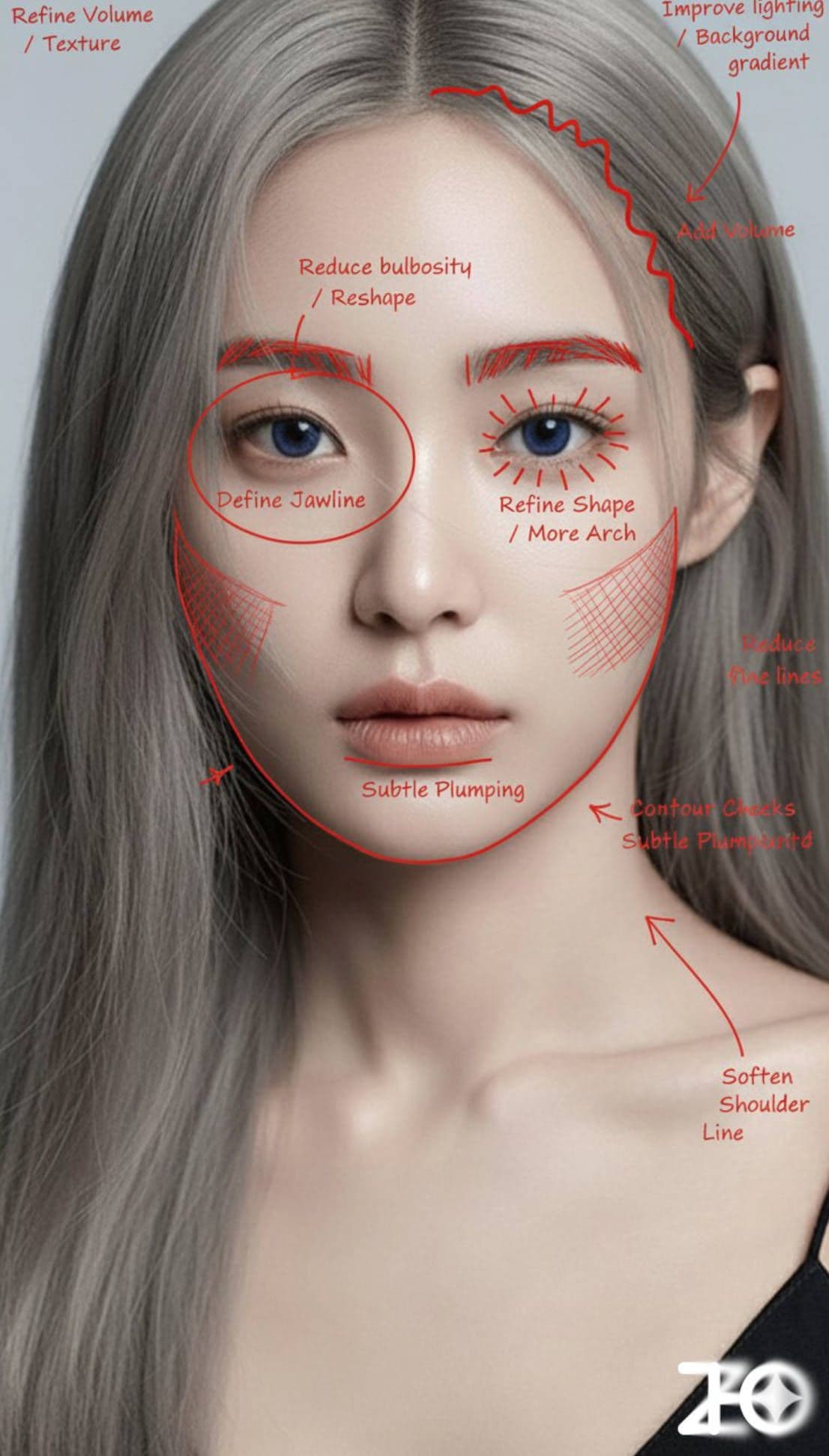
Makeup Analysis
Analyze makeup and mark improvable areas with red pen
More from Lifestyle
View all →
Nostalgic Afternoon Sunlight
a pillow fort in the backyard, shaded by a big old tree. Sunlight filters through the leaves, and a young boy and his golden retriever naps beside a tray of lemonade and cookies. Wind chimes tinkle gently in the breeze. Warm afternoon light, playful and nostalgic, children's book illustrated feeling

Woman in a Hallway
modern gallery hallway

Girl with Low Ponytail in Japanese Izakaya
A young, beautiful, sweetly smiling Asian woman with soft brown hair loosely tied in a low ponytail, featuring soft wispy bangs, sitting sideways on a narrow wooden bar stool in a small, crowded Japanese izakaya, gently turning her head to look at the camera with a soft, natural smile; wearing a white shirt and gray plaid high-waisted shorts; surrounded by middle-aged and older Japanese men in dark suits, conversing softly beside her; the bar interior is narrow and dim, with walls covered in old handwritten menus and vintage posters, shelves stacked with bottles, ceramics, and trinkets; soft, warm tungsten light with a slight haze, and smoke filling the air, evoking the aroma of yakiniku and sake; a real candid moment, intimate social atmosphere, nostalgic Showa-era Japanese nightlife vibe; comfortable ambient tungsten lighting, low contrast, soft color palette with subtle green tints, shallow depth of field, cinematic softness, slight haze, nostalgic 35mm analog photograph, visible subtle film grain, authentic Japanese vintage bar atmosphere, candid portrait, in the style of Daido Moriyama, Takashi Homma, and Wong Kar-wai, Kodak Portra 400 film aesthetic --ar 3:4 --v 7
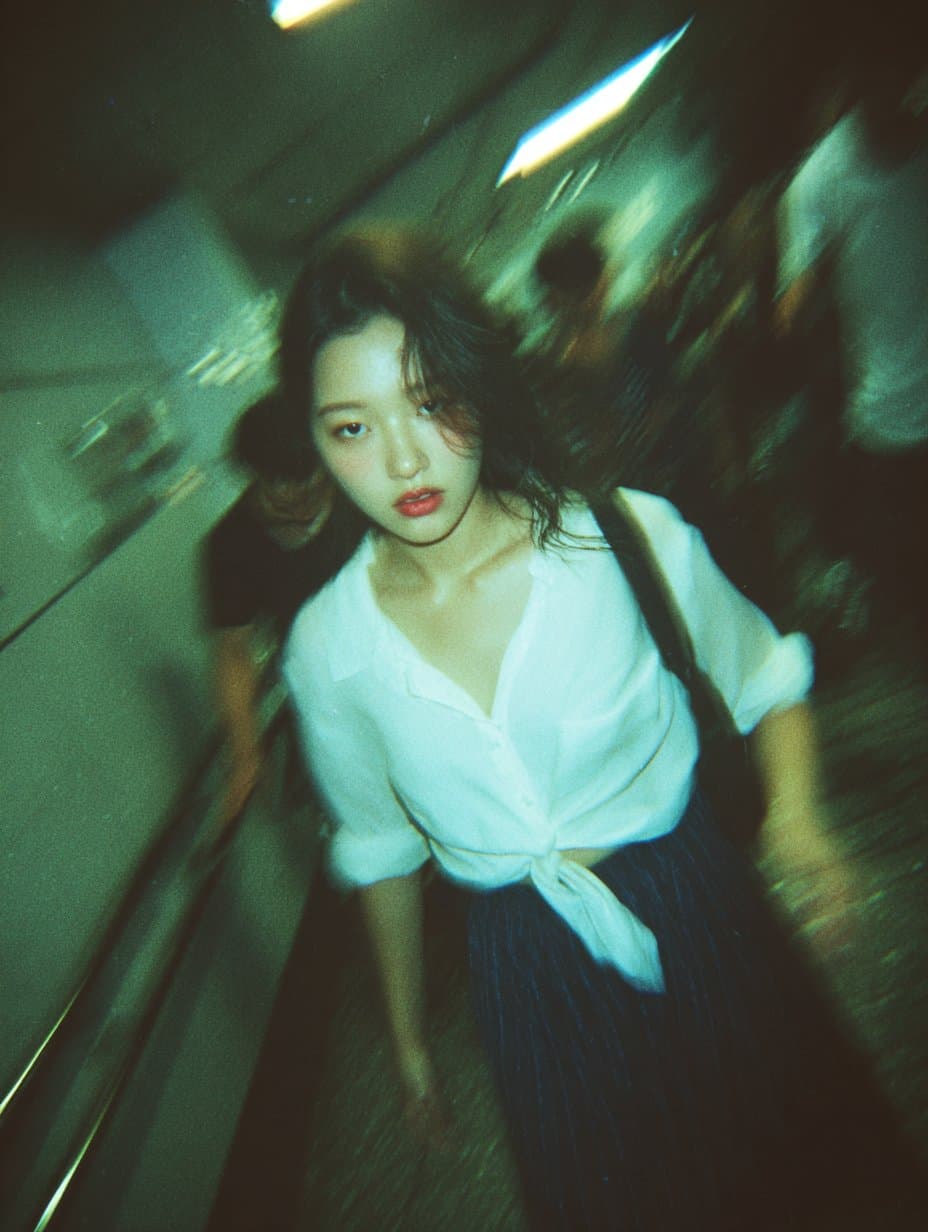
Tokyo Subway Stairwell Beauty
A blurry, high-grain snapshot taken in a Tokyo subway stairwell, charged with motion, humidity, and raw urban energy. The air feels thick and fluorescent, lit by overhead tube lights that cast a cold green-blue tint across the frame. The film grain, chromatic aberration, and lens distortion add a tactile sense of chaos — a fleeting instant suspended mid-run. At the center, a young woman in a tied white shirt and short plaid skirt is caught mid-step, descending the stairs. Her movement blurs, skirt flaring slightly, hair swept by motion. The focus drifts between her and the background, giving the shot a dreamlike disorientation, as if seen through memory or adrenaline. Her expression holds the entire frame together — eyes open, lips slightly parted, cheeks flushed, as if between alertness and vulnerability. There’s no posed awareness, only instinct — a moment stolen from time. Around her, commuters blur into silhouettes, the hallway tight and echoing, the walls reflecting harsh fluorescent glare. The composition feels accidental yet perfect: tilted, urgent, intimate. The atmosphere is electric and nostalgic, a mix of youth, motion, and fleeting emotion, like a fragment from a fever dream or an afterimage burned into film — not cinematic, but hyper-real, the kind of moment only disposable-camera photography captures: alive, imperfect, and painfully real.

Hand-Drawn Infographic Card
Create a hand-drawn style infographic card with a 9:16 vertical aspect ratio. The card has a clear theme, with a beige or off-white background featuring a paper texture, and the overall design embodies a simple, friendly hand-drawn aesthetic. The card's title is prominently displayed at the top in large, contrasting red and black calligraphic brush script, drawing visual focus. All text content uses Chinese cursive script, and the overall layout is divided into 2 to 4 clear sections, each expressing key points with short, concise Chinese phrases. The font maintains the smooth rhythm of cursive script, being both clear and readable while possessing artistic flair. The card is embellished with simple, interesting hand-drawn illustrations or icons, such as figures or symbols, to enhance visual appeal and evoke thought and resonance from the reader. The overall layout pays attention to visual balance, reserving sufficient white space to ensure the image is concise, clear, easy to read, and understand. The theme is: "Building an IP is a long-term compounding return. Persist in daily work, continue doing it, and there will definitely be results, because 99% won't persevere."
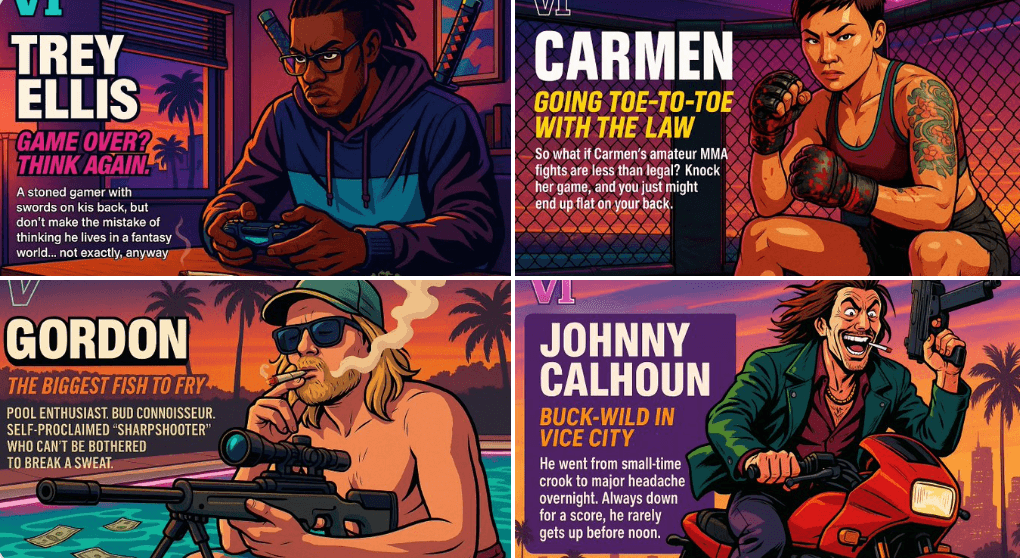
Create Your Own GTA Character
Act as a creative director at Rockstar Games. Create a fictional GTA VI character sheet in the exact same style as the official GTA VI promotional images. The layout must be: A horizontal character sheet, with the character on the right, in a dynamic pose that reflects their personality. On the left, include the following structured text: A small "VI" logo at the top left (mention it visually). The character’s name in big bold text. A catchy slogan or tagline right below in a different bright color. A short backstory (3–5 lines) written in an ironic, street-smart, or playful tone — just like Rockstar’s tone of voice. Use the vibrant Vice City aesthetic with sunset lighting, neon accents, and cel-shaded comic style. The character’s clothing, action, and environment must reflect their archetype and background. Let me customize the following variables: Archetype: {your choice} Gender: {your choice} Skin tone: {your choice} Hairstyle: {your choice} Emotion : {your choice} Outfit: {your choice} Weapon or action: {your choice} Background details: {your choice} Generate a fictive name in tittle and a description in english Format the final result like a finished in-game asset reveal. The vibe should be over-the-top, stylish, and full of personality — as if part of the real GTA VI world. (if the "Your choice" sections are not filled with personalized information, it's up to you to generate it randomly by yourself) generate the visual directly from now on