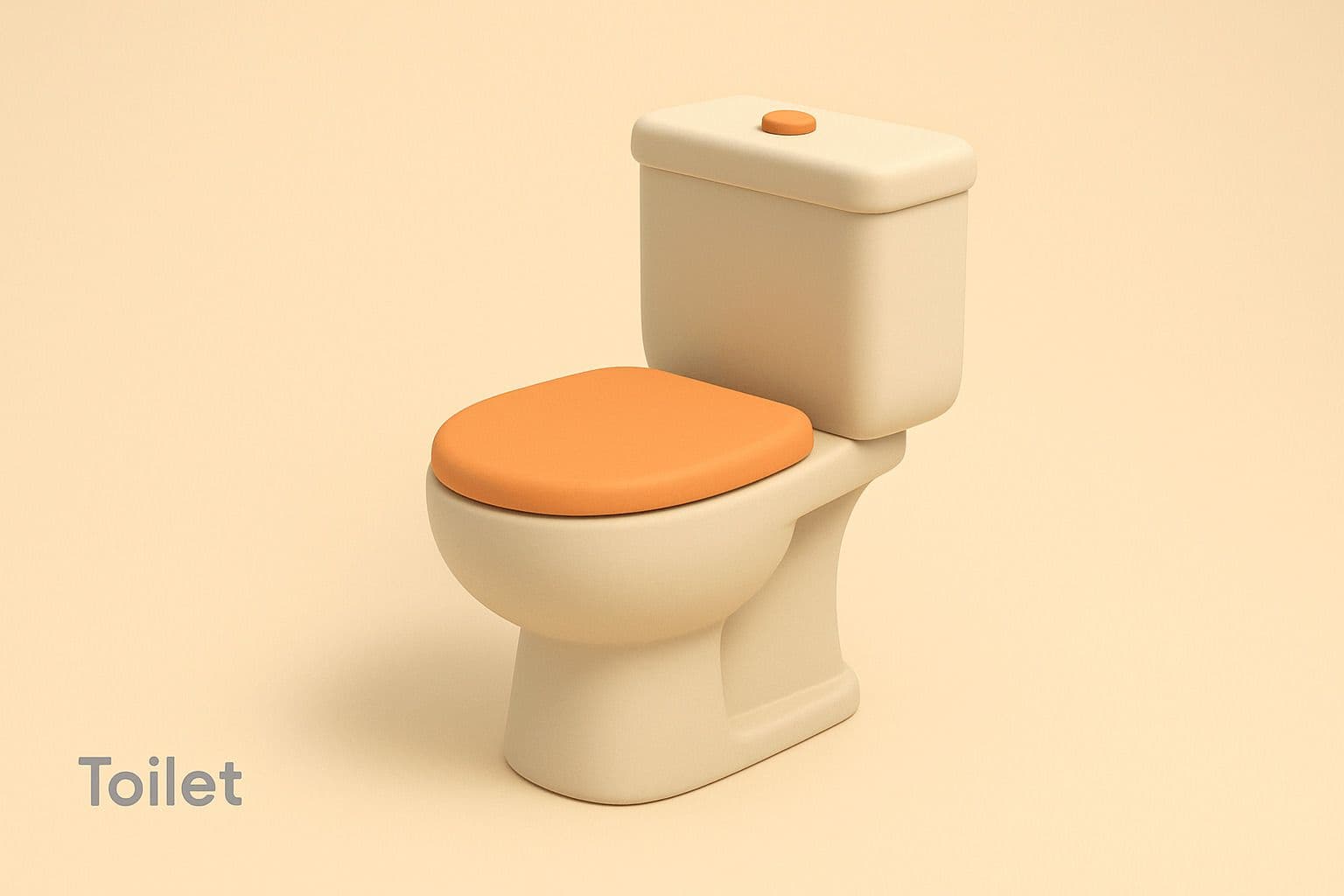
Minimalist 3D Illustration (Markdown Format)
Draw a toilet: ## Art Style: Minimalist 3D Illustration ### 🎨 Visual Elements #### 🟢 Shape Language - Rounded edges, smooth and soft forms, simplified geometry. #### 🎨 Colors - **Primary palette:** soft beige, light gray, warm orange. - **Accent color:** warm orange for focal elements. - **Shading:** soft gradients, smooth transitions, avoid strong shadows/highlights. #### 💡 Lighting - **Type:** soft, diffused. - **Direction:** slightly from above right. - **Shadows:** subtle and diffused, no sharp contrast. #### 🧱 Materials - **Surface texture:** matte, smooth with subtle tonal variation. - **Reflectivity:** low or none, avoiding obvious gloss. #### 🖼️ Composition - **Presentation:** single centered object with generous negative space. - **Viewpoint:** slight tilt for moderate 3D effect, no deep perspective. - **Background:** solid, low-saturation color that complements the subject. #### ✒️ Typography - **Style:** minimalist, sans-serif. - **Placement:** lower left, small and unobtrusive. - **Color:** gray, low contrast with background. #### 🖥️ Rendering Style - **Technique:** 3D render, simplified low-poly style. - **Detail level:** moderate, focusing on form and color over texture. ### 🎯 Purpose Create a clean, aesthetic look emphasizing simplicity, friendliness, and modernity.
Draw a toilet: ## Art Style: Minimalist 3D Illustration ### 🎨 Visual Elements #### 🟢 Shape Language - Rounded edges, smooth and soft forms, simplified geometry. #### 🎨 Colors - **Primary palette:** soft beige, light gray, warm orange. - **Accent color:** warm orange for focal elements. - **Shading:** soft gradients, smooth transitions, avoid strong shadows/highlights. #### 💡 Lighting - **Type:** soft, diffused. - **Direction:** slightly from above right. - **Shadows:** subtle and diffused, no sharp contrast. #### 🧱 Materials - **Surface texture:** matte, smooth with subtle tonal variation. - **Reflectivity:** low or none, avoiding obvious gloss. #### 🖼️ Composition - **Presentation:** single centered object with generous negative space. - **Viewpoint:** slight tilt for moderate 3D effect, no deep perspective. - **Background:** solid, low-saturation color that complements the subject. #### ✒️ Typography - **Style:** minimalist, sans-serif. - **Placement:** lower left, small and unobtrusive. - **Color:** gray, low contrast with background. #### 🖥️ Rendering Style - **Technique:** 3D render, simplified low-poly style. - **Detail level:** moderate, focusing on form and color over texture. ### 🎯 Purpose Create a clean, aesthetic look emphasizing simplicity, friendliness, and modernity.
More from 3D Convert
View all →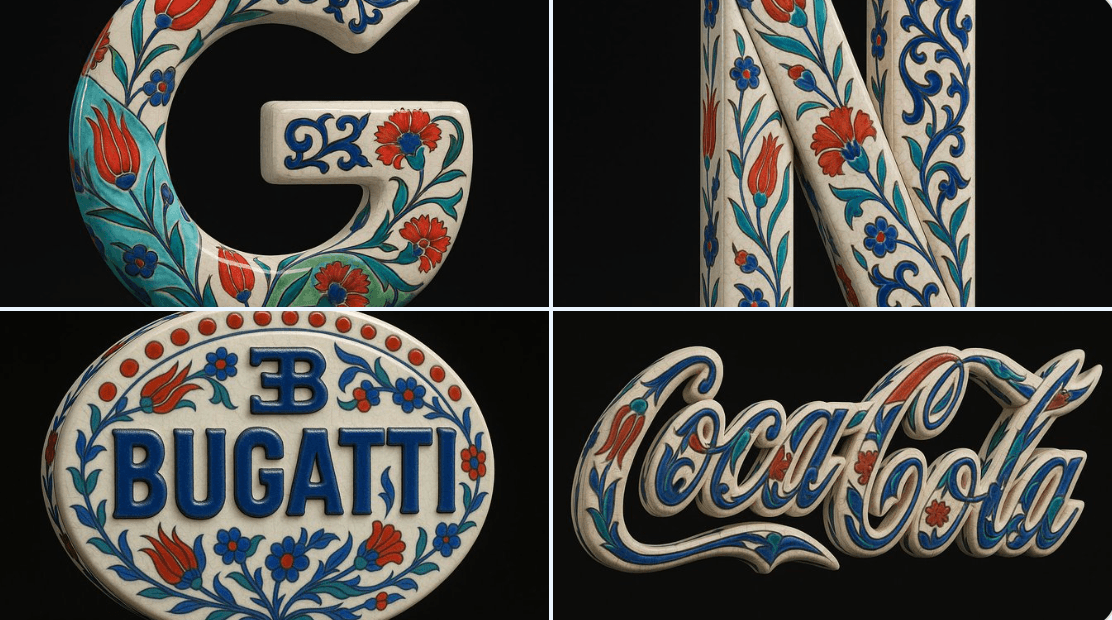
Blue and White Porcelain Style
Using the uploaded image as the exact visual base, transform it into a hyper-realistic 3D object that retains the original shape and proportions of the logo only. Apply traditional Ottoman Iznik ceramic textures—featuring a warm white glazed base with delicate crackle lines, overlaid with vivid cobalt blue, turquoise, and bold red floral motifs such as tulips, carnations, and arabesque vines. The entire logo should be treated as a standalone porcelain sculpture with raised, hand-painted detailing and no background plate or tile structure. Ensure the decorative patterns elegantly follow the contours of the Bugatti logo, without altering its form. Render the object in a pure black background with Cinema 4D-style product lighting—highlighting realistic ceramic gloss, material depth, and subtle reflections. The final result should feel like a luxurious handcrafted ceramic reinterpretation, balancing heritage ornamentation with industrial branding.
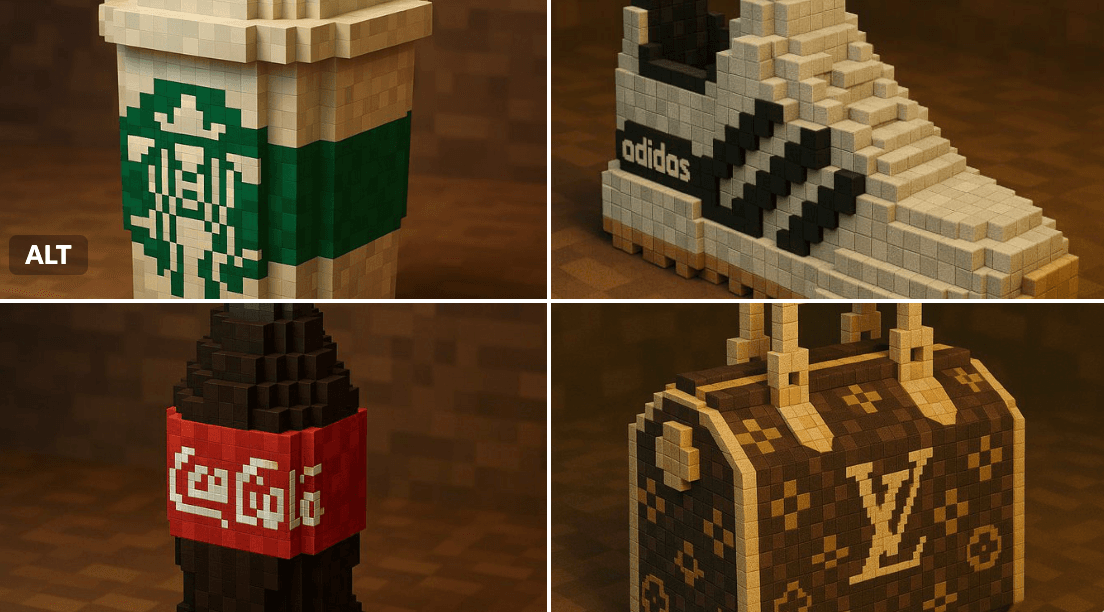
Brand Minecraft Style
"A Minecraft-style voxel recreation of a [BRAND NAME] [OBJECT], built entirely from pixelated cubes — detailed voxel modeling, signature brand colors and logo, blocky textures, clean lighting, stylized yet recognizable, 3D render, high resolution, playful and creative interpretation"
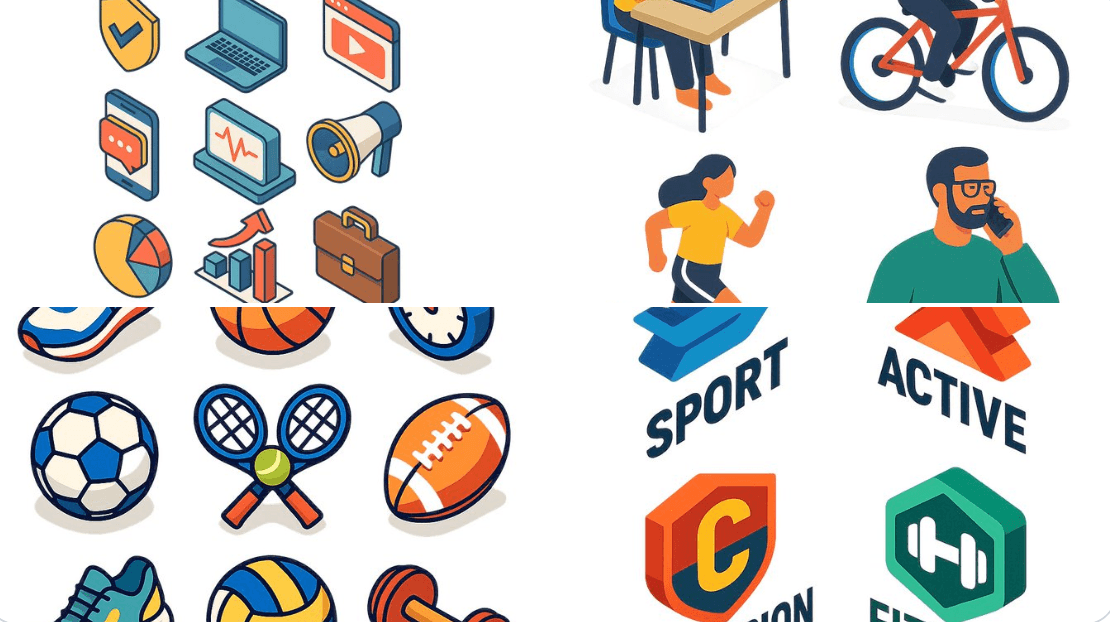
Flat Design Isometry Style
A flat isometric digital illustration of [describe the subject: e.g., a modern workspace, a city block, a group of app icons, a sports shop], clean lines and geometric forms, bright pastel colors, simplified perspective with 3D depth, minimal shading, white background or light gradient. Style resembles modern vector infographics, ideal for UI, app design or web visuals.
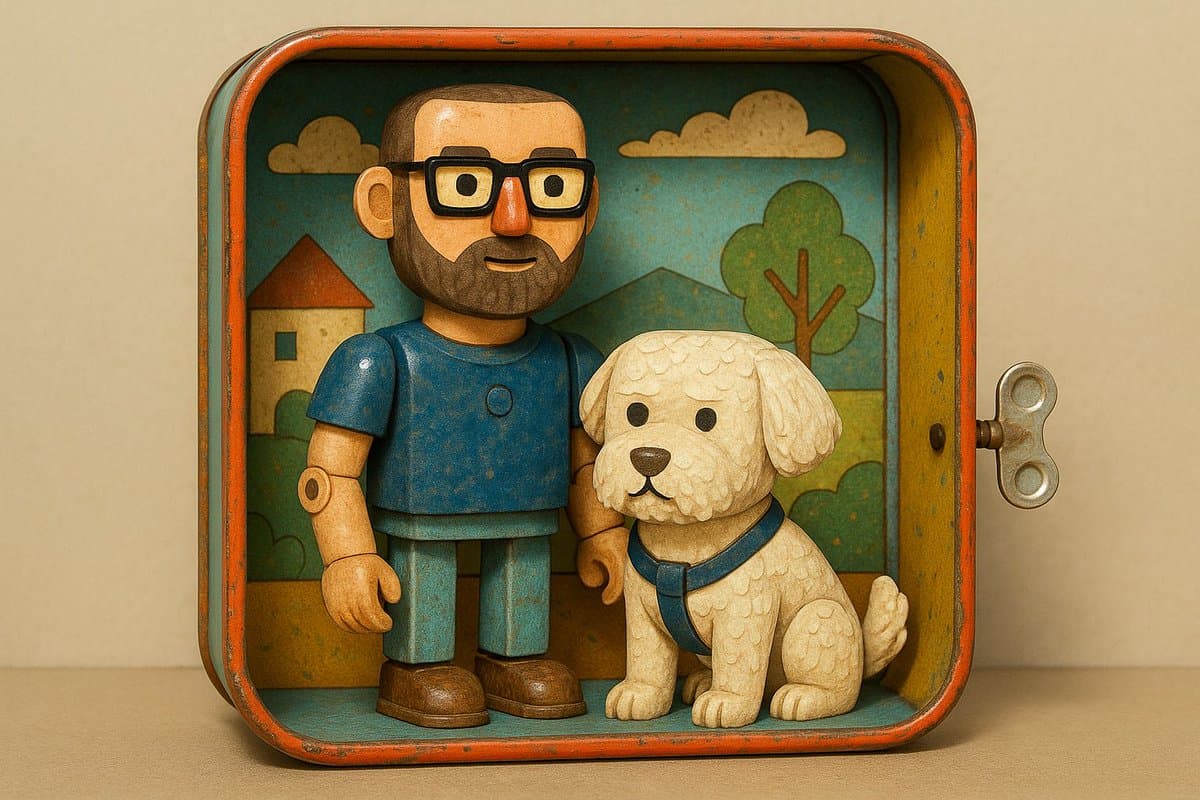
Retro Tin Toy Diorama Style
transform it into part of a miniature mechanical scene from the 1940s or ’50s, featuring: ➕Shiny enamel-painted metal characters and objects. ➕Riveted details and visible joints. ➕Illustrated cardboard backdrops with vintage charm. ➕Wind-up toy-style settings with gears and wheels.
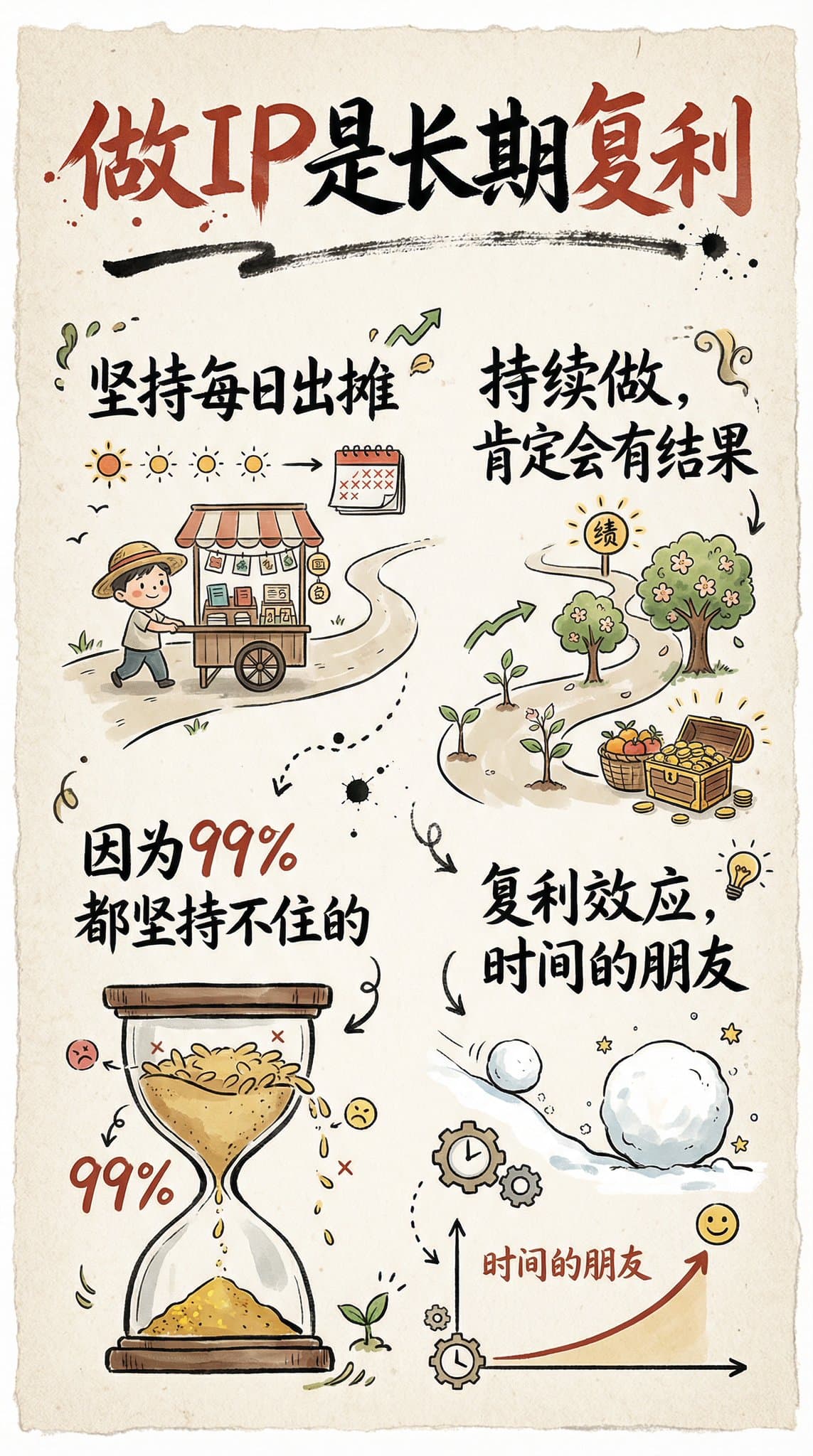
Hand-Drawn Infographic Card
Create a hand-drawn style infographic card with a 9:16 vertical aspect ratio. The card has a clear theme, with a beige or off-white background featuring a paper texture, and the overall design embodies a simple, friendly hand-drawn aesthetic. The card's title is prominently displayed at the top in large, contrasting red and black calligraphic brush script, drawing visual focus. All text content uses Chinese cursive script, and the overall layout is divided into 2 to 4 clear sections, each expressing key points with short, concise Chinese phrases. The font maintains the smooth rhythm of cursive script, being both clear and readable while possessing artistic flair. The card is embellished with simple, interesting hand-drawn illustrations or icons, such as figures or symbols, to enhance visual appeal and evoke thought and resonance from the reader. The overall layout pays attention to visual balance, reserving sufficient white space to ensure the image is concise, clear, easy to read, and understand. The theme is: "Building an IP is a long-term compounding return. Persist in daily work, continue doing it, and there will definitely be results, because 99% won't persevere."
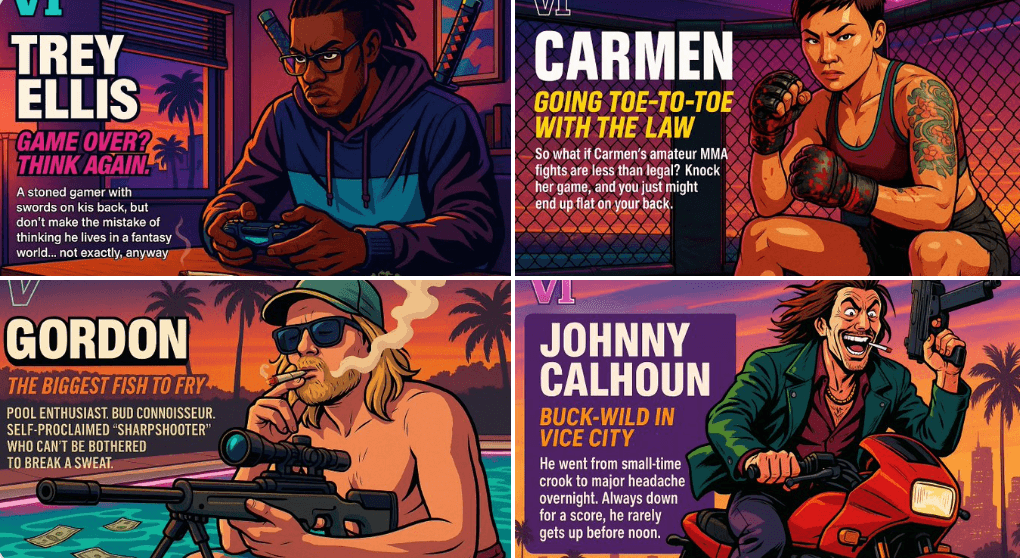
Create Your Own GTA Character
Act as a creative director at Rockstar Games. Create a fictional GTA VI character sheet in the exact same style as the official GTA VI promotional images. The layout must be: A horizontal character sheet, with the character on the right, in a dynamic pose that reflects their personality. On the left, include the following structured text: A small "VI" logo at the top left (mention it visually). The character’s name in big bold text. A catchy slogan or tagline right below in a different bright color. A short backstory (3–5 lines) written in an ironic, street-smart, or playful tone — just like Rockstar’s tone of voice. Use the vibrant Vice City aesthetic with sunset lighting, neon accents, and cel-shaded comic style. The character’s clothing, action, and environment must reflect their archetype and background. Let me customize the following variables: Archetype: {your choice} Gender: {your choice} Skin tone: {your choice} Hairstyle: {your choice} Emotion : {your choice} Outfit: {your choice} Weapon or action: {your choice} Background details: {your choice} Generate a fictive name in tittle and a description in english Format the final result like a finished in-game asset reveal. The vibe should be over-the-top, stylish, and full of personality — as if part of the real GTA VI world. (if the "Your choice" sections are not filled with personalized information, it's up to you to generate it randomly by yourself) generate the visual directly from now on