Image Enhancement2,400 likes
Updated Sep 21, 2025

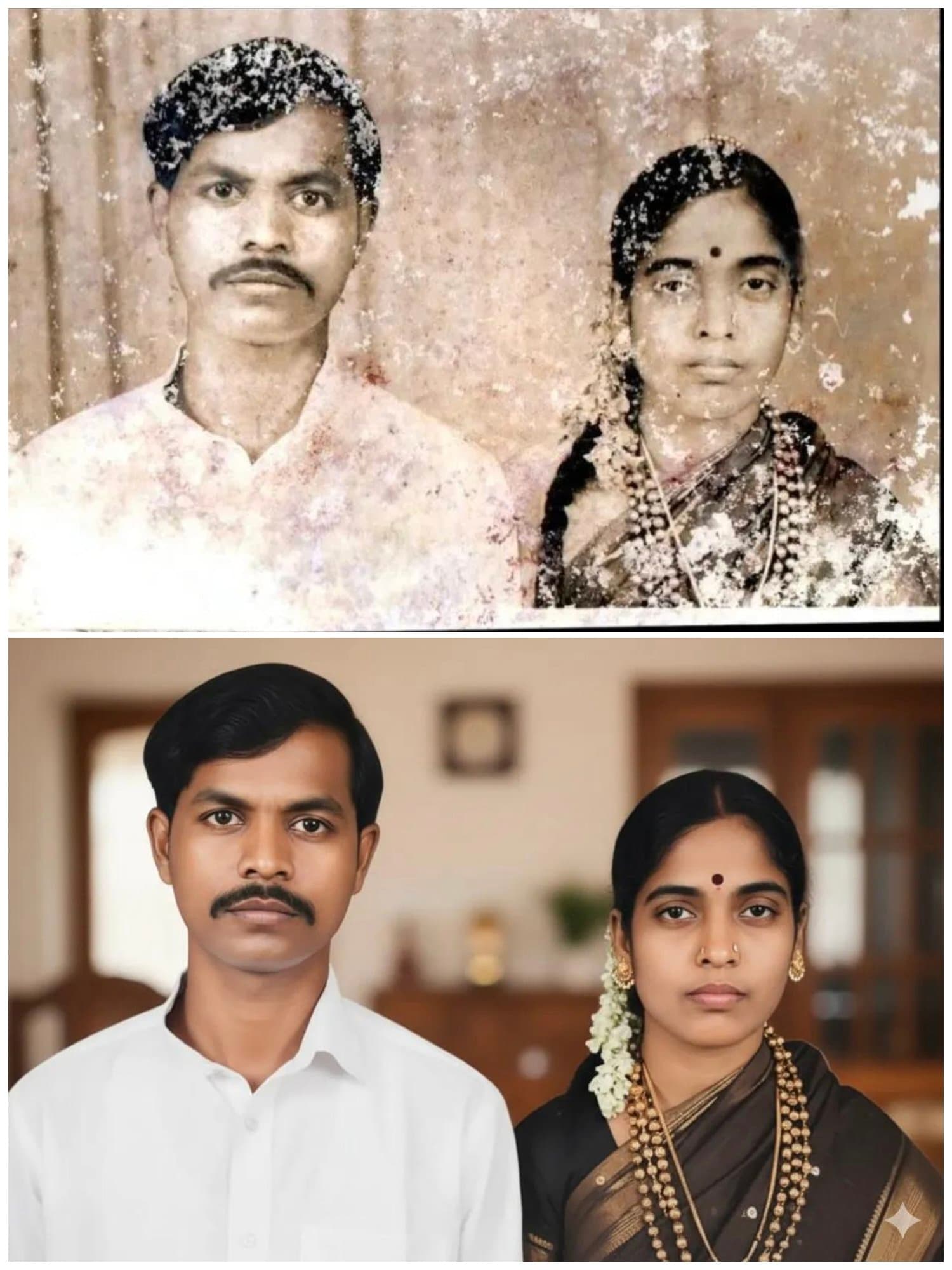
Old Photo Colorization

Perfect image enhancement, no more struggling for ideas!

Restore and add natural colors to black and white vintage photos

View original tweet
@

@GeminiApp

AI Art Creator

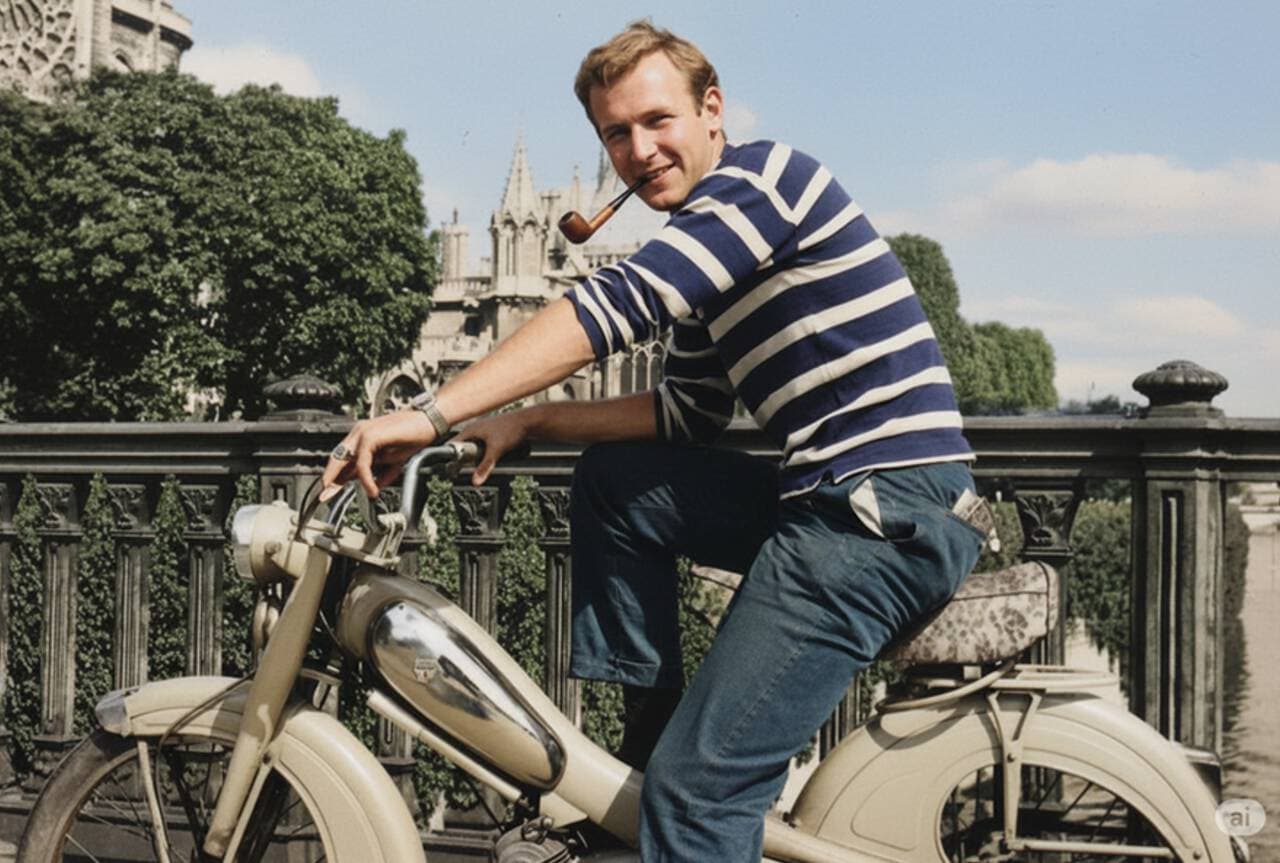
Old Photo Colorization: AI generation restores and adds natural colors to black and white vintage photos for enhanced visuals.

See It in Action

See the amazing results this AI prompt can create

Input Image

Old Photo Colorization - Input

Generated Result

Old Photo Colorization - Output

Complete Prompt

Copy the prompt below and paste it into your favorite AI tool to start creating

Restore and colorize this photo

Why Use This AI Tool?

Discover how this powerful AI prompt can help you create stunning artwork

Efficiency Boost

Experience an **Efficiency Boost** with Old Photo Colorization, where AI swiftly transforms black and white vintage photos into vibrant, lifelike images. This tool streamlines the restoration process, saving time while enhancing creativity through advanced colorization techniques, ensuring optimal results with minimal effort.

Efficiency Boost

Creativity Enhancement

Old Photo Colorization offers remarkable **Creativity Enhancement** by transforming black and white vintage photos into vibrant, lifelike images. This AI-powered tool enables artists and designers to reimagine history, fostering innovation in storytelling and visual arts through restored authenticity and dynamic color palettes.

Creativity Enhancement

Template Variety

Old Photo Colorization offers exceptional template variety, enabling users to seamlessly restore and add vibrant colors to diverse black and white vintage photos. This AI-driven tool enhances creativity by providing tailored styles, ensuring each restored image resonates uniquely, catering to various artistic preferences and historical contexts.

Template Variety

How to create image enhancement with an AI Image Enhancement generator?

Create stunning AI artwork in just a few simple steps

  • 1

    Input Ideas

    To input ideas, upload your black and white vintage photo. Use the prompt “Restore and colorize this photo” to guide the AI in adding natural colors and restoring details.

  • 2

    Select Template

    To begin, click on the "Select Template" button. Choose a colorization style that best fits your vintage photo, then proceed to upload your black and white image for restoration.

  • 3

    AI Generate

    To generate a colorized version of your black and white photo, click "AI Generate." The tool will automatically restore and add natural colors to your vintage image.

  • 4

    Download Artwork

    To download your colorized artwork, click the "Download" button displayed below the restored photo. Your colorized vintage image will be saved to your device.

Usage steps for an AI tool that effortlessly colorizes old black and white photos, guiding users through the process.

Who Can Use This AI Tool?

This AI tool is perfect for various creative professionals and enthusiasts

Family Historians

They can use the tool to colorize cherished black-and-white family photos, making them more relatable for younger generations during reunions or family presentations.

Social Media Creators

Content creators can enhance their feeds by transforming vintage photos into vibrant visuals, attracting more engagement and providing a unique aesthetic to their storytelling.

Graphic Designers

Designers can incorporate colorized vintage images into contemporary projects, adding depth and nostalgia that resonates with clients looking for a retro feel in their branding.

What Our Users Are Saying

See what users are saying about this AI tool

E

Emily

Freelance Photographer

"I've been using Old Photo Colorization for about six months now, and I can't believe how much it has transformed my workflow. I often work with clients who want to modernize their family heirloom photos, and this tool saves me a ton of time. Instead of manually colorizing each photo, I can upload them and let the AI do its magic. Just a few clicks and the results are stunning! My clients have been thrilled with the vibrant colors, and I've even gained more referrals because of it."

M

Mark

History Enthusiast

"As a history lover, I enjoy restoring old family photos, and Old Photo Colorization has been a game changer for me. I started using it to breathe life into my grandparents' black and white pictures, and the results are incredible. I've been using the tool for over a year, and it has made the whole process so much easier. I can now spend more time enjoying the memories rather than getting bogged down in tedious editing. Seeing the colors pop in these old images has brought my family's history back to life in a way I never expected."

Creation Highlights

Revive cherished memories with our AI generation tool for image enhancement. Restore and colorize black and white vintage photos effortlessly, bringing history to life with natural hues. Perfect for photographers and historians alike, our intelligent platform transforms your images into vibrant treasures.

AI tool for image enhancement, restoring and colorizing vintage black and white photos for a vibrant, natural look.

Frequently Asked Questions

Answers to common questions about using this AI tool

Ready to Start Your AI Creation Journey?

Use this proven AI prompt template to create professional artwork in minutes. Start experiencing extraordinary AI creativity now!

Explore More AI Tools

Discover More AI Tools

Explore our curated collection of AI creation tools

Auto Photo Enhancement
Image Enhancement❤️ 1950

Auto Photo Enhancement

Intelligently enhance photo colors, contrast, and lighting effects

@op7418View details
Portrait Fine Editing & Beauty
Image Enhancement❤️ 1930

Portrait Fine Editing & Beauty

A stunning image enhancement example created with Nano Banana Pro (Gemini Image Generation). Portrait Fine Editing & Beauty.

@beautyView details
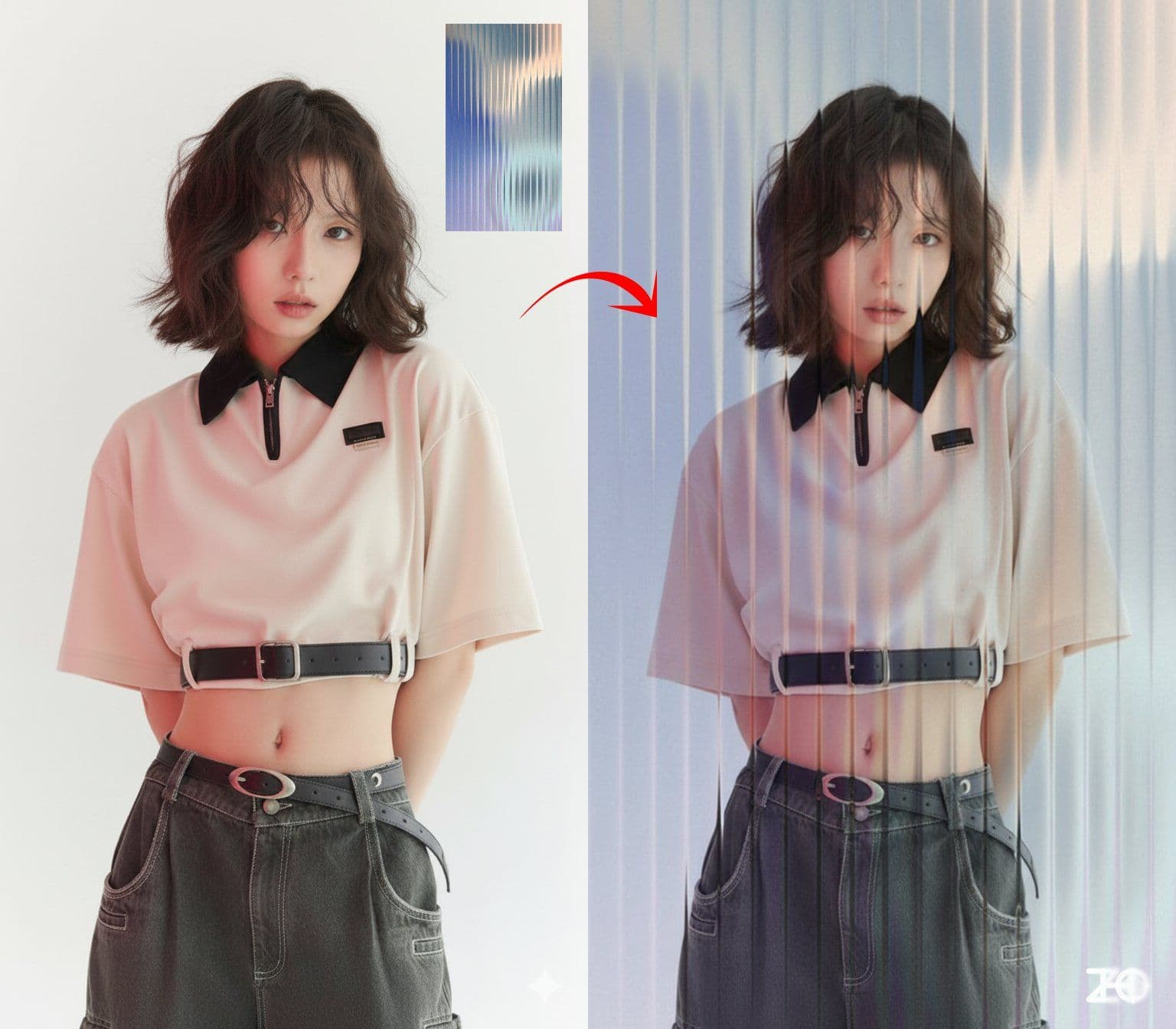
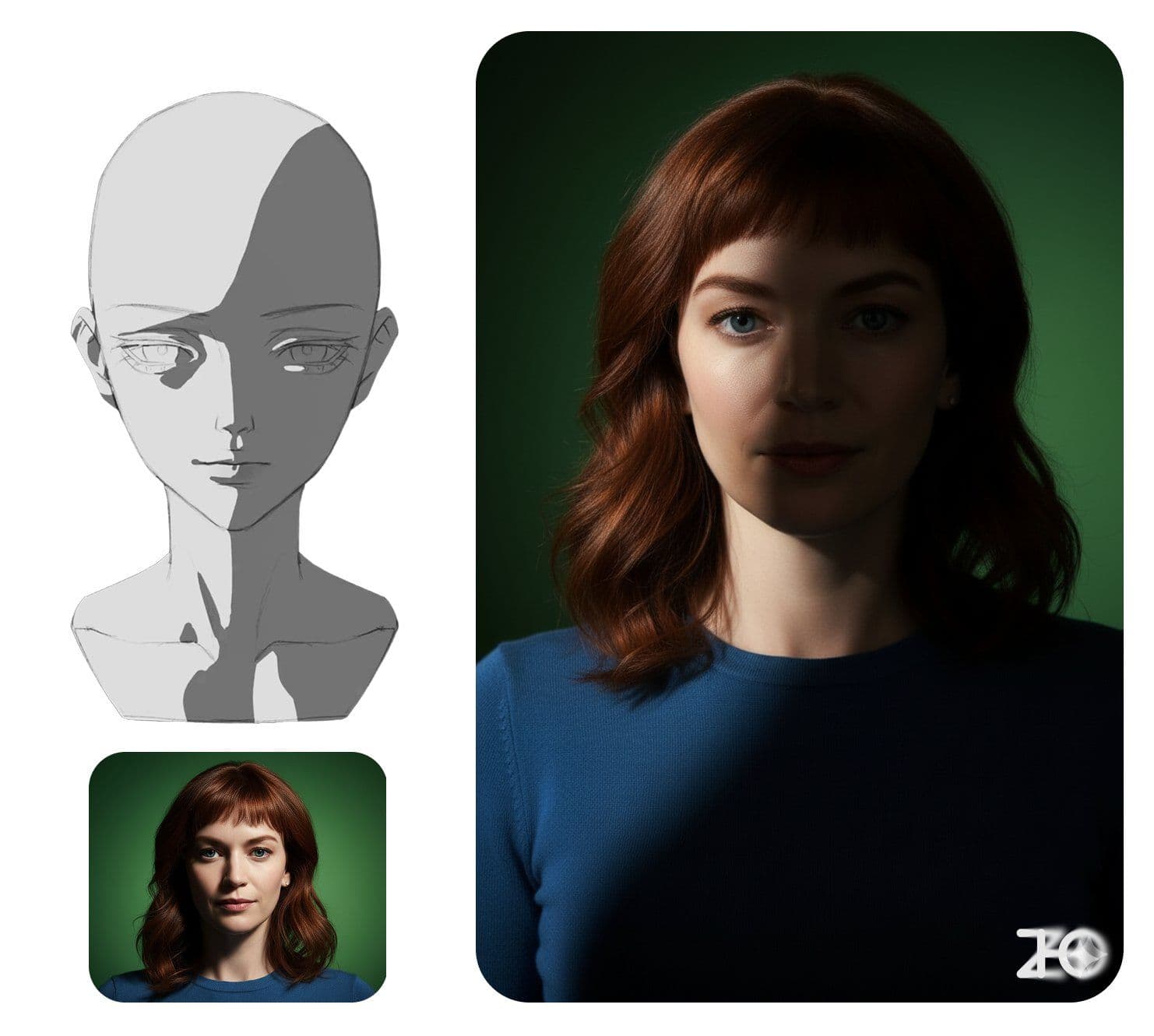
Lighting Control
Image Enhancement❤️ 1850

Lighting Control

Adjust character lighting based on reference image lighting effects

@ZHO_ZHO_ZHOView details
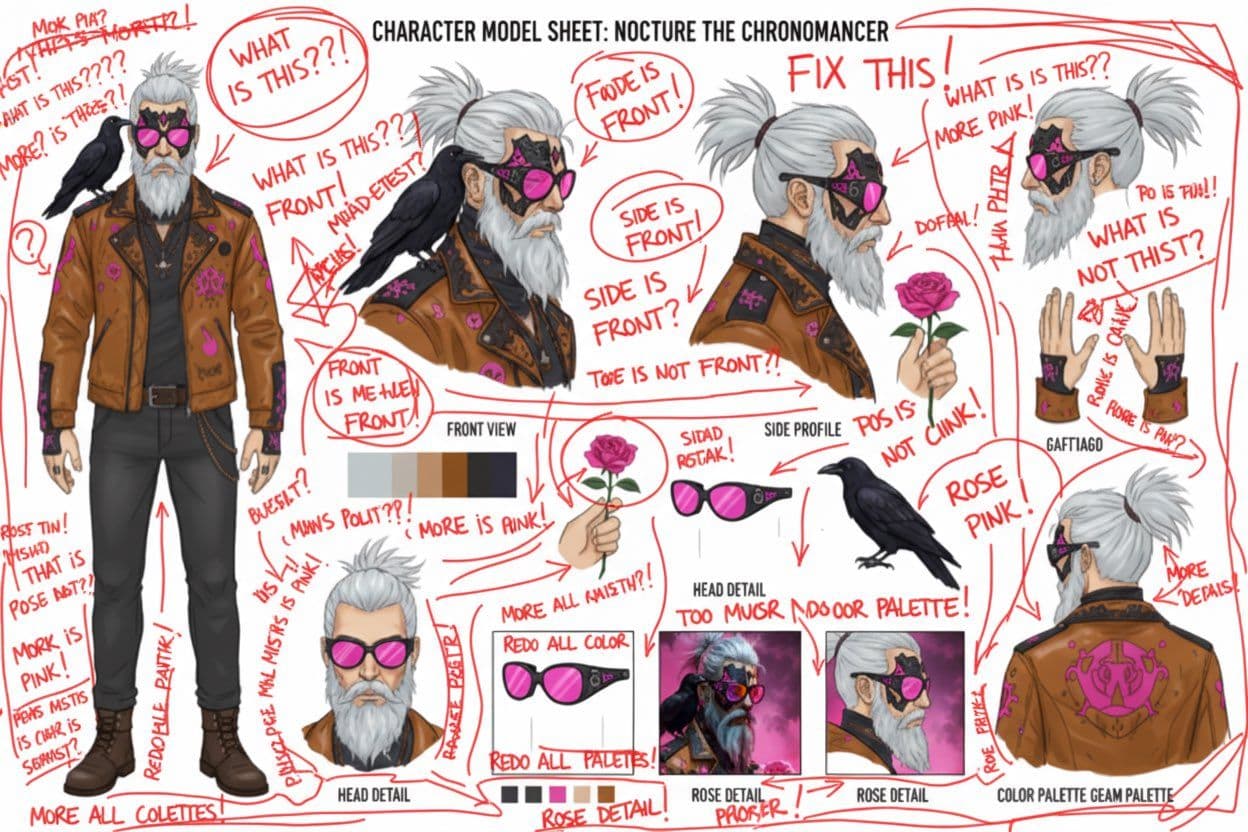
Red Pen Annotation
Image Enhancement❤️ 1680

Red Pen Annotation

Analyze image and mark improvable areas with red pen

@AiMacheteView details
Complete House Design
Interior Design❤️ 2991

Complete House Design

A stunning interior design example created with Nano Banana Pro (Gemini Image Generation). Complete House Design.

@architectureView details
Hyper-Realistic 3D Game Scene
3D Convert❤️ 2991

Hyper-Realistic 3D Game Scene

A hyper-realistic 3D render recreating Natasha’s character design from the 2008 game *Command & Conquer: Red Alert 3*, faithfully modeled after the original. The scene is set in a dim, cluttered 2008-era bedroom. The character sits on the carpet facing an old TV playing *Red Alert 3* with a game controller. The room is filled with nostalgic 2008 details: snack wrappers, soda cans, posters, and tangled wires. Natasha Volkova is caught in a candid moment, turning her head to glance back at the camera, her ethereal face lit with an innocent smile. Her upper body twists slightly, naturally posed as if startled by a camera flash. The flash slightly overexposes her face and outfit, making her silhouette stand out in the dark room. The entire photo feels raw and natural, with strong light-and-dark contrasts casting deep shadows, evoking the tactile realism of a 2008 film snapshot.

@ZHO_ZHO_ZHOView details