Background Remover Tool: Instantly Remove Image Backgrounds Online
Effortlessly remove backgrounds with our fast, secure tool. Enjoy privacy and instant results for all your image editing needs. Try it now!
Upload / Drag / Paste
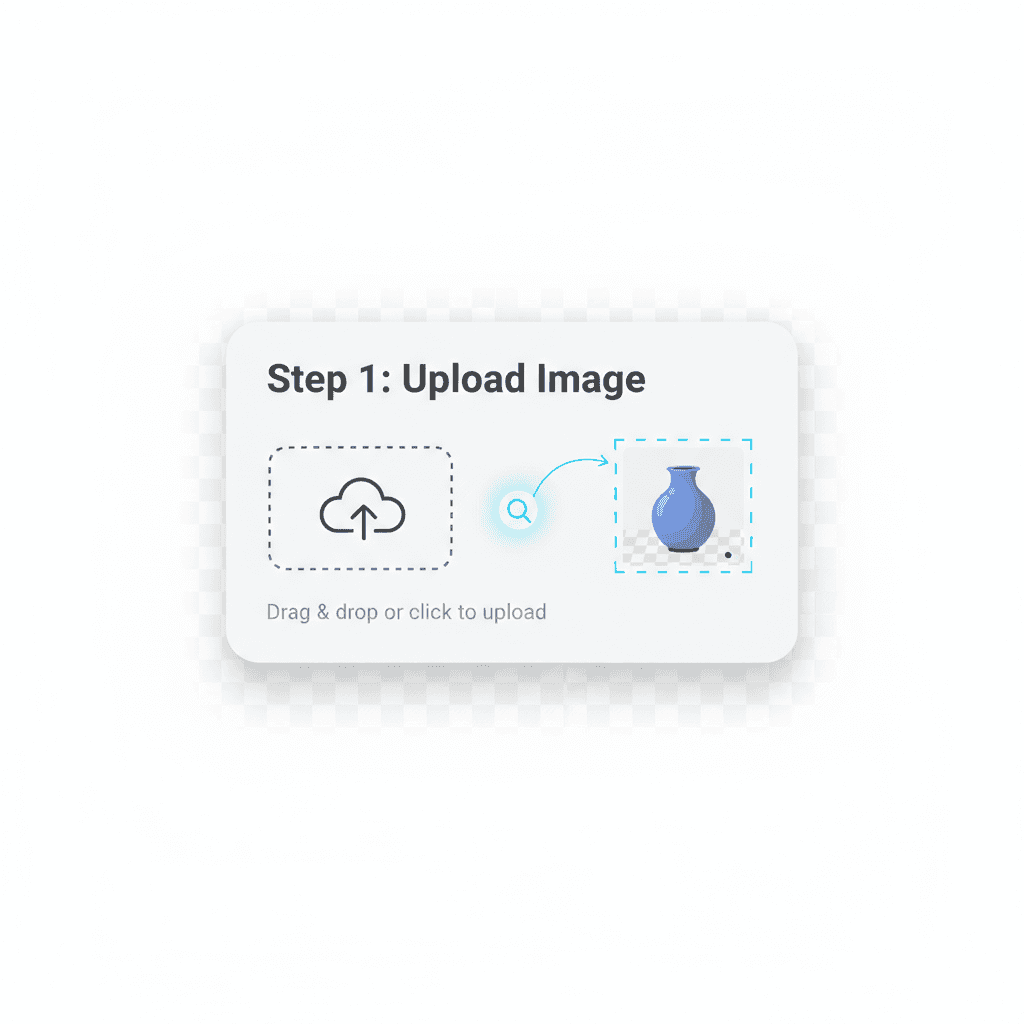
Supports PNG / JPG / WebP, long edge ≤ 4096px, file ≤ 10.0 MB. All processing runs locally in your browser; nothing is uploaded.
Free background remover for instant transparent PNGs
Our free background remover lets you remove background from image files directly in the browser—no uploads, no waiting. Everything runs on-device so product photography, headshots, and marketing graphics stay secure while you turn them into clean cutouts.
Why creators choose this remove bg toolkit
- remove bg from product photos in seconds with adjustable edge detection.
- background remover free workflow backed by on-device privacy and zero watermarks.
- bg remover tuned for WebGPU and WASM so laptops, tablets, and phones stay responsive.
- remove background from image files and export transparent PNGs ready for Shopify, Canva, or Figma.
Drag in any PNG, JPG, or WebP to launch the remove background from image flow and download a studio-ready cutout.
Efficiency
Our AI background remover tool enhances efficiency by swiftly eliminating unwanted backgrounds from images, allowing users to save time and focus on creativity without the hassle of manual editing. Experience seamless results in just a few clicks, streamlining your workflow for any project.
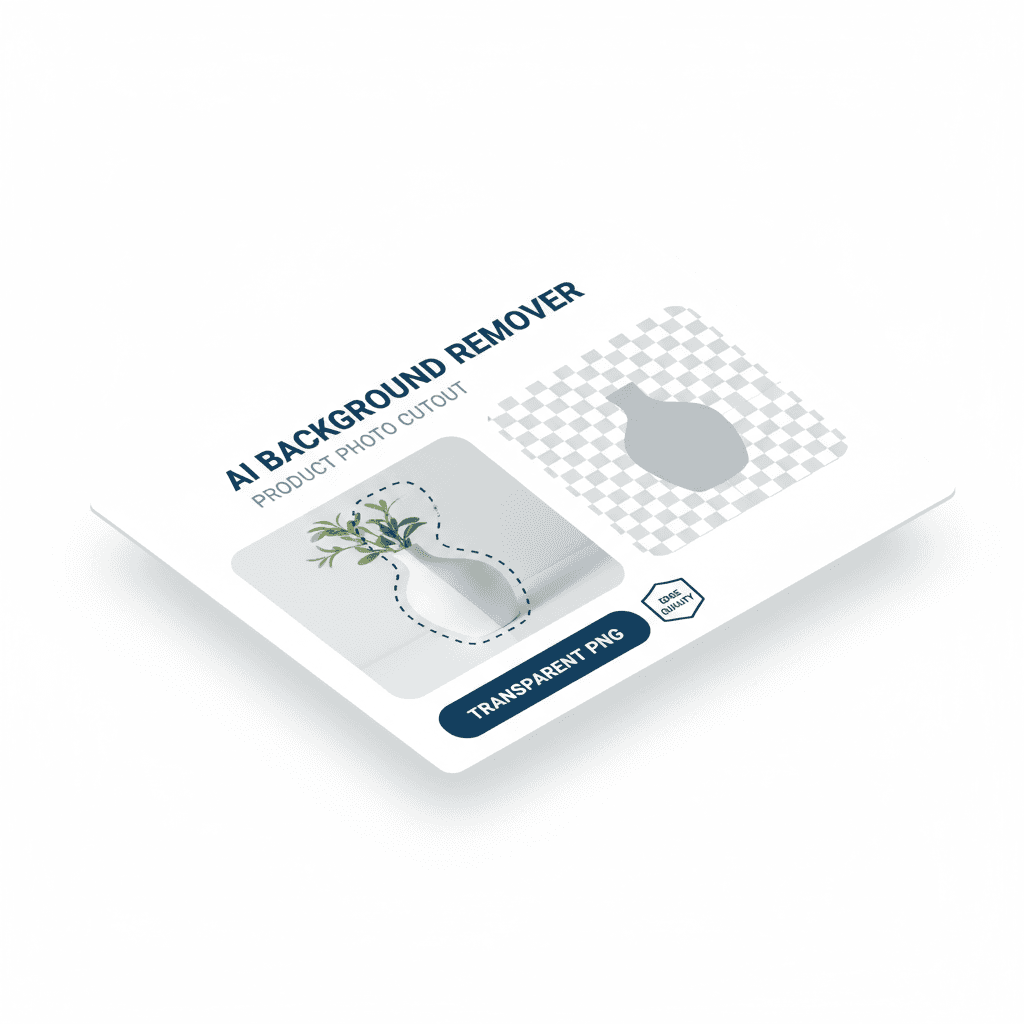
Edge Quality
"Edge Quality" ensures that the AI background remover tool delivers crisp, clean edges around subjects, resulting in professional-looking images that maintain the integrity of fine details, such as hair and intricate patterns, even in complex backgrounds. This feature enhances the overall visual appeal and usability of the images for various applications, from graphic design to e-commerce.
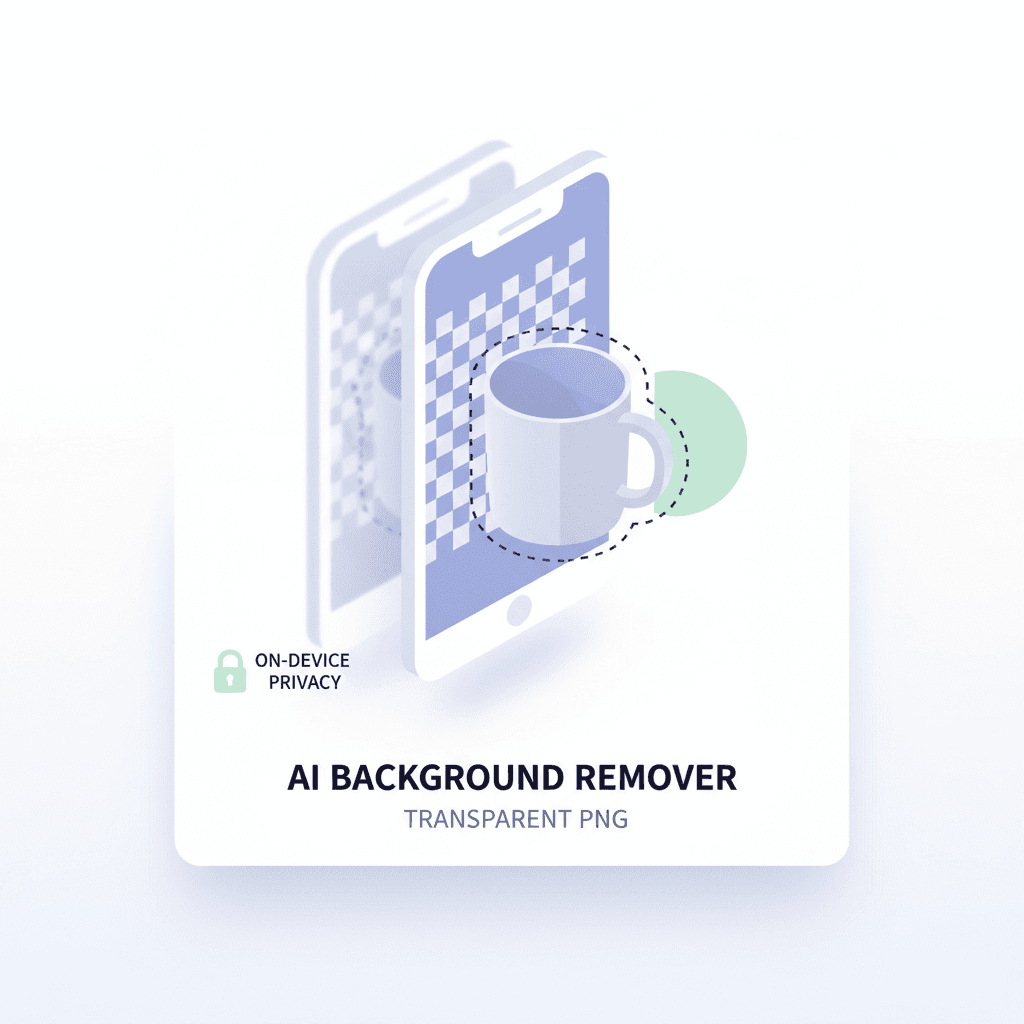
On-device Privacy
"Experience enhanced on-device privacy with our AI background remover tool, ensuring that your images are processed securely without the need to upload them to the cloud. Keep your sensitive visuals safe and maintain full control over your data while achieving stunning results."
How to remove a background
- Click on the 'Upload' button to select the image you want to remove the background from.
- Choose your preferred background removal option from the available tools or settings.
- Review the changes in the preview window to ensure the background has been removed to your satisfaction.
- Once you are happy with the result, click the 'Download' button to save your edited image.
Who is this for
Typical roles and why it helps
Graphic Designer
They need to quickly remove backgrounds from images for client projects.
E-commerce Seller
They require background removal to enhance product images for online listings.
Social Media Manager
They seek to create engaging visuals by removing backgrounds for promotional content.
What users say
Feedback from real use cases
“The background remover tool is a game changer! It saves me so much time and the results are perfect every time.”
“Easy to use and effective. It really helps in getting clean images for my projects. Highly recommend!”
“This tool has made my life easier. Quick, efficient, and the quality is unmatched. Love it!”
Why choose this tool
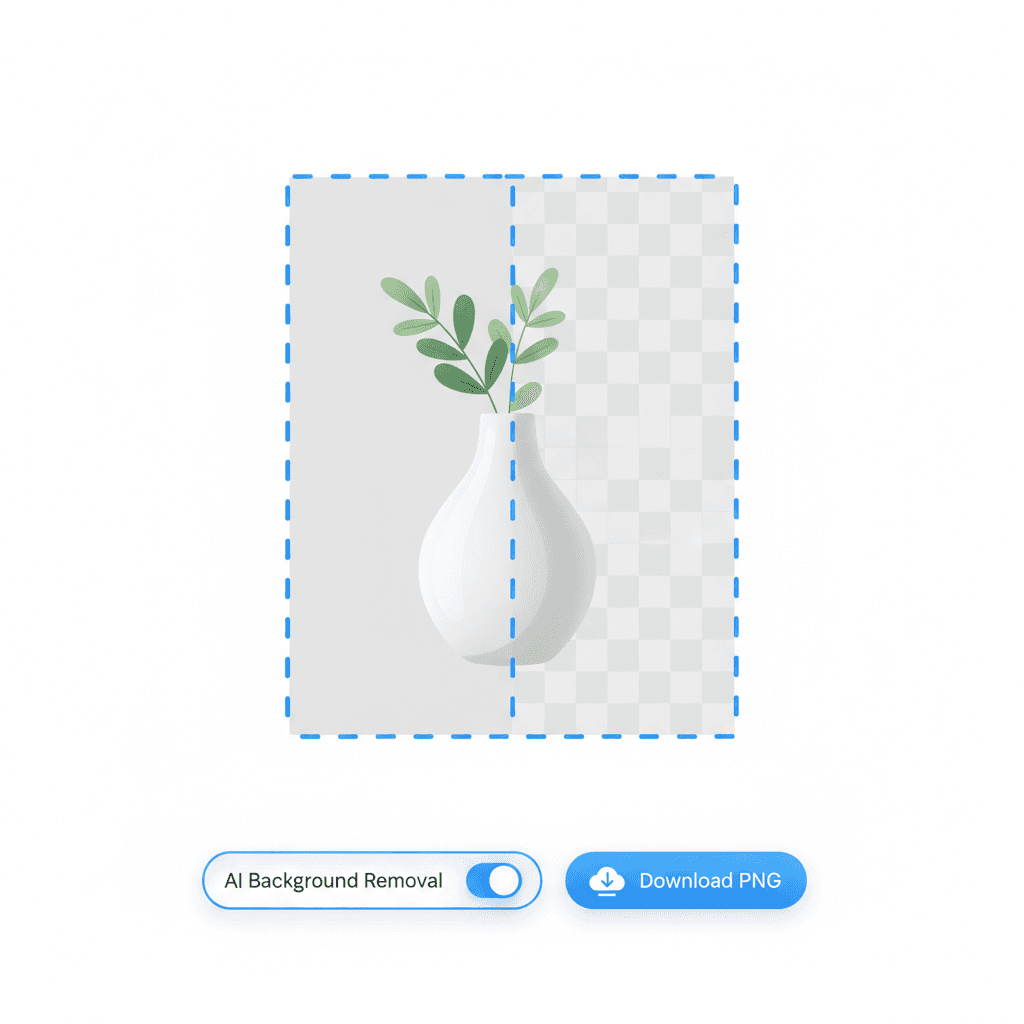
Effortlessly remove backgrounds from your images in seconds with our Background Remover tool! Enjoy top-notch privacy protection and lightning-fast processing, making your editing experience both secure and efficient.
Technical details
Core instruction, parameters, use cases
Core instruction
The background remover tool utilizes ONNX runtime for efficient model inference and leverages WebGPU or WASM to perform real-time image processing directly in the browser, ensuring fast and seamless user experience without the need for server-side processing.
Key parameters
Use cases
FAQ: background remover essentials
Common questions about the CreateIO background remover, also covering "remove bg", "background eraser", and typo searches like "backround remover".
How does your background remover ensure user privacy?
Our background remover prioritizes user privacy by processing images locally on your device, ensuring that no data is uploaded to our servers. This means your images remain confidential and secure.
What technologies are used in your background remover?
Our tool utilizes WebGPU and WebAssembly (WASM) for efficient and fast image processing directly in your browser, providing a seamless user experience without compromising performance.
What are the image limits for the background remover?
The background remover supports images up to 10 MB in size and dimensions up to 5000x5000 pixels. Larger images may need to be resized before processing.
Does the background remover add a watermark to the images?
No, our background remover does not add any watermark to the images processed. You can download your edited images without any branding or watermarks.
Can I process multiple images at once with the background remover?
Yes, our background remover supports batch processing, allowing you to upload and remove backgrounds from multiple images simultaneously for increased efficiency.
Is the background remover tool free to use?
Yes, our background remover tool is completely free to use, with no hidden fees or subscriptions required. Enjoy unlimited access to all features without any cost.
Why choose an on-device background remover?
Effortlessly remove backgrounds from your images in seconds with our Background Remover tool! Enjoy top-notch privacy protection and lightning-fast processing, making your editing experience both secure and efficient.